Free vs Paid Cron Monitoring Compared
Many developers don't need paid cron monitoring. Free tiers have become remarkably generous. This guide helps you decide what's right for your situation.
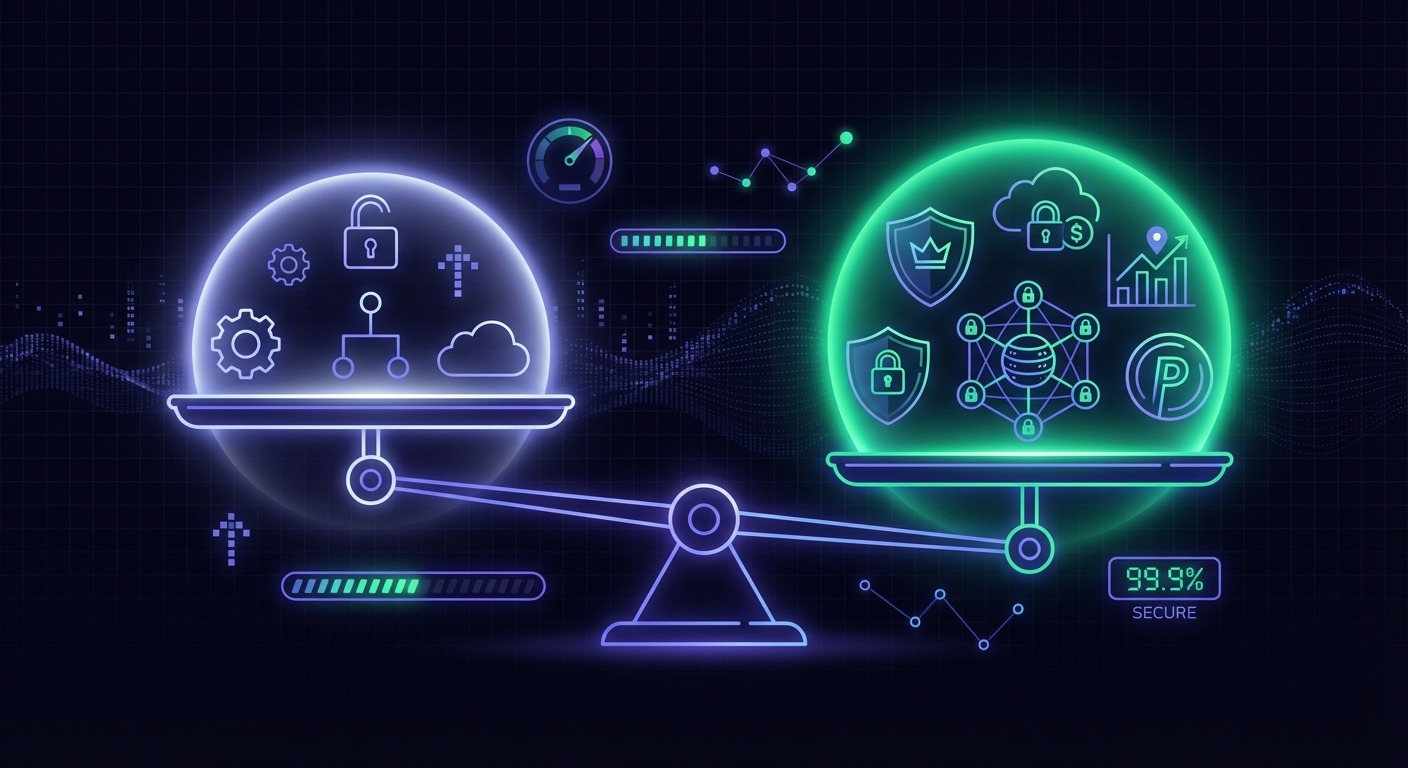
Free vs Paid Cron Monitoring Compared
When you start looking for cron monitoring, the first question is usually: "Do I need to pay for this?" The honest answer is that many developers don't need paid monitoring, at least not right away. Free tiers have gotten remarkably generous, and for solo projects or small teams, they often provide everything you need. This guide helps you make the right decision for your situation, without pushing you toward paid plans you don't need.
What Free Tiers Actually Include
Free cron monitoring isn't a stripped-down demo. Most services offer genuinely usable free tiers with real functionality.
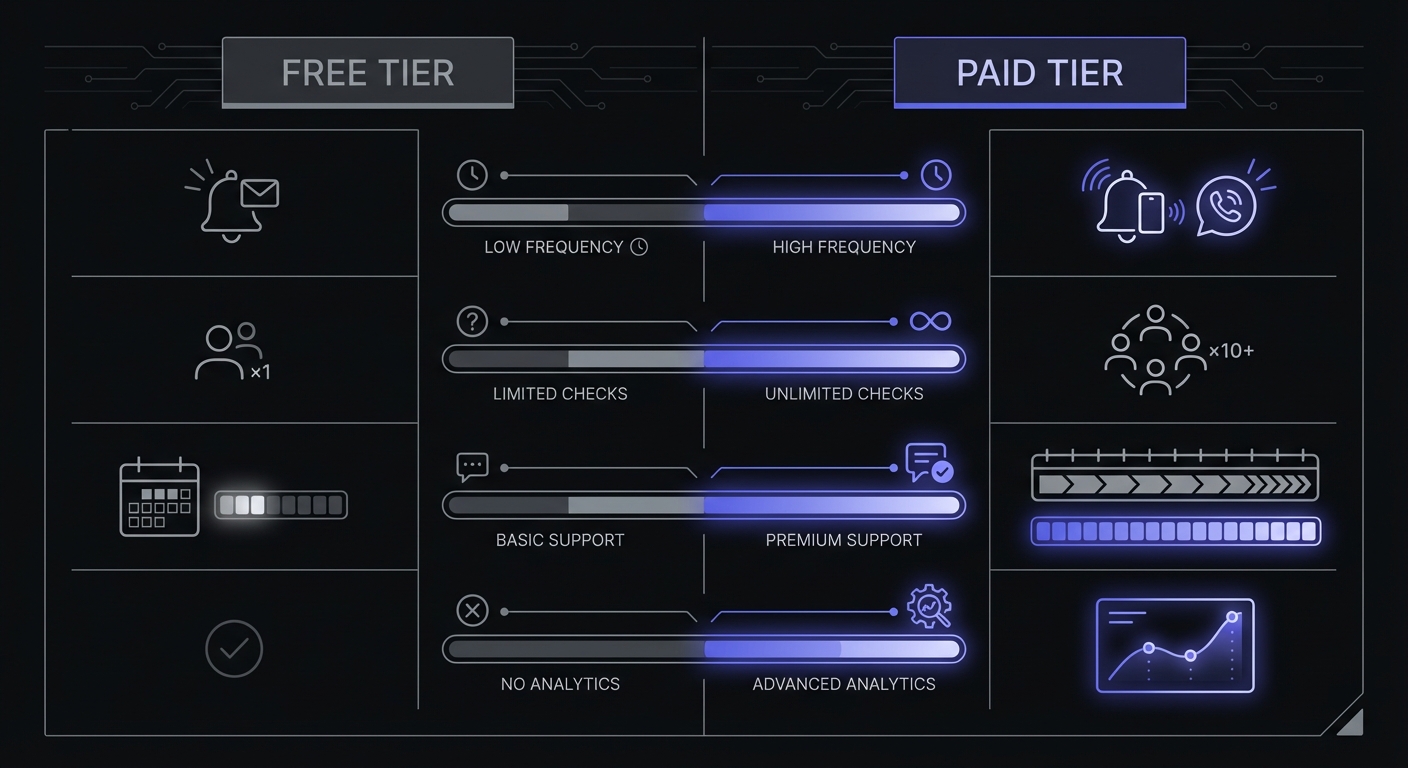
Typical Free Tier Limits
Monitor counts:
- Healthchecks.io: 20 monitors
- Cron Crew: 15 monitors
- Better Stack: 10 monitors
- Cronitor: 5 monitors
- Dead Man's Snitch: 1 monitor
For context, most solo developers have 5-15 cron jobs across all their projects. A 15-20 monitor free tier covers that easily.
Alert channels: Free tiers typically include:
- Email alerts (always)
- Slack integration (often)
- Webhooks (sometimes)
What's usually paid-only:
- SMS alerts
- Phone calls
- PagerDuty/Opsgenie integrations
Data retention:
- Free: 7 days of history (typical)
- Paid: 30-90 days of history
Seven days is enough to see if jobs are running. Longer retention helps with debugging patterns and investigating older issues.
Check intervals: Another difference between free and paid tiers is how frequently your jobs are verified:
| Tier | Check Interval | Time to Alert |
|---|---|---|
| Free | 3-5 minutes | 3-10 minutes after failure |
| Paid (basic) | 1 minute | 1-5 minutes after failure |
| Paid (premium) | 30 seconds | Under 2 minutes after failure |
For jobs that run hourly or daily, 5-minute check intervals are fine. For mission-critical jobs where every minute counts, paid tiers reduce time-to-alert significantly.
Feature restrictions: Most free tiers include core functionality:
- Heartbeat monitoring
- Cron expression support
- Grace period configuration
- Basic dashboard
Advanced features often reserved for paid:
- Duration tracking
- Start/finish signals
- Multi-environment support
- API access (sometimes)
- Team collaboration (varies)
When Free is Enough
For many situations, free monitoring is exactly what you need. Don't pay for features you won't use. If you're bootstrapping, check out our guide on setting up cron monitoring on a bootstrap budget for practical strategies.
Solo Projects with Under 10 Cron Jobs
If you're running personal projects, side projects, or freelance work with a handful of cron jobs, free tiers are designed for you.
Example scenario:
- Personal SaaS with 6 cron jobs
- Nightly backup, hourly sync, daily report, 3 maintenance tasks
- Just you accessing the dashboard
- Email alerts are fine
Verdict: Free tier. Healthchecks.io or Cron Crew gives you room to grow.
Development and Staging Environments
Never pay to monitor non-production environments. Use free tiers for staging, or skip monitoring entirely for development.
Strategy:
- Production: Use paid tier (if needed)
- Staging: Use free tier from a second account or skip
- Development: Don't monitor
You need to know when production breaks. Staging failures are annoying but not urgent.
Non-Critical Background Tasks
Some jobs matter less than others. Ask yourself: "If this failed for a week, would anyone notice?"
Examples of jobs where free tier is fine:
- Weekly analytics aggregation (you'll notice on Monday)
- Log rotation (system won't explode immediately)
- Cache warming (slight performance impact, not critical)
- Internal reports (can regenerate manually)
For these, email alerts with 7-day retention are plenty.
Learning and Experimentation
If you're trying cron monitoring for the first time, start free. You'll learn:
- How monitoring fits your workflow
- What features you actually use
- Whether the tool's UX works for you
Upgrade when you know what you need, not before.
When You Need Paid
Some situations genuinely require paid monitoring. Here's when to open your wallet.
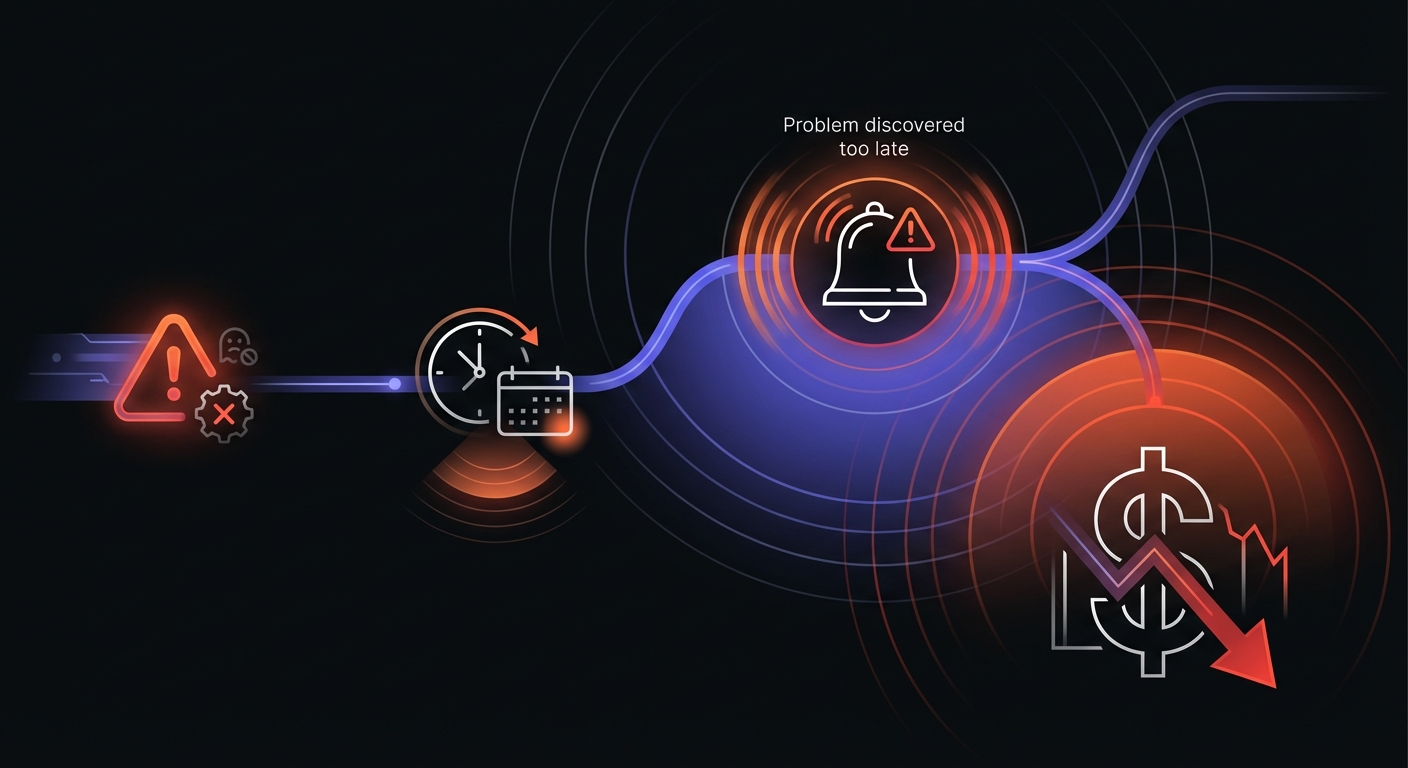
The Cost of Silent Failures
Before diving into specific scenarios, consider what's at stake. Industry data shows:
- Average downtime from undetected failures costs $5,600 per hour in recovery efforts
- Silent failures in backup jobs have gone unnoticed for weeks, leading to catastrophic data loss
- Companies report 75-90% reduction in downtime costs after implementing proper monitoring
One real-world example: a data export job failed silently for over a month before anyone noticed. The team discovered the failure only when a downstream report stopped working. With paid monitoring and SMS alerts, they would have known within minutes.
Production Systems with Business Impact
If job failure means lost revenue, unhappy customers, or data loss, you need reliable monitoring with the right alert channels.
Signs you need paid:
- Job processes payments or billing
- Failure affects customers immediately
- Recovery requires immediate action
- You need to know at 3 AM, not 9 AM
What you're paying for: SMS alerts, faster alert delivery, and peace of mind that critical systems are watched properly.
Need for SMS or Phone Alerts
Email and Slack are great for business hours. For true 3-AM-wake-up-call alerts, you need SMS or phone.
When SMS matters:
- On-call rotation for critical systems
- Solo founder who needs to know immediately
- Jobs where hours of downtime = significant loss
Most free tiers don't include SMS. If you need it, budget $15-30/month. Be aware of hidden costs in cron monitoring like SMS credits and per-user fees that can inflate your bill.
Team Collaboration Required
Free tiers often limit team access:
- Healthchecks.io free: 3 team members
- Cronitor free: 1 user
- Better Stack free: Limited
When you need team features:
- Multiple developers need dashboard access
- On-call rotation with different responders
- Different alert channels for different team members
If your team is larger than 3 people and per-user pricing applies, calculate total cost carefully. Understanding per-monitor vs per-seat pricing models can save you significant money as your team grows.
Compliance or Audit Requirements
Certain industries require audit trails, longer data retention, or specific security features.
When compliance drives paid:
- SOC 2 requirements for vendors
- Audit logs showing who changed what
- Data retention beyond 7 days
- SSO integration requirements
Free tiers rarely include compliance features. If you need them, you're in paid territory.
More Than 15-20 Monitors
Simple math: if you have more jobs than the free tier allows, you need to pay.
Monitor count by business stage:
- Side project: 3-8 monitors
- Solo SaaS: 8-15 monitors
- Small startup: 15-30 monitors
- Growing company: 30-100 monitors
If you're above the free tier limit and can't reduce coverage, upgrade.
Pricing at Scale: 100 Monitors
Free tiers work for small projects, but costs diverge dramatically as you scale. Here's what 100 monitors costs across major tools:
| Tool | 100 Monitors | Per-Monitor Cost |
|---|---|---|
| Healthchecks.io | $20/mo | $0.20 |
| UptimeRobot | $34/mo | $0.34 |
| CronRadar | $100/mo | $1.00 |
| Cronitor | $200/mo | $2.00 |
The difference is stark: monitoring 100 jobs costs 10x more on Cronitor than Healthchecks.io. If you're scaling past free tier limits, compare paid tiers carefully.
Free Tier Comparison Table
Here's how free tiers stack up across major tools:
| Tool | Free Monitors | Slack | SMS | Retention | Team Members | |
|---|---|---|---|---|---|---|
| Healthchecks.io | 20 | Yes | Yes | No | 7 days | 3 |
| Cron Crew | 15 | Yes | Yes | No | 7 days | Unlimited |
| UptimeRobot | 50* | Yes | No | No | 30 days | 1 |
| Better Stack | 10 | Yes | No | No | 7 days | Limited |
| Cronitor | 5 | Yes | No | No | Limited | 1 |
| WebGazer | 50 | Yes | No | No | Limited | 1 |
| Sentry Crons | 5 | Yes | Yes | No | Varies | Varies |
| Dead Man's Snitch | 1 | Yes | No | No | Limited | 1 |
*UptimeRobot's 50 free monitors are uptime monitors only; heartbeat/cron monitoring requires paid.
Best overall free tier: Healthchecks.io (20 monitors, full features)
Best for teams: Cron Crew (15 monitors, unlimited users)
Biggest monitor count: WebGazer (50 monitors, but limited features)
Self-hosted option: Healthchecks.io is open-source (21K+ GitHub stars) and can be self-hosted for $0 with unlimited monitors. This requires managing your own infrastructure but eliminates all usage limits.
Hidden Limitations of Free Tiers
Free tiers are genuinely useful, but understand their limits.
Rate Limits on API
Free tiers often throttle API access:
- Fewer requests per minute/hour
- No bulk operations
- Limited automation capabilities
If you plan to create monitors programmatically during deployment, check API limits.
No Premium Integrations
Slack is often included, but:
- PagerDuty: Usually paid only
- Opsgenie: Usually paid only
- MS Teams: Sometimes paid only
- Custom webhooks: Sometimes limited
Check if your required integrations are included on free.
Limited Support
Free tier support typically means:
- Community forums only
- No email support
- No guaranteed response time
- Self-service documentation
For most technical users, this is fine. If you anticipate needing help, consider paid.
Branding on Status Pages
If you use public status pages, free tiers often include:
- Vendor branding/logo
- Links to the monitoring service
- Limited customization
For customer-facing pages, paid removes branding.
Our Recommendation
Here's our honest advice on the free vs. paid decision:
Start Free, Upgrade When You Hit Limits
Don't pre-pay for capacity you don't need. Start with a generous free tier (Healthchecks.io or Cron Crew), monitor your critical jobs, and upgrade only when:
- You need more monitors than free allows
- You need SMS alerts
- Your team needs access
- You hit feature limitations
Don't Over-Engineer Early
The temptation is to "do it right" and get a paid plan from day one. Resist this unless you have a clear reason.
Over-engineering looks like:
- Paying for 100 monitors when you have 8 jobs
- Getting enterprise tier for a 2-person team
- Buying SMS credits you'll never use
Right-sizing looks like:
- Using free tier for months
- Upgrading when you hit 80% of limits
- Paying for features you actually use
Focus on Critical Jobs First
When you're on free tier, prioritize what you monitor:
- Database backups (catastrophic if they fail)
- Payment processing (directly affects revenue)
- Customer-facing syncs (affects user experience)
- Notification jobs (affects customer communication)
Skip monitoring for:
- Dev environment jobs
- Non-critical maintenance tasks
- Jobs that are easy to run manually
With 15-20 monitors, you can cover the critical stuff. That's often enough.
Making the Decision
Still unsure? Use this simple framework:
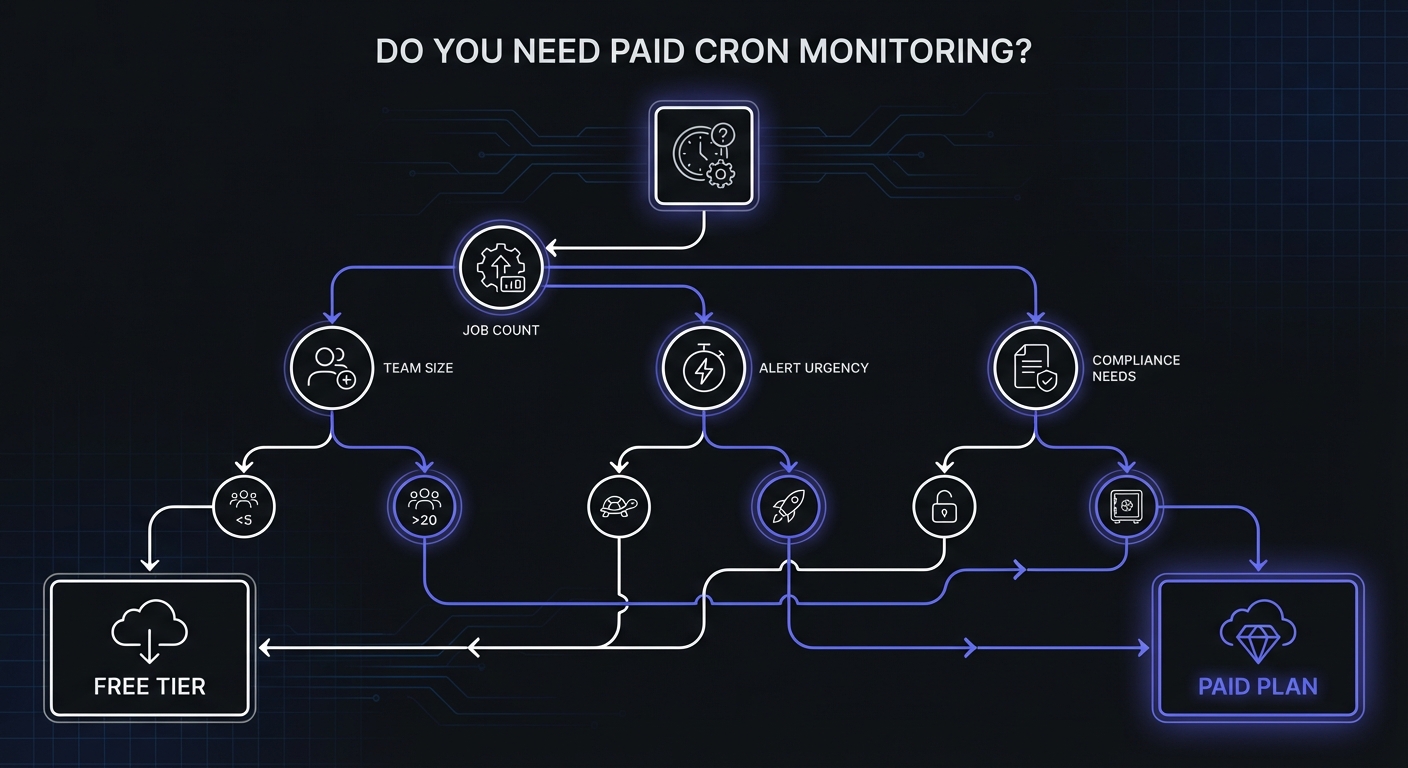
Stay free if:
- You have fewer than 15 cron jobs
- You're the only one who needs access
- Email/Slack alerts are sufficient
- Jobs aren't revenue-critical
Go paid if:
- You need more monitors than free allows
- Multiple team members need access
- You need SMS for critical alerts
- You have compliance requirements
The cost of getting it wrong:
- Staying free when you need paid: Missed alerts on critical failures (potentially expensive)
- Going paid when free is enough: $15-30/month (not a big deal)
If you're genuinely unsure, start free. You can always upgrade tomorrow.
For detailed tool comparisons, see our Free Cron Monitoring Tools roundup. For pricing details, check our Cron Monitoring Pricing Comparison.
Conclusion
Free cron monitoring is genuinely useful, not just a teaser for paid plans. For many developers and small teams, a free tier provides everything needed to monitor critical jobs and catch failures before they become disasters.
Key points:
- Free tiers are generous. 15-20 monitors covers most solo/small team needs.
- Pay for specific needs. SMS alerts, team access, compliance features.
- Start free, upgrade later. You'll learn what you actually need.
- Monitor critical jobs first. Make the most of limited free monitors.
Ready to start? Sign up for Cron Crew and get 15 free monitors with no time limit. Add monitoring to your first job in under 5 minutes, and upgrade only when you need to.