
·Cron Crew Team
Why Developers Switch from Cronitor
Cronitor's features are impressive but its pricing model can become expensive quickly. Here are the common reasons developers migrate away from Cronitor.
Guides, tutorials, and best practices for cron job monitoring.
Learn the fundamentals of cron monitoring
Cronitor's features are impressive but its pricing model can become expensive quickly. Here are the common reasons developers migrate away from Cronitor.

If you've discovered days later that your 'automatic' task stopped working without anyone noticing, you understand why cron monitoring exists. Here's how it works.
Cron expressions look cryptic at first. Five asterisks somehow translate into 'every weekday at 9 AM.' Here's how to read, write, and debug cron expressions.

Cron jobs fail. It's not a matter of if, but when. The difference between a minor issue and a major outage is how quickly you detect it. Here's how to prevent failures.

You have scheduled jobs running in production. You've heard about cron monitoring. But do you actually need it? This guide helps you quickly assess your needs.

Cron jobs are the silent workhorses of your infrastructure. When they fail, they're invisible. Here are five warning signs your jobs might already be failing.

Setting up cron monitoring takes about five minutes. By the end of this guide, you'll have your first job monitored and received a test alert to prove it works.
Cron jobs run unattended. When they work, nobody notices. When they fail, nobody notices either. Here are ten best practices for writing cron jobs you can trust.
Understand costs and get the best value
Several tools offer genuinely useful free tiers. But not all free tiers are equal. This guide breaks down exactly what you get with each free option.
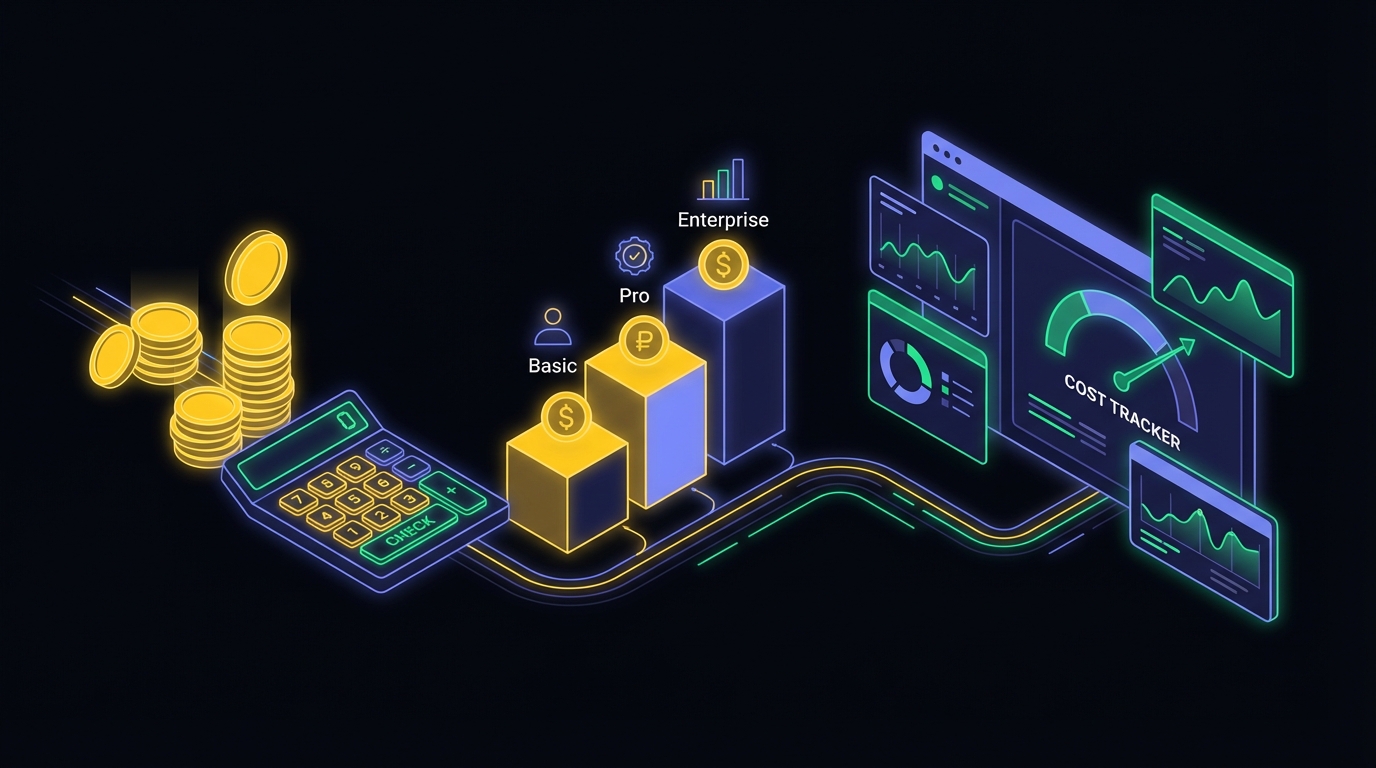
Without industry benchmarks, cron monitoring pricing feels arbitrary. This guide establishes reasonable pricing benchmarks to help you budget and avoid overpaying.

That $20/month plan might actually cost $60. Per-user fees, SMS charges, and integration paywalls can dramatically inflate your real cost.

When bootstrapping, every dollar matters. One silent billing job failure can cost more than years of monitoring. Here's how to get reliable monitoring affordably.

You don't need to pay to start monitoring critical scheduled processes. This guide covers the best free options for startups and how to avoid common pitfalls.

Do you really need to pay for cron monitoring? This guide helps you calculate ROI and determine when upgrading from free to paid makes financial sense.
Set up monitoring for your stack
Laravel's task scheduling is elegant but fails silently. Your billing job could crash every night for a week before anyone notices. Here's how to add monitoring.

Python offers multiple scheduling approaches: system cron, APScheduler, and Celery. Each has different failure modes. This guide covers monitoring for all of them.
Node.js apps rely on scheduled jobs for critical tasks. Whether you use node-cron or Bull, these tasks fail silently. This guide covers monitoring patterns for all.

Sidekiq handles everything from emails to payments. But when jobs fail, Sidekiq's resilience becomes a liability. Here's how to add proper monitoring.
Django apps rely on scheduled tasks for everything from session cleanup to billing. They fail silently. This guide covers setup and monitoring.

Go is popular for backend services with scheduled tasks. A crashed binary exits without notice, a hung process stays stuck forever. Here's how to monitor them.

Vercel Cron Jobs bring scheduled tasks to serverless. But Vercel doesn't notify you when jobs fail. Here's how to add monitoring so you know immediately.
Hangfire's dashboard shows failures but doesn't alert you. When jobs fail at 3 AM, you need more than a dashboard. Here's how to add external monitoring.

WordPress wp-cron is unreliable for e-commerce. When scheduled tasks fail, consequences range from minor issues to significant revenue loss. Here's how to fix it.

PHP remains widely used for web development and scheduled tasks are core to most apps. This guide covers practical monitoring approaches with code examples.
Real-world monitoring scenarios
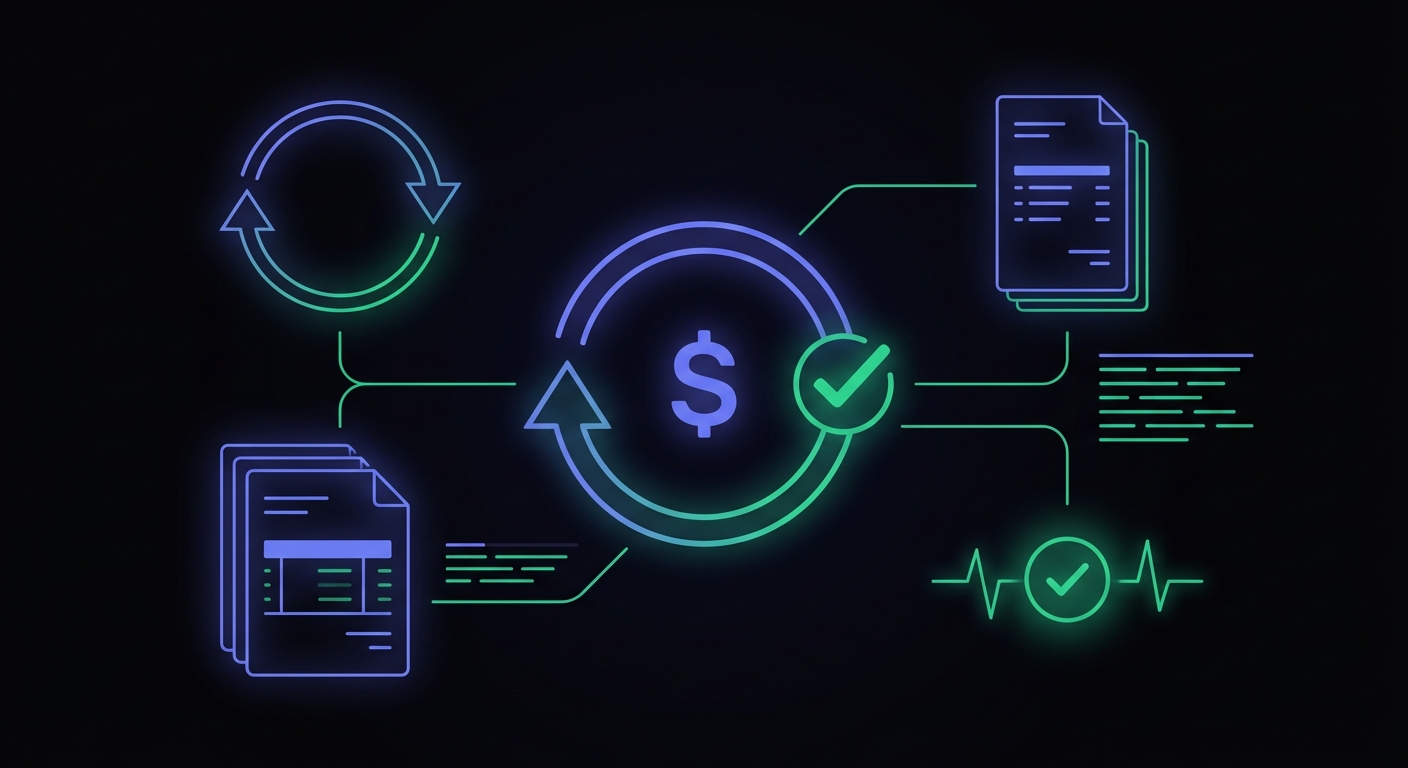
Billing jobs are the heartbeat of subscription businesses. When they fail, you have delayed revenue and confused customers. Here's how to monitor them.
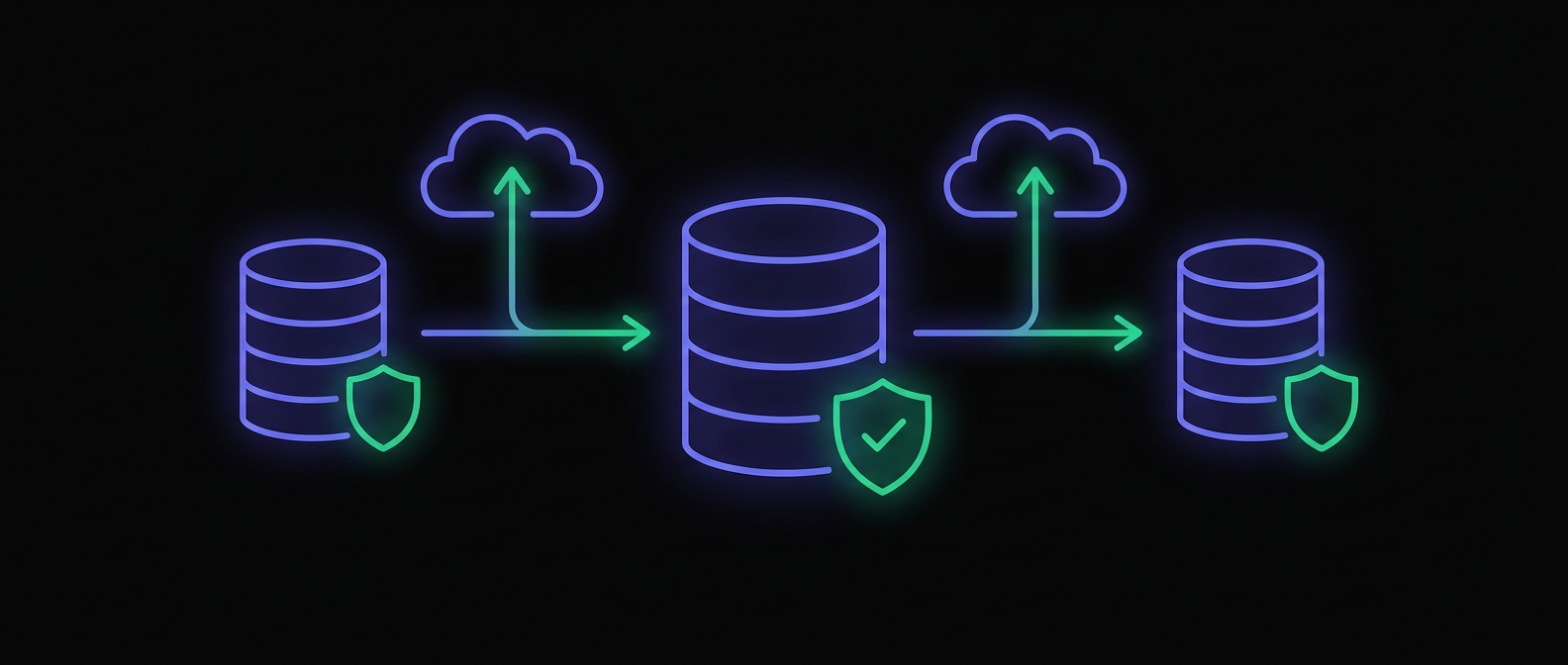
Everyone sets up backups. Almost no one monitors them. You only discover failures when you need to restore during a crisis. Here's how to monitor backup jobs.
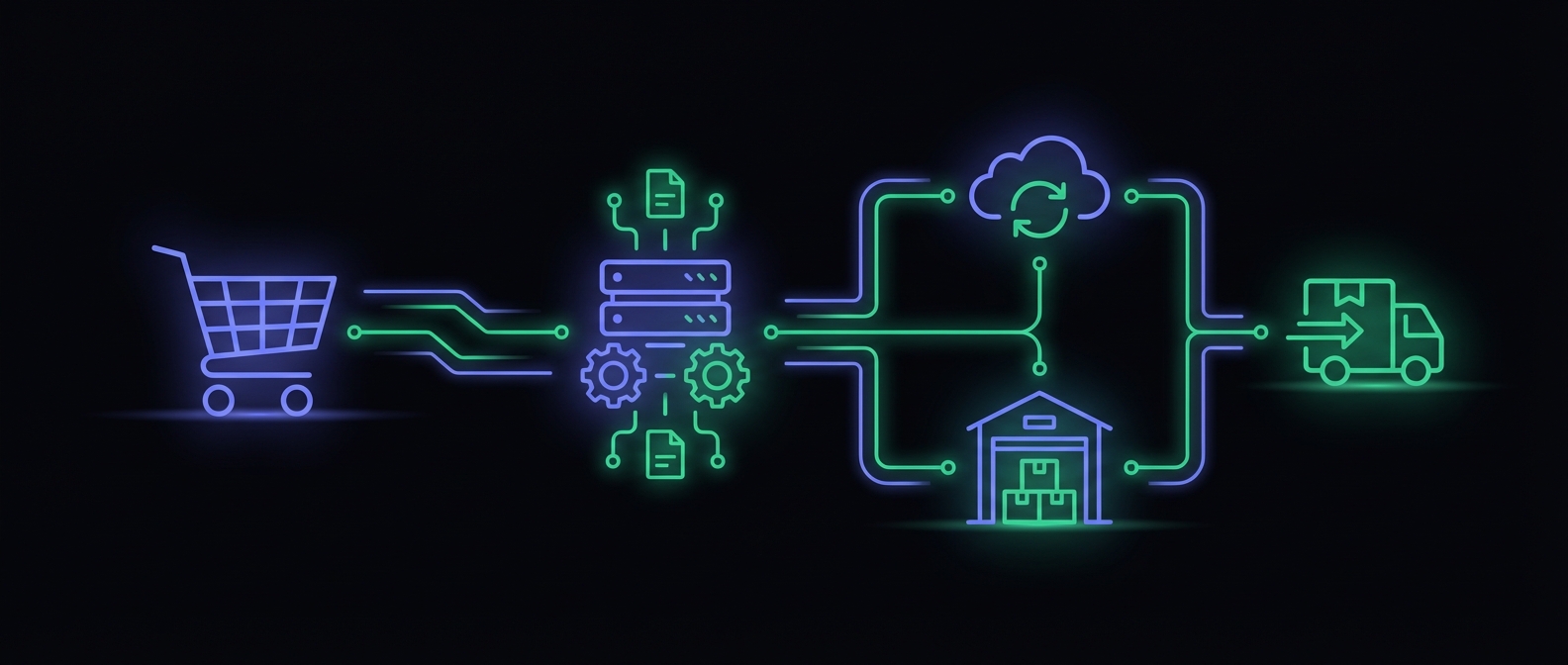
Online stores depend on scheduled tasks running reliably. When they fail, consequences show up quickly: oversold products, delayed shipments, missed sales.

When a cron job fails at 2 AM, there's no one else to notice. Practical advice for indie hackers and freelancers who need reliable monitoring on a budget.

Scheduled reports power business decisions. When these jobs fail, stakeholders make decisions based on stale data. Here's how to monitor report generation.

Email is the backbone of customer communication. When queue processors stop, emails pile up and customers stop receiving critical messages. Here's how to monitor.
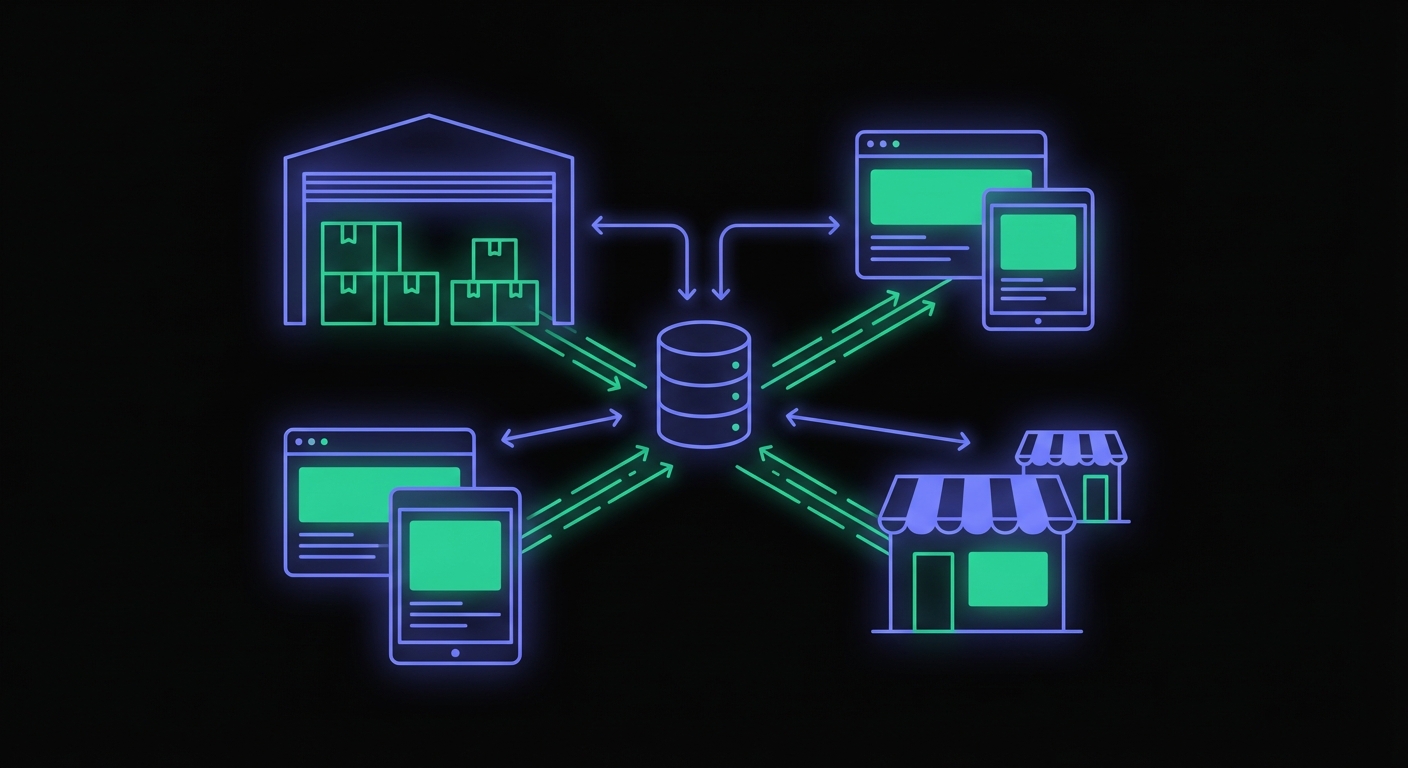
Inventory accuracy is foundational to e-commerce. When sync jobs fail, consequences are immediate: overselling, false stockouts, frustrated customers.
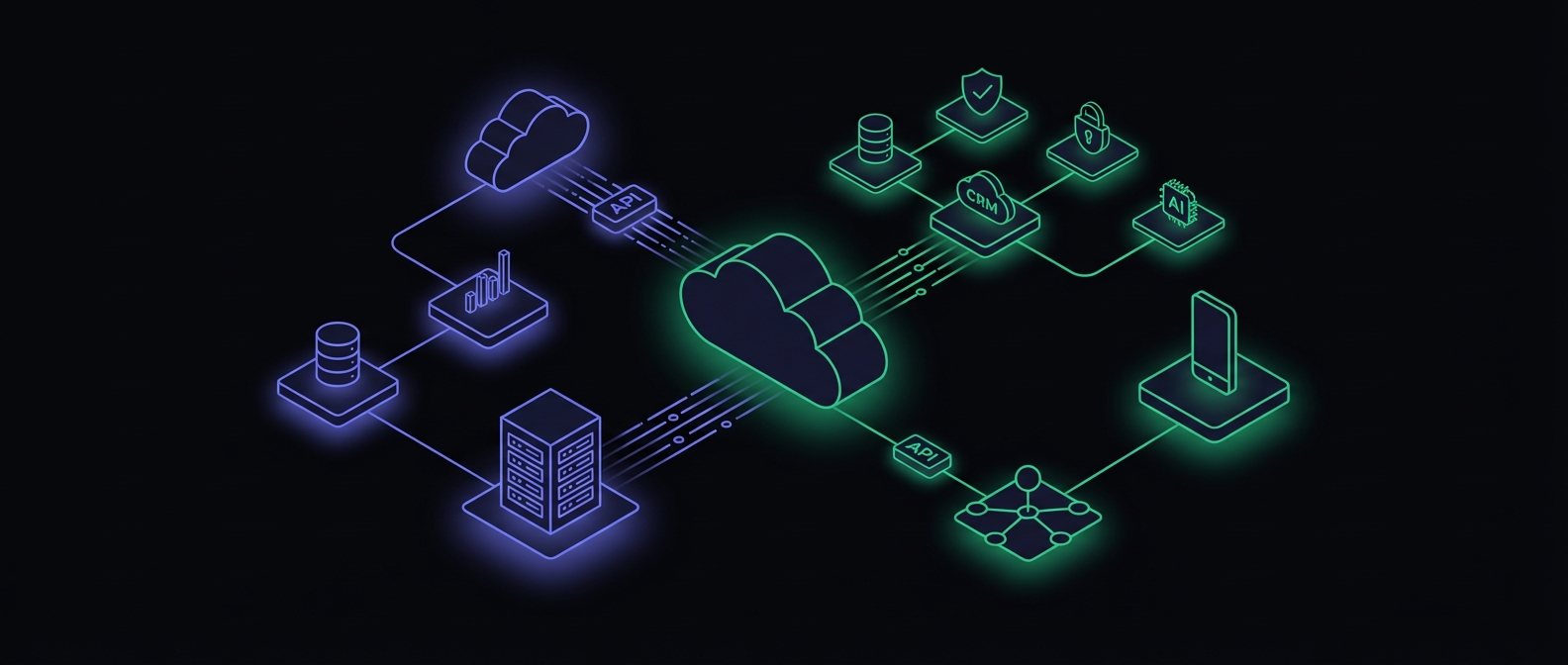
SaaS businesses manage dozens of scheduled jobs from billing cycles to email sequences. When they fail silently, consequences range from minor issues to revenue loss.
How we compare to alternatives
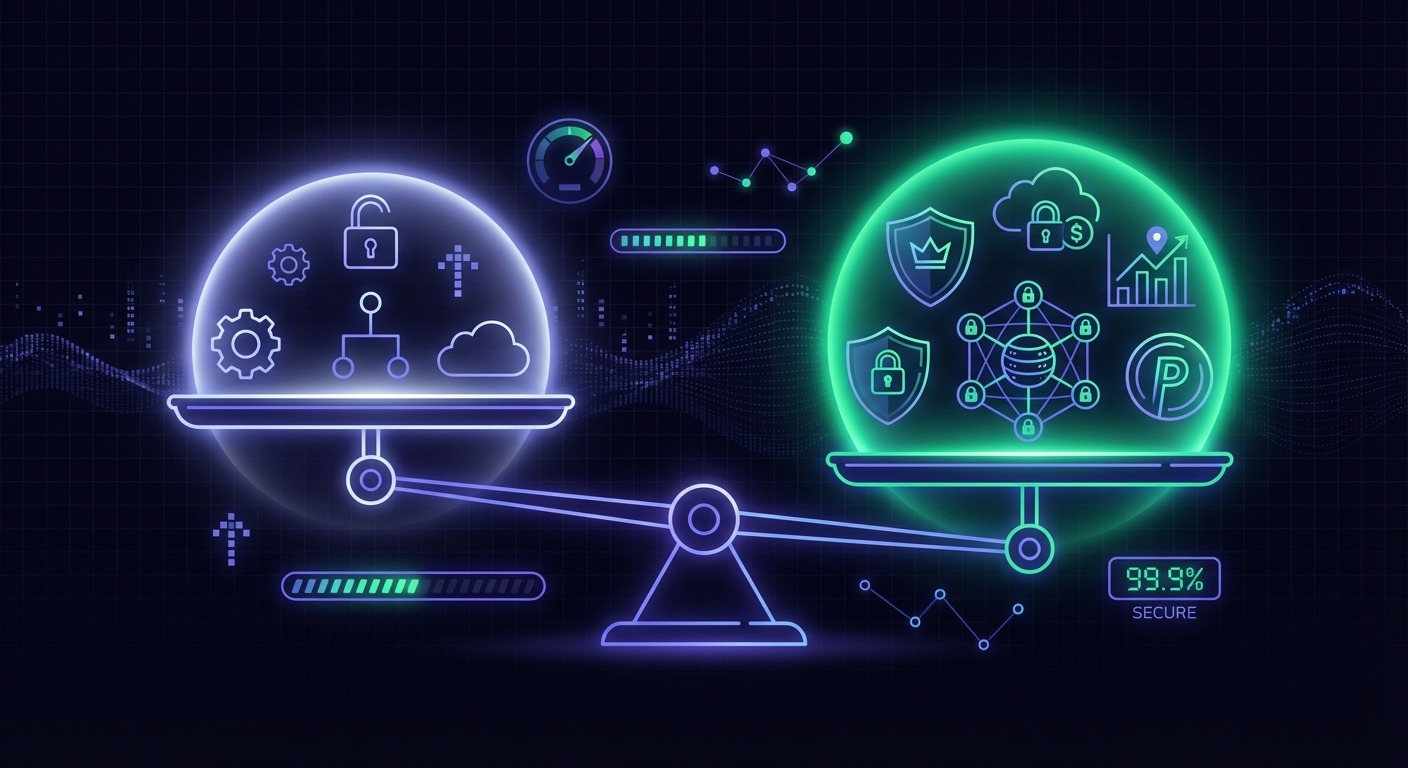
Many developers don't need paid cron monitoring. Free tiers have become remarkably generous. This guide helps you decide what's right for your situation.
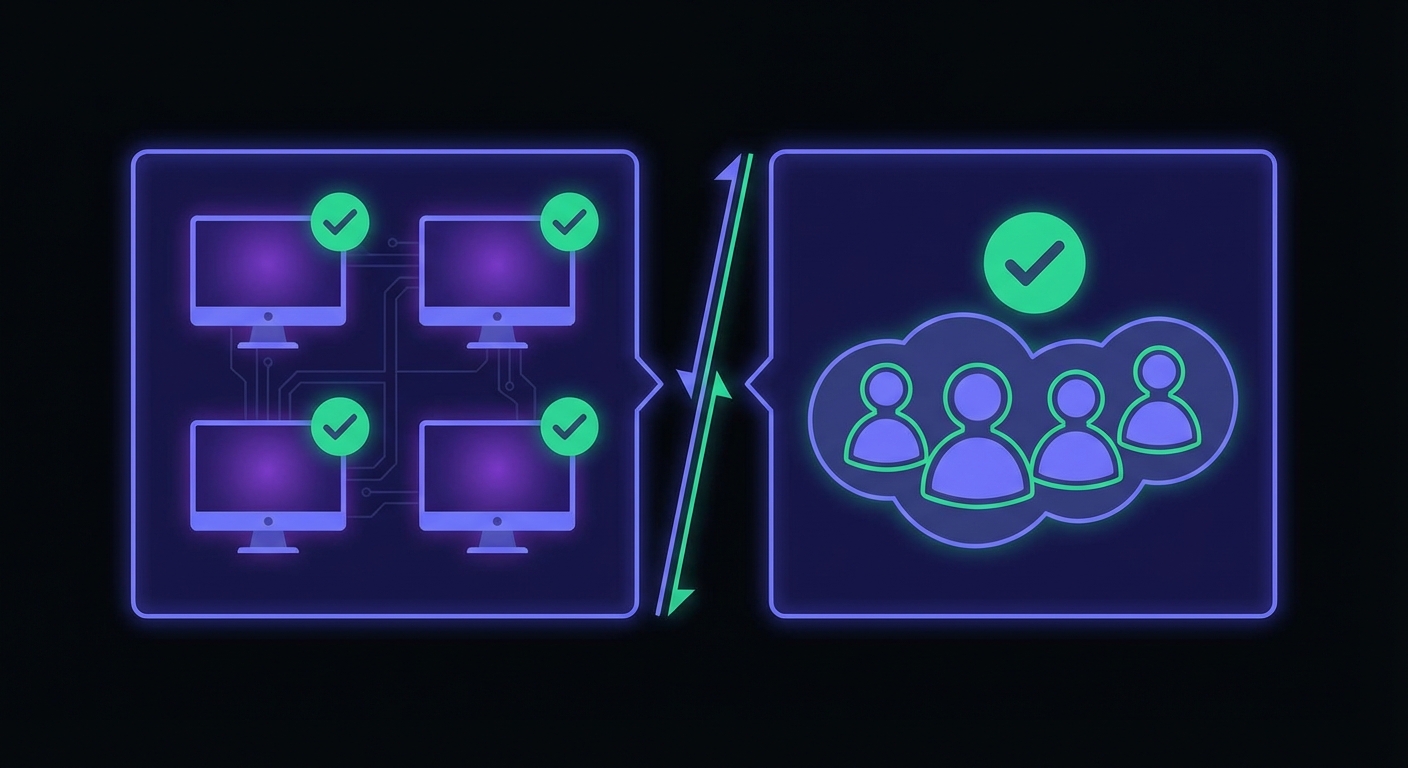
The pricing model you select can mean the difference between a predictable expense and a bill that balloons as your team grows. Here's how to choose.
Cronitor is the market leader with comprehensive features. But for small teams, its pricing can quickly become expensive. Here's how they compare.
UptimeRobot is popular for website monitoring with 50 free monitors. But for cron job monitoring, the story is different. Here's how they compare.
Healthchecks.io is open source, privacy-focused, and offers exceptional value. This comparison helps you understand the different philosophies behind each tool.
Better Stack is building an ambitious unified observability platform. But for small teams that just need cron monitoring, it might be more than you need.
Dead Man's Snitch was a pioneer in cron monitoring since 2012. But the landscape has evolved significantly. Is the pioneer still the right choice?
Sentry added Crons to their error tracking platform. For teams already using Sentry, it offers integration. For everyone else, the picture is more nuanced.
Honeybadger built a strong reputation in the Ruby community. For Ruby teams using Honeybadger, check-ins are natural. For everyone else, consider the alternatives.
Oh Dear has carved out a strong position in the Laravel ecosystem with deep integration. For Laravel teams, it's compelling. For everyone else, the calculus differs.

Cronitor is the established leader but its per-monitor plus per-user pricing adds up quickly. Here are the best alternatives for budget-conscious teams.

UptimeRobot is popular for uptime monitoring but limited for cron jobs. If you need better cron expression support or more free heartbeat monitors, consider these.

Healthchecks.io is well-respected with a generous free tier. But different teams have different needs. Here are the best alternatives worth considering.
Comprehensive guides and resources

There are over a dozen cron monitoring options. This guide evaluates the top tools of 2026, helping you find the right fit for your team, budget, and requirements.

Millions of cron jobs run silently in the background. When they fail, consequences can be catastrophic. This guide covers everything you need to know about monitoring.

Pricing models vary wildly across the industry. This guide breaks down the pricing of every major cron monitoring tool so you can make an informed decision.

Small businesses need cron monitoring more because they have less margin for error. This guide is for teams without enterprise budgets or dedicated DevOps staff.

Picking the right tool from a crowded market requires understanding your actual needs, not just feature lists. This guide walks you through the decision process.