Best Free Cron Monitoring Tools (2026)
Several tools offer genuinely useful free tiers. But not all free tiers are equal. This guide breaks down exactly what you get with each free option.

Best Free Cron Monitoring Tools (2026)
Looking for free cron monitoring? Good news: several tools offer genuinely useful free tiers that go beyond basic trials. But not all free tiers are created equal. Some give you 50 monitors with half the features locked away; others give you 20 monitors with everything included. This guide breaks down exactly what you get with each free option so you can make an informed choice. For a complete breakdown of paid options, see our cron monitoring pricing comparison.
How Heartbeat Monitoring Works
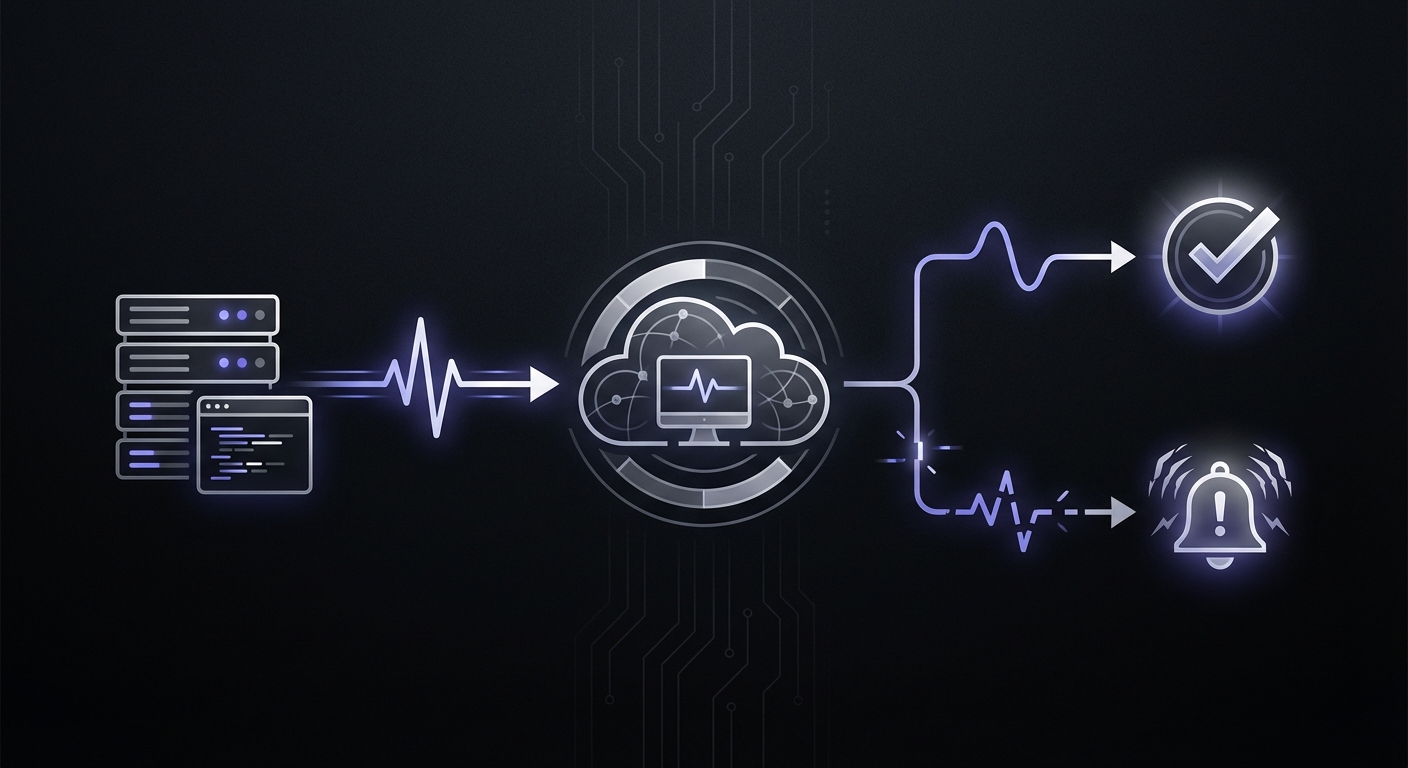
All cron monitoring tools use the same basic pattern: your job sends an HTTP request (a "heartbeat") to a unique URL when it completes. The monitoring service expects this ping at regular intervals. If the ping doesn't arrive within the expected window plus a grace period, you get an alert.
Here's a basic integration:
# Ping on successful completion
./backup-database.sh && curl -fsS --retry 3 https://hc-ping.com/your-uuid

# Or with explicit success/failure signals
curl -fsS https://hc-ping.com/your-uuid/start
./backup-database.sh
if [ $? -eq 0 ]; then
  curl -fsS https://hc-ping.com/your-uuid
else
  curl -fsS https://hc-ping.com/your-uuid/fail
fi
The key insight: only ping on successful completion. If your script crashes before the curl command, the monitoring service never receives the heartbeat and alerts you.
Free Tier Comparison Table
Let's start with the facts. Here's what each tool actually provides on their free plan:
| Tool | Free Monitors | Alert Channels | Retention | Team Members | The Catch |
|---|---|---|---|---|---|
| Healthchecks.io | 20 | Email, Slack, 20+ more | 100 logs/job | 3 | Full features included |
| Cron Crew | 15 | Email, Slack, Webhook | 7 days | Unlimited | Full features included |
| UptimeRobot | 50 | 30 days | 1 | No heartbeat on free | |
| CronRadar | Unlimited* | Email, Slack | 7 days | Unlimited | Free until mid-2026 |
| CronMonitor | 10 | Limited | 1 | Newer service | |
| Better Stack | 10 | 7 days | Limited | Limited integrations | |
| Cronitor | 5 | Email, Slack | 1 month | 1 | Very restrictive |
| WebGazer | 50 | Limited | 1 | Basic features only | |
| Sentry Crons | 5 | Email, Slack | Varies | Varies | Requires Sentry |
| Cronhub | 3 | Limited | 1 | Very few monitors | |
| CronAlarm | 3 | Limited | 1 | Very basic | |
| Dead Man's Snitch | 1 | Limited | 1 | Only 1 monitor |
*CronRadar is free until mid-2026, then $1/monitor/month.
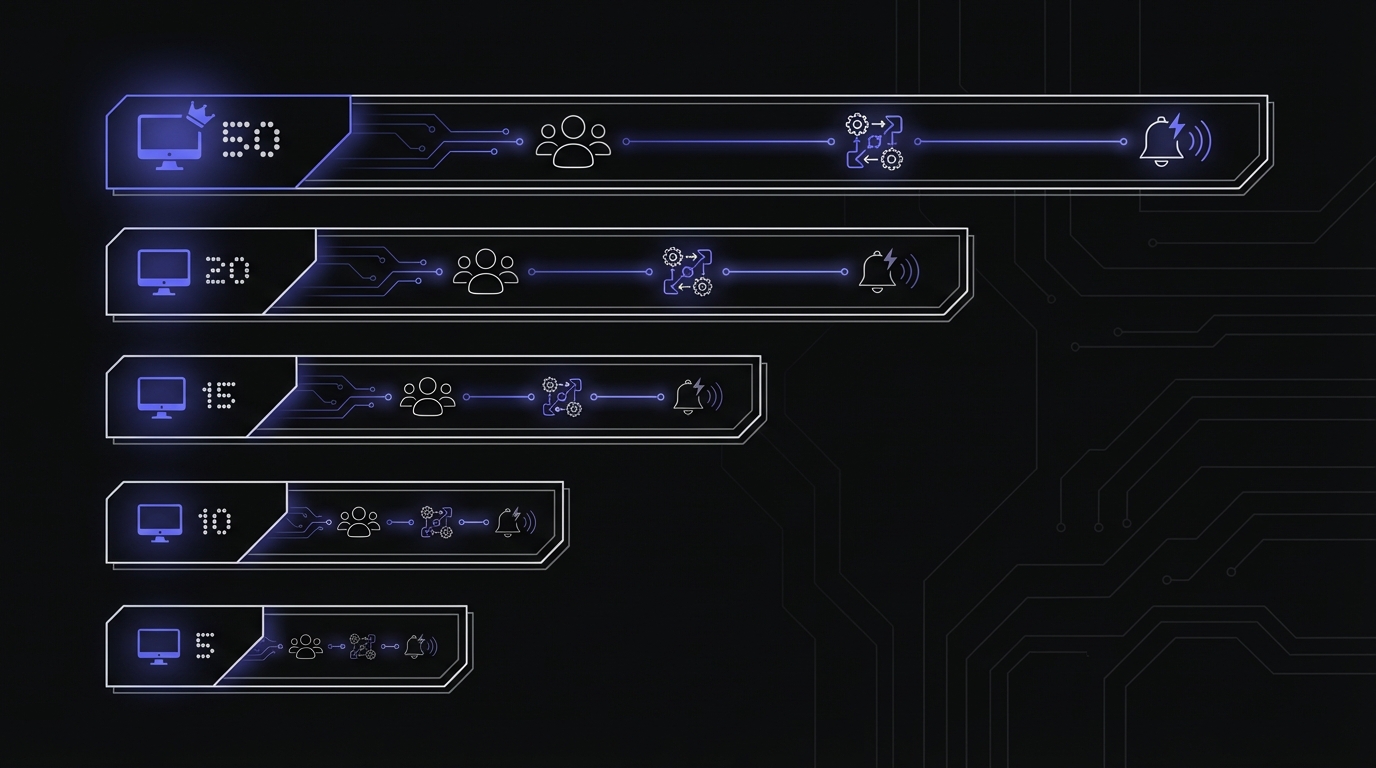
Best Free Option by Use Case
Different tools win depending on what you need.
Most Monitors: UptimeRobot (But Read the Fine Print)
UptimeRobot advertises 50 free monitors, which sounds amazing. The catch: their free tier only includes uptime monitors (HTTP/HTTPS checks), not heartbeat monitors.
What you actually get for free:
- 50 uptime monitors (website availability)
- No heartbeat/cron monitoring
- Email alerts only
- 30-day data retention
To monitor cron jobs, you need:
- Solo plan: $7/month
- Then you get 50 monitors including heartbeats
Verdict: Great if you need uptime monitoring. Not actually free for cron monitoring.
Best Features: Healthchecks.io
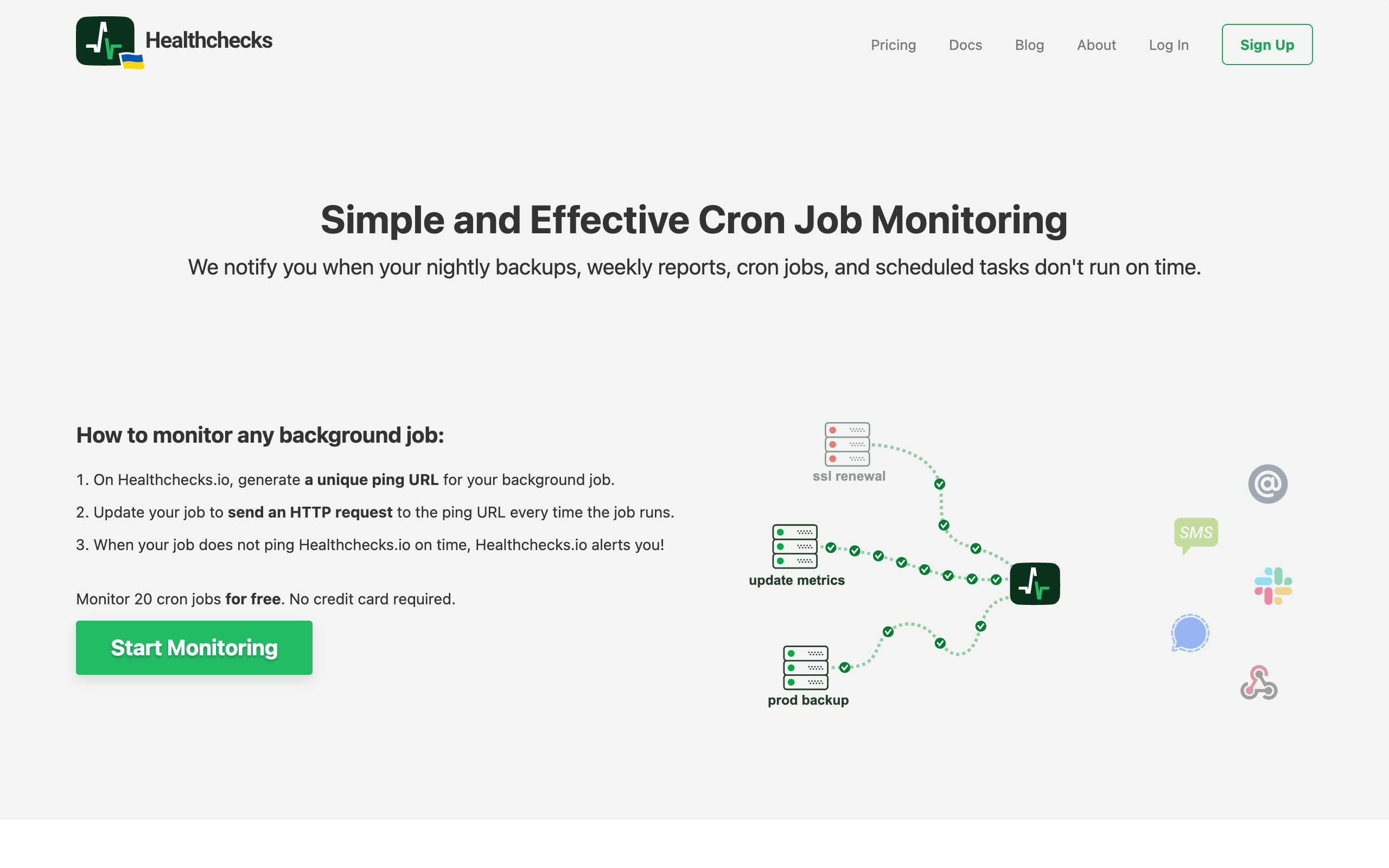
Healthchecks.io offers the most complete free tier for actual cron monitoring. You get 20 monitors with no feature restrictions.
What you actually get for free:
- 20 monitors
- Full cron expression support
- Configurable grace periods
- 25+ integrations (Slack, PagerDuty, Telegram, Matrix, Discord, email, and more)
- Badges for dashboards
- 7-day data retention
- 3 team members
- API access
- Open source (BSD license)
What requires paid:
- More than 20 monitors
- Longer data retention
- More team members
- Priority support
Verdict: Best overall free tier. You get real features, not a crippled demo. If you're a startup deciding between free options, also check our best free cron monitoring for startups guide.
Best for Teams: Cron Crew
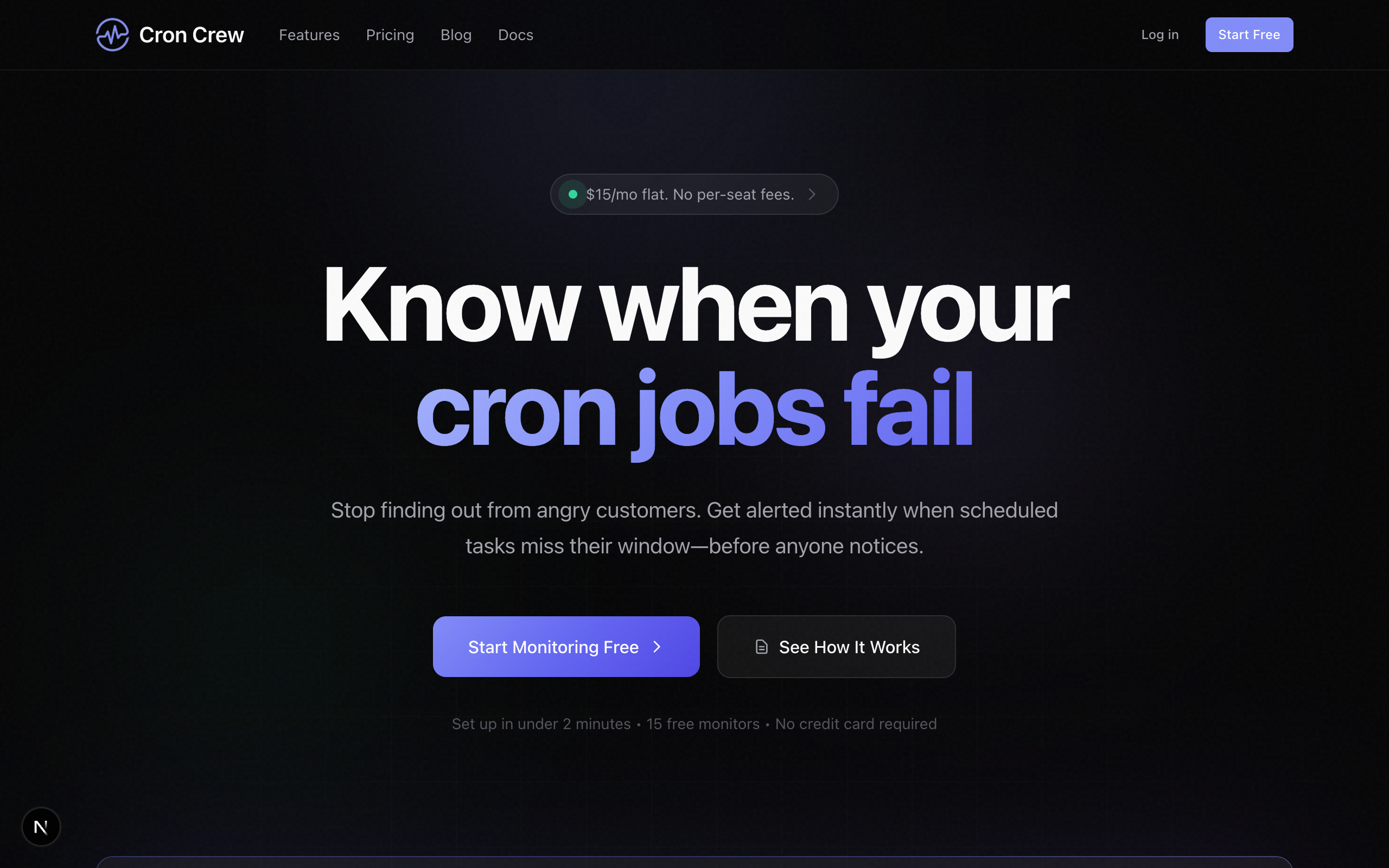
If you have a team, per-user limits on free tiers become annoying fast. Cron Crew offers unlimited team members even on free.
What you actually get for free:
- 15 monitors
- Unlimited team members
- Email, Slack, webhook alerts
- Full features (no restrictions)
- 7-day data retention
- API access
What requires paid:
- More than 15 monitors
- Longer data retention
Verdict: Best choice if multiple people need dashboard access.
Best for High Monitor Count: WebGazer
WebGazer offers 50 free monitors, and unlike UptimeRobot, they include heartbeat monitoring.
What you actually get for free:
- 50 monitors (including heartbeats)
- Uptime + SSL monitoring
- Email alerts
- Basic dashboard
- Limited data retention
Limitations:
- Email only (no Slack)
- Limited integrations
- Basic feature set
- Less documentation
- Smaller community
Verdict: Good if you need many monitors and don't need advanced features.
New Entrant: CronRadar (Free Until Mid-2026)
CronRadar launched with a compelling offer: completely free until mid-2026, then $1/monitor/month with no per-seat pricing.
What you actually get for free:
- Unlimited monitors (during free period)
- Unlimited team members
- Email and Slack alerts
- Framework auto-discovery (Laravel, Hangfire, Celery, Quartz.NET)
- 7-day data retention
What sets it apart:
- One-line integration for popular frameworks
- Auto-discovers scheduled tasks in your code
- No per-seat pricing ever
Verdict: Worth trying during the free period, especially if you use Laravel or .NET. The $1/monitor pricing post-free-period is competitive for larger deployments.
Worth Mentioning: CronMonitor
CronMonitor offers 10 free monitors with a focus on simplicity.
What you actually get for free:
- 10 monitors
- Email alerts
- Basic dashboard
- No credit card required
Verdict: A solid middle-ground between Cronitor's restrictive 5 monitors and Healthchecks.io's 20.
Detailed Review of Each Free Tier
Healthchecks.io Free
Setup experience: Sign up is quick. Create a monitor, get a ping URL, add to your cron job. Under 5 minutes.
What works well:
- Intuitive interface
- Excellent integration options
- Badges you can embed in READMEs
- Open source (can self-host)
- Active development
What's missing:
- UI feels a bit dated
- 7-day retention limit
- 3-user team limit
Integration highlights: Healthchecks.io supports more alert channels than any competitor:
- Slack, Discord, MS Teams
- PagerDuty, Opsgenie
- Telegram, Signal, Matrix
- Email, SMS (paid)
- Webhooks
- And 15+ more
Best for: Developers who want full features without paying, especially if you use less common integrations.
Grace Period Guidelines
When configuring any monitoring tool, set your grace period based on job duration:
| Job Duration | Recommended Grace Period |
|---|---|
| Fast jobs (< 1 min) | 5-10 minutes |
| Medium jobs (5-30 min) | 15-30 minutes |
| Long jobs (1+ hours) | 1-2 hours |
Grace periods prevent false alerts from minor delays (server load, network hiccups). Set them too short and you get alert fatigue; too long and real failures go unnoticed.
Cron Crew Free
Setup experience: Quick signup, clean onboarding, first monitor in 3 minutes.
What works well:
- Clean, modern interface
- Unlimited team members
- All features on free tier
- Good documentation
- Simple pricing when you upgrade
What's missing:
- Fewer monitors than Healthchecks.io (15 vs 20)
- Fewer integration options
- Newer service (less track record)
Integration highlights: Core integrations included:
- Slack
- Webhooks
Best for: Small teams who want unlimited users and a clean UX.
UptimeRobot Free
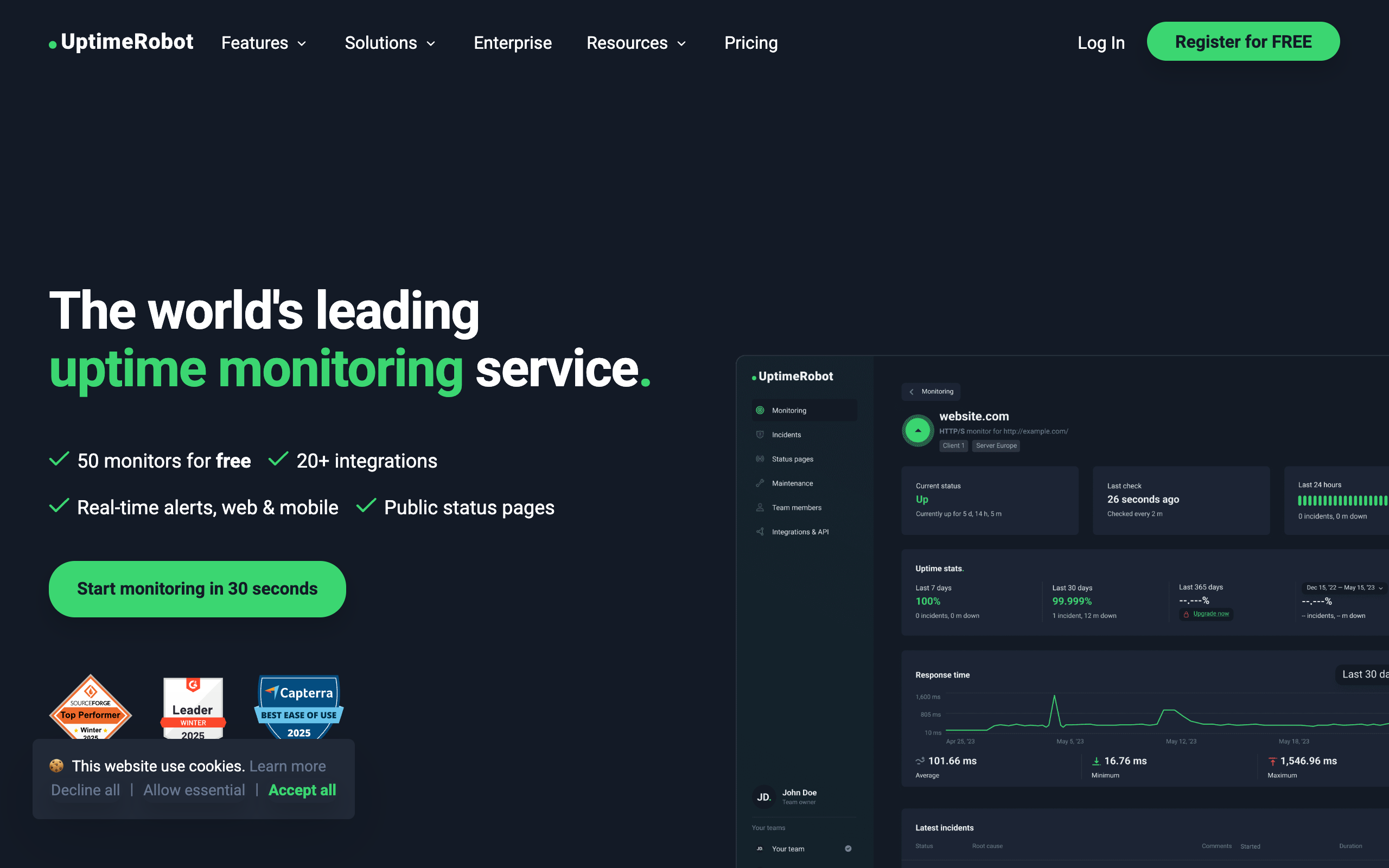
Reality check: You cannot monitor cron jobs on the free tier. Period.
The 50 free monitors are uptime monitors only. Heartbeat monitoring (what cron monitoring uses) requires the $7/month Solo plan.
If you pay for Solo ($7/month):
- 50 monitors including heartbeats
- Email + SMS alerts
- 2-minute check intervals
- Status pages
Best for: People who need combined uptime + cron monitoring and don't mind paying $7.
Better Stack Free
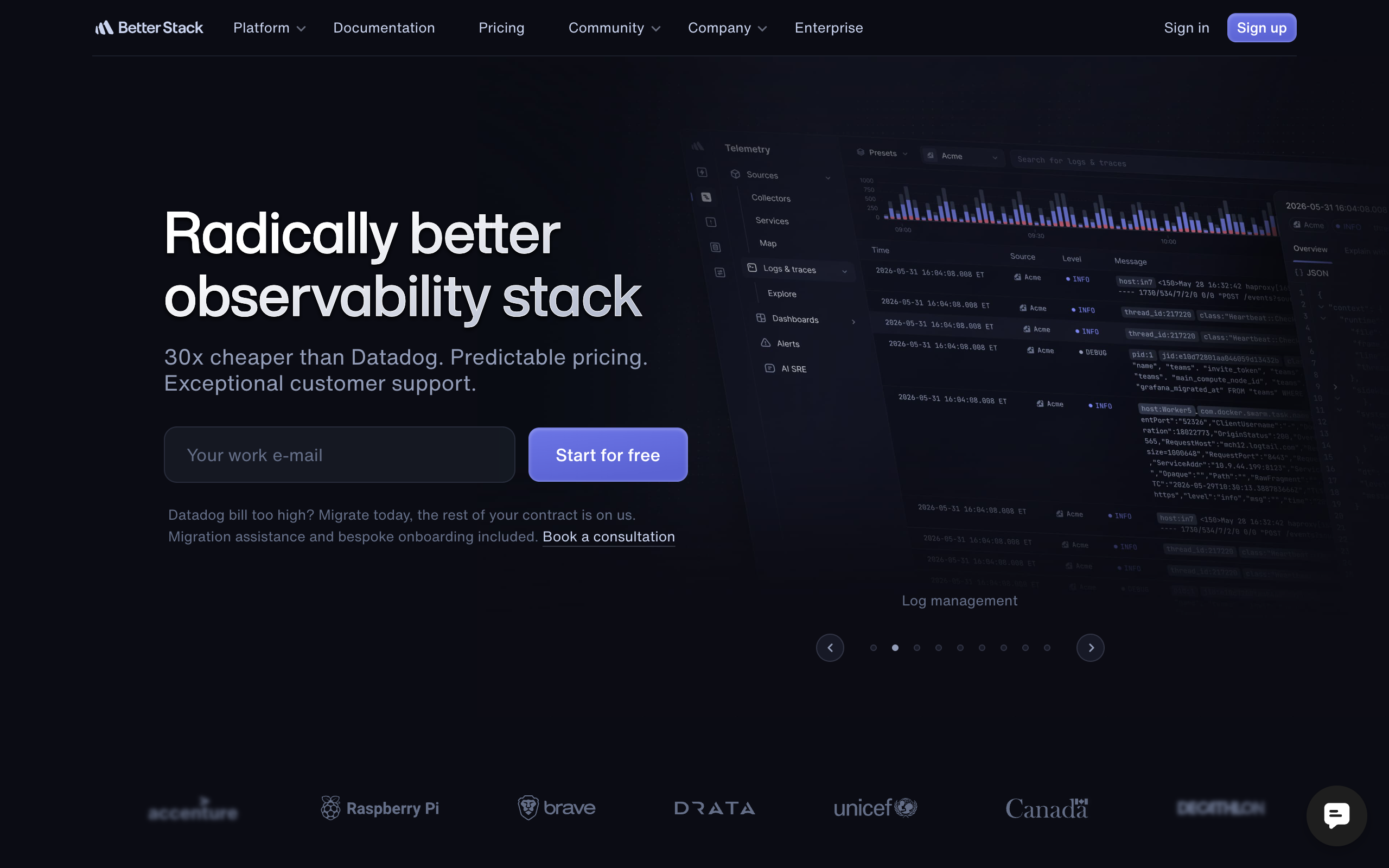
What you actually get:
- 10 heartbeat monitors
- Email alerts only
- 7-day retention
- Limited team access
What's missing:
- Slack and other integrations (paid)
- Responder licenses (paid)
- Full feature set (paid)
The responder model: Better Stack uses "responder licenses" for on-call. Each person who might get alerted needs a license. This adds up fast.
Best for: People already using Better Stack for logs who want basic heartbeat monitoring.
Cronitor Free
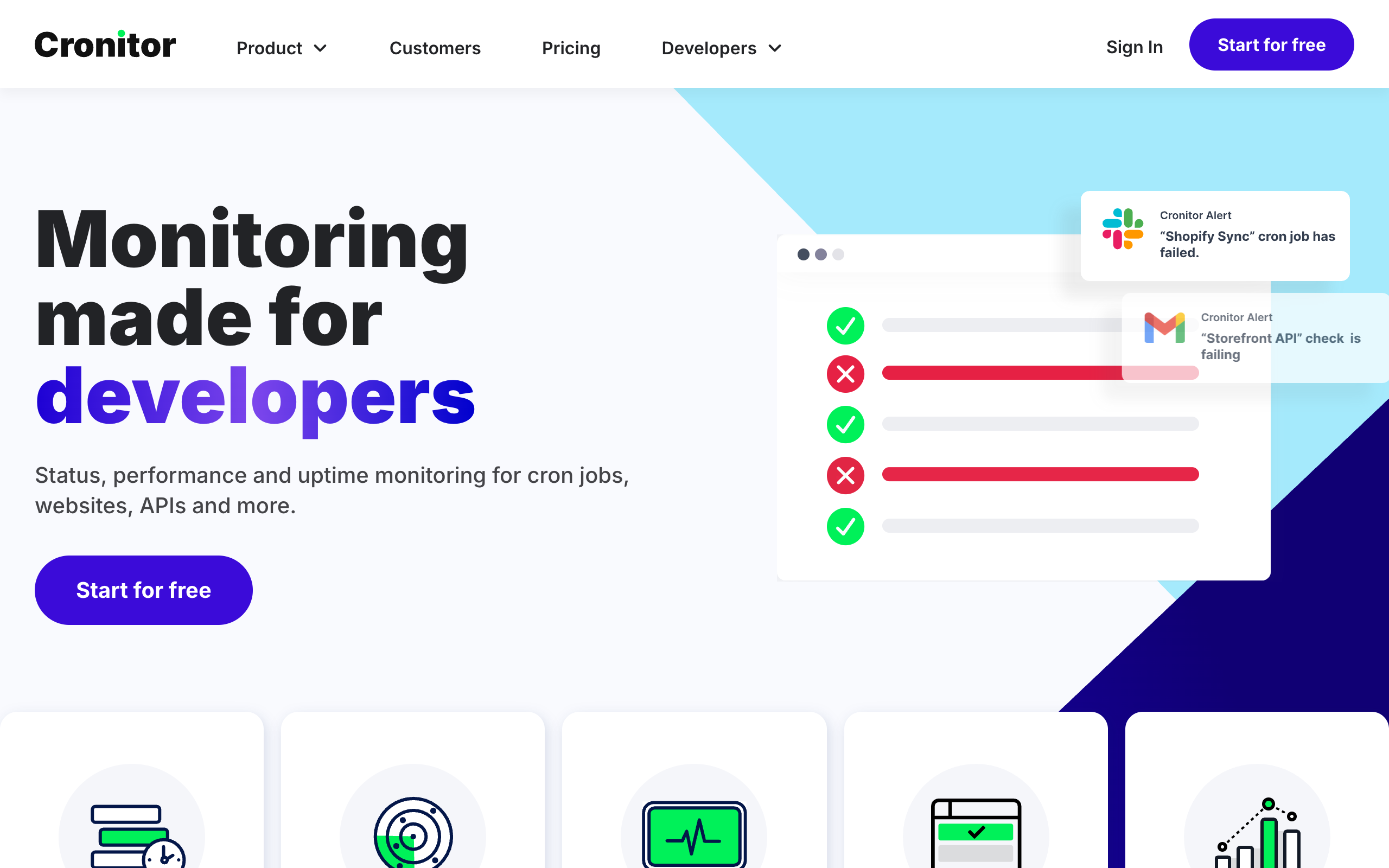
What you actually get:
- 5 monitors
- 1 user only
- Email and Slack alerts
- 1-month data retention
- Basic status page
What's missing:
- Team access
- SMS alerts
- Premium integrations (PagerDuty, Opsgenie)
- Reasonable monitor count
Paid pricing (for reference): Business plan: $2/monitor/month + $5/user/month. For 20 monitors and 3 users, that's $55/month.
The reality: 5 monitors is tight. Most projects have more than 5 cron jobs. You'll hit the limit quickly.
Best for: Testing if Cronitor works for you before committing to paid.
WebGazer Free
What you actually get:
- 50 monitors (heartbeat included)
- Uptime monitoring
- SSL monitoring
- Email alerts
- Basic dashboard
What's missing:
- Slack and other integrations
- Advanced features
- Good documentation
- Large user community
The trade-off: More monitors, fewer features. If you just need basic "did it run?" monitoring at scale, WebGazer works.
Best for: Budget-conscious users with many simple jobs to monitor.
Sentry Crons Free
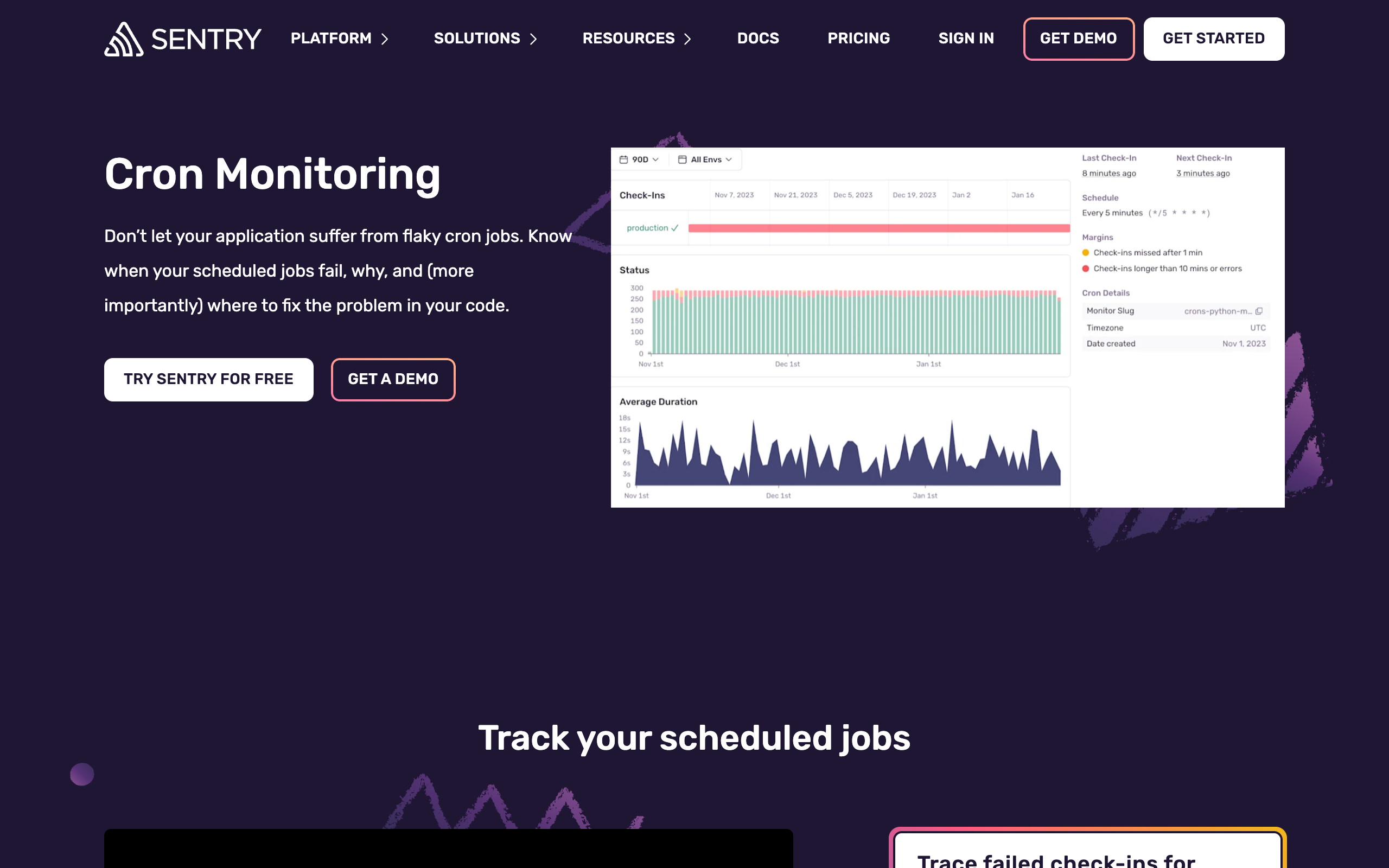
How it works: Sentry Crons is part of Sentry's error tracking platform. You get 5 free cron monitors as part of Sentry's free tier.
What you actually get:
- 5 cron monitors
- Integration with Sentry error tracking
- SDK-based check-ins
- Part of your existing Sentry setup
What's missing:
- Standalone cron monitoring
- More than 5 monitors on free
- Non-Sentry use cases
Best for: Teams already using Sentry who want integrated cron monitoring.
Cronhub Free
What you actually get:
- 3 monitors
- Email alerts
- Basic scheduling features
- HTTP job triggering
Unique aspect: Cronhub can trigger your jobs via HTTP, not just monitor them. If you want to centralize scheduling, this is interesting.
What's missing:
- Reasonable monitor count
- Advanced features
- Team collaboration
Best for: Exploring the scheduling + monitoring combo with a few jobs.
Dead Man's Snitch Free
What you actually get:
- 1 snitch (monitor)
- Email alerts
- Basic dashboard
The reality: 1 monitor isn't useful for most real-world use cases. It's essentially a trial.
Best for: Trying the product before committing to paid.
Self-Hosted Free Options
If you want truly free with no limits, self-hosting is an option.
Healthchecks.io (Self-Hosted)
Healthchecks.io is open source (BSD license). You can run it on your own infrastructure.
Pros:
- Unlimited monitors
- Full control over data
- No monthly cost (just hosting)
- All features included
Cons:
- You manage the infrastructure
- You're responsible for uptime (ironic for a monitoring tool)
- Need to handle updates and security
- No support (community only)
Hosting requirements:
- Python/Django application
- PostgreSQL database
- Web server (nginx recommended)
- ~$5-20/month VPS
Verdict: Great for teams with ops capacity who want data control. Not recommended if you don't have infrastructure experience.
Roll Your Own (Not Recommended)
You could build a simple heartbeat monitor with:
- A database table for expected pings
- An HTTP endpoint that records pings
- A cron job that checks for missed pings
- Email sending for alerts
Why you shouldn't:
- More engineering time than it's worth
- Your monitoring tool can fail silently
- No redundancy unless you build it
- Feature creep as you add "just one more thing"
The irony: Building your own monitoring requires monitoring your monitoring. Use a service. For bootstrapped teams considering DIY, our bootstrap budget monitoring guide explains why paid services often make more financial sense.
What "Free" Really Costs
Free tiers aren't truly free. Understand the real costs.
Time to Set Up and Maintain
All tools require:
- Initial setup time (30 min - 2 hours)
- Occasional maintenance (adding/removing monitors)
- Alert configuration
- Integration setup
For most tools, this is minimal. Self-hosted options require significantly more time.
Limitations That May Bite Later
Data retention: 7 days is fine until you need to investigate something from last month.
Monitor limits: You'll add more cron jobs over time. Free tier limits creep up on you.
Integration limits: Starting with email is fine. Eventually you'll want Slack, then PagerDuty.
Team limits: Solo founder becomes 3-person team becomes 10-person team.
Plan for growth, but don't overpay today for tomorrow's needs.
Migration Effort If You Outgrow It
Switching tools means:
- Recreating all monitors
- Updating all cron jobs with new ping URLs
- Reconfiguring alerts
- Training team on new dashboard
For 10 monitors, this is a few hours. For 50+, it's a project.
Choose a tool you can grow with.
Our Honest Take
After comparing all options:
Best Overall Free: Healthchecks.io
20 monitors with full features, excellent integration options, and open-source availability. If you're a solo developer or small team, this covers most needs indefinitely.
Best If You Want Simplicity: Cron Crew
15 monitors with unlimited users and a cleaner interface. Slightly fewer monitors than Healthchecks.io, but better UX and no team limits.
Best If You Also Need Uptime: UptimeRobot (Paid)
If you need both website uptime monitoring and cron monitoring, UptimeRobot's $7/month Solo plan is good value. Just know it's not actually free for cron monitoring.
Skip Unless You're Already Using It
- Sentry Crons: Only if you're a Sentry user
- Cronitor: Too restrictive on free
- Dead Man's Snitch: 1 monitor isn't usable
- Better Stack: Responder model gets expensive
Making Your Choice
Evaluation Checklist
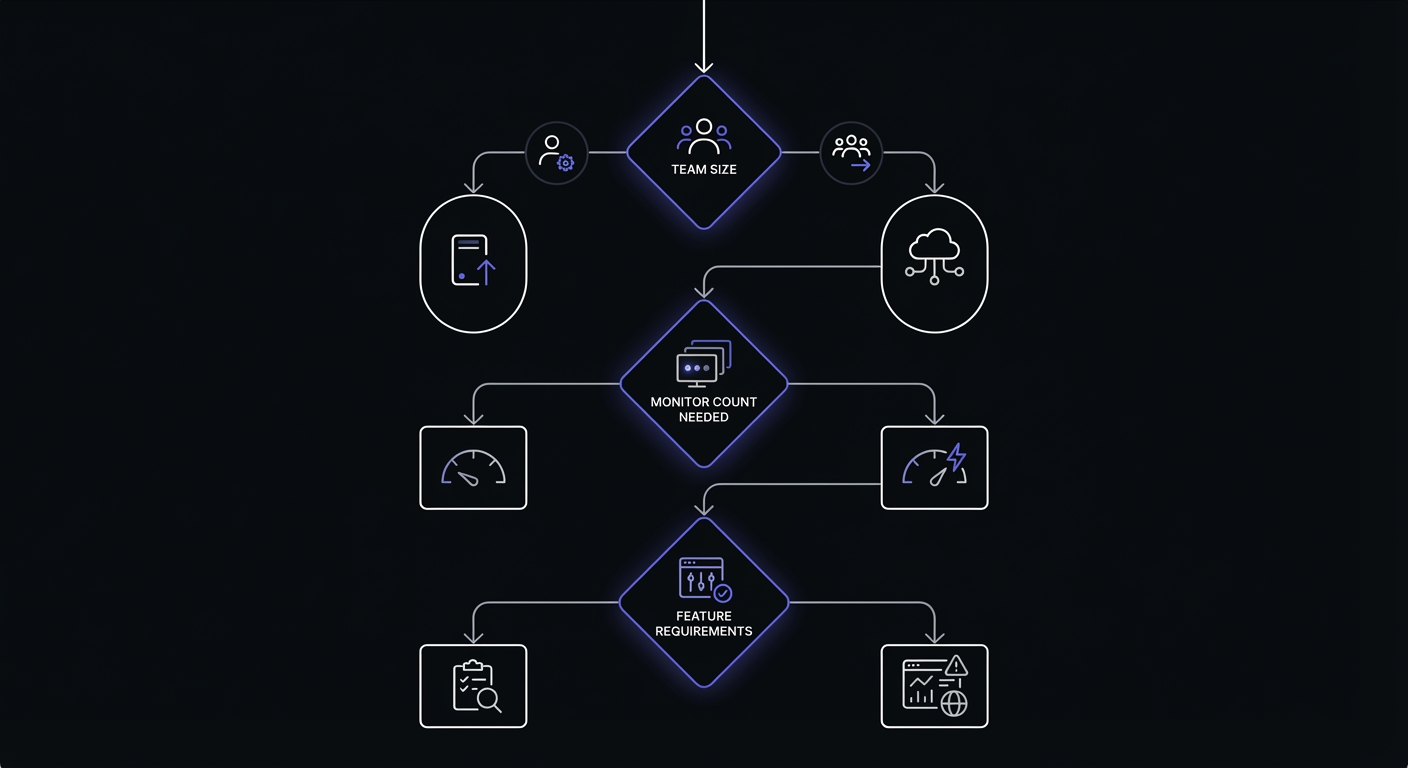
Before committing to a tool, verify these requirements:
Monitor count: How many cron jobs do you have today? Add 50% for growth.
Team access: Who needs dashboard access? Alert recipients? Admin rights?
Alert channels: Email is universal. Do you need Slack, PagerDuty, or SMS?
Data retention: How far back do you need to investigate failures?
Integration method: Simple curl, or SDK integration with your framework?
Upgrade path: What does the first paid tier cost? Per-monitor or per-seat?
Use this framework:
Choose Healthchecks.io if:
- You want maximum features on free
- You need unusual integrations
- You might self-host later
- You have up to 20 cron jobs
Choose Cron Crew if:
- You have a team that needs access
- You prefer cleaner UX
- You have up to 15 cron jobs
- You want simplicity
Choose WebGazer if:
- You have many simple jobs (30+)
- You only need email alerts
- Features aren't your priority
Choose UptimeRobot if:
- You need uptime + cron monitoring
- You're willing to pay $7/month
- You want combined tooling
Conclusion
Free cron monitoring is real and useful. Healthchecks.io and Cron Crew both offer generous free tiers that serve many developers indefinitely.
Key takeaways:
- Healthchecks.io has the best feature-complete free tier (20 monitors)
- Cron Crew is best for teams (unlimited users on free)
- UptimeRobot isn't free for cron monitoring (requires $7 Solo plan)
- Self-hosting is an option if you have ops capacity
- Read the fine print on monitor counts and features
For more details on paid options, see our Free vs Paid Cron Monitoring guide. For a complete tool comparison, check our Best Cron Monitoring Tools roundup.
Ready to start? Try Cron Crew free with 15 monitors and unlimited team members. No credit card required.