Cron Crew vs UptimeRobot Compared
UptimeRobot is popular for website monitoring with 50 free monitors. But for cron job monitoring, the story is different. Here's how they compare.
Cron Crew vs UptimeRobot Compared
UptimeRobot is one of the most popular monitoring tools on the market, with over 2.7 million users trusting it to keep an eye on their websites. Their generous free tier of 50 uptime monitors has made them a go-to choice for developers and small businesses.
But when it comes to cron job monitoring, UptimeRobot's heartbeat feature tells a different story. This comparison examines how UptimeRobot's heartbeat monitoring stacks up against Cron Crew's purpose-built cron monitoring, and when you might want to use each. For a complete overview of your options, see our guide to the best cron monitoring tools.
Quick Comparison
| Feature | Cron Crew | UptimeRobot |
|---|---|---|
| Primary focus | Cron monitoring | Uptime monitoring |
| Free heartbeats | 15 | 0 (paid only) |
| Free uptime monitors | N/A | 50 |
| Cron expressions | Yes | No (intervals only) |
| Entry price | $15/mo | $7/mo (but no heartbeat focus) |
| Users | Growing | 2.7M+ |
UptimeRobot Overview
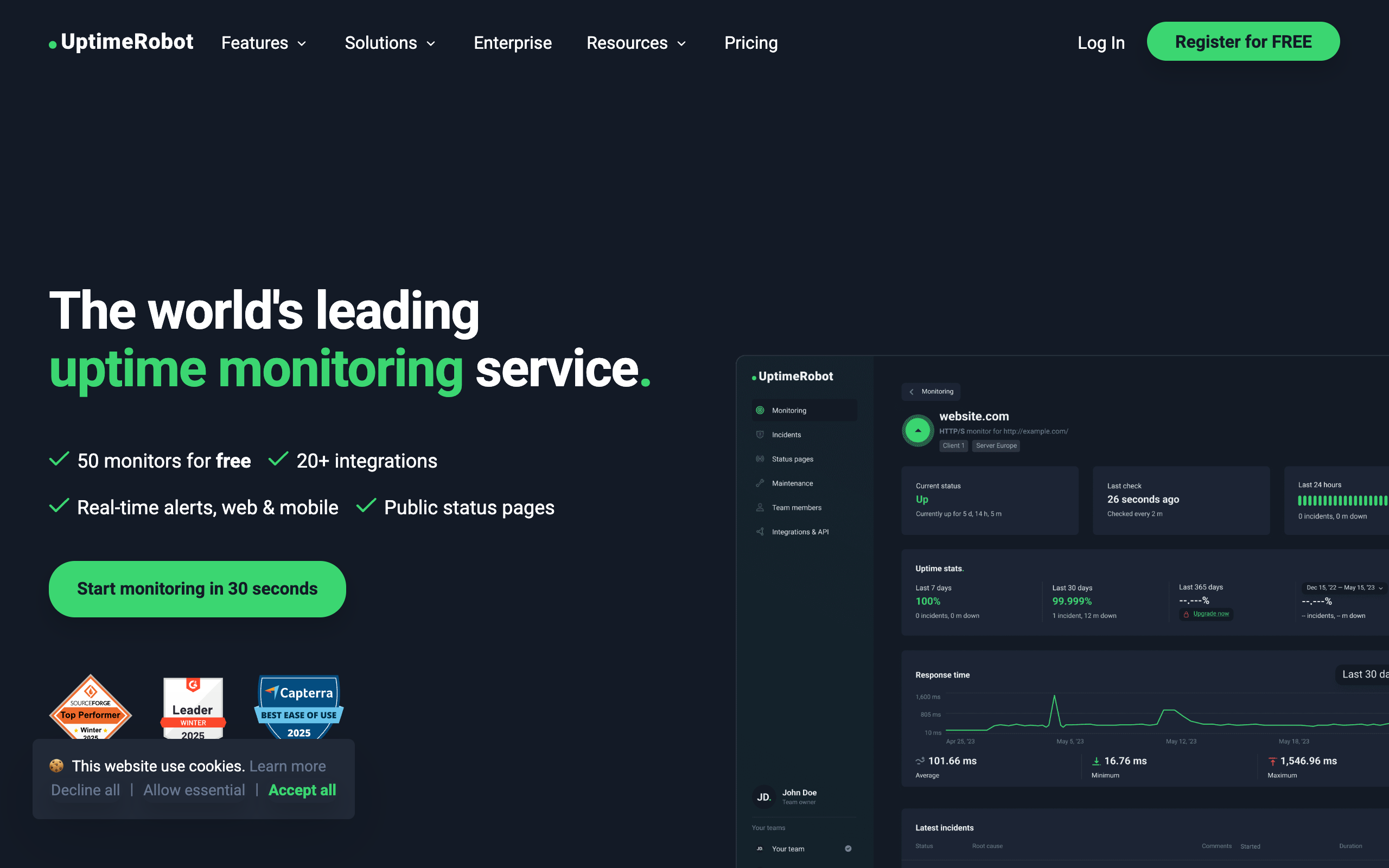
Founded in 2010, UptimeRobot has become synonymous with website uptime monitoring. Their claim to fame is a simple value proposition: monitor up to 50 websites for free, with checks every 5 minutes.
What UptimeRobot does well:
- Generous free tier for uptime: 50 free monitors for website uptime checking is remarkably generous and has driven massive adoption.
- Established and trusted: Over a decade of operation and millions of users means a proven, reliable platform.
- Simple setup: Adding a website to monitor takes seconds.
- Broad monitoring types: HTTP(S), ping, port, and keyword monitoring.
Heartbeat monitoring limitations:
UptimeRobot added heartbeat monitoring to their platform, but it was clearly designed as an add-on rather than a core focus:
- No heartbeat monitors on free tier: While you get 50 free uptime monitors, heartbeat monitors require a paid plan.
- Interval-based only: You cannot use cron expressions. Instead, you set an expected interval (e.g., "every 60 minutes").
- Less flexibility: The scheduling options are limited compared to dedicated cron monitoring tools.
The Heartbeat Limitation
Understanding UptimeRobot's heartbeat limitations is key to this comparison.
No Free Tier for Heartbeats
UptimeRobot's famous free tier does not include heartbeat monitoring. If you want to monitor cron jobs with UptimeRobot, you need a paid plan. This is a significant difference from their uptime monitoring offering.
Interval-Based Scheduling Only
UptimeRobot heartbeats work on simple intervals: "expect a ping every X minutes." While this works for basic use cases, it lacks the precision of cron expressions.
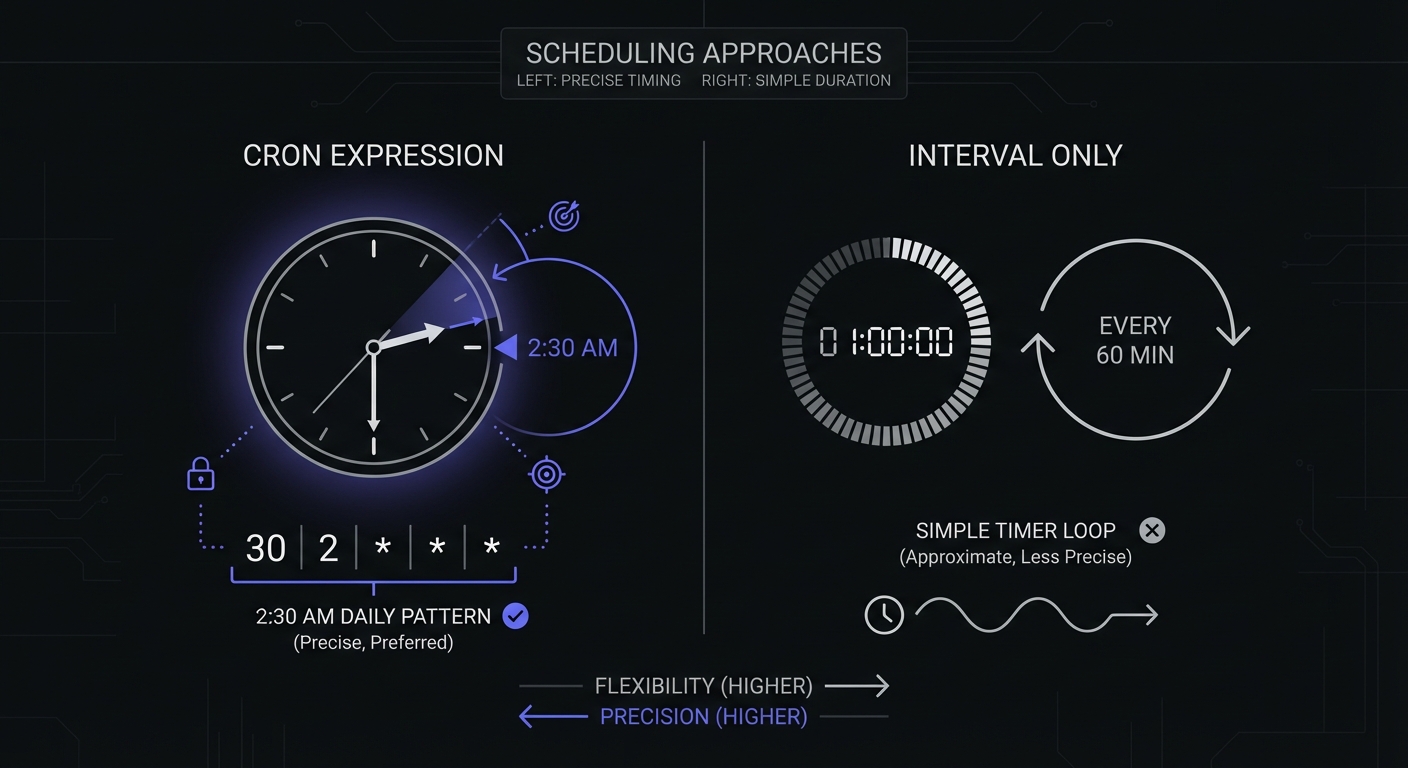
Consider a job that runs at 2:30 AM every day. With cron expressions, you define this as 30 2 * * *. With interval-based monitoring, you would set a 24-hour interval, but:
- The first ping sets the baseline
- Any drift accumulates over time
- You cannot account for daylight saving time changes
- Multiple jobs at specific times become hard to track
Less Scheduling Flexibility
Real-world cron jobs often have complex schedules:
- "Every weekday at 9 AM"
- "First day of each month"
- "Every 15 minutes during business hours"
Cron expressions handle these naturally. Interval-based monitoring struggles or requires workarounds.
No Job Lifecycle Signals
Dedicated cron monitoring tools distinguish between different job states:
- Job started: Measures duration, alerts if running too long
- Job succeeded: Confirms completion
- Job failed: Immediate alert on explicit failure
UptimeRobot's heartbeat only knows if it received a ping. It cannot distinguish between a job starting and completing successfully, nor can it track how long jobs take to run.
Cron Crew Overview
Cron Crew is built specifically for cron job monitoring. Every feature is designed around the unique requirements of scheduled task monitoring.
Key strengths:
- Full cron expression support: Define schedules exactly as they run, using standard cron syntax.
- Free tier includes heartbeats: 15 free monitors for your most critical jobs.
- Purpose-built for scheduled jobs: Not an add-on feature, but the core product.
- Focused feature set: Everything you need for cron monitoring, nothing you do not.
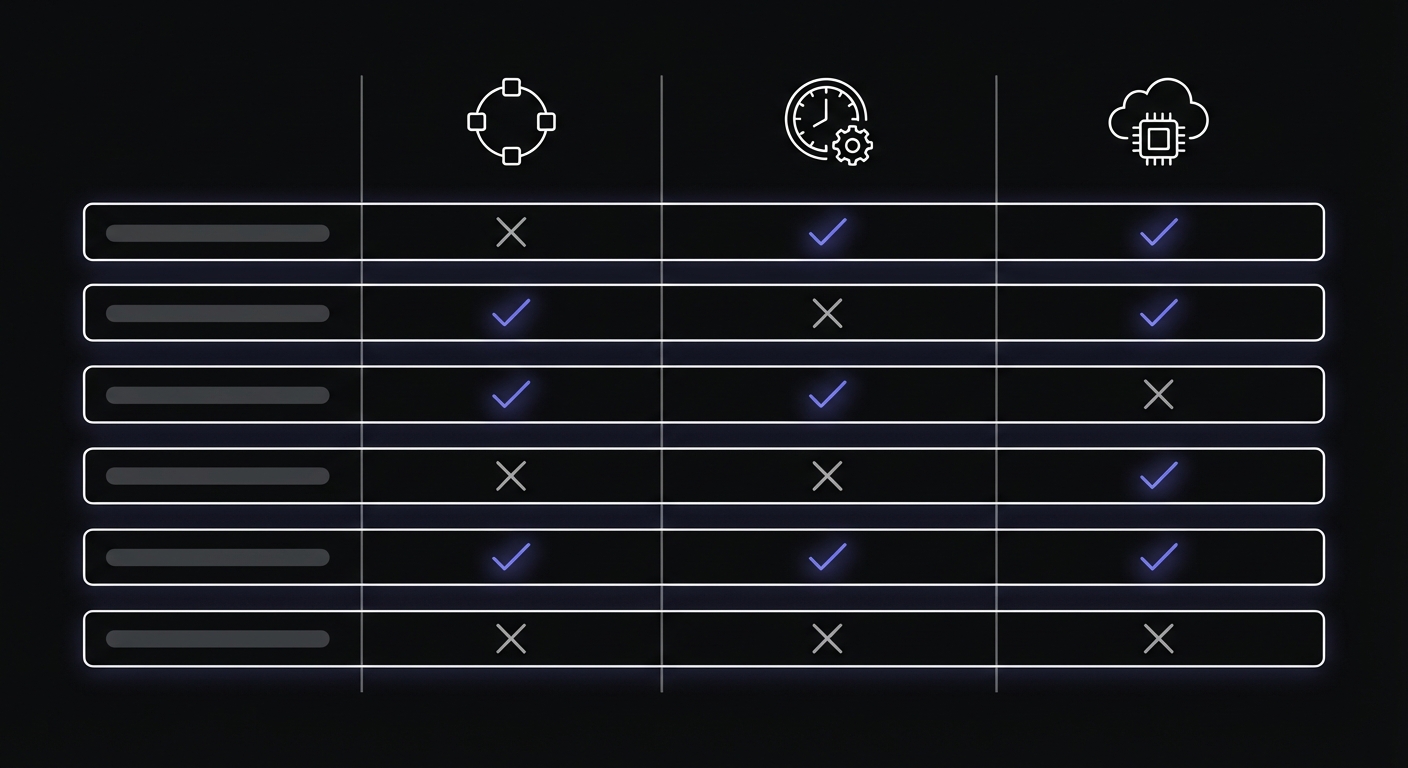
Feature Comparison
Where UptimeRobot Wins
Uptime monitoring: If your primary need is website uptime checking, UptimeRobot is excellent. Their free tier, broad monitoring types, and years of refinement make them a strong choice.
Established ecosystem: Status pages, maintenance windows, and integrations have been built out over many years.
Brand recognition: When you tell stakeholders you use UptimeRobot, they have likely heard of it.
Where Cron Crew Wins
Cron expression support: Define schedules precisely using the same syntax as your crontab. No conversion to intervals required.
Free heartbeat monitoring: 15 free monitors versus zero. For small projects, this difference matters.
Purpose-built for the job: Cron Crew focuses entirely on scheduled task monitoring. UptimeRobot's heartbeat feature is one of many monitoring types.
Scheduling precision: Match your monitor's expected schedule exactly to your job's schedule, including complex patterns.
Technical Feature Matrix
| Feature | Cron Crew | UptimeRobot |
|---|---|---|
| Cron expression parsing | Yes | No |
| Interval-based scheduling | Yes | Yes |
| Job started signals | Yes | No |
| Job failed signals | Yes | No |
| Grace periods | Yes | Yes |
| Run duration tracking | Yes | No |
| Framework auto-discovery | No | No |
| Self-hosting option | No | No |
| API access | Yes | Yes |
| Webhook integrations | Yes | Yes |
Alert Integrations
Both tools support multiple notification channels, though the counts differ:
- UptimeRobot: 12+ integrations (Slack, Teams, PagerDuty, SMS, Discord, Zapier, Splunk, webhooks)
- Cron Crew: Email, Slack, webhooks (focused set)
Overlap
Both tools handle the basics:
- Alert notifications (email, Slack, webhooks)
- Dashboard visibility
- API access
- Multiple team members
Use Case Guidance
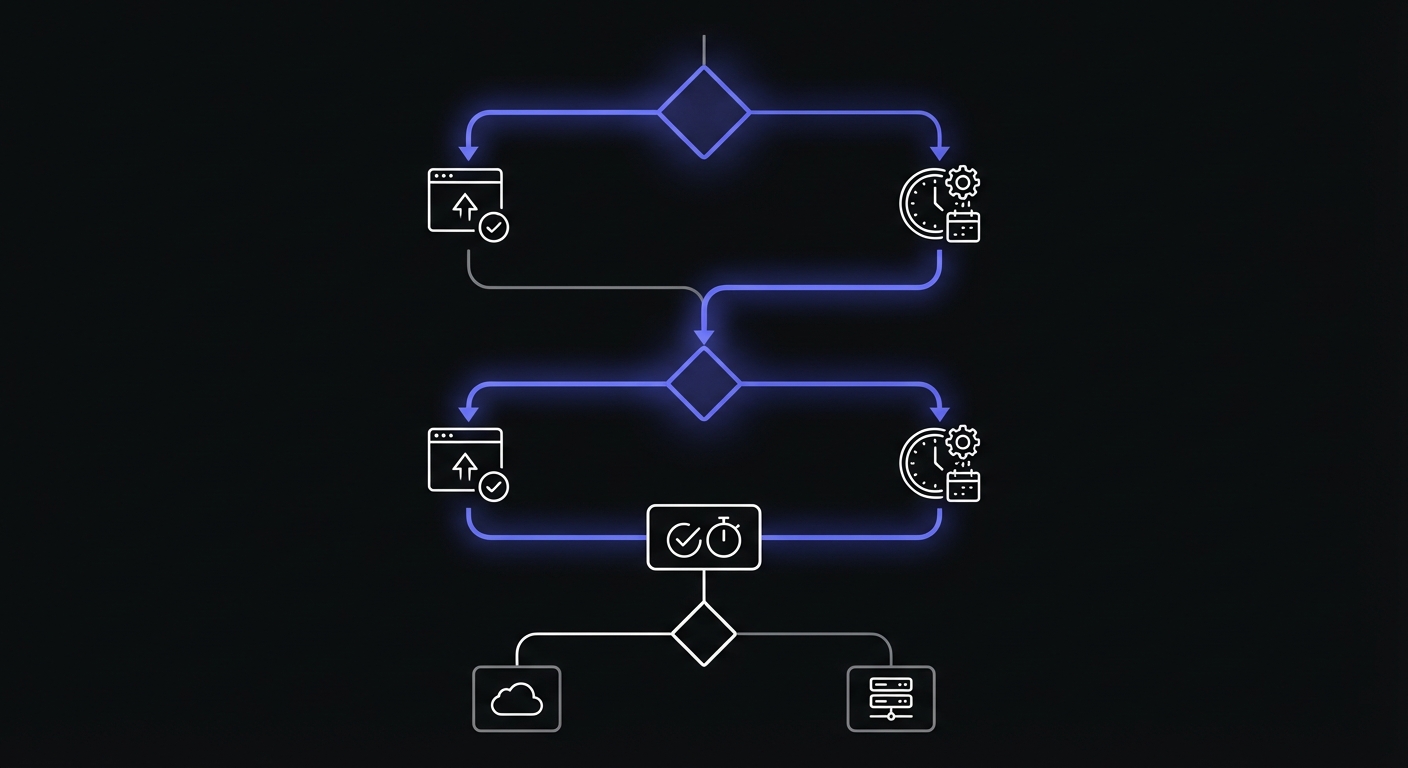
The right choice depends on your specific needs.
Need Uptime Monitoring + Basic Heartbeat
If your primary need is website uptime monitoring with some simple heartbeat monitoring on the side, UptimeRobot's paid plans bundle both capabilities.
Best for:
- Website-focused teams
- Simple, interval-based cron jobs
- Teams already using UptimeRobot for uptime
Need Serious Cron Monitoring
If scheduled jobs are critical to your application and you need precise monitoring with flexible scheduling, Cron Crew is the better choice.
Best for:
- Applications with many cron jobs
- Complex schedules (specific times, weekdays only, monthly)
- Teams wanting free heartbeat monitoring
- Anyone who prefers cron expressions over intervals
Need Both Uptime and Cron Monitoring
Here is the honest answer: you might want to use both tools for their respective strengths.
- UptimeRobot for website uptime (especially on their free tier)
- Cron Crew for cron job monitoring
Different tools for different problems is not just acceptable; it is often the right approach.
Pricing Comparison
Cost Per 100 Monitors
When comparing cron monitoring tools specifically, cost per job matters:
| Tool | Cost for 100 Jobs | Per-Job Cost |
|---|---|---|
| Cron Crew | $29/mo | $0.29 |
| UptimeRobot | $34/mo | $0.34 |
| Healthchecks.io | $20/mo | $0.20 |
| Cronitor | $200/mo | $2.00 |
UptimeRobot Pricing
- Free: 50 uptime monitors, 5-minute intervals, no heartbeats
- Solo ($7/mo): 10 monitors, 1-minute intervals, limited heartbeats
- Team ($29/mo): 100 monitors, includes heartbeat monitoring
- Enterprise ($54/mo): 200 monitors, 30-second intervals
Data retention varies by plan: 3 months (Free), 12 months (Solo), 24 months (Team/Enterprise).
Heartbeat monitoring is only meaningfully available on Team plans and above, making the effective entry price for heartbeat monitoring $29/month.
Cron Crew Pricing
- Free: 15 heartbeat monitors
- Starter ($15/mo): 50 monitors
- Pro ($29/mo): 100 monitors
For cron monitoring specifically:
- UptimeRobot with heartbeats: $29/month (Team plan)
- Cron Crew: $15/month for more monitors
When to Use Both
A pragmatic approach for many teams:
Use UptimeRobot's free tier for:
- Website availability monitoring
- API endpoint health checks
- SSL certificate monitoring
- Port monitoring
Use Cron Crew for:
- Cron job monitoring
- Scheduled task verification
- Background job health
- Any job with a specific schedule
This combination gives you:
- 50 free uptime monitors from UptimeRobot
- 15 free heartbeat monitors from Cron Crew
- Best-of-breed tools for each problem
If you outgrow the free tiers, you can upgrade each tool independently based on your actual needs. To understand the cost implications, see our cron monitoring pricing comparison.
Migration Considerations
Unlike some comparisons, moving from UptimeRobot heartbeats to Cron Crew is not about replacing one tool with another. They can coexist.
Adding Cron Crew Alongside UptimeRobot
- Keep your UptimeRobot uptime monitors running
- Set up Cron Crew for your cron jobs
- Add pings to your scheduled tasks
- Configure alerts in Cron Crew
There is no conflict between the two tools. Your cron jobs can ping Cron Crew while your website stays monitored by UptimeRobot.
Consolidating Heartbeat Monitoring
If you are currently paying for UptimeRobot Team plan primarily for heartbeat monitoring:
- Audit your heartbeat monitors in UptimeRobot
- Set up equivalent monitors in Cron Crew
- Update your jobs to ping the new endpoints
- Consider downgrading UptimeRobot to a lower tier
You might save money while getting a better cron monitoring experience.
The Specialist vs Generalist Tradeoff
UptimeRobot is a generalist monitoring tool that happens to include heartbeat monitoring. Cron Crew is a specialist tool built specifically for scheduled job monitoring.
Generalist advantages:
- One tool for multiple needs
- Single dashboard
- Familiar if already using it
Specialist advantages:
- Better features for the specific use case
- More development focus on your problem
- Often better pricing for that specific need
For cron monitoring, the specialist approach typically wins. The nuances of scheduled job monitoring (cron expressions, grace periods, run duration tracking) benefit from focused attention.
Conclusion
UptimeRobot is an excellent uptime monitoring tool. Their free tier revolutionized website monitoring for small teams and developers. But heartbeat monitoring is not their primary focus, and it shows in the feature limitations and pricing structure.
If you need serious cron job monitoring with cron expression support, a free tier for heartbeats, and purpose-built features for scheduled tasks, Cron Crew is the better choice.
For many teams, the ideal setup is both: UptimeRobot for website uptime, Cron Crew for cron jobs. Use the right tool for each job.
Start with Cron Crew's free tier to monitor your most critical scheduled jobs, and keep UptimeRobot for what it does best.
Looking for more options? Check out our guide to UptimeRobot alternatives for cron monitoring or learn how to choose cron monitoring for your team.
Quick Reference
| Question | Answer |
|---|---|
| Need free cron monitoring? | Cron Crew (15 monitors) |
| Need free uptime monitoring? | UptimeRobot (50 monitors) |
| Have complex schedules? | Cron Crew (cron expressions) |
| Need both? | Use both tools together |
| Budget under $15/mo? | Cron Crew Starter |
| Already using UptimeRobot? | Add Cron Crew for cron jobs |