Best UptimeRobot Alternatives (2026)
UptimeRobot is popular for uptime monitoring but limited for cron jobs. If you need better cron expression support or more free heartbeat monitors, consider these.

Best UptimeRobot Alternatives (2026)
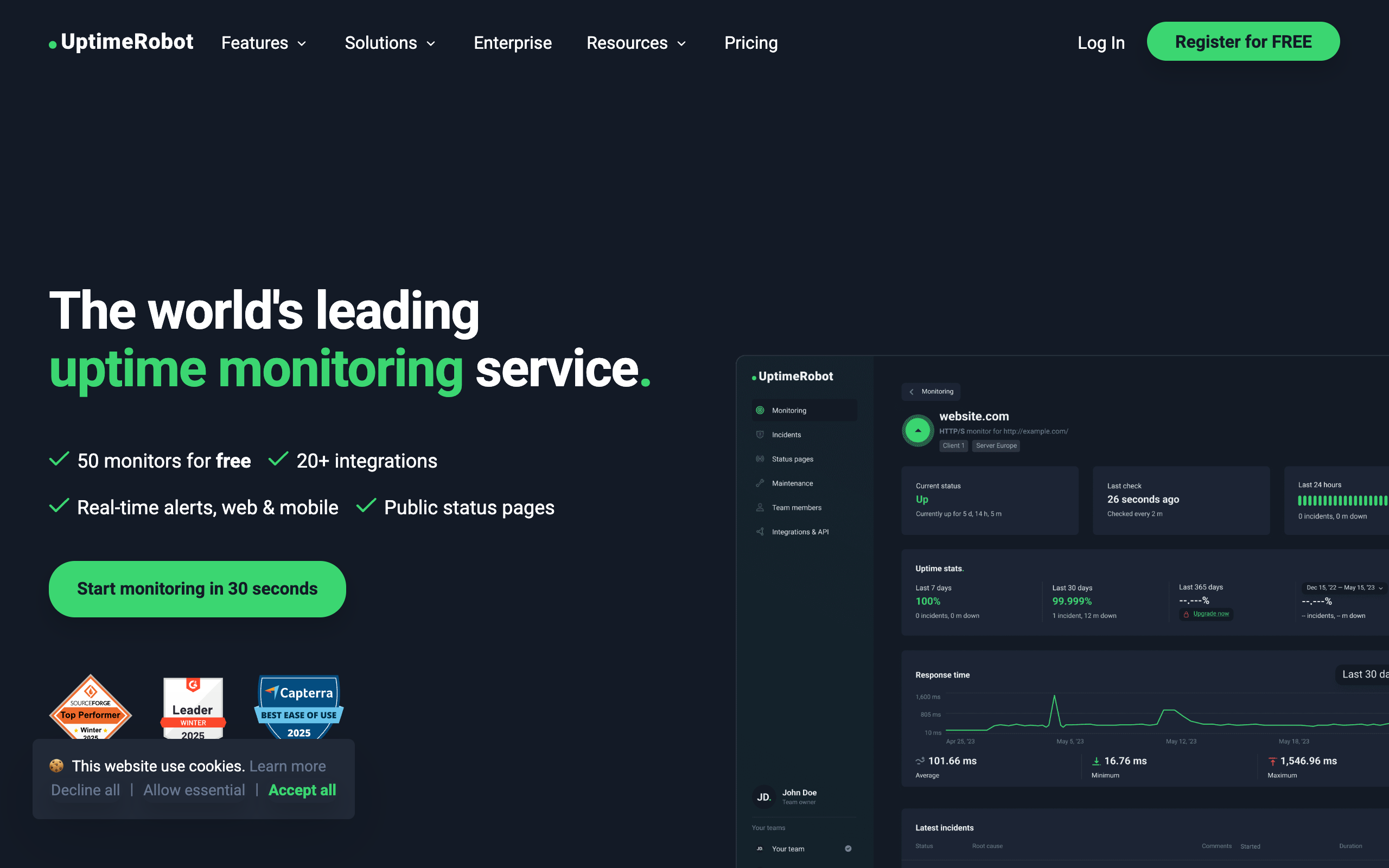
UptimeRobot has earned its reputation as one of the most popular uptime monitoring tools available, with a generous free tier that has attracted millions of users. However, if you are specifically looking for robust cron job and heartbeat monitoring, you may find UptimeRobot's offerings somewhat limited. Whether you need better cron expression support, more heartbeat monitors on your free plan, or a tool built specifically for scheduled task monitoring, there are several excellent alternatives worth considering.
In this guide, we will explore the best UptimeRobot alternatives, with a particular focus on tools that excel at cron job monitoring. We will also discuss whether you might benefit from using multiple tools together to get the best of both worlds. For a complete market overview, see our guide to the best cron monitoring tools.
Why Teams Look for UptimeRobot Alternatives
Before diving into the alternatives, it is worth understanding why teams often seek out other options, especially when it comes to cron monitoring.
December 2024 Terms of Service Change
In December 2024, UptimeRobot updated its Terms of Service to specify that the free plan is intended solely for personal, non-commercial use. Businesses, organizations, or individuals using the free tier for commercial purposes must now upgrade to a paid subscription. This change has driven many teams to evaluate alternatives, particularly those who relied on the generous free tier for production monitoring.
No Heartbeat Monitoring on Free Tier
UptimeRobot's free tier is excellent for HTTP uptime monitoring, offering 50 monitors with 5-minute check intervals. However, heartbeat monitoring (the feature you need for cron jobs) is only available on paid plans. If you are a small team or individual developer looking to monitor your scheduled tasks without paying, this limitation can be frustrating.
No Cron Expression Support
When you set up a heartbeat monitor in UptimeRobot, you specify a simple interval (like "every 24 hours"). This works for basic use cases, but it does not understand cron expressions. If your job runs at "0 9 * * 1-5" (9 AM on weekdays), UptimeRobot cannot validate that the schedule is being followed correctly. It only knows that it expects a ping within a certain time window.
Need for a Cron-Focused Tool
UptimeRobot is primarily an uptime monitoring tool. Heartbeat monitoring was added as an additional feature, not as the core product. Teams that rely heavily on cron jobs often find that dedicated cron monitoring tools offer better features, more intuitive interfaces for scheduled tasks, and pricing models better suited to their needs.
Better Features for Scheduled Tasks
Dedicated cron monitoring tools often provide features like run duration tracking, start and finish signals, cron expression validation, and more detailed alerting options. These features can make a significant difference when debugging issues with scheduled tasks.
The Cost of Missed Alerts
According to a 2024 EMA study, the average cost of unplanned downtime is $14,056 per minute, with large enterprises seeing costs up to $23,750 per minute. For cron jobs specifically, failures often go unnoticed until they cause downstream problems, whether that is a missed backup, a stale report, or a failed billing run. Research shows 79% of users are less likely to return after experiencing issues caused by system failures. Proper monitoring pays for itself quickly.
Quick Comparison Table
Here is a quick overview of the top alternatives for cron job monitoring:
| Alternative | Primary Focus | Free Tier | Check Interval | Cron Expressions | 50 Monitors Cost |
|---|---|---|---|---|---|
| Cron Crew | Cron monitoring | 15 monitors | 1 minute | Yes | $15/mo |
| Healthchecks.io | Cron monitoring | 20 monitors | 1 minute | Yes | $24/mo |
| Cronitor | Cron monitoring | 5 monitors | 1 minute | Yes | $100/mo |
| Better Stack | Full observability | 10 heartbeats | 30 seconds | No | $79+/mo |
| Oh Dear | Site monitoring | 0 monitors | 1 minute | Yes | ~60 EUR/mo |
For Cron Monitoring Specifically
If your primary need is monitoring cron jobs and scheduled tasks, these tools are purpose-built for that use case.
Cron Crew
Best for: Teams wanting dedicated, straightforward cron monitoring
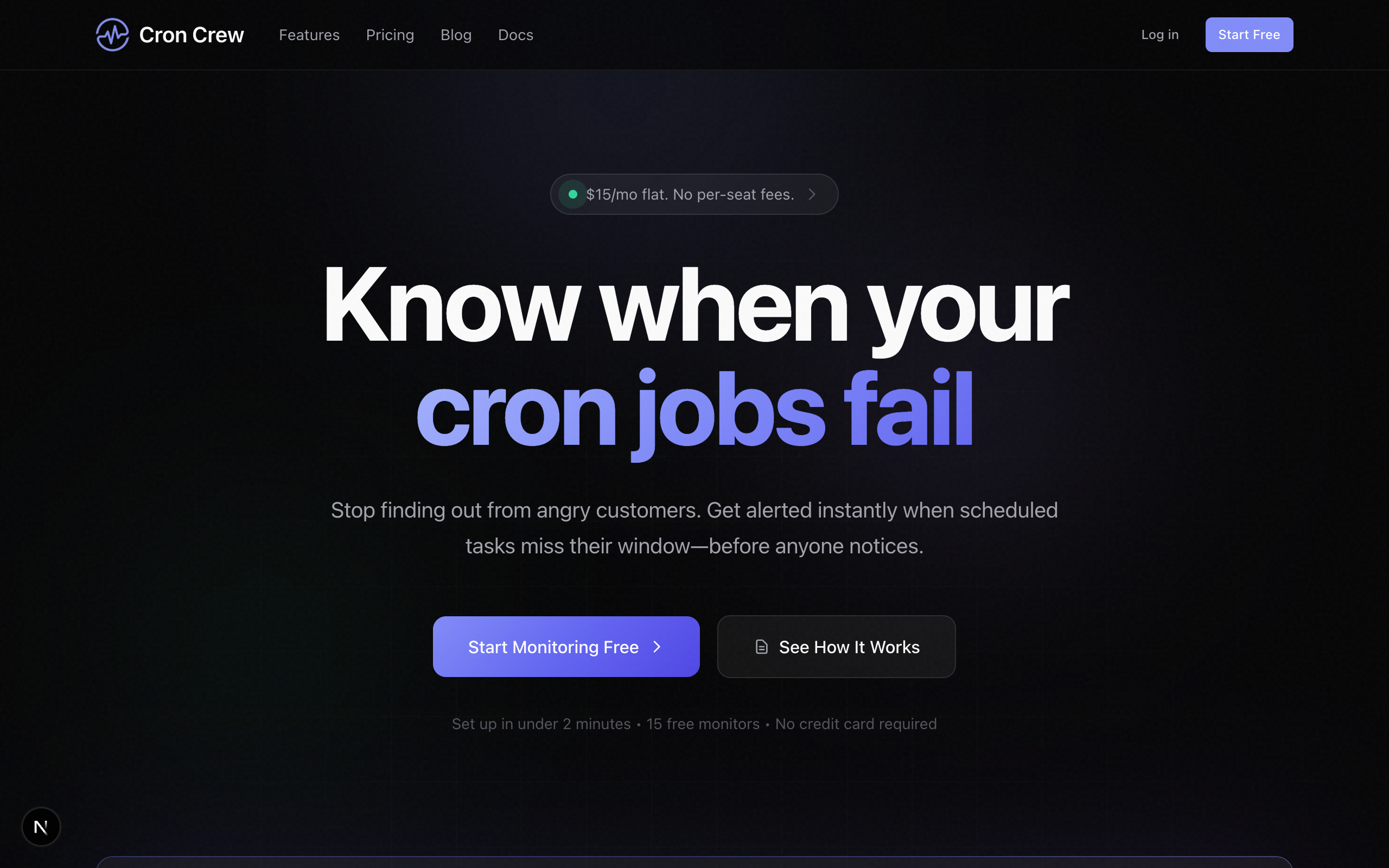
Cron Crew is built from the ground up for cron job monitoring. Unlike tools where heartbeat monitoring is an afterthought, scheduled task monitoring is the core focus here.
Why switch from UptimeRobot:
- Full cron expression support so the system understands your exact schedule
- Generous free tier with 15 monitors included
- Purpose-built for scheduled tasks with features like duration tracking
- Simple, predictable pricing without per-user fees
Pricing: $15/month for 50 monitors, with a free tier for smaller setups.
Key features:
- Cron expression validation and next-run predictions
- Start and finish signals for tracking job duration
- Multiple alert channels including email, Slack, and webhooks
- Grace periods to handle minor timing variations
Healthchecks.io
Best for: Value-conscious teams and open source enthusiasts
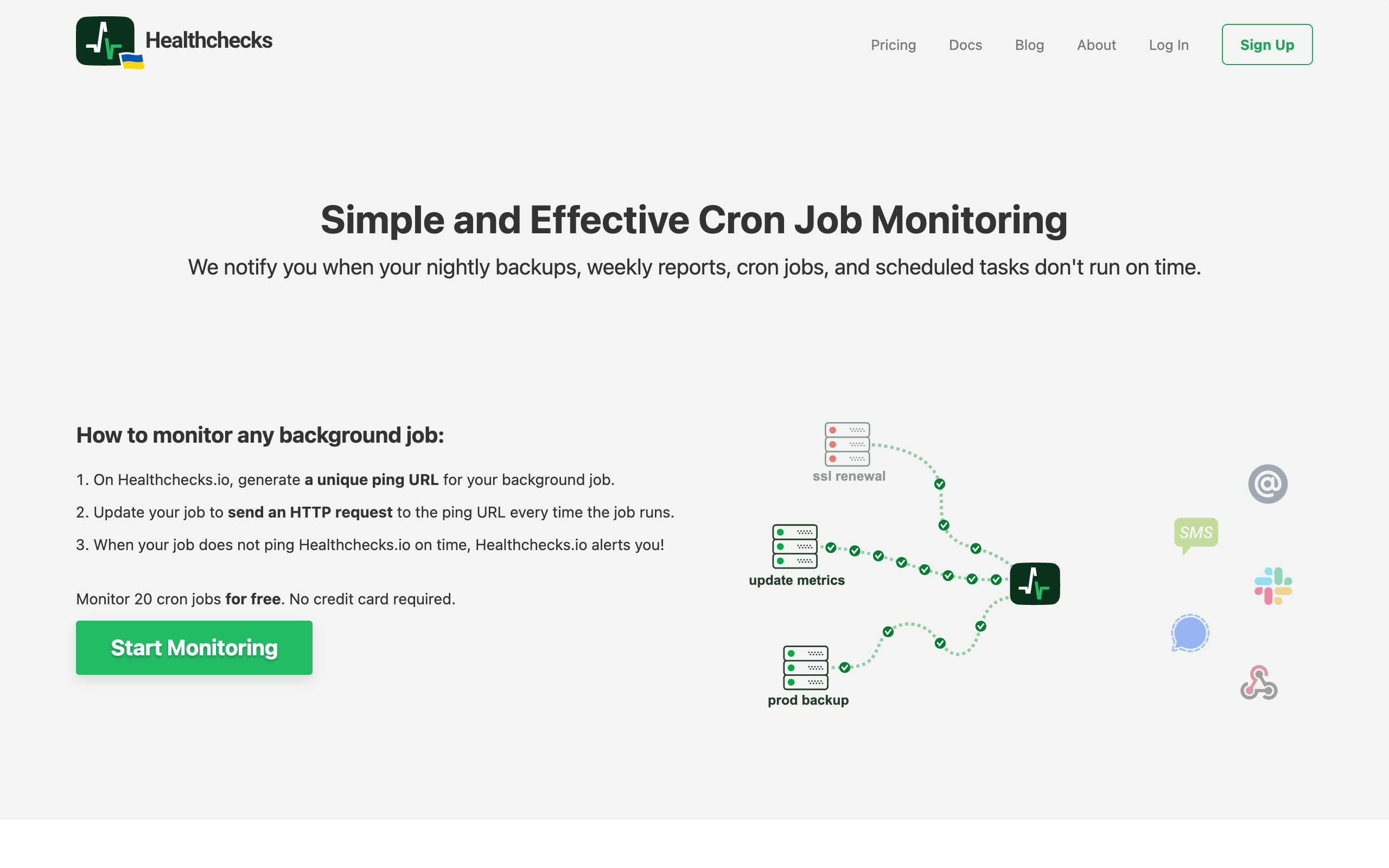
Healthchecks.io offers one of the most generous free tiers in the cron monitoring space, with 20 monitors included at no cost. It also provides a self-hosted option for teams that prefer to run their own infrastructure.
Why switch from UptimeRobot:
- 20 free monitors versus zero heartbeats on UptimeRobot's free tier
- Full cron expression support with validation
- Privacy-focused with minimal data collection
- Self-hosted option available for complete control
Pricing: Free tier with 20 monitors, paid plans starting at $20/month for 100 monitors.
Key features:
- Excellent documentation that makes setup straightforward
- Cron expression support with human-readable descriptions
- Clean, functional interface
- Open source codebase you can audit or contribute to
Cronitor
Best for: Teams needing feature-complete cron monitoring with advanced tooling
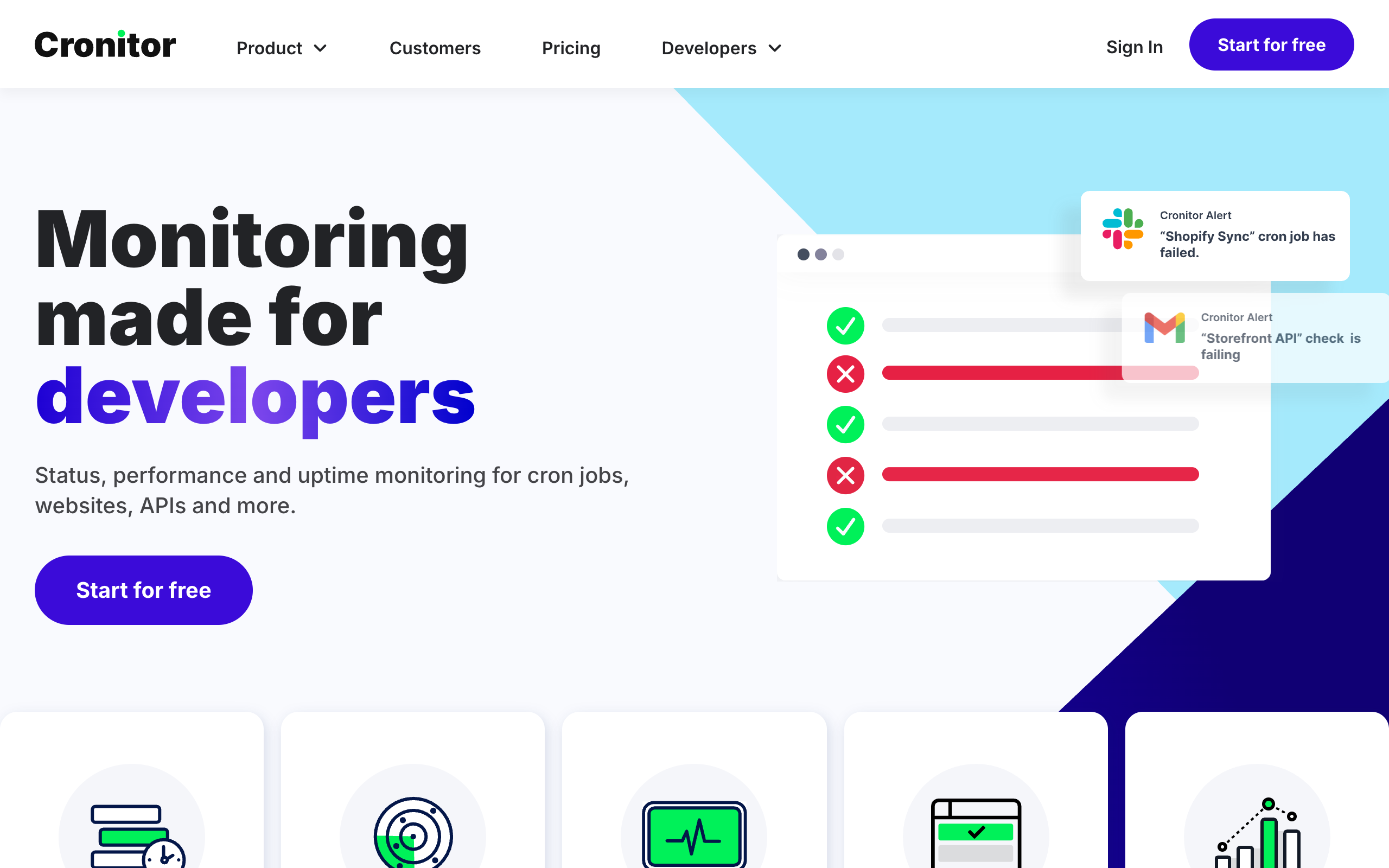
Cronitor is one of the most established names in cron monitoring, offering a comprehensive feature set that includes CLI tools for auto-discovery and SDKs for major programming languages.
Why switch from UptimeRobot:
- Deep cron monitoring features built over years of development
- CLI tool that can automatically discover and monitor cron jobs
- Comprehensive SDKs for Python, Node.js, Ruby, and more
- Run duration tracking and performance insights
Pricing: $2 per monitor plus $5 per team member per month. This pricing model works well for teams with few users but many monitors.
Key features:
- CLI auto-discovery that scans your crontab and sets up monitors
- Extensive SDK support for in-code monitoring
- Detailed run history and performance metrics
- Integration with major alerting and incident management tools
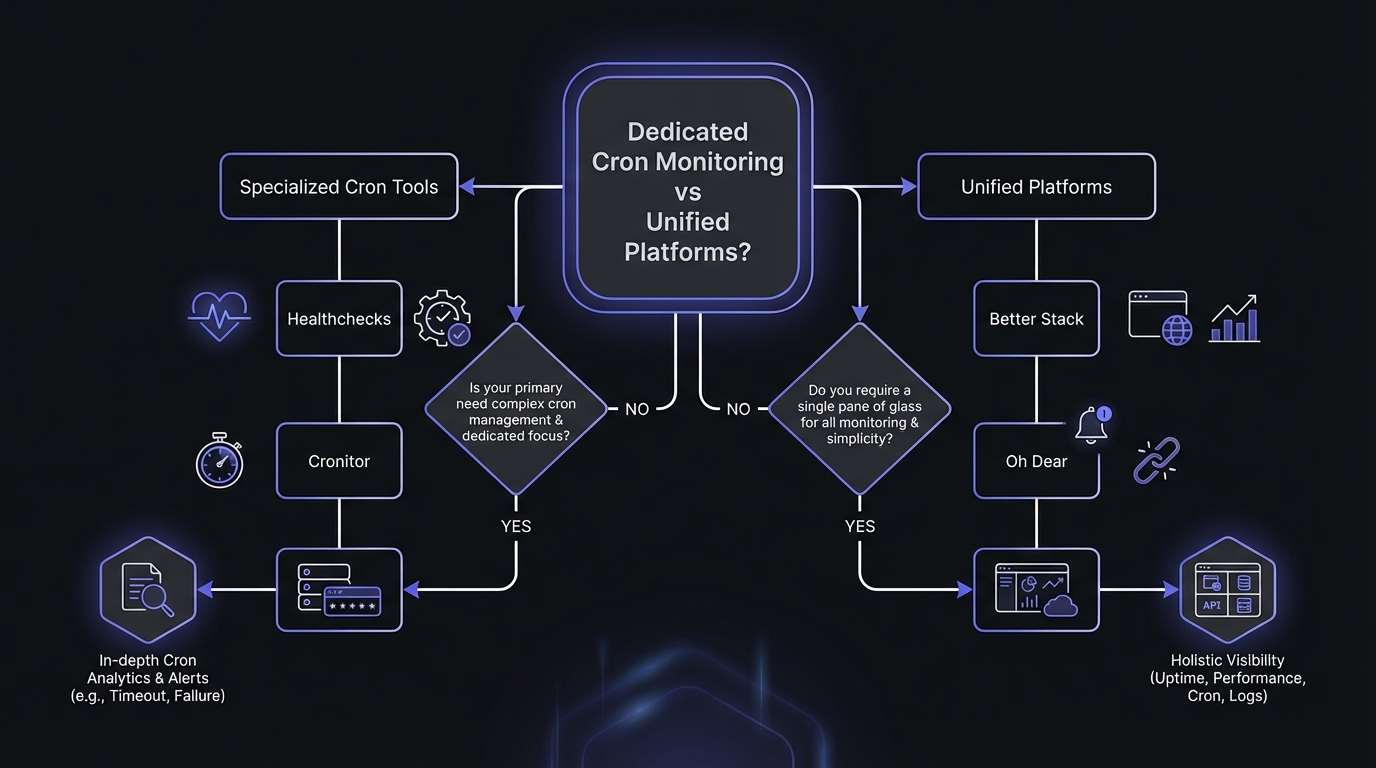
For Unified Uptime and Cron Monitoring
If you want a single platform that handles both website uptime monitoring and cron job monitoring, these tools offer comprehensive solutions.
Better Stack
Best for: Teams wanting a full observability platform
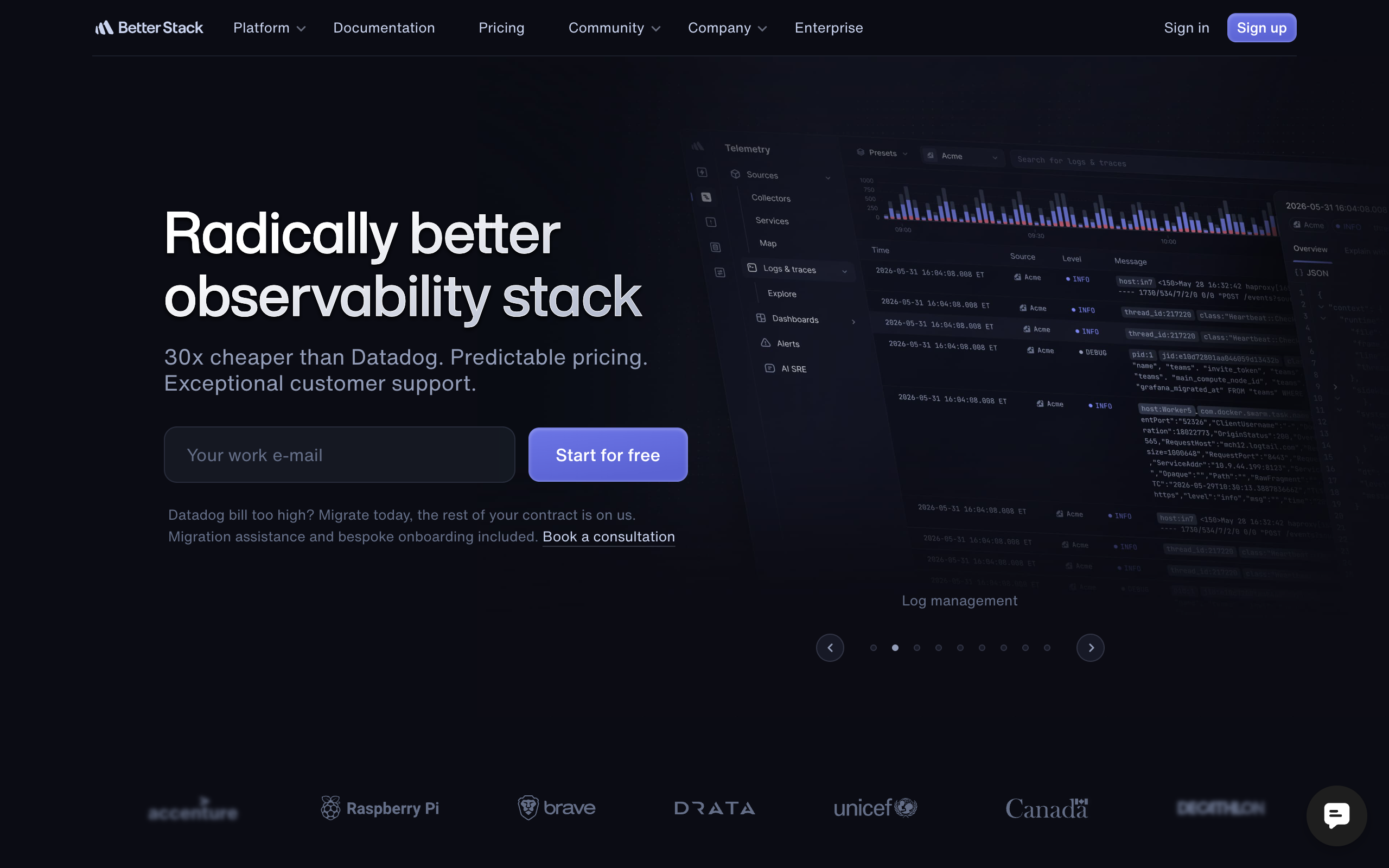
Better Stack (formerly Better Uptime) offers a unified platform that combines uptime monitoring, heartbeat monitoring, incident management, status pages, and log management. It is a good choice for teams that want to consolidate their monitoring tools.
Why switch from UptimeRobot:
- All-in-one platform reduces tool sprawl
- Includes status pages for communicating with customers
- Incident management with on-call scheduling
- Log management integration for deeper debugging
Pricing: Starting at $29 per month per responder, with heartbeat monitoring included.
Key features:
- Uptime monitoring with 30-second checks
- Heartbeat monitoring for cron jobs and background workers
- Integrated status pages
- On-call scheduling and incident management
- Log aggregation and search
Considerations: Better Stack does not support cron expressions for heartbeat monitors. Like UptimeRobot, it uses simple interval-based expectations. If precise cron schedule validation is important to you, this may be a limitation.
Oh Dear
Best for: Laravel teams and those needing EU data residency

Oh Dear offers a comprehensive site monitoring platform with excellent support for cron job monitoring. It is particularly popular in the Laravel community due to its official Laravel package.
Why switch from UptimeRobot:
- Comprehensive site monitoring including broken links, mixed content, and certificate monitoring
- Full cron expression support
- EU-based company with EU data storage
- First-class Laravel integration
Pricing: Starting at 15 EUR per month for 5 sites, with cron monitoring included.
Key features:
- Uptime, SSL, mixed content, and broken link monitoring
- Cron job monitoring with schedule validation
- Application health checks
- Official Laravel integration package
- Lighthouse performance monitoring
The Multiple Tools Approach
Here is a strategy many teams find works well: keep UptimeRobot for what it does best, and add a dedicated tool for cron monitoring.
Why This Works
UptimeRobot's free tier is genuinely excellent for HTTP uptime monitoring. You get 50 monitors with 5-minute intervals at no cost. For many teams, this covers their website and API endpoint monitoring needs completely.
For cron job monitoring, you can then use a dedicated tool like Cron Crew or Healthchecks.io, which offers a free tier specifically designed for scheduled task monitoring.
Example Setup
UptimeRobot (Free):
- Monitor your marketing website
- Monitor your API endpoints
- Monitor your application login page
- Total cost: $0
Cron Crew (Free or Paid):
- Monitor your nightly database backup
- Monitor your daily report generation
- Monitor your hourly data sync
- Total cost: $0-15/month depending on number of monitors
This approach gives you the best of both worlds: robust uptime monitoring from a proven tool, plus purpose-built cron monitoring from a specialized service.
Feature Comparison Matrix
Here is a detailed comparison of features across the alternatives:
| Feature | UptimeRobot | Cron Crew | Healthchecks.io | Cronitor | Better Stack | Oh Dear |
|---|---|---|---|---|---|---|
| HTTP Uptime Monitoring | Yes | No | No | Yes | Yes | Yes |
| Heartbeat/Cron Monitoring | Yes (Paid) | Yes | Yes | Yes | Yes | Yes |
| Cron Expression Support | No | Yes | Yes | Yes | No | Yes |
| Free Tier Heartbeats | 0 | 15 | 20 | 5 | 10 | 0 |
| Duration Tracking | Basic | Yes | Yes | Yes | Basic | Yes |
| Start/Finish Signals | No | Yes | Yes | Yes | No | Yes |
| Status Pages | Yes (Paid) | No | No | Yes | Yes | Yes |
| Self-Hosted Option | No | No | Yes | No | No | No |
| Per-User Pricing | No | No | No | Yes | Yes | No |
For a detailed breakdown of costs across all these tools, see our cron monitoring pricing comparison.
Migration Considerations
If you decide to switch from UptimeRobot or add a cron-specific tool, here are some things to keep in mind.
You Can Run Tools in Parallel
There is no need to make an immediate switch. Most teams run their new monitoring tool alongside UptimeRobot for a week or two to verify everything is working correctly before making any changes.
Cron Monitoring Tools Do Not Replace Uptime Monitoring
Tools like Cron Crew and Healthchecks.io are specifically for heartbeat and cron monitoring. They do not monitor HTTP endpoints or perform uptime checks. If you need both, either choose a unified platform like Better Stack or Oh Dear, or use multiple tools.
Focus on Filling the Cron Gap
If you are happy with UptimeRobot for uptime monitoring, focus on finding a tool that fills the cron monitoring gap. You do not need to replace your entire monitoring stack, just supplement it where UptimeRobot falls short for your use case.
Migration is Usually Simple
Setting up cron monitoring typically involves adding a curl command to your existing cron jobs. You can do this incrementally, starting with your most critical jobs and expanding from there.
# Add to end of your cron job
0 2 * * * /path/to/backup.sh && curl -fsS --retry 3 https://your-monitor.example/ping/abc123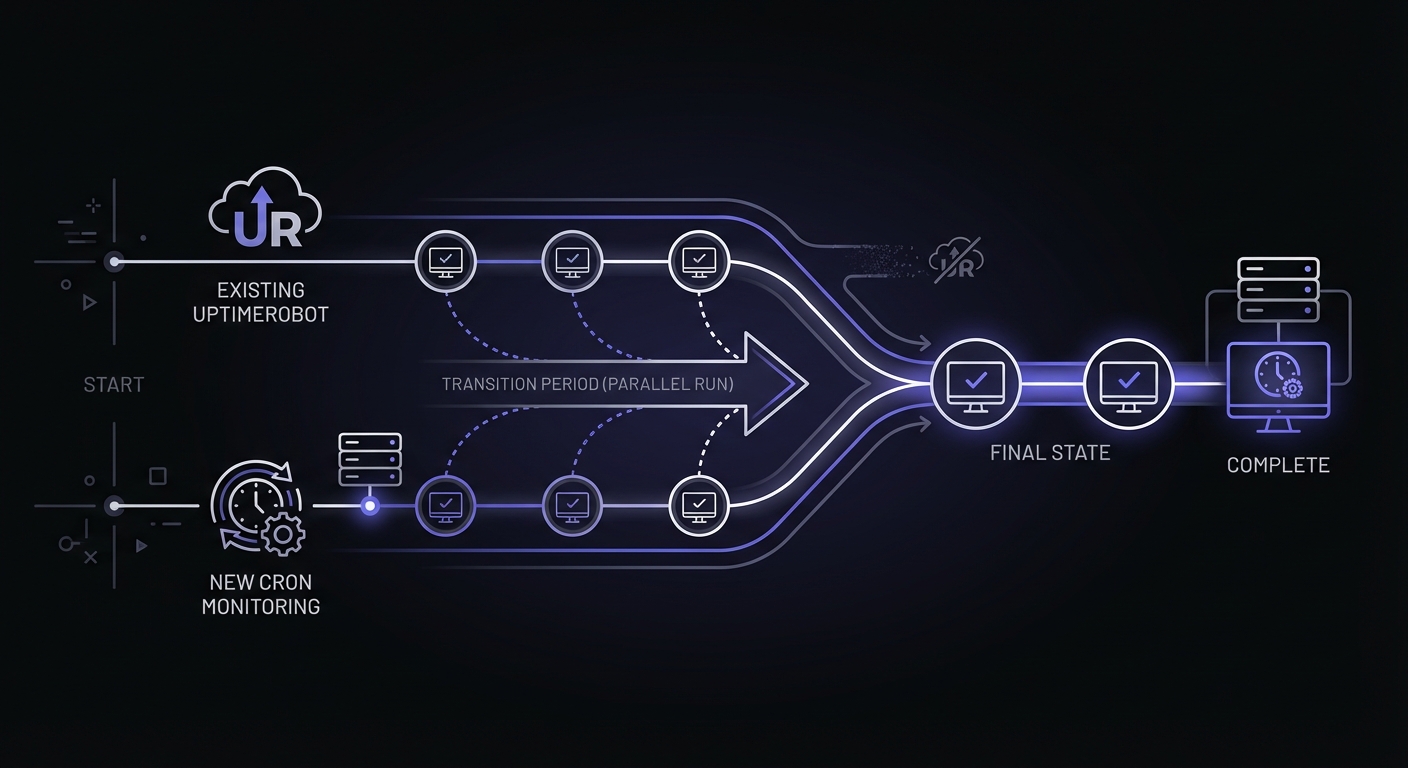
Self-Hosted Alternatives
If you prefer to run monitoring infrastructure yourself, two options stand out.
Uptime Kuma
Uptime Kuma is a self-hosted monitoring tool with over 81,000 GitHub stars. It supports HTTP, TCP, ping, DNS, and keyword monitoring, plus heartbeat monitors for cron jobs. The interface is clean and modern, with support for multiple notification channels including Slack, Discord, Telegram, and webhooks. Deploy it via Docker in minutes.
Best for: Teams with DevOps resources who want full control over their monitoring data and infrastructure.
Self-Hosted Healthchecks.io
Healthchecks.io is open source and can be self-hosted. You get all the cron monitoring features of the hosted version (cron expressions, start/finish signals, multiple alert channels) while keeping data on your own infrastructure. The codebase is well-documented and actively maintained.
Conclusion
UptimeRobot remains an excellent choice for HTTP uptime monitoring, especially if you are cost-conscious. However, for cron job monitoring, dedicated tools offer significant advantages in terms of features, flexibility, and often pricing.
If cron monitoring is your primary concern, consider Cron Crew or Healthchecks.io for their cron expression support and generous free tiers. If you want a unified platform, Better Stack or Oh Dear provide comprehensive solutions that handle both uptime and cron monitoring.
Many teams find the best approach is using UptimeRobot for what it does well and adding a specialized tool for cron monitoring. This combination gives you robust coverage across both uptime and scheduled task monitoring without breaking the budget.
Ready to add proper cron monitoring to your stack? Cron Crew offers a free tier with 15 monitors, full cron expression support, and takes just five minutes to set up. Try it alongside your existing UptimeRobot setup and see the difference dedicated cron monitoring can make.
For a direct comparison, see our Cron Crew vs UptimeRobot analysis, or learn how to choose cron monitoring for your specific needs.