Best Cron Job Monitoring Tools (2026)
There are over a dozen cron monitoring options. This guide evaluates the top tools of 2026, helping you find the right fit for your team, budget, and requirements.

Best Cron Job Monitoring Tools (2026)
Finding the right cron monitoring tool can feel overwhelming. There are over a dozen options ranging from simple heartbeat services to full-featured observability platforms. Some excel at simplicity, others at enterprise features, and still others at value. This guide evaluates the top cron monitoring tools of 2026, helping you find the right fit for your team, budget, and technical requirements.
Table of Contents
- How We Evaluated These Tools
- Quick Comparison Table
- Detailed Tool Reviews
- Best Tool by Use Case
- How to Choose
How We Evaluated These Tools
Before diving into the reviews, here's how we assessed each tool.
Evaluation Criteria
Features (25%)
- Core monitoring capabilities (heartbeat, scheduling, alerts)
- Advanced features (duration tracking, payload capture, start/finish signals)
- Integration ecosystem (Slack, PagerDuty, webhooks, etc.)
- API quality and documentation
Pricing (25%)
- Free tier availability and generosity
- Value at different scales (solo, small team, enterprise)
- Pricing transparency and predictability
- Hidden costs (per-user fees, SMS charges)
Developer Experience (25%)
- Ease of setup (time to first monitor)
- Documentation quality
- Dashboard usability
- API and SDK design
Reliability (25%)
- Uptime track record
- Alert delivery speed and reliability
- Infrastructure transparency (status page, incident history)
- Data handling and security
Our Testing Methodology
We set up accounts with each tool and monitored identical test jobs across a 30-day period. We evaluated:
- Time from signup to first working monitor
- Alert latency (how fast alerts arrive after a missed ping)
- Dashboard performance and usability
- Support responsiveness (where applicable)
- Documentation completeness
Disclosure
We are the makers of Cron Crew, which is included in this comparison. We've done our best to evaluate all tools fairly, including our own. We've noted where competitors excel, even when they outperform us in specific areas.
Quick Comparison Table
| Tool | Best For | Starting Price | Free Tier | Standout Feature |
|---|---|---|---|---|
| Cronitor | Comprehensive monitoring | $20/mo | 5 monitors | Full observability suite |
| UptimeRobot | Uptime + heartbeats | $7/mo | 50 monitors* | Combined monitoring |
| Better Stack | Unified observability | $29/mo | 10 monitors | Logs + metrics + heartbeats |
| Healthchecks.io | Value and open source | $20/mo | 20 monitors | Open source, self-hostable |
| Honeybadger | Ruby teams | Part of plan | Add-on | Error tracking integration |
| Dead Man's Snitch | Simplicity | $5/mo | 1 monitor | Dead simple, focused |
| Oh Dear | Laravel teams | $49/mo | None | Laravel-first design |
| Checkly | Synthetic + heartbeats | $30/mo | None | API monitoring combo |
| AppSignal | APM + cron combo | Host-based | None | Full APM integration |
| Cronhub | Job scheduling | $7/mo | 3 monitors | Built-in scheduler |
| Sentry Crons | Error tracking users | Part of plan | 5 monitors | Sentry integration |
| WebGazer | Budget monitoring | $19/mo | 50 monitors | Generous free tier |
| Cronly | Per-monitor pricing | ~$1/monitor | 5 monitors | True pay-per-use |
| CronAlarm | Basic needs | $5/mo | 3 monitors | Simple and cheap |
| Cron Crew | SMBs wanting value | $15/mo | 15 monitors | No per-user fees |
*UptimeRobot free tier is for uptime monitors only; heartbeat monitoring requires paid plan.
Detailed Tool Reviews
Market Leaders
Cronitor - Best for Comprehensive Monitoring
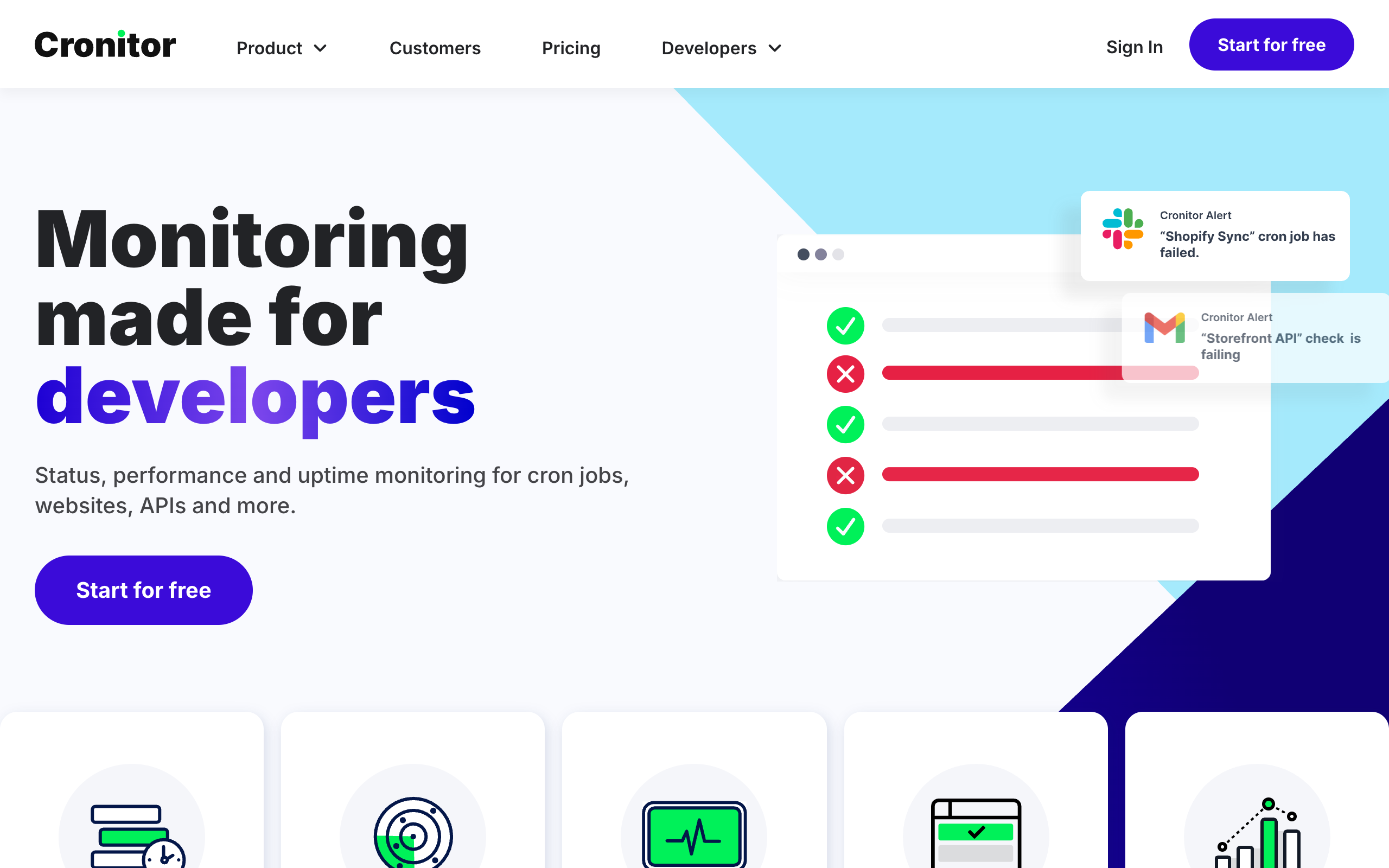
Cronitor has established itself as the most full-featured cron monitoring solution. Beyond simple heartbeats, it offers a complete observability platform including logs, metrics, and error tracking. For a detailed comparison, see our Cronitor comparison and Cronitor alternatives guides.
What it does best: Cronitor provides the most comprehensive monitoring feature set. If you need advanced capabilities like log aggregation, metrics dashboards, and deep integrations, Cronitor delivers.
Key features:
- Heartbeat monitoring with cron expression support
- Telemetry capture (logs, metrics, traces)
- Duration tracking and alerting
- Environment management (staging/production)
- Extensive integrations (Slack, PagerDuty, Opsgenie, etc.)
- Team collaboration features
Pricing:
- Free: 5 monitors, 1 user
- Starter: $20/mo (10 monitors, 1 user)
- Pro: $49/mo (25 monitors, 3 users)
- Additional users: $5/user/month
Pros:
- Most feature-rich option
- Excellent documentation
- Reliable infrastructure
- Good enterprise features
Cons:
- Per-user fees add up quickly
- Can be overkill for simple needs
- Higher cost than alternatives
- Learning curve for full feature set
Best for: Teams that need comprehensive observability and have budget for premium tooling.
UptimeRobot - Best Free Tier for Uptime + Heartbeats
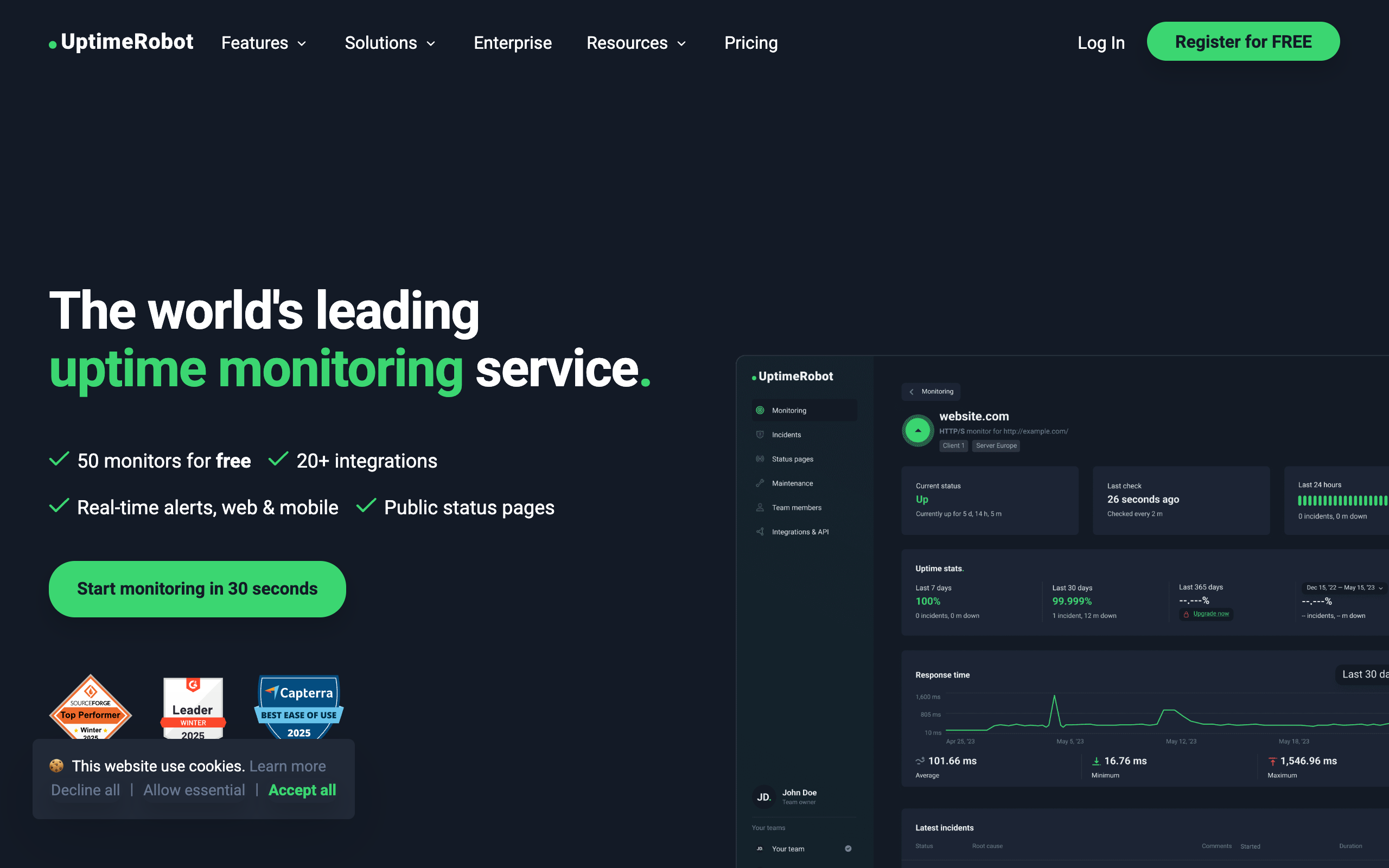
UptimeRobot is primarily known for uptime monitoring, but their heartbeat feature (called "Heartbeat monitors") makes it a viable cron monitoring solution, especially for teams that need both capabilities.
What it does best: If you already use UptimeRobot for website uptime monitoring, adding heartbeat monitors keeps everything in one place. The combined value proposition is strong.
Key features:
- Heartbeat (cron) monitoring
- Website uptime monitoring
- Status pages
- Multiple alert channels
- API access
- Mobile apps
Pricing:
- Free: 50 uptime monitors (no heartbeat)
- Solo: $7/mo (50 monitors including heartbeat)
- Pro: $29/mo (100 monitors)
- Enterprise: $54/mo (200 monitors)
Pros:
- Great value if you need uptime + cron monitoring
- Established, reliable service
- Good mobile apps
- Simple interface
Cons:
- Free tier doesn't include heartbeat monitoring
- Less focused on cron specifically
- Fewer cron-specific features
- Single-user focus on lower tiers
Best for: Teams already using UptimeRobot for uptime, or those needing combined uptime and cron monitoring.
Better Stack - Best for Unified Observability
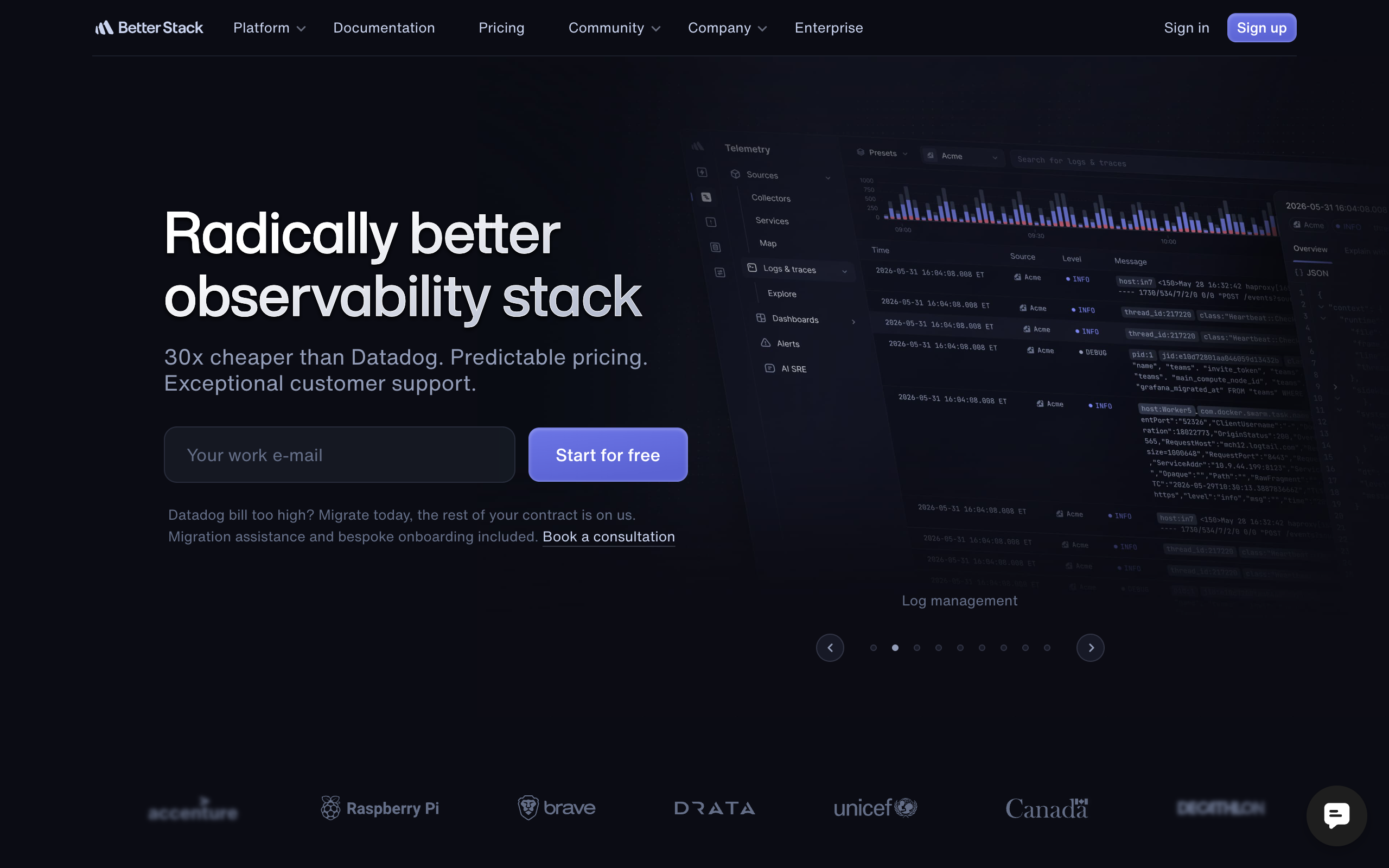
Better Stack (formerly Better Uptime and Logtail) offers heartbeat monitoring as part of a broader observability platform including logs, metrics, and incident management.
What it does best: Better Stack provides a modern, unified platform for all observability needs. If you want heartbeats, logs, and incident management in one tool, Better Stack is compelling.
Key features:
- Heartbeat monitoring
- Log management
- Uptime monitoring
- Incident management with on-call scheduling
- Status pages
- Modern UI
Pricing:
- Free: 10 heartbeat monitors
- Freelancer: $29/mo base
- Small Team: $85/mo
- Additional responders: $29/responder/month
Pros:
- Beautiful, modern interface
- Unified observability platform
- Good incident management
- Active development
Cons:
- Responder licensing adds cost
- Heartbeats are a secondary feature
- Complex pricing model
- Newer entrant (less track record)
Best for: Teams wanting unified observability (logs + metrics + heartbeats + incidents) in one platform.
Strong Challengers
Healthchecks.io - Best Value and Open Source Option
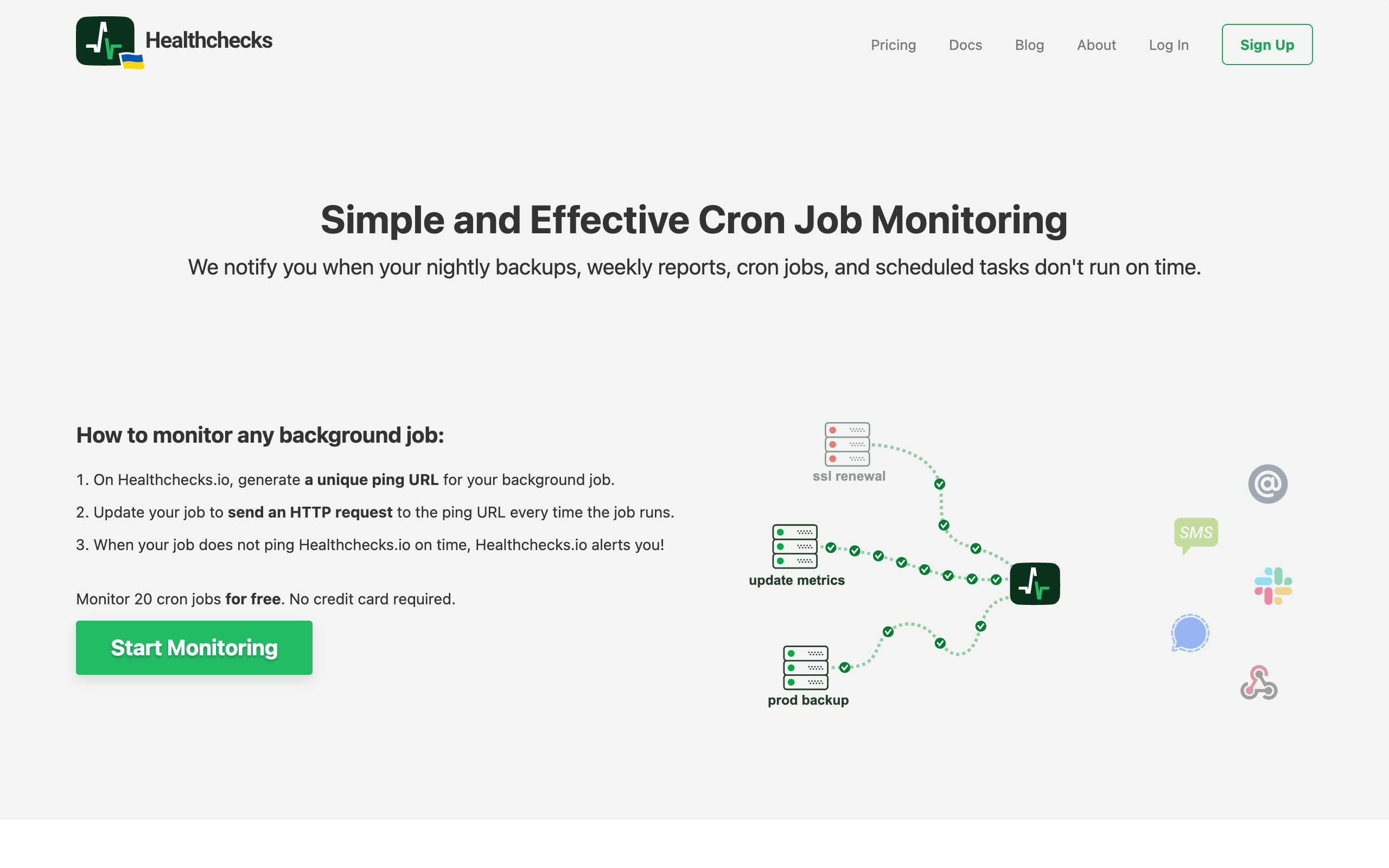
Healthchecks.io stands out for two reasons: exceptional value and being fully open source. You can self-host it or use their managed service, and the pricing is remarkably generous. See our Healthchecks.io comparison and Healthchecks alternatives for more details.
What it does best: Healthchecks.io offers the best monitors-per-dollar ratio of any tool. The open-source option also makes it ideal for teams with data sovereignty requirements.
Key features:
- Heartbeat monitoring with cron expression support
- Generous free tier (20 monitors)
- Open source (BSD license)
- Self-hosting option
- Many integrations (Slack, PagerDuty, Telegram, Matrix, more)
- Badges for dashboards
Pricing:
- Free: 20 monitors, 3 team members
- Hobbyist: $20/mo (100 monitors)
- Business: $80/mo (1,000 monitors)
- Enterprise: $320/mo (10,000 monitors)
Pros:
- Best value for monitor count
- Fully open source
- Self-hosting option
- Feature-complete free tier
- Mature and stable
Cons:
- UI is functional but dated
- Fewer advanced features than Cronitor
- Documentation could be better
- No unified observability
Best for: Budget-conscious teams, open-source advocates, or anyone with data sovereignty requirements.
Honeybadger - Best for Ruby Teams
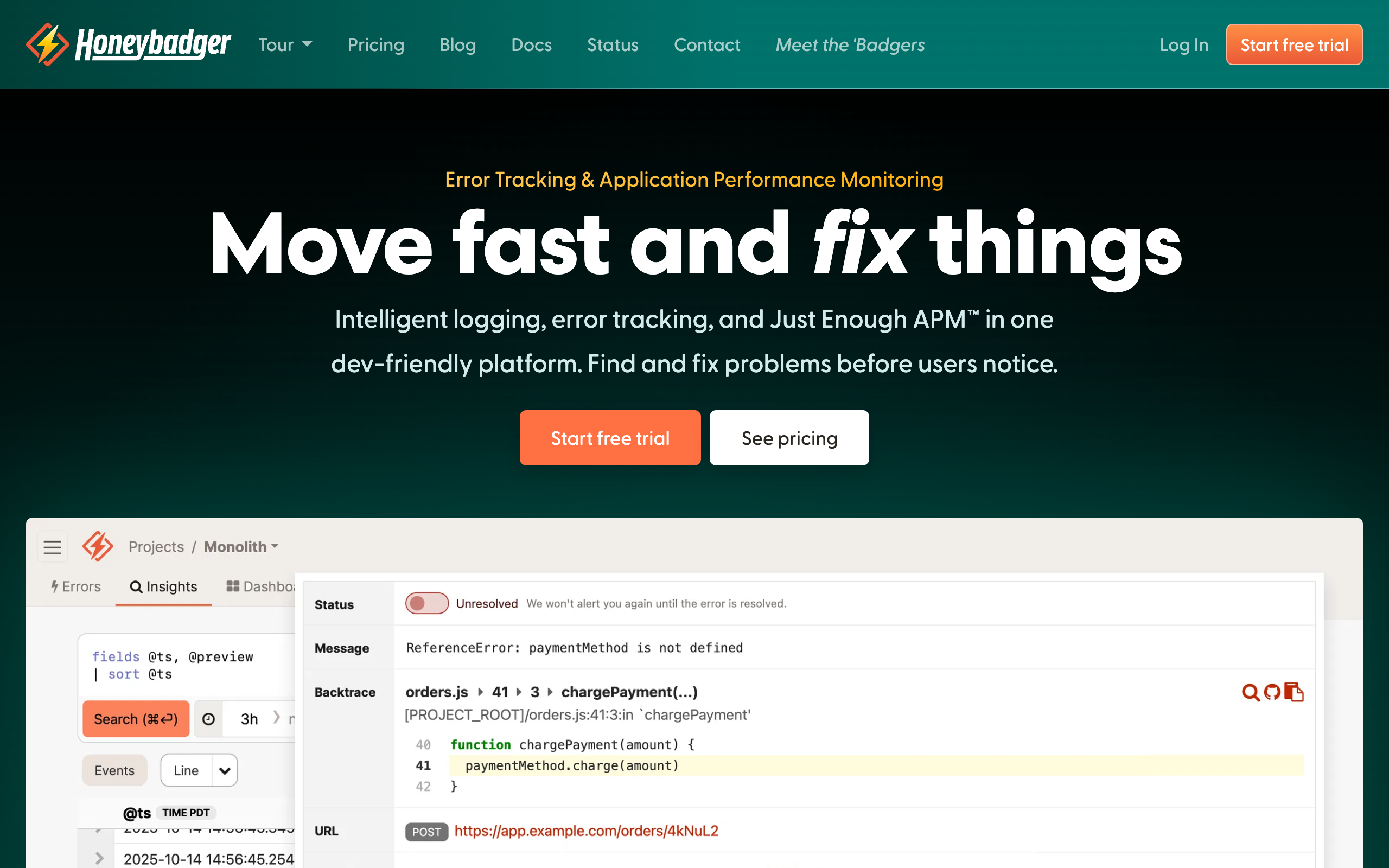
Honeybadger is primarily an error tracking service for Ruby/Rails applications, but includes solid cron monitoring as part of its offering.
What it does best: For Ruby teams already using Honeybadger for error tracking, adding cron monitoring requires zero additional tools. The integration is seamless.
Key features:
- Cron monitoring (check-ins)
- Error tracking
- Uptime monitoring
- Ruby/Rails-specific features
- Excellent documentation
- Great customer support
Pricing:
- Bundled with Honeybadger error tracking plans
- Starts at $19/mo for the overall service
- Cron monitoring included at most tiers
Pros:
- Seamless for existing Honeybadger users
- Excellent Ruby/Rails integration
- Great documentation and support
- One tool for errors + cron
Cons:
- Overkill if you only need cron monitoring
- Ruby/Rails focused
- Not standalone cron monitoring
- Higher cost than dedicated tools
Best for: Ruby/Rails teams already using or considering Honeybadger for error tracking.
Dead Man's Snitch - Best for Simplicity
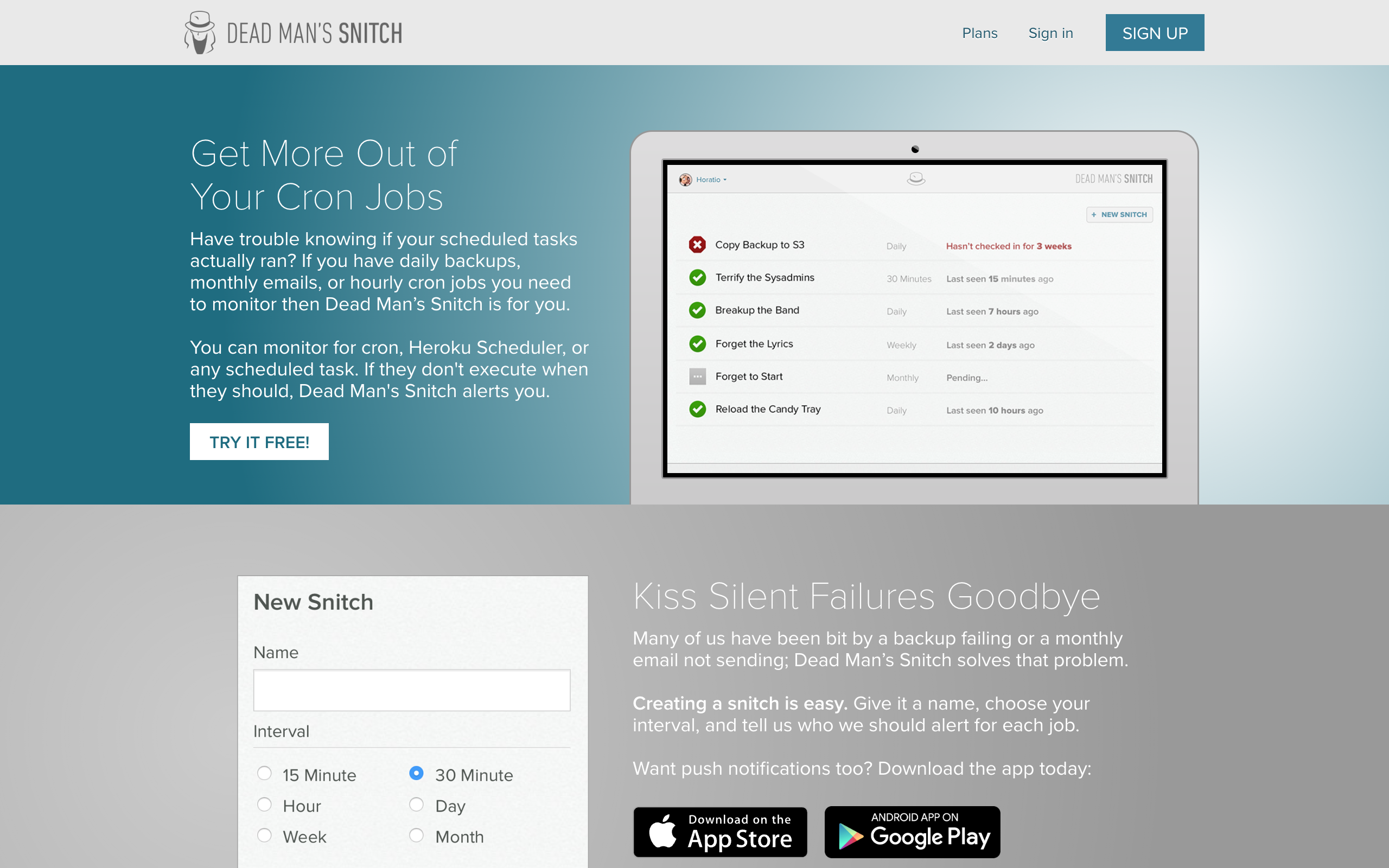
Dead Man's Snitch does one thing and does it well: cron monitoring. No feature bloat, no complex pricing, just straightforward heartbeat monitoring.
What it does best: If you want the simplest possible cron monitoring setup with no distractions, Dead Man's Snitch delivers a focused, reliable service.
Key features:
- Heartbeat monitoring (snitches)
- Simple alert configuration
- Basic integrations (Slack, PagerDuty, webhooks)
- Clear, simple dashboard
- Smart alerts (adjusts to your schedule)
Pricing:
- Free: 1 snitch
- Basic: $5/mo (5 snitches)
- Standard: $19/mo (25 snitches)
- Premium: $49/mo (100 snitches)
Pros:
- Extremely simple and focused
- No feature bloat
- Reasonable pricing
- Reliable service
- Quick setup
Cons:
- Limited feature set
- No duration tracking
- Few integrations
- Basic reporting
Best for: Teams that value simplicity and just need basic cron monitoring without extras.
Niche Players
Oh Dear - Best for Laravel Teams
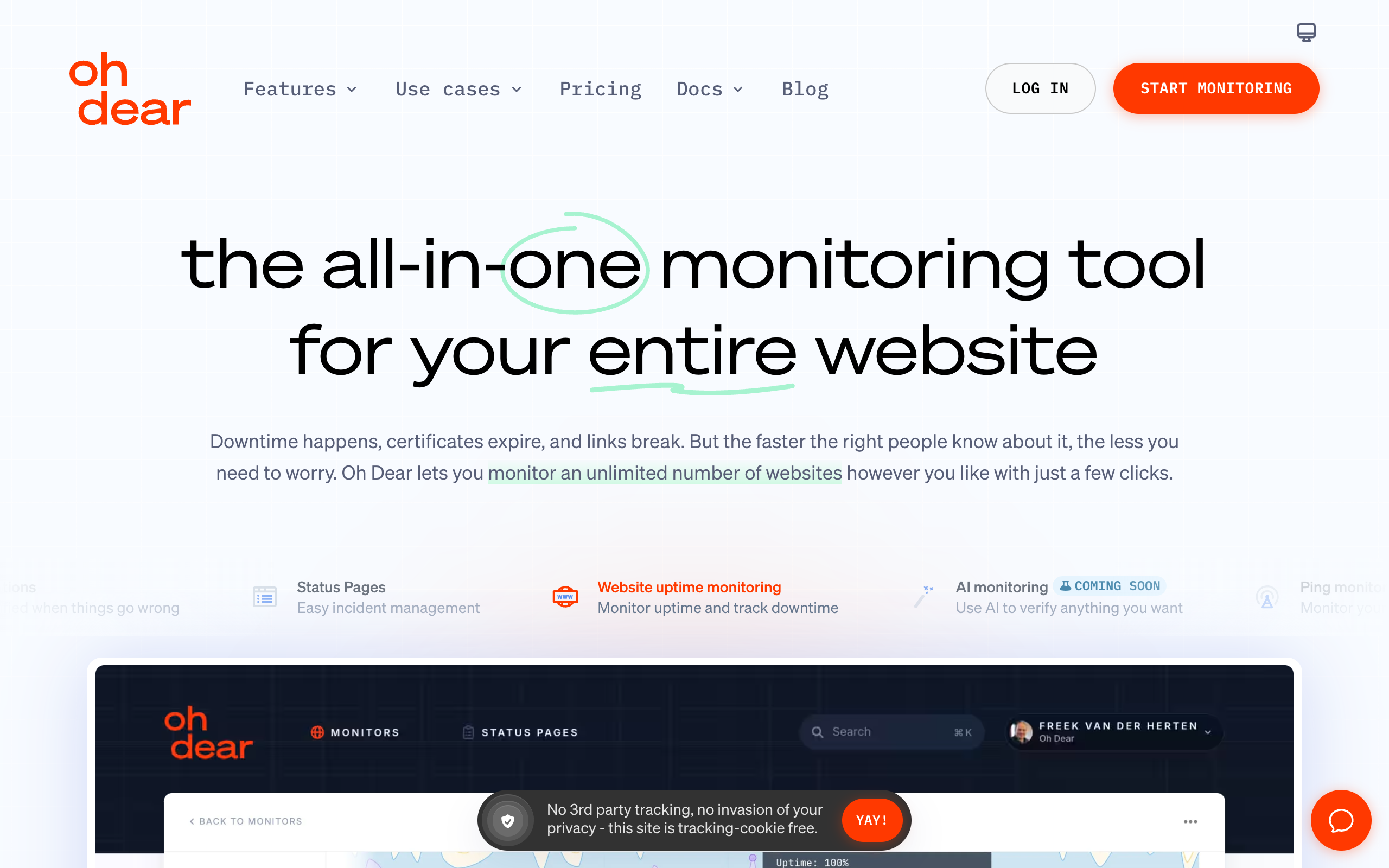
Oh Dear is a monitoring service with strong Laravel integration, offering heartbeat monitoring alongside uptime, SSL, and performance monitoring.
What it does best: Laravel developers will appreciate Oh Dear's first-party Laravel package and tight framework integration. It's built by Laravel community members.
Key features:
- Heartbeat monitoring
- Laravel-specific package
- Uptime and performance monitoring
- SSL certificate monitoring
- Mixed content checking
- Broken links detection
Pricing:
- Solo: $49/mo (10 sites, includes heartbeats)
- Team: $99/mo (20 sites)
- Enterprise: $199/mo (50 sites)
Pros:
- Excellent Laravel integration
- Multiple monitoring types in one tool
- Built by Laravel community members
- Good documentation
Cons:
- No free tier
- Higher starting price
- Limited to PHP/Laravel ecosystem
- Heartbeats are part of site limits
Best for: Laravel development teams wanting integrated monitoring with excellent framework support.
Checkly - Best for Synthetic Monitoring + Heartbeats
Checkly specializes in synthetic monitoring (API checks, browser tests) but includes heartbeat functionality for cron monitoring.
What it does best: If you need sophisticated API monitoring and also want to track cron jobs, Checkly provides both in a modern, developer-friendly package.
Key features:
- Heartbeat monitoring
- API monitoring with scripted checks
- Browser-based synthetic monitoring
- Monitoring as code
- Prometheus/Grafana integration
- Global check locations
Pricing:
- Hobby: $30/mo (limited checks)
- Team: Custom pricing
- Enterprise: Custom pricing
Pros:
- Excellent API/synthetic monitoring
- Modern, developer-focused
- Monitoring as code approach
- Good global coverage
Cons:
- Heartbeats aren't the focus
- Higher price point
- Complexity for simple needs
- No standalone cron tier
Best for: Teams that need API monitoring with cron monitoring as an add-on.
AppSignal - Best for APM + Cron Combo
AppSignal provides application performance monitoring (APM) with cron monitoring integrated. It's particularly strong for Ruby, Elixir, Node.js, and Python applications.
What it does best: AppSignal combines APM metrics with cron monitoring, giving you application performance context alongside job execution tracking.
Key features:
- Cron monitoring (check-ins)
- Full APM (performance metrics, error tracking)
- Host monitoring
- Anomaly detection
- Custom dashboards
- Magic dashboard (auto-generated insights)
Pricing:
- Host-based pricing starting around $17/host/month
- Includes all features including cron monitoring
Pros:
- Full APM integration
- Good language support
- No per-feature pricing
- Automatic instrumentation
Cons:
- Overkill for cron-only needs
- Host-based pricing can be expensive
- APM focus, heartbeats are secondary
- Requires APM adoption
Best for: Teams wanting full APM that includes cron monitoring as an integrated feature.
Cronhub - Best for Job Scheduling + Monitoring
Cronhub offers both cron scheduling and monitoring. Instead of managing crontabs on servers, you can define schedules in Cronhub and have it trigger your jobs via HTTP.
What it does best: Cronhub is unique in combining scheduling with monitoring. If you want to move cron schedules out of server crontabs, Cronhub enables that.
Key features:
- Job scheduling (Cronhub triggers your endpoints)
- Heartbeat monitoring
- HTTP job triggering
- Simple dashboard
- Basic integrations
Pricing:
- Free: 3 monitors
- Basic: $7/mo (10 monitors)
- Pro: $19/mo (50 monitors)
- Business: $49/mo (150 monitors)
Pros:
- Combined scheduling and monitoring
- Simple approach
- Reasonable pricing
- Removes need for server crontabs
Cons:
- Less mature than alternatives
- Limited advanced features
- Smaller user base
- Fewer integrations
Best for: Teams wanting to centralize cron scheduling rather than managing distributed crontabs.
Sentry Crons - Best for Error Tracking Integration
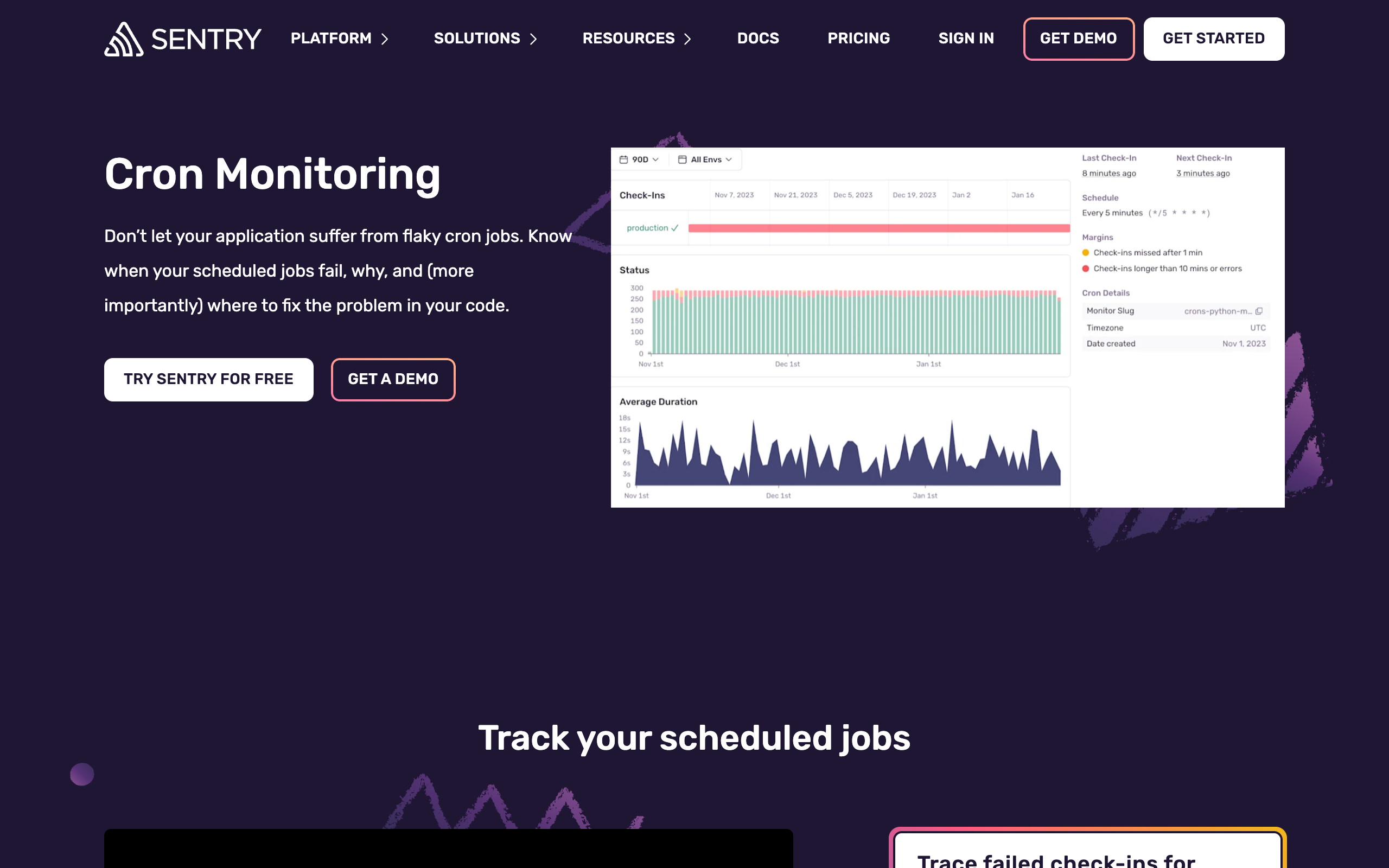
Sentry, the popular error tracking platform, now includes cron monitoring. For teams already using Sentry, adding cron monitoring requires minimal additional setup.
What it does best: If you're already committed to Sentry for error tracking, adding cron monitoring keeps everything in one place with unified alerting.
Key features:
- Cron monitoring integrated with Sentry
- Error tracking correlation
- Same alerting infrastructure
- SDK-based check-ins
- Performance context
Pricing:
- Free: 5 cron monitors (with Sentry free tier)
- Team: Part of $26/mo plan
- Business: Part of $80/mo plan
- All plans include cron monitoring
Pros:
- No additional tool for Sentry users
- Error correlation
- Familiar interface
- Good SDK support
Cons:
- Requires Sentry adoption
- Cron is a minor feature
- Less cron-specific functionality
- Can be complex
Best for: Teams already using Sentry for error tracking who want integrated cron monitoring.
Budget Options
WebGazer - Best Budget Option
WebGazer offers a generous free tier and affordable paid plans for basic cron monitoring needs.
What it does best: WebGazer provides good value for teams that need many monitors without advanced features.
Key features:
- Heartbeat monitoring
- Uptime monitoring
- SSL monitoring
- Basic alerting
- Simple dashboard
Pricing:
- Free: 50 monitors
- Pro: $19/mo
- Business: $49/mo
Pros:
- Generous free tier
- Affordable pricing
- Multiple monitoring types
- Simple to use
Cons:
- Limited advanced features
- Basic integrations
- Less polish than leaders
- Limited documentation
Best for: Budget-conscious teams needing basic monitoring at scale.
Cronly - Best Per-Monitor Pricing
Cronly offers straightforward per-monitor pricing, making it economical for teams with specific monitoring needs.
Key features:
- Heartbeat monitoring
- Per-monitor pricing (~$1/monitor)
- Basic integrations
- Simple interface
Pricing:
- Free: 5 monitors
- Paid: ~$1/monitor/month
Pros:
- True pay-per-use
- Simple pricing
- No feature bundling
Cons:
- Very basic features
- Limited documentation
- Small company
Best for: Teams wanting to pay exactly for what they use.
CronAlarm - Basic Monitoring on a Budget
CronAlarm provides basic cron monitoring at low price points.
Key features:
- Heartbeat monitoring
- Email alerts
- Basic dashboard
- Simple setup
Pricing:
- Free: 3 monitors
- Starter: $5/mo
- Pro: $15/mo
- Business: $30/mo
Pros:
- Very affordable
- Simple to use
- Quick setup
Cons:
- Very basic features
- Limited integrations
- Minimal documentation
Best for: Individual developers needing basic, affordable monitoring.
Our Product
Cron Crew - Best for SMBs Wanting Simplicity + Value
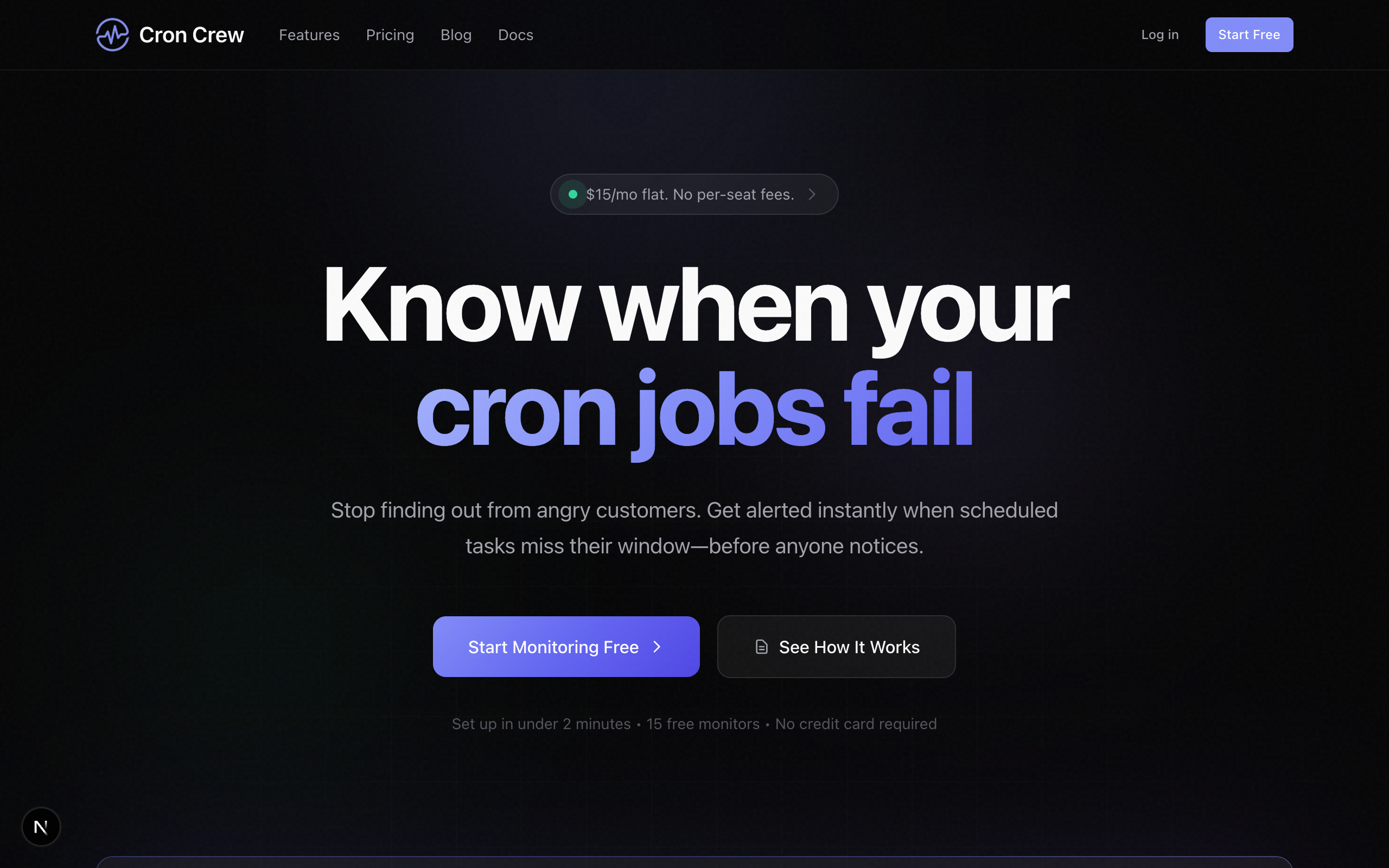
We built Cron Crew specifically for small businesses and growing teams who want reliable cron monitoring without enterprise complexity or enterprise pricing.
What it does best: Cron Crew balances features, simplicity, and price. You get essential monitoring capabilities without per-user fees or feature paywalls.
Key features:
- Heartbeat monitoring with cron expression support
- Duration tracking
- Start/finish signals for long-running jobs
- Slack, email, and webhook integrations (all tiers)
- Team collaboration (unlimited users)
- Clean, fast dashboard
- API access
Pricing:
- Free: 15 monitors, unlimited users
- Starter: $15/mo (50 monitors)
- Pro: $29/mo (150 monitors)
- Business: Custom pricing
Pros:
- No per-user fees
- All integrations on all plans
- Simple, predictable pricing
- Fast setup
- Good documentation
Cons:
- Fewer advanced features than Cronitor
- Smaller brand recognition
- No log aggregation or APM
- Newer service
Best for: SMBs, startups, and small dev teams wanting good value without enterprise complexity.
Best Tool by Use Case
Different situations call for different tools. Here are our recommendations by use case.
Best for Solo Developers
Winner: Healthchecks.io
Solo developers need generous free tiers and simple pricing. Healthchecks.io's 20 free monitors with full features can't be beat for individual projects.
Runners-up:
- Cron Crew (15 free monitors)
- Dead Man's Snitch ($5/mo for 5 monitors)
Best for Startups
Winner: Cron Crew
Startups need room to grow without per-user fees that punish team expansion. Cron Crew's unlimited users and simple pricing scale well.
Runners-up:
- Healthchecks.io (great value at scale)
- UptimeRobot (if you also need uptime monitoring)
Best for Enterprise
Winner: Cronitor
Enterprise teams need compliance features, SSO, and comprehensive observability. Cronitor delivers the full feature set enterprises require.
Runners-up:
- Better Stack (unified observability)
- Healthchecks.io Enterprise (self-hosting for data control)
Best for Ruby/Rails Teams
Winner: Honeybadger
Ruby teams already using error tracking get cron monitoring as a natural extension with Honeybadger's excellent Rails integration.
Runners-up:
- Cronitor (comprehensive features)
- Cron Crew (if you want standalone cron monitoring)
Best for Laravel Teams
Winner: Oh Dear
Oh Dear's Laravel-first approach and community connection make it the natural choice for Laravel projects.
Runners-up:
- Cron Crew (framework-agnostic simplicity)
- Healthchecks.io (great value)
Best Free Option
Winner: Healthchecks.io
20 monitors with full features on the free tier. Open source means you can even self-host if needed. For a complete rundown of no-cost options, see our guide to free cron monitoring tools.
Runners-up:
- Cron Crew (15 monitors, unlimited users)
- WebGazer (50 monitors but limited features)
Best Combined Uptime + Cron
Winner: UptimeRobot
If you need both website uptime monitoring and cron monitoring, UptimeRobot provides both at competitive pricing.
Runners-up:
- Better Stack (more modern, higher price)
- Oh Dear (if you're in Laravel ecosystem)
How to Choose
Still unsure which tool is right for you? Use this decision framework.
Start With Your Requirements
-
How many monitors do you need?
- Under 10: Any tool with a free tier
- 10-50: Look at entry-level paid tiers
- 50-100: Compare mid-tier pricing carefully
- 100+: Enterprise options or Healthchecks.io
-
How big is your team?
- Solo: Focus on free tiers and simple tools
- 2-5 people: Avoid per-user pricing
- 5-15 people: Per-user fees become expensive
- 15+: Enterprise features become important
-
What's your budget?
- $0/month: Healthchecks.io, Cron Crew, or WebGazer free
- Under $20/month: Cron Crew Starter, Healthchecks.io Hobbyist
- $20-50/month: Most mid-tier options
- $50+/month: Enterprise features available
-
What other tools do you use?
- Sentry: Consider Sentry Crons
- Ruby/Honeybadger: Consider Honeybadger
- Laravel: Consider Oh Dear
- None specifically: Choose standalone cron monitoring
Decision Flowchart
Need comprehensive observability?
  Yes -> Cronitor or Better Stack
  No  -> Continue

Need to self-host for data control?
  Yes -> Healthchecks.io
  No  -> Continue

Team larger than 3 people?
  Yes -> Avoid per-user pricing -> Cron Crew or Healthchecks.io
  No  -> Continue

Need 50+ monitors?
  Yes -> Healthchecks.io (best value at scale)
  No  -> Continue

Want maximum simplicity?
  Yes -> Dead Man's Snitch or Cron Crew
  No  -> Cronitor or Better Stack
Our Recommendation
For most small-to-medium businesses and development teams, we recommend starting with a generous free tier (Cron Crew, Healthchecks.io, or WebGazer) and upgrading when you hit limits. Avoid per-user pricing if you expect your team to grow.
If you need comprehensive observability features and have enterprise budget, Cronitor or Better Stack are solid choices. If you need maximum value and don't mind a simpler UI, Healthchecks.io offers unbeatable pricing.
For a detailed pricing breakdown, see our Cron Monitoring Pricing Comparison. For help deciding if you need monitoring at all, check out our Complete Guide to Cron Job Monitoring.
Conclusion
The "best" cron monitoring tool depends on your specific needs. There's no universal winner. Consider your team size, budget, feature requirements, and existing tool stack when making your decision.
Quick recommendations:
- Best overall value: Healthchecks.io
- Best for teams: Cron Crew (no per-user fees)
- Best for enterprises: Cronitor
- Best for simplicity: Dead Man's Snitch
- Best free option: Healthchecks.io
Whatever you choose, the important thing is to start monitoring your cron jobs. Silent failures are far more expensive than any monitoring tool subscription.
Ready to try Cron Crew? Start free with 15 monitors, no credit card required. Or explore the other excellent tools in this guide to find your perfect fit.