Cron Crew vs Cronitor Compared
Cronitor is the market leader with comprehensive features. But for small teams, its pricing can quickly become expensive. Here's how they compare.
Cron Crew vs Cronitor Compared
Cronitor is the market leader in cron monitoring, and for good reason. They have been around since 2014, serve over 50,000 developers, and have built powerful tools like CLI auto-discovery and extensive SDKs. But for small teams and startups, Cronitor's pricing model can quickly become expensive.
Silent cron failures cost businesses real money. Studies show downtime costs small businesses $137-$427 per minute. The right monitoring tool catches failures before they cascade. This comparison breaks down where each tool excels and helps you decide which is the better fit for your team's needs and budget. For a broader overview of the market, see our guide to the best cron monitoring tools.
Quick Comparison
| Feature | Cron Crew | Cronitor |
|---|---|---|
| Free tier | 15 monitors | 5 monitors |
| Entry price | $15/mo (50 monitors) | ~$30/mo (varies) |
| Per-user fees | No | $5/user/month |
| Pricing model | Simple flat rate | Per-monitor + per-user |
| Check frequency | 1 minute | 30 seconds (paid) |
| Data retention | 30 days | 12 months |
| CLI auto-discovery | No | Yes |
| SDK languages | Core languages | 10+ languages |
| Status pages | No | Yes ($25/mo) |
| SAML SSO | No | Yes ($5/user) |
| Founded | 2024 | 2014 |
Cronitor Overview
Cronitor pioneered the cron monitoring space and remains the most feature-complete option available. Founded in 2012, they have had over a decade to build out their platform.
Key strengths:
- CLI with auto-discovery: Cronitor's CLI can scan your crontab and automatically create monitors for each job. This is genuinely useful for teams with many existing cron jobs.
- Comprehensive SDKs: Support for over 10 programming languages with deep integrations.
- Telemetry and metrics: Beyond simple heartbeats, Cronitor captures detailed job telemetry.
- Enterprise features: SAML, audit logs, and other enterprise requirements.
Pricing structure:
Cronitor uses usage-based pricing: $2 per monitor per month plus $5 per team member. Their pricing tiers:
| Plan | Cost | Monitors | Check Interval | Data Retention |
|---|---|---|---|---|
| Hacker (Free) | $0 | 5 | 5 minutes | Limited |
| Business | $2/monitor + $5/user | Unlimited | 30 seconds | 12 months |
| Enterprise | From $6,000/year | Custom | 5 seconds | Custom |
For small teams, this adds up quickly. A team of 5 with 30 monitors pays around $85/month. Larger teams can easily exceed $200/month. Example calculation: 75 monitors + 10 users = ($150) + ($50) = $200/month.
Cron Crew Overview
Cron Crew takes a different approach, focusing on the core monitoring features that most teams actually need, with simple and predictable pricing.
Key strengths:
- No per-seat fees: Your whole team can access Cron Crew without per-user charges eating into your budget.
- Simple flat pricing: Pay for monitors, not for complexity. $15/month gets you 50 monitors.
- Generous free tier: 15 free monitors let you cover critical jobs without paying anything.
- Core features done well: Cron expressions, flexible alerting, API access, and integrations with tools you already use.
Pricing Deep Dive
The pricing difference between Cronitor and Cron Crew becomes significant as your team and monitoring needs grow.
Scenario: Team of 5, 30 Monitors
Cronitor:
- Base cost: ~$60 (30 monitors at ~$2 each)
- Team seats: $25 (5 users at $5 each)
- Total: ~$85/month
Cron Crew:
- Flat rate: $15/month (includes 50 monitors)
- Team seats: $0 (no per-seat fees)
- Total: $15/month
Annual savings with Cron Crew: $840
Scenario: Team of 10, 75 Monitors
Cronitor:
- Base cost: ~$150 (75 monitors)
- Team seats: $50 (10 users)
- Total: ~$200/month
Cron Crew:
- Flat rate: $29/month (includes 100 monitors)
- Team seats: $0
- Total: $29/month
Annual savings with Cron Crew: $2,052
Pricing at Scale
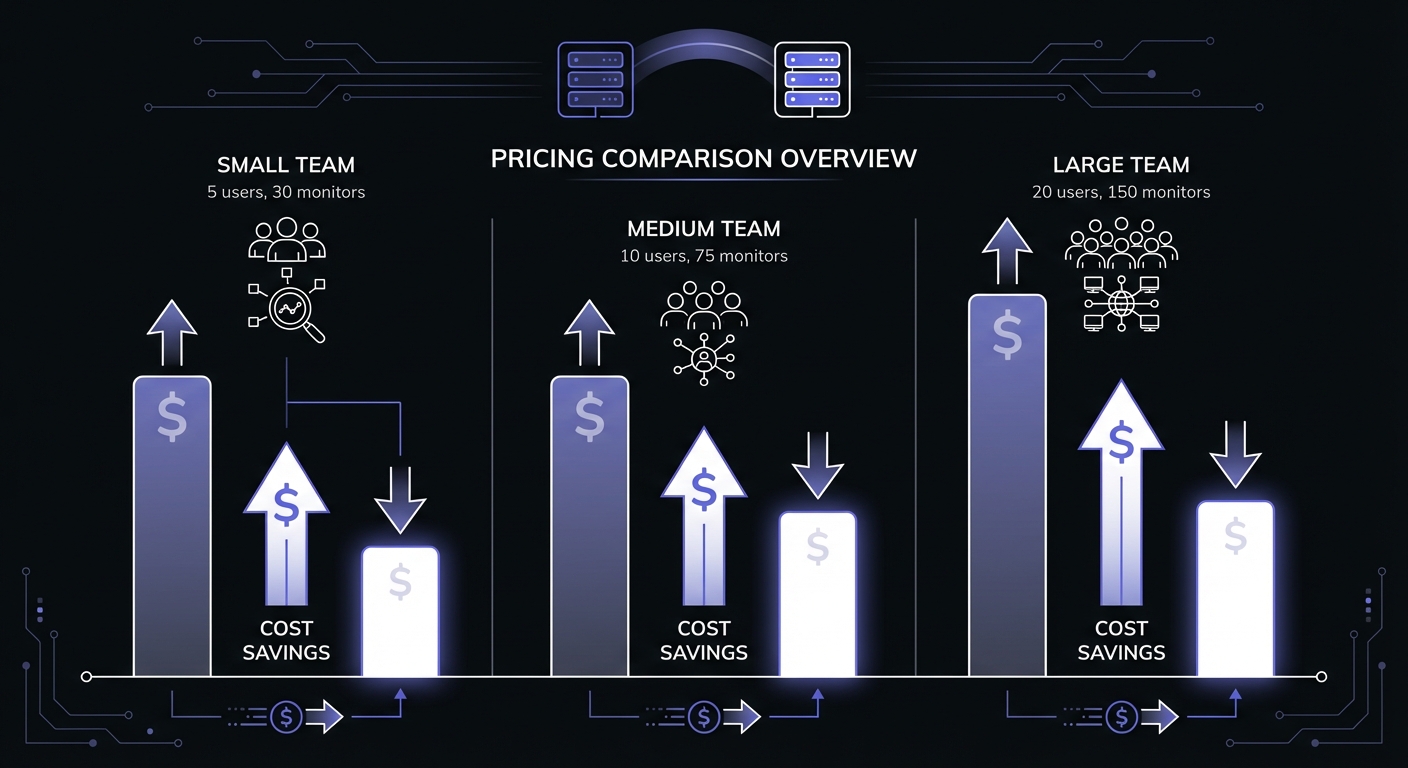
The gap widens significantly at higher monitor counts:
| Team Size | Monitors | Cronitor Cost | Cron Crew Cost | Annual Savings |
|---|---|---|---|---|
| Solo | 20 | $45/mo | $0 (free) | $540 |
| Small (5) | 30 | $85/mo | $15/mo | $840 |
| Medium (10) | 75 | $200/mo | $29/mo | $2,052 |
| Large (20) | 150 | $400/mo | $49/mo | $4,212 |
Calculate Your Own Scenario
To estimate your costs:
- Count your current cron jobs that need monitoring
- Count team members who need access
- Cronitor: (monitors x $2) + (users x $5)
- Cron Crew: Find the tier that fits your monitor count
For most small teams, Cron Crew costs 50-80% less than Cronitor for equivalent monitoring coverage. For a detailed breakdown of pricing across all major tools, see our cron monitoring pricing comparison.
Feature Comparison
Where Cronitor Wins
CLI auto-discovery: If you have dozens of existing cron jobs spread across multiple servers, Cronitor's CLI can scan and create monitors automatically. This saves significant setup time for teams inheriting legacy systems.
SDK depth: Cronitor's SDKs go beyond simple pings, offering detailed telemetry, error capture, and deep framework integrations. If you want to track job duration distributions, memory usage, or correlate errors with specific runs, Cronitor provides more data.
More integrations: Cronitor integrates with more tools out of the box, including specialized integrations for Kubernetes, Docker, and various CI/CD systems.
Enterprise features: SAML SSO, audit logging, and compliance features matter for larger organizations with strict security requirements.
Where Cron Crew Wins
Pricing simplicity: No mental math required. Pick a tier, pay that price, add your whole team. No surprises on your bill.
No per-seat fees: In Cronitor's model, adding a new team member costs $5/month forever. With Cron Crew, your 5th team member costs the same as your 50th: nothing extra.
Generous free tier: 15 free monitors versus 5 free monitors means you can cover more critical jobs without paying. Many small projects can run entirely on Cron Crew's free tier.
Lower barrier to adoption: Simpler pricing makes it easier to justify the expense and get approval from finance or leadership.
SDK and Integration Support
Cronitor's SDK coverage is more extensive:
| Language/Platform | Cronitor | Cron Crew |
|---|---|---|
| Python | First-party SDK | curl/HTTP |
| Node.js/JavaScript | First-party SDK | curl/HTTP |
| Ruby | First-party SDK | curl/HTTP |
| PHP | First-party SDK | curl/HTTP |
| Java | First-party SDK | curl/HTTP |
| .NET | Third-party | curl/HTTP |
| Kubernetes | Helm chart | curl/HTTP |
| Sidekiq | Native integration | curl/HTTP |
| Terraform | Provider | - |
For teams that want deep framework integration with automatic telemetry, Cronitor provides more options. For teams that prefer simple HTTP pings (which work with any language), Cron Crew's approach is sufficient.
Feature Parity
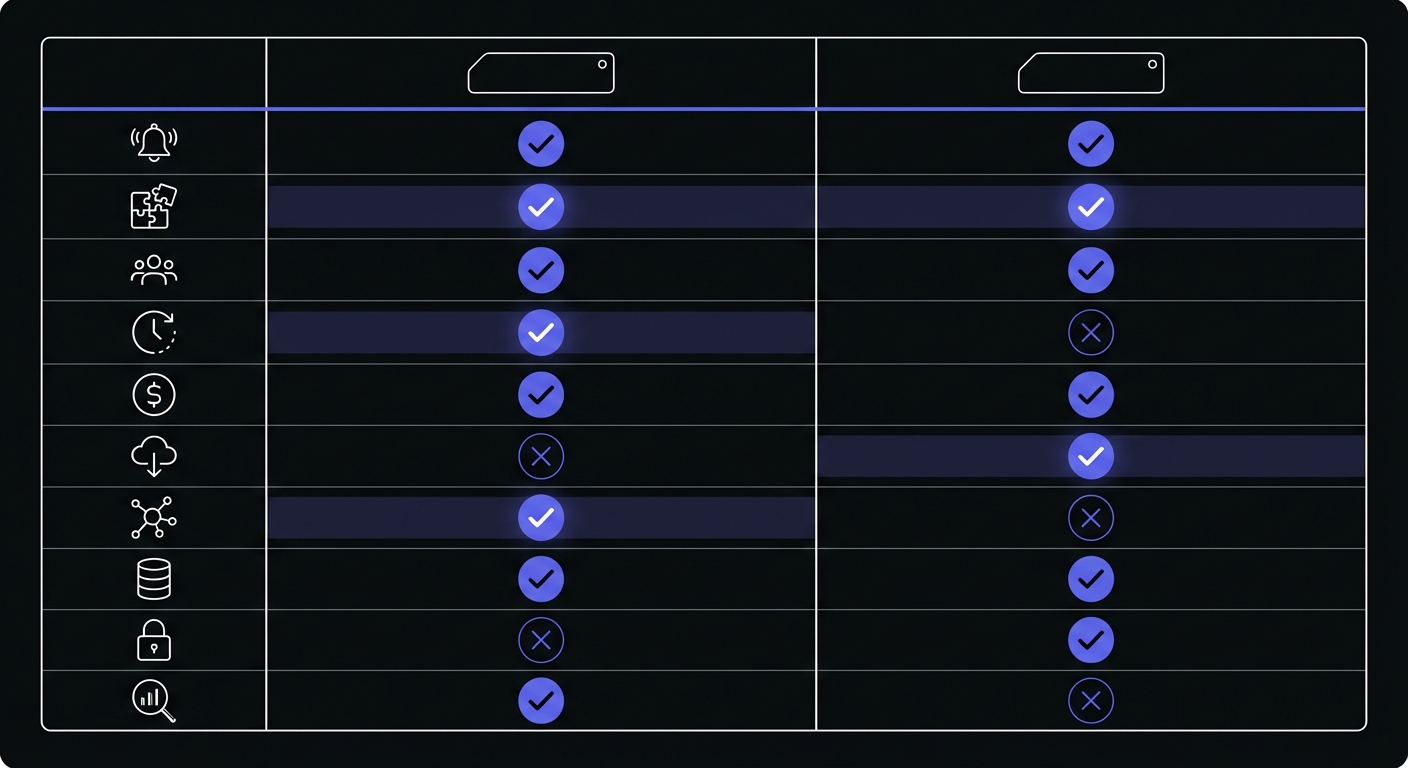
Both tools handle the fundamentals well:
- Cron expression support: Define schedules using standard cron syntax
- Multiple alert channels: Email, Slack, SMS, webhooks, PagerDuty
- API access: Programmatic management of monitors
- Team collaboration: Share monitors across team members
- Run history: View past job executions and failures
Best Fit: Cronitor
Cronitor is the better choice when:
You have enterprise requirements: SAML SSO, audit logs, and compliance certifications may be non-negotiable for your organization.
You need CLI auto-discovery: Managing hundreds of cron jobs across multiple servers is significantly easier with Cronitor's automatic discovery.
You want maximum SDK integration: If you need detailed telemetry beyond simple heartbeats, Cronitor's deeper SDK integration provides more data.
Budget is not a primary concern: Enterprise teams with allocated monitoring budgets may prefer Cronitor's more comprehensive feature set.
You have complex monitoring needs: Multi-region setups, detailed alerting rules, and advanced scheduling scenarios benefit from Cronitor's maturity.
Best Fit: Cron Crew
Cron Crew is the better choice when:
You are a small team or startup: Per-seat pricing hurts small teams disproportionately. Cron Crew's flat pricing keeps costs predictable as you grow.
Budget matters: If you are watching expenses carefully, saving $50-150/month on monitoring lets you allocate budget elsewhere.
Your needs are straightforward: Most teams need reliable heartbeat monitoring with good alerts. If that describes you, Cron Crew delivers without the complexity.
You want predictable pricing: No calculator required. Pick a tier based on monitor count, and that is what you pay.
You are starting fresh: Without legacy systems requiring auto-discovery, Cron Crew's manual setup is quick and gives you more control.
Migrating from Cronitor to Cron Crew
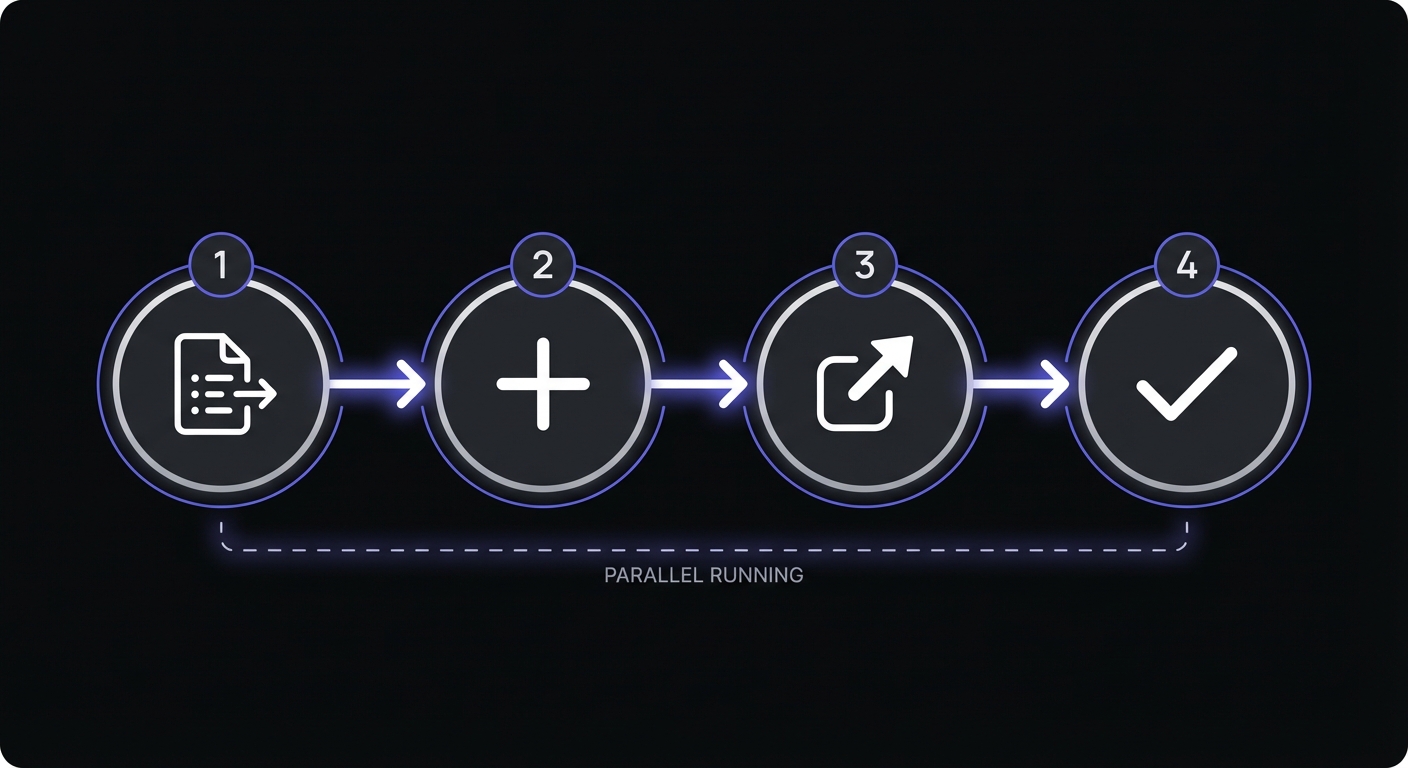
If you are considering switching from Cronitor to Cron Crew, the migration is straightforward:
Step 1: Export Your Monitor List
Document your current Cronitor monitors, including:
- Monitor names
- Expected schedules (cron expressions)
- Alert configurations
- Which jobs ping which monitors
Step 2: Create Monitors in Cron Crew
Set up corresponding monitors in Cron Crew. The ping URL format is similar, so the concept transfers directly.
Step 3: Update Your Jobs
Replace Cronitor ping URLs with Cron Crew ping URLs in your cron jobs:
# Before (Cronitor)
curl -s https://cronitor.link/p/abc123/your-job

# After (Cron Crew)
curl -s https://your-product.example/ping/your-job-id
Step 4: Parallel Running
Run both systems in parallel for a week to verify Cron Crew is capturing all expected pings. Once confirmed, disable Cronitor monitors and cancel your subscription.
What to Expect
- Setup time: 1-2 hours for most teams
- No downtime required
- Alerts work immediately after setup
An Honest Assessment
Cronitor is the more feature-rich product. They have a decade head start, more engineers, and have built tooling for edge cases that Cron Crew does not address.
But here is the thing: most teams do not need all those features.
The typical small team needs:
- Reliable heartbeat monitoring
- Alerts when jobs fail
- A dashboard to see job status
- Maybe an API for automation
Cron Crew covers these needs at a fraction of the cost. You are not paying for CLI auto-discovery you will not use or enterprise compliance features your startup does not need.
The math is simple: Cron Crew covers roughly 90% of use cases at roughly 20% of the price.
If you are in the 10% that genuinely needs Cronitor's advanced features, pay for Cronitor. If you are in the 90% that needs solid, reliable cron monitoring without the enterprise price tag, Cron Crew is the better choice.
Other Alternatives to Consider
If neither Cron Crew nor Cronitor fits your needs:
- Healthchecks.io: Open-source option with self-hosting available. 20 free monitors. Best for teams that want to run their own infrastructure.
- UptimeRobot: Generous 50-monitor free tier. Better known for uptime monitoring, but heartbeats work well for simple cron jobs.
- Better Stack: Full observability platform with incident management. Overkill for just cron monitoring, but useful if you need logs, metrics, and monitoring in one place.
Conclusion
Cronitor is an excellent product that has earned its market-leader position. For enterprise teams with complex requirements and allocated budgets, it remains a strong choice.
For small teams, startups, and budget-conscious organizations, Cron Crew provides the core cron monitoring features you actually need at a price that makes sense. The lack of per-seat fees alone can save hundreds of dollars annually for a typical small team.
Try Cron Crew's free tier with 15 monitors to see if it meets your needs. For most small teams, it will.
If you are exploring other options, check out our guides to Cronitor alternatives and why developers switch from Cronitor.