How Much Should You Pay for Cron Monitoring?
Without industry benchmarks, cron monitoring pricing feels arbitrary. This guide establishes reasonable pricing benchmarks to help you budget and avoid overpaying.
How Much Should You Pay for Cron Monitoring?
When you're evaluating cron monitoring tools, it's hard to know if you're getting a fair deal. Is $50/month reasonable? Is $15/month too cheap to be reliable? Without industry benchmarks, pricing feels arbitrary. This guide establishes what reasonable cron monitoring pricing looks like, so you can budget appropriately and avoid overpaying.
Market Pricing Benchmarks
Based on current tool pricing, here's what the market charges:
Cost Per Monitor
Looking across the industry:
- Budget tools: $0.30-0.50 per monitor/month
- Mid-market tools: $0.50-1.00 per monitor/month
- Premium tools: $1.00-2.00 per monitor/month
- Enterprise tools: $2.00+ per monitor/month
For example:
- Healthchecks.io at $20/month for 100 monitors = $0.20/monitor
- CronSignal at $5/month flat (unlimited monitors) = near $0 at scale
- Cron Crew at $15/month for 50 monitors = $0.30/monitor
- CronRadar at $1/monitor/month = $1.00/monitor
- Sentry Crons at $0.78/monitor/month
- Cronitor Business at $2/monitor/month
Typical Monthly Spend by Business Size
| Business Type | Typical Monitor Count | Expected Monthly Cost |
|---|---|---|
| Side project | 3-8 | $0 (free tier) |
| Solo developer SaaS | 8-15 | $0-15 |
| Small startup (2-5 people) | 15-30 | $15-30 |
| Growing startup (5-15 people) | 30-60 | $30-80 |
| Scale-up (15-50 people) | 60-150 | $80-200 |
| Enterprise (50+ people) | 150+ | $200-500+ |
Enterprise vs. SMB Pricing
Enterprise spending: $100-500+/month
- Includes compliance features (SOC 2, SSO)
- Dedicated support
- Custom contracts
- SLA guarantees
SMB spending: $15-50/month
- Core monitoring features
- Standard integrations
- Self-service support
- No compliance overhead
Don't pay enterprise prices for SMB needs. Understanding these benchmarks helps you avoid hidden costs that can inflate your bill.
Free Tier Comparison
Before paying anything, check what's available for free:
| Tool | Free Monitors | Team Members | Data Retention | Limitations |
|---|---|---|---|---|
| Healthchecks.io | 20 | 1 | 100 log entries | No integrations |
| Cron Crew | 15 | Unlimited | 7 days | Email + Slack only |
| UptimeRobot | 50 | 1 | Limited | 5-minute checks |
| Cronitor | 5 | 1 | 1 month | No SMS |
| CronSignal | 3 | - | - | Basic alerts |
| Sentry | 1 | - | - | Requires Sentry account |
For side projects and early-stage products, these free tiers handle most needs.
Pricing Models Explained
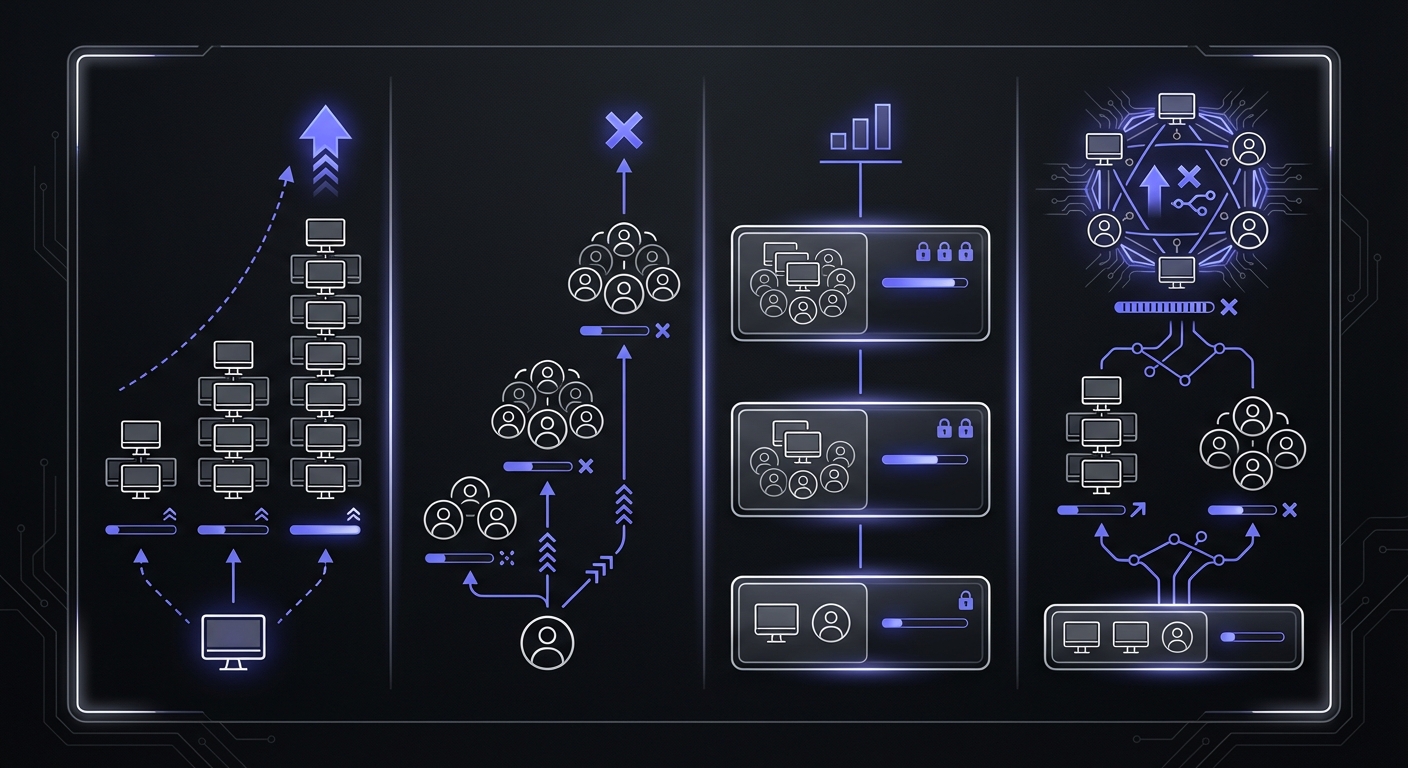
Not all pricing models work the same way. Understanding them helps you calculate true costs.
Per-Monitor Pricing
How it works: Pay based on number of monitors.
Examples:
- Cronly: ~$1/monitor
- Cron Crew: $15/mo for 50 monitors ($0.30 each)
- Healthchecks.io: $20/mo for 100 monitors ($0.20 each)
Pros:
- Simple to understand
- Scales predictably
- Pay for what you use
Cons:
- Expensive at high volumes (some tools)
- May discourage monitoring everything you should
Best for: Teams with clear monitor counts and stable needs.
Per-User Pricing
How it works: Base price plus cost per team member.
Examples:
- Cronitor: $5/user/month on top of base
- Better Stack: $29/responder/month
The math gets bad quickly:
- Cronitor Starter: $20/month for 1 user
- With 5 users: $20 + (4 x $5) = $40/month
- With 10 users: $20 + (9 x $5) = $65/month
Pros:
- Works for small teams
- Often includes more features
Cons:
- Punishes team growth
- Discourages collaboration
- Hard to budget
Best for: Very small teams (1-3 people) with stable headcount. For a deeper dive into how these pricing models compare, see our per-monitor vs per-seat pricing analysis.
Flat Tier Pricing
How it works: Fixed price for a bundle of features/limits.
Examples:
- Healthchecks.io: $20 (100 monitors), $80 (1000 monitors)
- UptimeRobot: $7 (50), $29 (100), $54 (200)
Pros:
- Very predictable
- Simple to budget
- Usually generous limits
Cons:
- May overpay if you don't need the full tier
- Jumping to next tier can be expensive
Best for: Teams who want predictable bills and don't mind paying for headroom.
Hybrid Pricing (Complex)
How it works: Combination of monitors + users + features.
Example: Cronitor
- Base: $20/month for 10 monitors + 1 user
- Additional monitors: $2/monitor
- Additional users: $5/user
- Features: Locked by tier
Calculating real cost:
- 25 monitors, 5 users
- Base: $49/month (Pro tier)
- Users: Included (3), extra: 2 x $5 = $10
- Total: $59/month
Pros:
- Flexibility
Cons:
- Complex to calculate
- Easy to underestimate
- Surprises on the bill
Best for: Teams who love spreadsheets.
Price at Scale: Real Numbers
Here's what you'd actually pay across different monitor counts:
| Tool | 25 Monitors | 50 Monitors | 100 Monitors |
|---|---|---|---|
| CronSignal | $5 | $5 | $5 |
| Healthchecks.io | $20 | $20 | $20 |
| Cron Crew | $15 | $15 | $29 |
| UptimeRobot | $19 | $19 | $34 |
| Sentry Crons | $19 | $38 | $77 |
| CronRadar | $25 | $50 | $100 |
| Cronitor | $50 | $100 | $200 |
The gap widens dramatically at scale. Flat-rate tools like CronSignal stay at $5 whether you have 25 or 100 monitors, while per-monitor tools like Cronitor jump from $50 to $200.
What You Should Pay by Team Size
Here's what makes sense at each stage:

Solo Developer: $0-15/month
Typical needs:
- 5-15 monitors
- Just you accessing dashboard
- Email + Slack alerts
- Basic features
Recommendations:
- Use free tiers as long as possible
- Healthchecks.io free (20 monitors)
- Cron Crew free (15 monitors)
- Upgrade only when you hit limits
Don't pay for:
- Per-user fees (it's just you)
- Enterprise features
- Unlimited monitors you won't use
Small Team (2-5 people): $15-30/month
Typical needs:
- 15-30 monitors
- Team access
- Email + Slack alerts
- Maybe SMS for critical jobs
Recommendations:
- Cron Crew Starter ($15/mo, unlimited users)
- Healthchecks.io Hobbyist ($20/mo, 3 users)
- Avoid per-user pricing at all costs
Don't pay for:
- More monitors than you have jobs
- Per-user fees that multiply
- Enterprise compliance features
Growing Team (5-15 people): $30-80/month
Typical needs:
- 30-60 monitors
- Full team access
- Multiple alert channels
- Some automation (API)
- Environment separation (staging/prod)
Recommendations:
- Cron Crew Pro ($29/mo, unlimited users)
- Healthchecks.io Business ($80/mo, 1000 monitors)
- UptimeRobot Pro + Enterprise ($29-54/mo)
Watch out for:
- Per-user fees adding $50+/month
- Responder licenses (Better Stack)
- Feature tiers that force expensive upgrades
Scale-Up (15-50 people): $80-200/month
Typical needs:
- 60-150 monitors
- Full team access with roles
- Advanced integrations
- API for automation
- Longer data retention
- Better support
Recommendations:
- Healthchecks.io Business ($80/mo)
- Cron Crew Business (custom pricing)
- Consider enterprise features if needed
Evaluate carefully:
- Per-user costs at team size
- Whether you need enterprise compliance
- Value of additional features
Enterprise (50+ people): $200-500+/month
At this scale, you likely need:
- SSO/SAML
- Audit logging
- SOC 2 compliance
- SLA guarantees
- Dedicated support
- Custom contracts
Talk to vendors directly. Published pricing often doesn't apply.
Red Flags: You're Overpaying If...
Watch for these signs that you're spending too much.
Paying Per-Seat AND Per-Monitor
Some tools charge both. The math gets painful:
- 30 monitors at $1 each = $30
- 8 users at $5 each = $40
- Total: $70/month
For the same coverage, flat-tier tools might cost $20-30.
Fix: Switch to tools with no per-user fees.
Paying for Features You Don't Use
Enterprise tiers include:
- SSO (do you have an identity provider?)
- Audit logging (do you have compliance requirements?)
- 24/7 phone support (do you ever call support?)
- Dedicated account manager (have you ever needed one?)
If you're paying for features you've never used, you're on the wrong tier.
Fix: Downgrade to a tier that matches your actual needs.
Enterprise Tier for 10 Monitors
If you have fewer than 20 monitors, you should rarely need an enterprise plan.
Signs of over-buying:
- Paying $100+/month for basic monitoring
- Using 10% of your monitor quota
- Features you can't even name
- Sales calls for your "account review"
Fix: Use a free or starter tier. Upgrade when you grow.
Paying for SMS Credits You Never Use
Some tools include or charge for SMS credits that expire monthly.
Reality check:
- Most alerts are non-urgent
- Email + Slack handles 95% of cases
- SMS is for true emergencies (maybe 1-2/month)
If you're paying $20/month for SMS and using 0 credits, reconsider.
Fix: Downgrade to a plan without SMS, or use SMS only for critical monitors.
Calculate Your Actual Needs
Before choosing a plan, do this math:
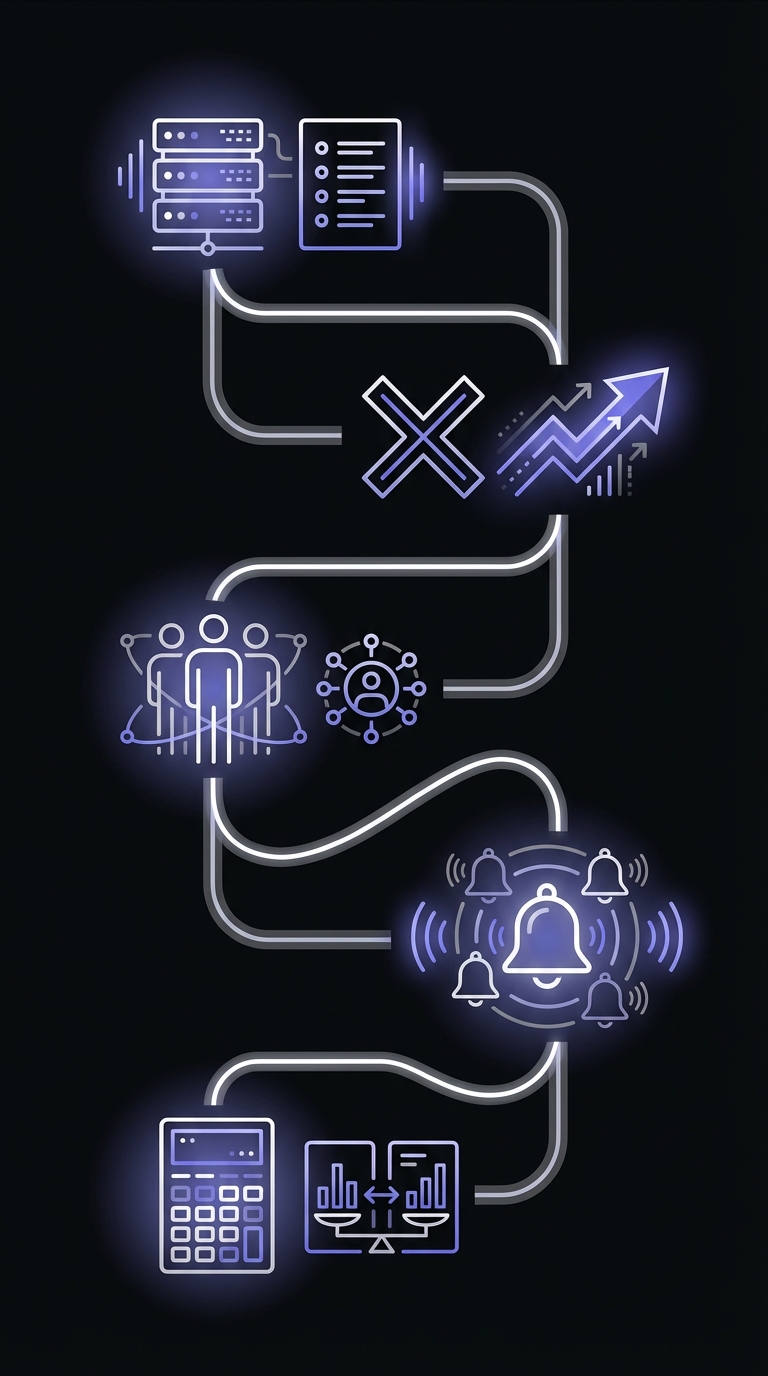
Step 1: Count Your Production Cron Jobs
Go through each production system and list every cron job:
- Database backups
- Billing/payment jobs
- Customer-facing syncs
- Email queues
- Reports
- Maintenance tasks
Write down the number: _____
Step 2: Add 20% Buffer for Growth
You'll add more jobs over time. Don't want to upgrade every month.
Current jobs x 1.2 = Required monitors: _____
Step 3: Factor in Team Size
Who needs dashboard access?
- Just you: 1
- Small team: 3-5
- Growing team: 5-15
- Full engineering org: 15+
Write down the number: _____
If this number is >3, avoid per-user pricing.
Step 4: List Required Alert Channels
Check what you actually need:
- Email (basically free everywhere)
- Slack (usually included)
- SMS (often paid extra)
- Phone calls (usually paid)
- PagerDuty/Opsgenie (often paid tier)
- Webhooks (sometimes limited)
Match to tiers that include your requirements.
Step 5: Calculate and Compare
Example:
- 25 monitors needed
- 6 team members
- Email + Slack + SMS required
Option A: Cronitor Pro
- $49/month (25 monitors, 3 users)
- Extra users: 3 x $5 = $15
- Total: $64/month
Option B: Cron Crew Starter
- $15/month (50 monitors, unlimited users)
- SMS: Included
- Total: $15/month
Option C: Healthchecks.io Hobbyist
- $20/month (100 monitors, 3 users)
- Extra users: Need higher tier
- Total: $80/month (Business tier)
Same needs, very different costs.
The ROI Perspective
Monitoring isn't just a cost. It prevents larger costs. According to industry research, small businesses face $137-$427 per minute in downtime costs, with the average website experiencing three hours of downtime monthly. Catching a failed cron job 2 hours earlier could save $16,000-$51,000 per incident.
Cost of One Missed Billing Job
Consider a billing job that fails silently:
- 100 customers not billed for 3 days
- Average invoice: $200
- Delayed revenue: $20,000
- Cash flow impact: Significant
- Customer apology emails: Priceless
Prevention cost: $15-30/month for monitoring. Learn more about calculating your cron monitoring ROI to justify monitoring investments
Developer Time Saved
Without monitoring:
- SSH into server to check logs
- Manually verify job ran
- Debug when something seems wrong
- Respond to customer complaints
Time spent per incident: 30 minutes to several hours
With monitoring:
- Check dashboard (30 seconds)
- Get alerted immediately
- Know exactly when it failed
- Fix proactively
Time saved per month: Hours
Customer Trust
Silent failures erode trust:
- "Why wasn't I billed?"
- "Why didn't my order sync?"
- "Why didn't I get the report?"
Each incident requires explanation and damages confidence.
Monitoring cost: $15-30/month Cost of losing a customer: Much more
Conclusion
Reasonable cron monitoring pricing:
- Free for side projects and small usage
- $15-30/month for most SMBs
- $30-80/month for growing teams
- $80-200/month for scale-ups
- $200+/month for enterprise needs
Red flags that you're overpaying:
- Per-user AND per-monitor fees
- Enterprise tier for basic needs
- Unused SMS credits
- Features you can't name
How to calculate what you need:
- Count production cron jobs
- Add 20% growth buffer
- Count team members (avoid per-user if >3)
- List required integrations
- Compare total cost across tools
For detailed pricing comparisons, see our Cron Monitoring Pricing Comparison. For tool recommendations, check our Best Cron Monitoring Tools guide.
Ready to get started? Try Cron Crew free with 15 monitors, unlimited users, and no surprise fees. Upgrade to 50 monitors for just $15/month when you need more.