Per-Monitor vs Per-Seat Pricing Compared
The pricing model you select can mean the difference between a predictable expense and a bill that balloons as your team grows. Here's how to choose.
Per-Monitor vs Per-Seat Pricing Compared
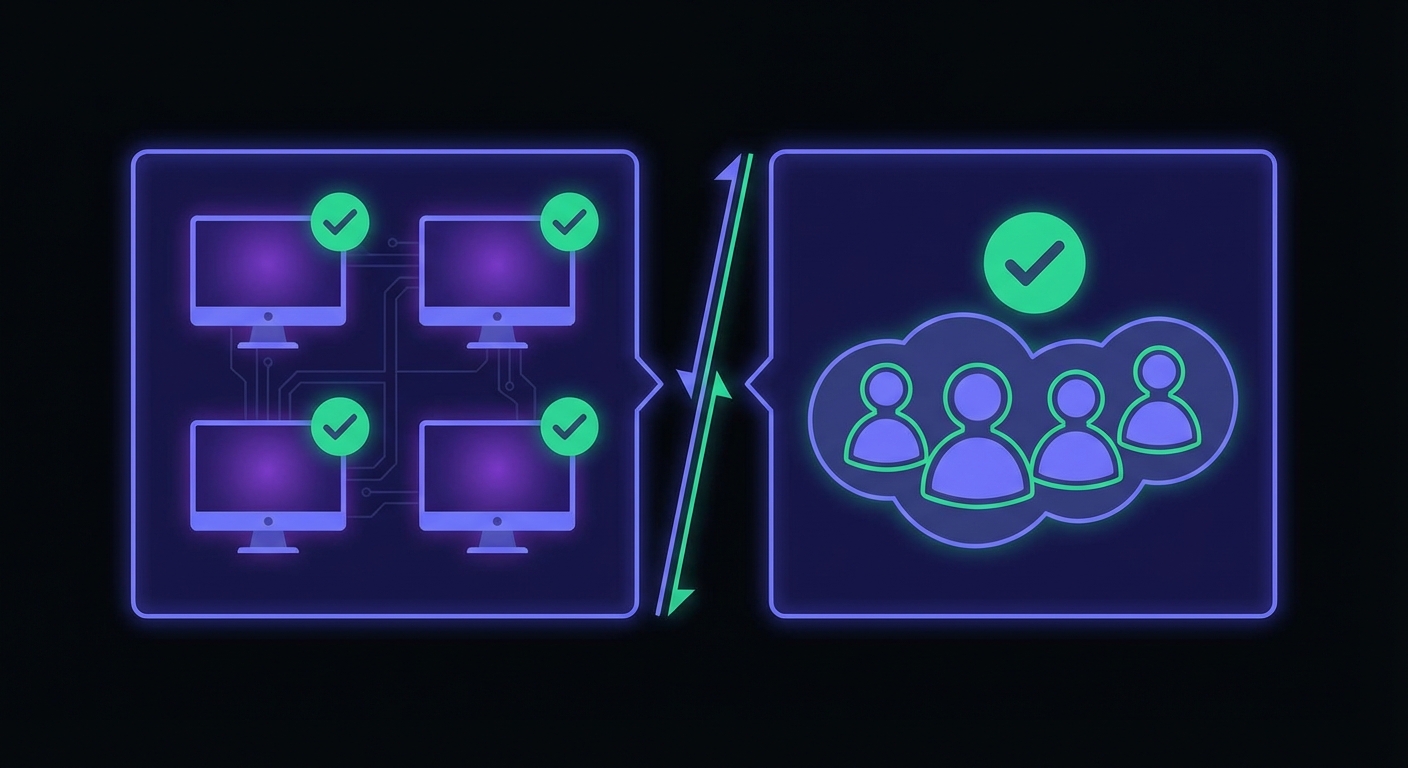
Choosing a cron monitoring tool isn't just about features. The pricing model you select can mean the difference between a predictable $15/month expense and a bill that balloons to $200+ as your team grows. Understanding how different pricing models work helps you avoid unpleasant surprises and choose a tool that scales with your needs.
The shift away from per-seat pricing is accelerating. Gartner predicts 70% of businesses will prefer usage-based pricing over per-seat models by 2026. Meanwhile, 85% of SaaS companies have adopted some form of usage-based pricing, recognizing that per-seat models penalize growth rather than reward it.
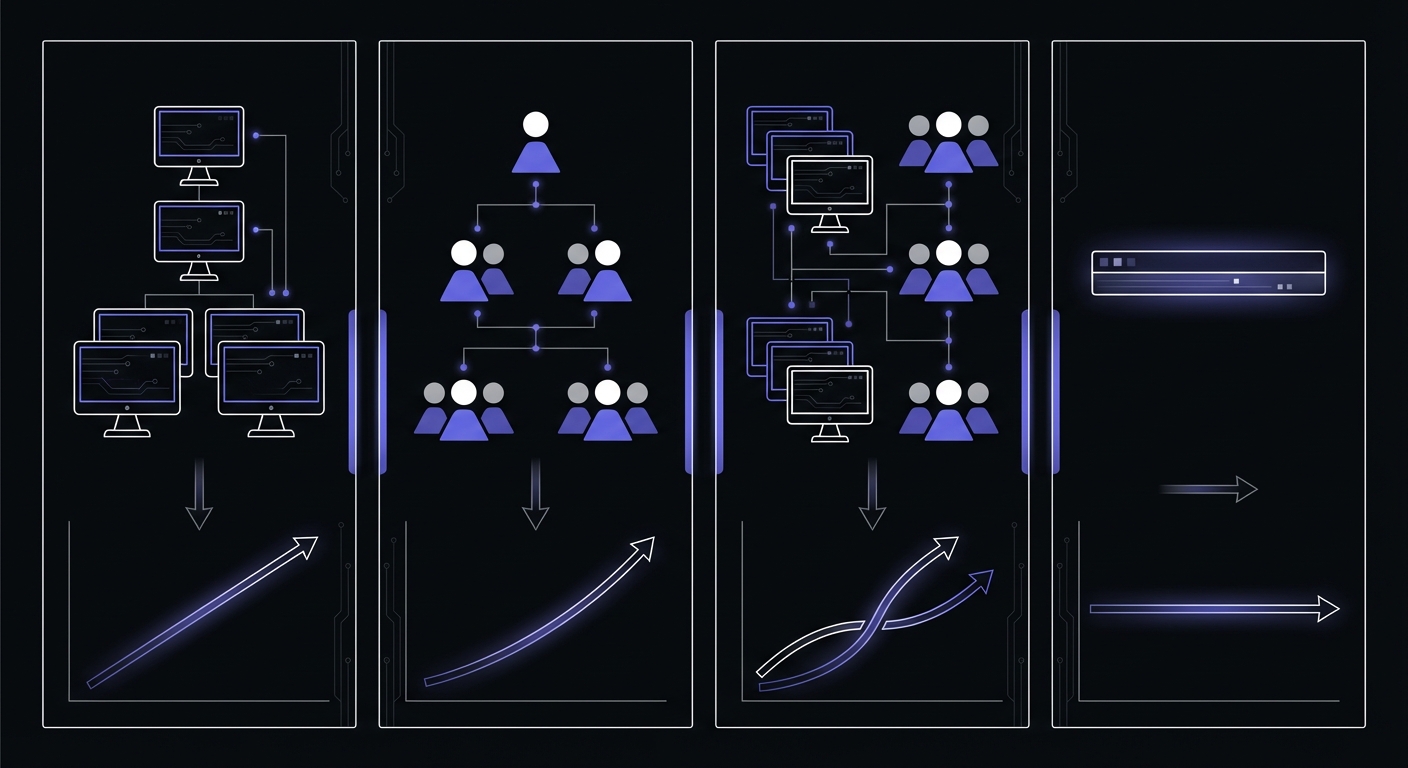
This guide breaks down the four main pricing approaches in cron monitoring, with real cost calculations to help you make an informed decision. For a complete breakdown of what each tool charges, see our cron monitoring pricing comparison.
Per-Monitor Pricing Explained
Per-monitor pricing charges you based on how many jobs you're monitoring. Each cron job, scheduled task, or heartbeat check counts as one monitor.
How it works: You pay a fixed rate for each monitor you create. Some providers offer volume discounts as you scale.
Examples:
- CronRadar: $1/monitor/month (no tiers or hidden fees)
- Sentry Crons: $0.78/monitor/billing cycle (1 free monitor included)
- Healthchecks.io: $0.20/monitor at scale ($20/month for 100 monitors)
Advantages:
- Highly predictable costs tied directly to usage
- Scales naturally with your actual monitoring needs
- Team size doesn't impact your bill
- Easy to budget as you add new scheduled jobs
Disadvantages:
- Can become expensive at scale (100+ monitors)
- May discourage monitoring less critical jobs
- No incentive to remove obsolete monitors
Per-monitor pricing works well when you have a moderate number of critical jobs and want costs that reflect your actual usage rather than your team size.
Per-Seat Pricing Explained
Per-seat (or per-user) pricing charges based on how many team members have access to your monitoring dashboard.
How it works: You pay a monthly fee for each person who needs to view monitors, manage alerts, or respond to incidents.
Examples:
- Better Stack: $29/month per responder
- Some enterprise tools: $50+/user/month
Advantages:
- Often includes unlimited monitors
- Predictable if team size is stable
- Makes sense for large-scale monitoring needs
Disadvantages:
- Becomes expensive as teams grow
- Creates pressure to limit who has access
- May lead to shared logins (a security risk)
- Penalizes collaborative team cultures
Per-seat pricing particularly hurts growing companies. Adding three engineers to your team shouldn't triple your monitoring costs, but with per-seat pricing, it often does.
Hybrid Models: The Worst of Both Worlds
Some providers combine per-monitor and per-seat pricing, charging for both your usage and your team size.
How it works: You pay a base rate per monitor plus an additional fee for each team member.
Example calculation with Cronitor's hybrid model:
| Component | Rate | Quantity | Monthly Cost |
|---|---|---|---|
| Monitors | $2/monitor | 20 | $40 |
| Team members | $5/user | 5 | $25 |
| Total | $65/month |
This hybrid approach creates complexity that makes comparison shopping difficult. You need to calculate both dimensions to understand your true cost, and both dimensions grow as your company scales. Learn more about these traps in our guide to hidden costs of cron monitoring.
Why hybrid pricing is problematic:
- Double exposure to cost increases
- Harder to predict future expenses
- Complicates budgeting and approval processes
- Often the most expensive option at any scale
Flat Tier Pricing
Flat tier pricing offers a fixed price for a bundle of features and monitors. You pick a tier that fits your needs and pay the same amount regardless of team size.
How it works: Plans are structured as "up to X monitors for $Y/month" with all team features included.
Examples:
- Healthchecks.io: $5/month (20 monitors, 3 team members), $20/month (100 monitors, 10 team members), $80/month (1,000 monitors, unlimited team members)
- UptimeRobot: $7/month (50 monitors), $26/month (100 monitors)
- Cron Crew: $15/month for generous monitor limits, unlimited team members
Advantages:
- Completely predictable costs
- Team size doesn't matter
- Simple to understand and budget
- No micromanagement of user access
Disadvantages:
- May overpay if well under the limit
- Step increases when you hit tier limits
- Less granular than per-monitor pricing
For most small to medium teams, flat tier pricing offers the best combination of simplicity and value.
Cost Calculation Examples
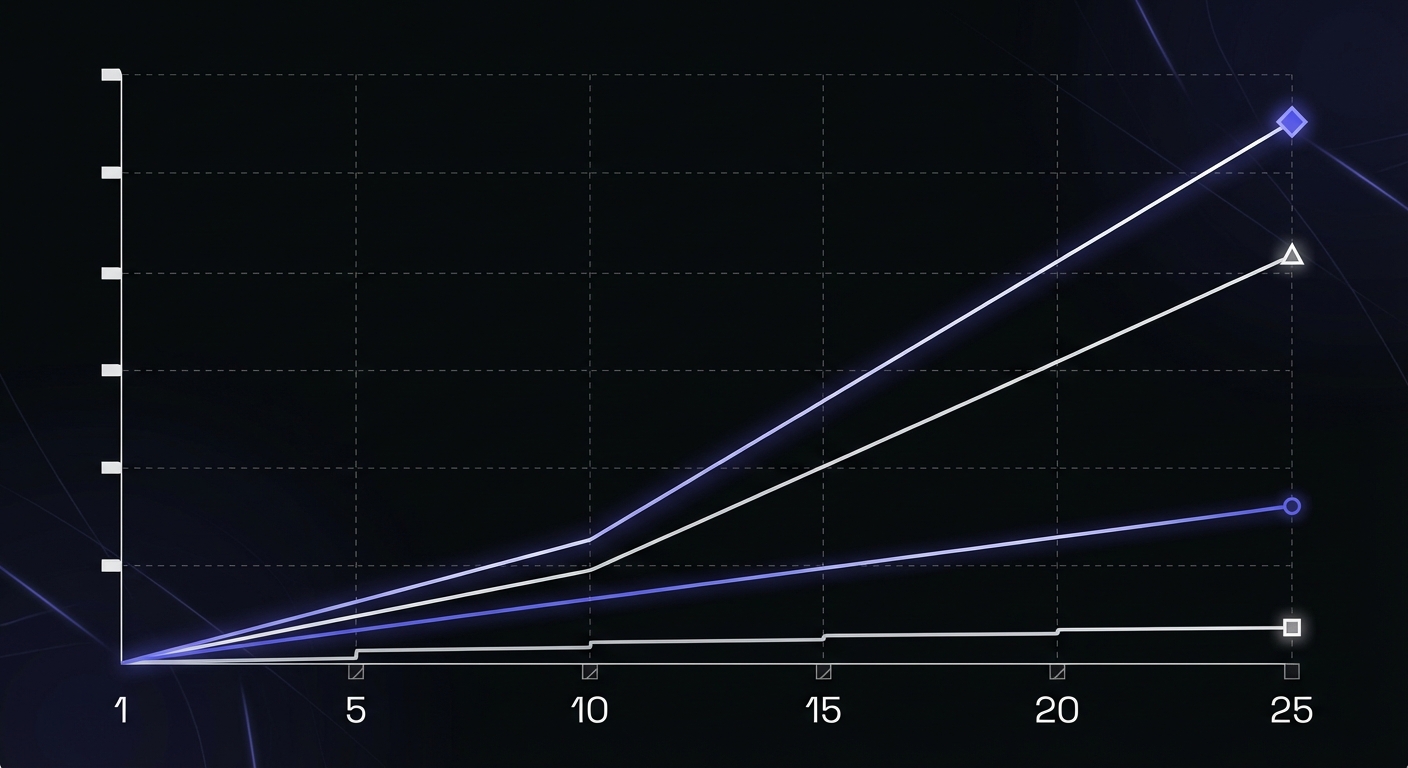
Let's run the numbers for common scenarios to see how these models compare in practice.
Scenario 1: Solo Developer with 15 Monitors
| Pricing Model | Calculation | Monthly Cost |
|---|---|---|
| Per-monitor ($1) | 15 x $1 | $15 |
| Per-seat ($29) | 1 x $29 | $29 |
| Flat tier | Fixed price | $15 |
Winner: Per-monitor or flat tier (tie at $15)
For solo developers, per-monitor and flat tier pricing are typically comparable. Per-seat pricing is nearly double the cost for the same functionality. Solo developers should also explore free cron monitoring tools before committing to paid plans.
Scenario 2: Small Team of 5 with 50 Monitors
| Pricing Model | Calculation | Monthly Cost |
|---|---|---|
| Per-monitor ($1) | 50 x $1 | $50 |
| Per-seat ($29) | 5 x $29 | $145 |
| Hybrid ($2 + $5) | (50 x $2) + (5 x $5) | $125 |
| Flat tier | Fixed price | $15 |
Winner: Flat tier at $15
The differences become stark with a team. Per-seat pricing costs nearly 10x more than flat tier pricing. Even the hybrid model costs over 8x more.
Scenario 3: Growing Team of 10 with 100 Monitors
| Pricing Model | Calculation | Monthly Cost |
|---|---|---|
| Per-monitor ($1) | 100 x $1 | $100 |
| Per-seat ($29) | 10 x $29 | $290 |
| Hybrid ($2 + $5) | (100 x $2) + (10 x $5) | $250 |
| Flat tier | Fixed price (higher tier) | $50 |
Winner: Flat tier at $50
As you scale, the gap widens further. A team paying per-seat might spend nearly $3,500/year on cron monitoring alone, while flat tier pricing keeps costs under $600/year.
Scenario 4: Enterprise Team of 25 with 200 Monitors
| Pricing Model | Calculation | Monthly Cost |
|---|---|---|
| Per-monitor ($1) | 200 x $1 | $200 |
| Per-seat ($29) | 25 x $29 | $725 |
| Hybrid ($2 + $5) | (200 x $2) + (25 x $5) | $525 |
| Flat tier | Fixed price (enterprise tier) | $100-150 |
Winner: Flat tier at $100-150
Even at enterprise scale, flat tier pricing typically wins. Per-seat pricing at this level means spending over $8,700/year just so your team can see when cron jobs fail.
Our Recommendation
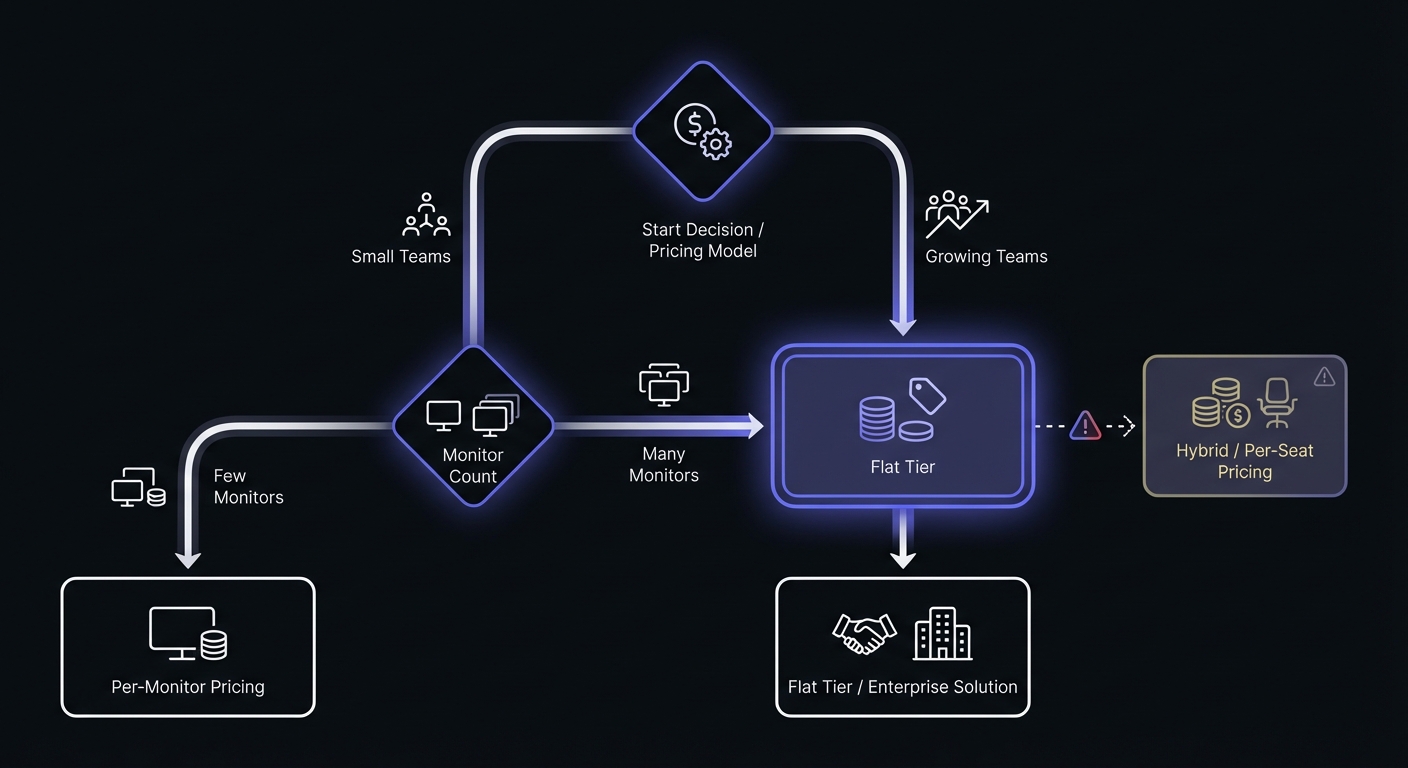
Based on these calculations, here's how to choose:
Choose flat tier pricing if:
- You have a team of any size
- You want predictable, stable costs
- You value simplicity over granular control
- You're a small to medium business
Choose per-monitor pricing if:
- You're a solo developer with few monitors
- You have a very large number of monitors (500+) and need volume pricing
- Your team size is minimal and will stay that way
Avoid per-seat pricing if possible:
- It penalizes team growth
- It creates perverse incentives to limit access
- It's almost always more expensive than alternatives
Be cautious with hybrid pricing:
- Calculate the total cost carefully
- Compare against flat tier alternatives
- Watch for hidden costs as both dimensions scale
Recommendations by team size:
| Team Size | Best Model | Why |
|---|---|---|
| Solo (1 person) | Per-monitor or flat tier | Both work; flat tier gives room to grow |
| Small (2-10) | Flat tier | Per-seat costs balloon quickly |
| Medium (10-50) | Flat tier with tiered access | Predictable scaling, full team access |
| Enterprise (50+) | Flat tier or hybrid with caps | Negotiate volume rates, avoid per-seat traps |
Red Flags in Pricing Contracts
Watch for these warning signs when evaluating monitoring tool pricing:
Peak-based billing: Some vendors charge based on peak usage rather than average, potentially doubling your bill during traffic spikes or incident responses.
Forced bundling: Tools that require infrastructure monitoring for every APM host, or bundle features you don't need into higher tiers.
Hidden retention costs: Data retention, indexing, and rehydration fees that appear after you've committed. Ask specifically about these costs upfront.
SKU-based contracts: Agreements that lock you into specific product SKUs with no mid-term substitution allowed, even as your needs change.
No mid-tier options: Pricing that jumps dramatically between tiers (e.g., $20/month to $200/month) with no intermediate steps.
According to Gartner research, total cost of ownership for DevOps tools typically exceeds the subscription price by 40-60% when factoring in implementation, training, and maintenance. Factor these costs into your comparison.
Making the Right Choice
When evaluating cron monitoring tools, don't just look at the starting price. Project your costs 12-24 months out based on expected team and job growth. A tool that seems affordable today might become a budget line item that requires executive approval next year.
The best pricing model is one that aligns your costs with the value you receive. Monitoring more jobs or adding team members shouldn't feel like a penalty. It should feel like natural growth that your tooling supports rather than hinders.
Conclusion
Pricing models matter more than most teams realize when selecting monitoring tools. Per-seat pricing can quietly become one of your largest SaaS expenses as your team grows. Hybrid models combine the worst aspects of multiple approaches. Flat tier pricing, while occasionally meaning you pay for capacity you don't use, offers the predictability and simplicity that most teams need.
Before committing to any tool, run the numbers for your current situation and your projected growth. A few minutes of calculation can save thousands of dollars over the lifetime of your subscription.
Looking for cron monitoring with straightforward pricing? Cron Crew offers flat tier pricing with no per-seat fees. Your whole team gets access regardless of size, and costs stay predictable as you scale.