Cron Crew vs Dead Man's Snitch
Dead Man's Snitch was a pioneer in cron monitoring since 2012. But the landscape has evolved significantly. Is the pioneer still the right choice?
Cron Crew vs Dead Man's Snitch
Dead Man's Snitch holds a special place in cron monitoring history. The name alone is memorable, and since 2012, they have been one of the original players in the heartbeat monitoring space. If you have been in the industry long enough, you have probably heard of them.
But the cron monitoring landscape has evolved significantly since 2012, and Dead Man's Snitch has not always kept pace. This comparison examines whether the pioneer is still the right choice or if newer alternatives better serve today's teams. For a complete market overview, see our guide to the best cron monitoring tools.
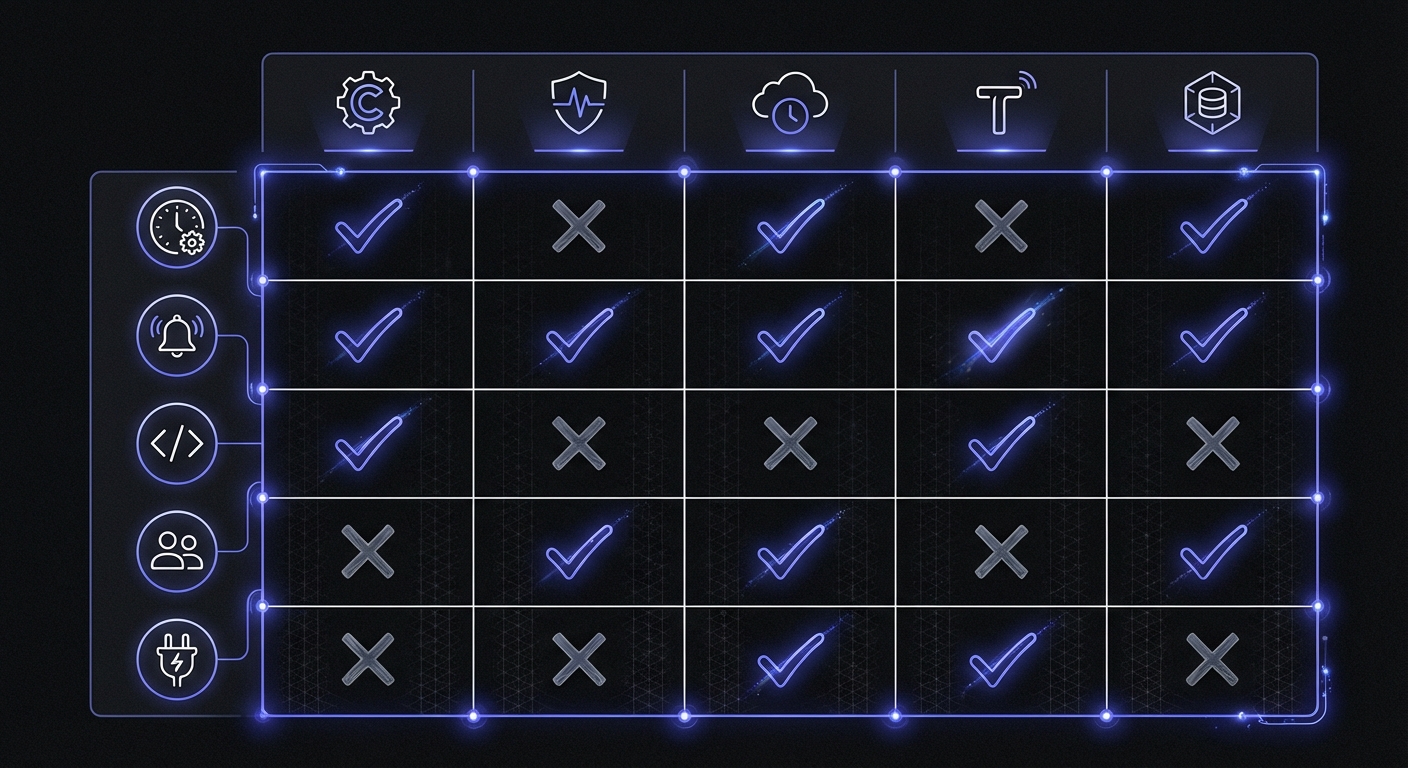
Quick Comparison
| Feature | Cron Crew | Dead Man's Snitch |
|---|---|---|
| Free tier | 15 monitors | 1 monitor |
| Entry price | $15/mo (50 monitors) | $5/mo (3 monitors) |
| Cron expressions | Yes | No (intervals only) |
| API | Full REST API | Basic API |
| Active development | Yes | Limited in recent years |
| Heroku integration | Standard | Native addon |
| Request body limit | 10KB | 1KB |
| Self-hosting | No | No |
Dead Man's Snitch Overview
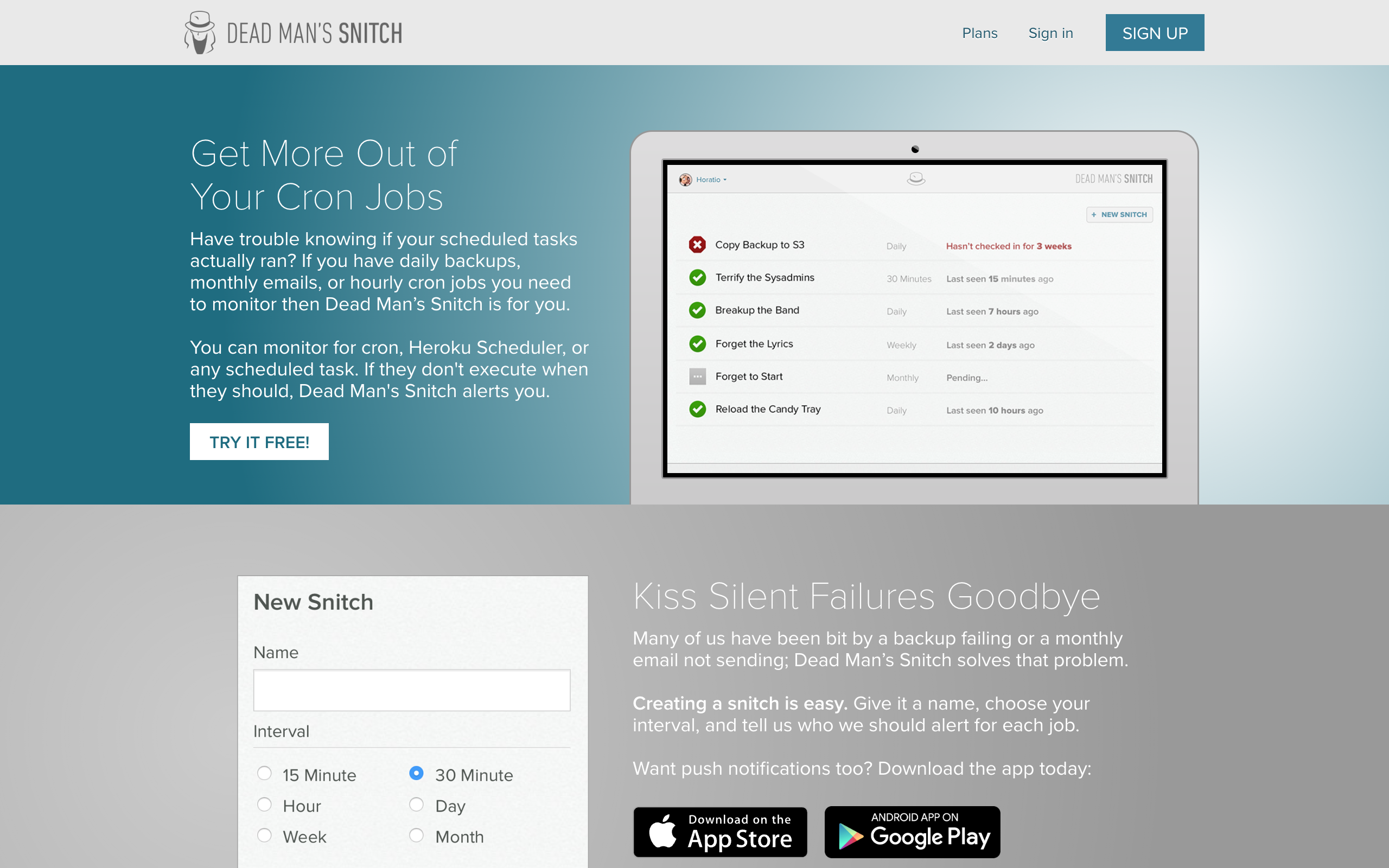
Dead Man's Snitch was founded in 2012, making it one of the earliest dedicated cron monitoring services. The memorable name and simple concept helped establish heartbeat monitoring as a category.
History and context:
- Founded in 2012 as a pioneer in the space
- Acquired by Collective Idea in 2013
- Strong integration with Heroku ecosystem
- Simple, focused product philosophy
- Notable customers include Microsoft, Firebase, Harvest, GoCardless, and Betterment
What Dead Man's Snitch does well:
- Memorable branding: The name is clever and sticks with you. This matters for word-of-mouth.
- Heroku integration: Available as a Heroku addon, making setup trivial for Heroku users.
- Simplicity: The product is straightforward without complex features to learn.
- Low entry price: $5/month for 3 monitors is accessible.
Considerations:
- Limited free tier (only 1 monitor)
- Interval-based scheduling only (no cron expressions)
- Limited recent development activity
- Basic API compared to newer alternatives
- Small request body limit (1KB vs 100KB for Healthchecks.io)
- Integrations only available on $19/month tier and above
The Stagnation Concern
One significant consideration when evaluating Dead Man's Snitch is the pace of development.
Signs of limited development:
- The company blog has not been updated in years
- Feature additions have been sparse
- The product looks largely the same as it did years ago
- Documentation has not evolved significantly
Why this matters:
When a monitoring tool shows limited development, several questions arise:
- Is the product in maintenance mode?
- Will bugs and security issues be addressed promptly?
- Will the service continue long-term?
- Are you building on stable foundations?
To be clear: Dead Man's Snitch still works. Jobs ping, alerts fire. But teams investing in tooling generally want active development and a clear future roadmap.
Cron Crew Overview
Cron Crew is a modern cron monitoring service built for today's development practices.
Key characteristics:
- Cron expression support: Define schedules exactly as they run
- Full REST API: Programmatic management of monitors
- Active development: Regular updates and feature additions
- Generous free tier: 15 monitors versus 1
Feature Comparison
Where Dead Man's Snitch Wins
Heroku addon: If you are heavily invested in Heroku, Dead Man's Snitch is available as a native addon. Setup is literally one click.
Brand recognition: In certain circles, Dead Man's Snitch is the known name. This can matter for team buy-in.
Simplicity: The product is simple. If you find modern tools over-complicated, DMS may appeal.
Low entry price: $5/month is extremely accessible.
Field Agent CLI: Dead Man's Snitch includes a command-line wrapper tool called Field Agent that captures additional job metadata:
# Using Field Agent to capture runtime and exit codes
snitch "Daily Backup" -- ./backup.sh
This provides partial job start signaling and runtime tracking, though it requires wrapping your commands rather than simple ping URLs.
Where Cron Crew Wins
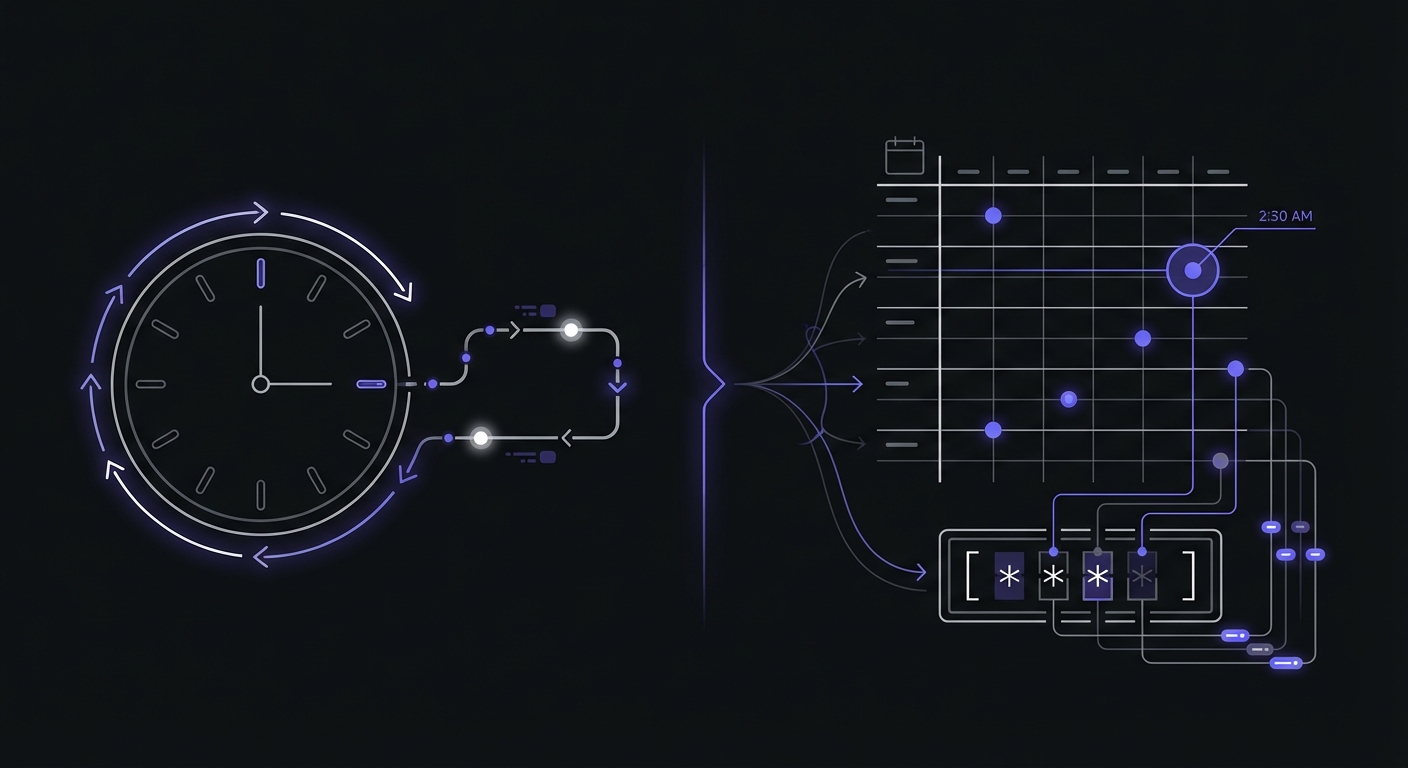
Cron expression support: Dead Man's Snitch uses interval-based monitoring only. You set an expected interval (e.g., "every 60 minutes"), and it alerts if no ping arrives within that window.
Cron Crew supports full cron expressions, matching the syntax in your actual crontab:
# Dead Man's Snitch: "expect ping every 1440 minutes"
# Cron Crew: "30 2 * * *" (2:30 AM daily)
The difference matters for:
- Jobs at specific times
- Jobs on specific days
- Complex schedules (business hours only, first of month, etc.)
Generous free tier: 15 free monitors versus 1 free monitor. You can cover your critical jobs without paying anything.
Full API: Cron Crew offers a comprehensive REST API for automation. Create monitors, check status, manage alerts programmatically.
Active development: Regular updates, new features, responsive support. The product is actively growing.
Better value at scale: Dead Man's Snitch pricing escalates:
- 3 monitors: $5/mo
- 100 monitors: $19/mo
- 300 monitors: $49/mo
Cron Crew offers 50 monitors for $15/month. For most teams, this is better value.
The Interval Limitation
The lack of cron expression support in Dead Man's Snitch deserves emphasis because it affects real-world usage.
Scenario: Daily backup at 3 AM
With cron expressions:
0 3 * * * # Runs at exactly 3:00 AM daily
With interval-based monitoring:
- Set interval to 1440 minutes (24 hours)
- First ping sets the baseline
- Any drift accumulates
- Daylight saving time causes issues
- Hard to verify the job ran at the expected time
Scenario: Weekday report at 9 AM
With cron expressions:
0 9 * * 1-5 # Runs at 9 AM Monday through Friday
With interval-based monitoring:
- Cannot express "weekdays only"
- Would need to set 24-hour interval
- Weekend misses would trigger false alerts
- Requires workarounds or accepting limitations
For simple "runs every N minutes" jobs, intervals work fine. For anything with a real schedule, cron expressions are significantly better.
Notification Integrations
Dead Man's Snitch reserves integrations for higher-tier plans:
| Integration | DMS Tier Required | Notes |
|---|---|---|
| All plans | Basic notifications | |
| Slack | $19/mo+ | Private Eye and above |
| PagerDuty | $19/mo+ | Private Eye and above |
| Opsgenie | $19/mo+ | Private Eye and above |
| Webhooks | $19/mo+ | Private Eye and above |
| Mobile push | All plans | iOS and Android apps |
This tiered approach means small teams on the $5/month plan cannot integrate with their existing alerting infrastructure.
Pricing Comparison
Dead Man's Snitch Pricing
| Plan | Price | Monitors | Key Features |
|---|---|---|---|
| The Lone Snitch | Free | 1 | Basic intervals only |
| Little Birdy | $5/mo | 3 | Basic intervals, API, Field Agent CLI |
| Private Eye | $19/mo | 100 | Enhanced intervals, Integrations (Slack, PagerDuty) |
| Surveillance Van | $49/mo | 300 | Smart Alerts, Error Notices |
Feature availability by tier:
- API access: All paid plans
- Field Agent CLI: All paid plans
- Integrations (Slack, PagerDuty, Opsgenie): $19/month and above
- Smart Alerts: $49/month only
- Error Notices: $49/month only
Cron Crew Pricing
- Free: 15 monitors
- Starter ($15/mo): 50 monitors
- Pro ($29/mo): 100 monitors
Value Analysis
For small needs (under 10 monitors), Dead Man's Snitch's $5 tier is cheap. But Cron Crew's free tier covers 15 monitors, meaning many small projects need not pay anything.
For moderate needs (20-50 monitors), Cron Crew at $15/month beats DMS at $19/month for fewer monitors.
At 100 monitors, pricing converges ($19 vs $29), but Cron Crew offers cron expressions and active development. For a detailed comparison of costs across all major tools, see our cron monitoring pricing comparison.
Best Fit: Dead Man's Snitch
Dead Man's Snitch is the better choice when:
You are heavily invested in Heroku: The native addon integration is genuinely convenient for Heroku-centric teams.
You have very simple requirements: If you just need basic ping monitoring for a few jobs with regular intervals, DMS does this.
You love the brand: Some teams pick tools based on brand affinity. The name is memorable.
You are an existing satisfied user: If DMS works for you and you have no pain points, there is no urgent reason to switch.
Best Fit: Cron Crew
Cron Crew is the better choice when:
You need cron expression support: Jobs with specific schedules need proper cron expression monitoring.
You want a generous free tier: 15 free monitors covers many small projects completely.
You value active development: A product that is actively developed and improved over time.
You need a full API: Automation and programmatic control require comprehensive API access.
You want modern tooling: Current UI patterns, modern integrations, contemporary development practices.
Migration from Dead Man's Snitch
If you decide to move from Dead Man's Snitch to Cron Crew, the migration is straightforward.
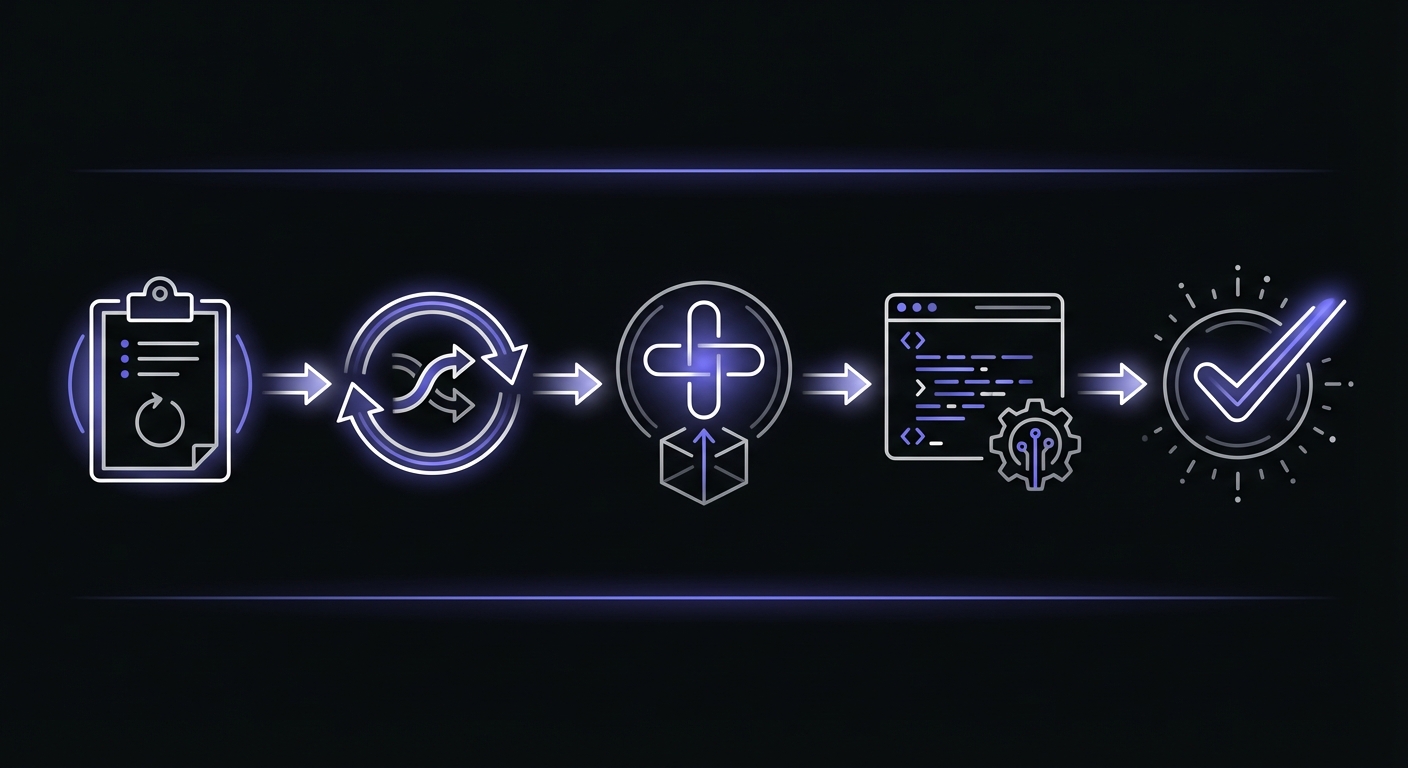
Step 1: Document Current Setup
List your Dead Man's Snitch monitors:
- Monitor names
- Expected intervals
- Alert configurations
- Which jobs ping which endpoints
Step 2: Convert Intervals to Cron Expressions
Map your DMS intervals to cron expressions:
| DMS Interval | Cron Expression | Description |
|---|---|---|
| 60 minutes | 0 * * * * | Every hour on the hour |
| 1440 minutes | 0 0 * * * | Once daily at midnight |
| 10080 minutes | 0 0 * * 0 | Once weekly on Sunday |
If your jobs run at specific times (not just intervals), now is the chance to set accurate schedules.
Step 3: Create Monitors in Cron Crew
Set up your monitors with proper cron expressions. This is an opportunity to be more precise about expected schedules.
Step 4: Update Your Jobs
Replace Dead Man's Snitch ping URLs with Cron Crew URLs:
# Before (Dead Man's Snitch)
curl https://nosnch.in/abc123

# After (Cron Crew)
curl https://your-product.example/ping/job-id
Step 5: Verify and Transition
Run both systems in parallel briefly to verify Cron Crew captures all pings correctly. Then disable Dead Man's Snitch monitors.
Conclusion
Dead Man's Snitch pioneered cron monitoring and the memorable brand has endured. For Heroku-heavy teams with simple interval-based needs, it remains functional.
But for teams wanting cron expression support, a generous free tier, active development, and modern API access, Cron Crew is the stronger choice. The cron monitoring space has evolved since 2012, and newer tools reflect that evolution.
If you are evaluating options today, try Cron Crew's free tier. If you are already on Dead Man's Snitch and happy, there is no urgency to switch. But if you are hitting limitations around scheduling, API access, or free tier size, the alternatives have improved.
For guidance on selecting the right tool, see our guide on how to choose cron monitoring.