Cron Monitoring ROI: When Does Paid Make Sense?
Do you really need to pay for cron monitoring? This guide helps you calculate ROI and determine when upgrading from free to paid makes financial sense.
Cron Monitoring ROI: When Does Paid Make Sense?
Every developer has asked themselves: "Do I really need to pay for cron monitoring?" It's a fair question. Free tiers exist, and building a simple monitoring solution seems straightforward. But the real question isn't whether you can avoid paying, it's whether the cost of not having proper monitoring exceeds the cost of a subscription.
This guide helps you calculate the ROI of cron monitoring and determine when upgrading from free to paid makes financial sense. For a full breakdown of what tools cost, see our cron monitoring pricing comparison.
The Cost of Silent Failures
Cron jobs fail silently. That's their nature. Unlike a web application that returns errors to users, a background job that crashes at 3 AM doesn't notify anyone. The failure sits there, compounding its effects, until someone manually checks or a downstream system breaks.
Detection time comparison:
| Detection Method | Average Time to Detect |
|---|---|
| Manual checking | 4-24 hours |
| Customer complaint | 2-48 hours |
| Downstream system failure | 1-12 hours |
| Cron monitoring | 5-15 minutes |
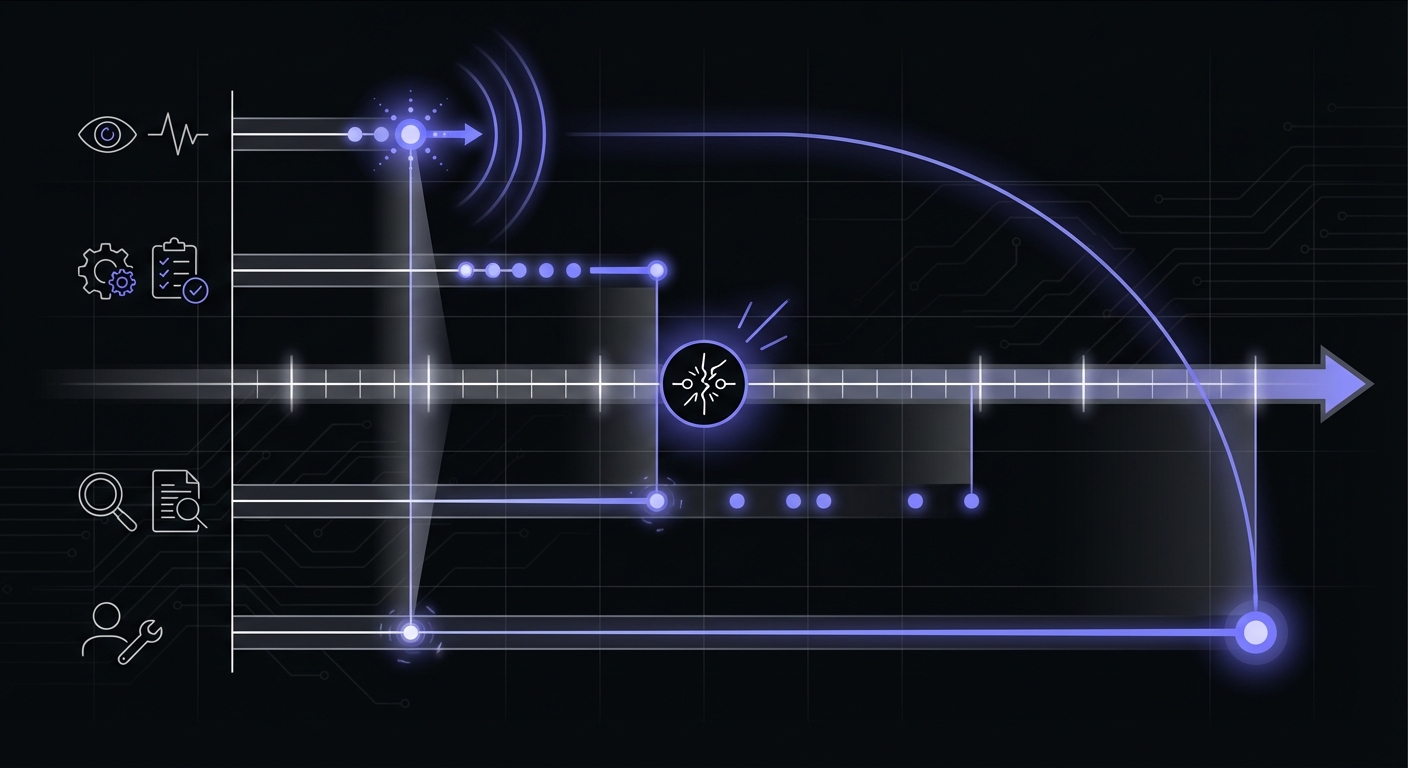
The gap between 15 minutes and 24 hours is where real damage occurs. What happens during those lost hours depends on what your job does, but it's rarely nothing.
Calculate Your Risk
Before you can determine ROI, you need to understand what failed jobs actually cost your business. Industry research provides useful benchmarks: Gartner data suggests small businesses lose $137-427 per minute of downtime, while medium-sized companies face costs up to $9,000 per minute. Even if your situation is less severe, these numbers illustrate why detection speed matters.
The Standard Downtime Formula
Calculate your specific costs with this approach:
Downtime cost = minutes of downtime x cost-per-minute
Your cost-per-minute includes:
- Lost revenue (35% of typical downtime costs)
- Developer productivity (debugging, investigation)
- Customer support load (handling complaints)
- Opportunity cost (delayed features, diverted attention)
Revenue Per Hour of Downtime
Start with your revenue-generating jobs:
- What's your average hourly revenue?
- Which jobs directly impact revenue when they fail?
- How long can a job be down before customers notice?
For an e-commerce site doing $50,000/month in revenue, that's roughly $70/hour. A billing job that fails for 8 hours could delay thousands of dollars in collections.
Customer Impact of Missed Jobs
Some jobs don't directly generate revenue but affect customer experience:
- Notification emails that don't send
- Data syncs that leave dashboards stale
- Report generation that delays business decisions
- Cache warming that degrades site performance
Customer trust is hard to quantify, but losing it is expensive. One missed notification about an important event can cost a customer relationship.
Developer Time Spent Investigating
When you don't know a job failed, discovery often happens during active investigation of a related problem:
- "Why is this data stale?" leads to "Oh, the sync job hasn't run in 3 days"
- Debugging time: 1-4 hours
- Root cause analysis: 30 minutes to 2 hours
- Fixing and verifying: 30 minutes to 2 hours
At a fully-loaded developer cost of $75-150/hour, a single debugging session can cost $150-600 in labor alone.
Real-World Failure Cost Examples
Let's examine specific scenarios to make these costs concrete.
E-commerce Inventory Sync Failure
The job: Syncs inventory levels between warehouse system and storefront every hour.
What happens when it fails:
- Products show as available when they're out of stock
- Customers order items that can't be shipped
- Support team handles angry customers
- Refunds and credits issued
Cost breakdown:
| Impact | Cost |
|---|---|
| Average refund amount | $85 |
| Customer service time (30 min) | $25 |
| Shipping cost for failed orders | $15 |
| Customer goodwill credit | $25 |
| Per incident cost | $150 |
If the sync fails overnight and 10 orders go out for unavailable products, that's $1,500 in direct costs. The customer trust damage compounds over time as affected customers become less likely to return.
Billing Job Failure
The job: Processes subscription renewals and sends invoices daily at midnight.
What happens when it fails:
- Invoices don't go out on time
- Cash flow delayed by days
- Customers confused about billing status
- Finance team manually processes backlog
Cost breakdown:
| Impact | Cost |
|---|---|
| Delayed revenue (opportunity cost) | Varies |
| Manual invoice processing (4 hours) | $200 |
| Customer support inquiries | $100 |
| Accounting reconciliation | $150 |
| Per incident cost | $450+ |
A SaaS company processing $100,000 in monthly renewals can't afford to have billing jobs fail. Even one day of delayed invoices affects cash flow and creates downstream accounting headaches.
Backup Job Failure
The job: Creates database backups nightly and uploads to offsite storage.
What happens when it fails:
- No recent backup available if disaster strikes
- Recovery point objective (RPO) violated
- Potential compliance violations
- Worst case: unrecoverable data loss
Cost breakdown:
| Impact | Cost |
|---|---|
| Best case (noticed quickly) | $0 |
| Moderate case (compliance audit) | $5,000+ |
| Worst case (data loss during gap) | Catastrophic |
Backup failures are uniquely dangerous because the cost is zero until you need the backup. Then it's potentially infinite. A single backup job that silently fails for a week, followed by a database corruption event, could end a business.
How Long Do Silent Failures Go Unnoticed?
Without monitoring, cron job failures can persist far longer than most teams expect:
- Days: Common for non-critical jobs without downstream dependencies
- Weeks: Frequent for backup jobs, cleanup tasks, and analytics aggregation
- Months: Documented cases exist of critical jobs failing silently for 30+ days
Cronitor has collected data on job failures since 2014. Their research shows that runtime durations increase over time for a large percentage of cron jobs, as datasets grow and systems accumulate technical debt. Jobs that worked reliably for months can suddenly start failing or overlapping.
The silent nature of cron failures makes them uniquely costly. A web application error surfaces immediately through user complaints or error tracking. A cron job that fails at 3 AM on Saturday generates no immediate signal.
Simple ROI Formula
Calculate your cron monitoring ROI with this straightforward formula:
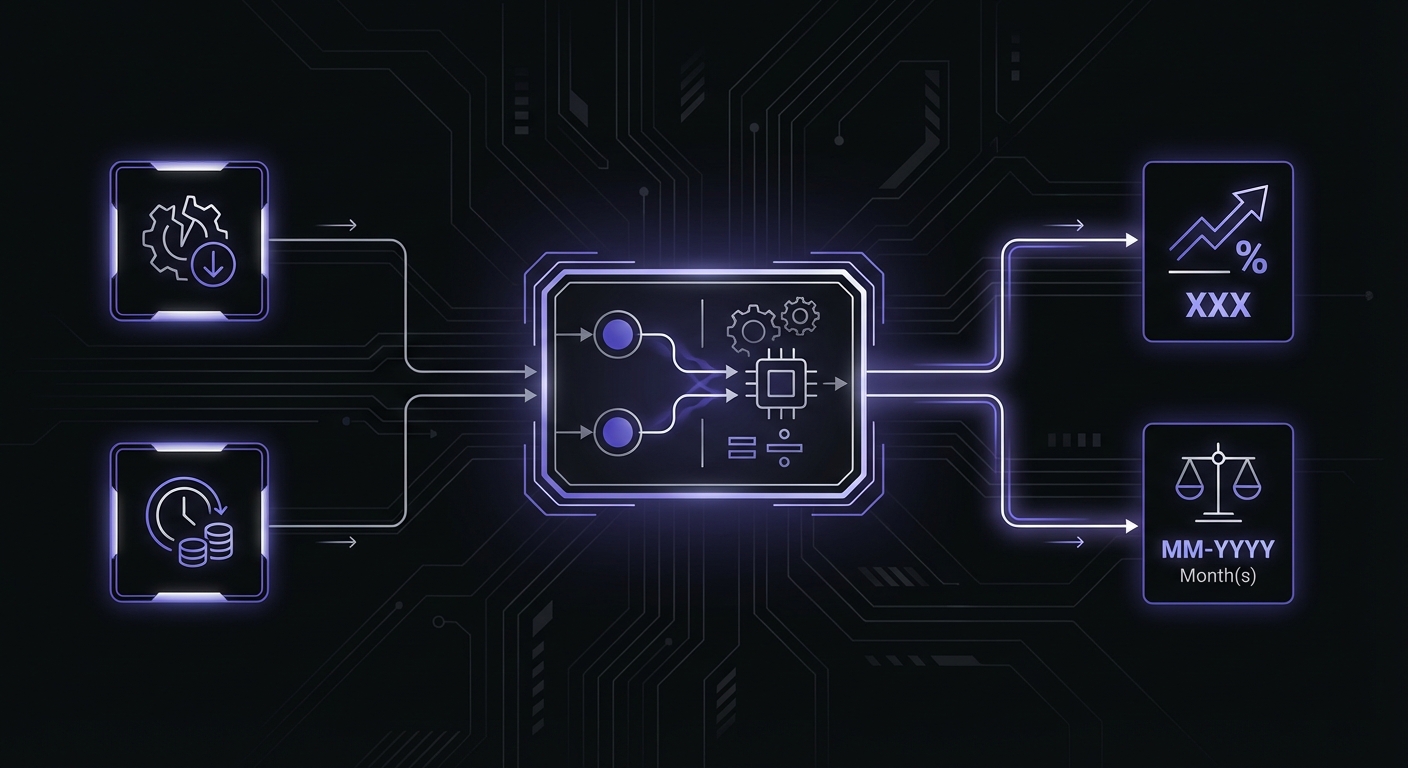
ROI = (Cost of one prevented failure) / (Annual monitoring cost)
Example calculation:
- Estimated cost of one billing failure: $2,000
- Annual monitoring cost: $180 ($15/month)
- ROI: $2,000 / $180 = 11.1x return
This means if cron monitoring prevents just one significant failure per year, you've gotten an 11x return on your investment. In reality, monitoring typically prevents multiple failures annually, making the actual ROI much higher.
Break-even analysis:
At $15/month ($180/year), you break even if monitoring prevents:
- One incident costing $180, or
- Two incidents costing $90 each, or
- Twelve incidents costing $15 each
Given that most organizations experience multiple job failures per year, the break-even threshold is almost always exceeded. Be sure to account for hidden costs like per-user fees and SMS charges when calculating your total investment.
What Monitoring Actually Costs
Understanding market pricing helps contextualize your ROI calculations:
| Service | Free Tier | Paid Starting Price | Enterprise |
|---|---|---|---|
| Healthchecks.io | 20 monitors | $20/month (100 monitors) | $80/month |
| Cronitor | Limited | $49/month | $200/month |
| Better Stack | 10 monitors | $29/month | Custom |
| Budget options | 5-15 monitors | $5-15/month | $20-50/month |
Most small teams find adequate coverage in the $10-30/month range. The question isn't whether monitoring is affordable, it's whether the cost of not monitoring exceeds these modest fees.
Quick Decision Framework
Use this table to quickly assess whether free or paid monitoring fits your situation:
| Factor | Free Tier | Paid Tier |
|---|---|---|
| Job criticality | Nice-to-have | Revenue or customer impacting |
| Failure impact | Hours acceptable | Minutes matter |
| Team size | Solo developer | Multiple people need visibility |
| Alert channels | Email sufficient | Need Slack/SMS/PagerDuty |
| Compliance | None required | Audit trails needed |
| Environment | Dev/staging | Production |
If three or more factors point to "Paid Tier," the ROI calculation almost certainly favors upgrading.
When Free Tier Is Enough
Paid monitoring isn't always necessary. Free tiers work well for certain scenarios:
Non-Critical Jobs
Jobs that are "nice to have" but don't impact revenue or customer experience:
- Internal analytics aggregation
- Development environment cleanup
- Non-essential cache warming
- Logging consolidation
If a job failing for 24 hours causes no measurable harm, free tier monitoring with email alerts is sufficient. Explore your options in our free cron monitoring tools roundup.
Development and Staging Environments
Your staging server's cron jobs don't need the same monitoring rigor as production. Free tier monitoring helps catch issues before they reach production without the cost of paid features.
Low-Traffic Applications
A personal project or internal tool with minimal usage often doesn't justify paid monitoring costs. The impact of failures is limited, and the time to detection matters less.
Learning Projects
If you're exploring cron monitoring as a concept, start with free tiers. Learn the patterns, understand what matters, then upgrade when you're running production workloads.
When Paid Is Clearly Worth It
Certain situations demand paid monitoring. If any of these apply, the ROI calculation strongly favors paying:
Revenue-Generating Jobs
Any job that directly or indirectly generates revenue:
- Payment processing
- Order fulfillment triggers
- Subscription renewals
- Lead nurturing sequences
The cost of one failure often exceeds a year of monitoring costs.
Customer-Facing Processes
Jobs that customers notice when they fail:
- Notification systems
- Report generation
- Data sync between systems customers access
- Scheduled communications
Customer trust degrades with each failure. Paid monitoring helps maintain reliability.
Compliance Requirements
Industries with regulatory requirements often mandate monitoring:
- Healthcare (HIPAA): Audit logging, backup verification
- Finance (SOC 2): System availability monitoring
- Any industry with SLAs: Uptime commitments
Compliance violations cost far more than monitoring subscriptions.
Team Collaboration Needs
When multiple people need visibility into job status:
- On-call rotations requiring PagerDuty/Opsgenie integration
- Team dashboards showing job health
- Audit trails for who modified what
- Role-based access to different monitors
Free tiers typically limit collaboration features. Paid plans enable proper team workflows.
Industry-Specific Risk Factors
Different industries face varying levels of risk from cron job failures:
E-commerce and Retail
- Inventory sync failures cause overselling and refunds
- Payment processing delays impact cash flow
- Order notification failures erode customer trust
- Peak season amplifies every failure's impact
SaaS and Subscription Businesses
- Billing job failures delay revenue recognition
- Usage metering gaps create invoicing disputes
- Trial expiration jobs affect conversion rates
- Data export jobs impact customer workflows
Finance and Fintech
- Transaction processing requires audit trails
- Regulatory reporting has strict deadlines
- Account reconciliation can't have gaps
- Compliance monitoring needs documentation
Healthcare
- Patient notification timing is often critical
- Data backup requirements are strict
- HIPAA audit logging must be continuous
- Integration with external systems requires reliability
If your industry appears on this list, the cost of a single significant failure likely exceeds a year of monitoring costs.
The Insurance Framing
Sometimes ROI calculations miss the psychological value of monitoring. Consider cron monitoring as insurance:
$15/month is cheap insurance:
- That's $0.50/day
- Less than a coffee
- A rounding error on most SaaS budgets
One prevented incident pays for years:
- A single $500 incident pays for 33 months of monitoring
- A $2,000 incident pays for over 11 years
- The math strongly favors protection
Peace of mind has value:
- Sleep better knowing jobs are monitored
- Reduce the cognitive load of remembering to check jobs
- Spend mental energy on building, not worrying
The anxiety reduction alone often justifies the cost for developers who've experienced painful silent failures.
Conclusion
The ROI calculation for cron monitoring almost always favors paying for proper tooling. When you factor in the cost of silent failures, developer time spent debugging, customer impact, and the insurance value of monitoring, $15/month is trivially justified.
Free tiers serve their purpose for non-critical jobs and learning, but production workloads that impact revenue or customers deserve proper monitoring. The cost of one prevented failure typically exceeds years of subscription costs.
Stop asking "Can I avoid paying for monitoring?" and start asking "What does it cost when my jobs fail silently?" The answer usually makes the decision obvious.
Ready to protect your critical jobs? Cron Crew offers affordable cron monitoring starting at $15/month. One prevented failure pays for itself many times over. Start your free trial today.