Why Developers Switch from Cronitor
Cronitor's features are impressive but its pricing model can become expensive quickly. Here are the common reasons developers migrate away from Cronitor.

Why Developers Switch from Cronitor
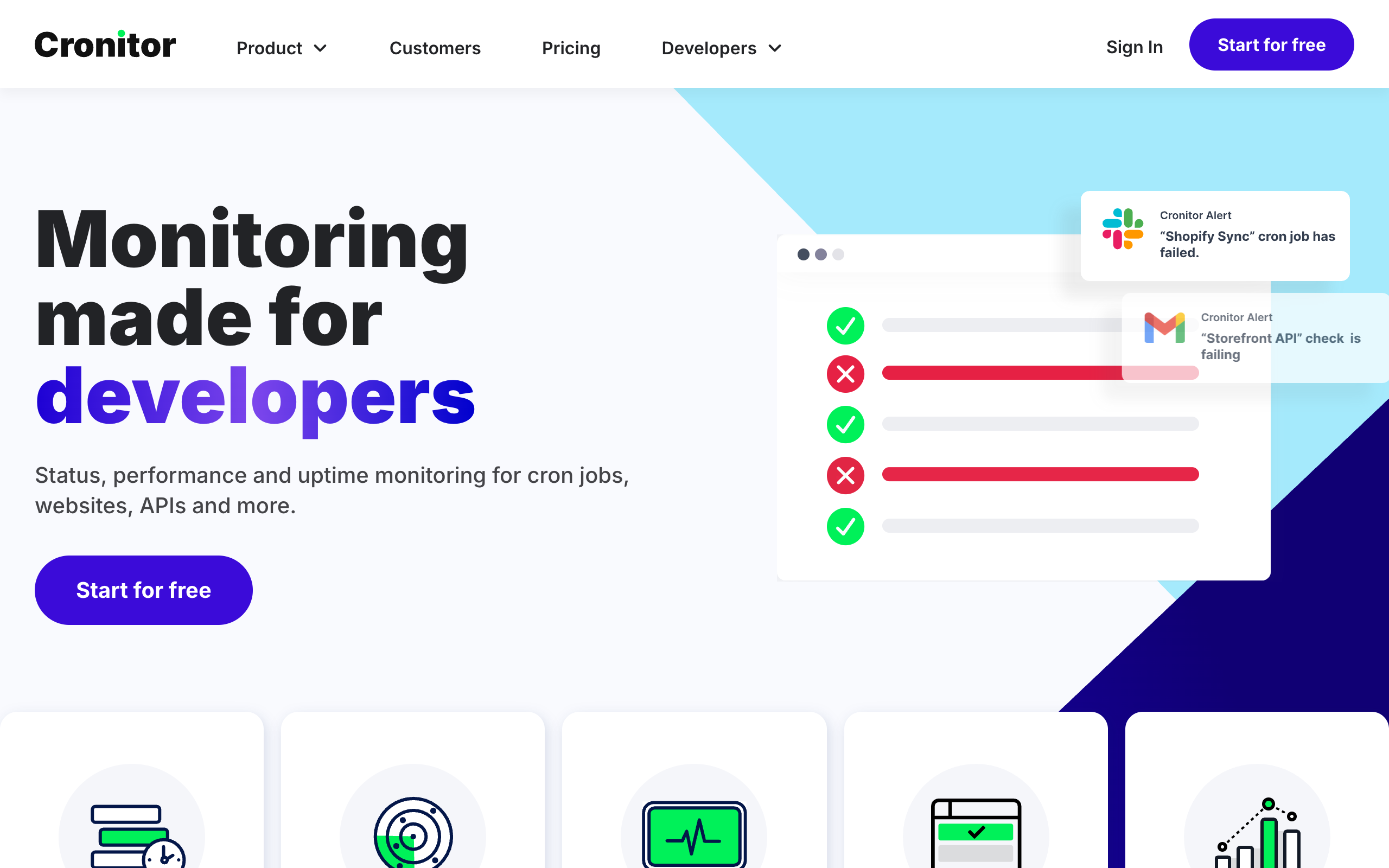
Cronitor is a well-established cron monitoring service with a feature set that covers nearly every use case you can imagine. It offers CLI auto-discovery, comprehensive SDKs, detailed run history, and integrations with major tools. So why do developers switch away from it?
The answer usually comes down to one word: pricing. While Cronitor's features are impressive, its pricing model can become expensive quickly, especially as your team grows. In this article, we will explore the common reasons developers migrate away from Cronitor and what to consider if you are thinking about making the switch. For a complete market overview, see our guide to the best cron monitoring tools.
Common Reasons for Switching
Through conversations with teams who have migrated from Cronitor, several patterns emerge consistently.
Pricing Complexity
Cronitor's per-monitor plus per-user pricing model is straightforward in concept but can lead to unexpected bills as your usage grows. Understanding your monthly cost requires tracking both the number of monitors and the number of team members with access.
Per-User Fees at Scale
Every team member who needs access to Cronitor adds to your bill. This creates friction when you want to give visibility to stakeholders or enable read-only access for on-call rotation members.
Overbuilt for Actual Needs
Cronitor offers features like CLI auto-discovery and extensive SDKs that are genuinely useful for some teams. However, many developers realize they only use a fraction of these features and are effectively paying for capabilities they never touch.
Budget Constraints
When engineering budgets tighten, teams scrutinize every line item. Cron monitoring, while important, is often seen as a candidate for cost optimization when a less expensive alternative can meet the actual requirements.
Reason 1: Pricing Adds Up
Let us look at the math that often drives switching decisions.
Cronitor charges $2 per monitor plus $5 per team member per month. For a small team, this might seem reasonable at first glance. But consider a typical scenario:
Example: Small Development Team
- 5 team members who need access: $25/month
- 30 cron jobs to monitor: $60/month
- Total: $85/month
That is over $1,000 per year for basic cron monitoring. As your team or number of jobs grows, the costs scale linearly in both dimensions.
Example: Growing Team
- 10 team members: $50/month
- 50 monitors: $100/month
- Total: $150/month ($1,800/year)
Compare this to alternatives with flat-rate pricing:
| Service | 10 Users, 50 Monitors |
|---|---|
| Cronitor | $150/month |
| Cron Crew | $15/month |
| Healthchecks.io | $20/month |
The difference is significant, especially for budget-conscious teams or bootstrapped startups. For a detailed breakdown of all pricing models, see our cron monitoring pricing comparison.

Expanded Pricing Comparison
Here is how Cronitor compares to the major alternatives in 2026:
| Service | 10 Users, 50 Monitors | Pricing Model |
|---|---|---|
| Cronitor | $150/month | $2/monitor + $5/user |
| Cron Crew | $15/month | Flat rate, unlimited users |
| Healthchecks.io | $20/month | Per-monitor, unlimited users |
| UptimeRobot | $29/month | Flat tiers, limited users |
| CronSignal | $5/month | Flat rate |
Hidden Add-On Costs
Beyond base pricing, Cronitor charges separately for features many teams consider essential:
- Branded status pages: $25/month extra
- Private status pages: $50/month extra
- SAML SSO: $5/user/month on top of the per-user fee
- Synthetic browser checks: $1 per 1,000 checks
- Additional status page subscribers: $25 per 1,000 subscribers
These add-ons can push a $150/month bill to $250+ quickly if you need enterprise features.
Unexpected Bill Growth
Several teams have reported that their Cronitor bills grew unexpectedly as they added monitoring to more jobs or onboarded new team members. Unlike flat-rate services where the cost is predictable, usage-based pricing can surprise you at the end of the month.
Reason 2: Per-User Fees Create Friction
The per-user component of Cronitor's pricing has a subtle but important side effect: it discourages adding team members.
Read-Only Access Still Costs
Even if a team member only needs to view monitor status or check on job history, they count toward your user total. This creates situations where teams restrict access to save costs, reducing the visibility that makes monitoring valuable in the first place.
Discourages Team Collaboration
When every user costs money, teams tend to limit who has access. The result is often that only one or two people can see the monitoring dashboard, creating knowledge silos and making it harder to debug issues during incidents.
On-Call Rotation Challenges
If your on-call rotation includes different team members each week, all of them need Cronitor access to respond to alerts and investigate issues. This means paying for users who might only actively use the system one week per month.
Comparison: No Per-Seat Pricing
Cron Crew and several other alternatives charge based on the number of monitors, not the number of users. Add as many team members as you need without affecting your bill. This encourages the kind of broad visibility that makes monitoring effective.
Reason 3: Feature Overload
Cronitor is a feature-rich platform designed to handle complex cron monitoring needs. For teams with those needs, it delivers real value. But many teams discover they are paying for features they never use.
CLI Auto-Discovery
Cronitor's CLI tool can automatically scan your servers, discover cron jobs, and set up monitoring. This is genuinely useful for some workflows, but many teams:
- Manually add a few monitors and never use the CLI
- Use containerized environments where CLI discovery does not apply
- Have simple setups where auto-discovery is overkill
If you are not using CLI auto-discovery, you are paying for a feature that does not benefit you.
Extensive SDKs
Cronitor offers SDKs for Python, Ruby, Node.js, PHP, Go, and more. These allow you to monitor jobs directly from your application code with detailed timing and error information.
However, many teams find that a simple curl command at the end of their cron script does everything they need:
/scripts/backup.sh && curl -s https://ping.example.com/abc123If you are using basic HTTP pings rather than SDK integration, the extensive SDK support is not adding value to your workflow.
Paying for Unused Capabilities
When you pay for a comprehensive tool but only use the basics, you are effectively subsidizing features other users need. A simpler tool at a lower price point might be the better match for your actual requirements.

Tiered Feature Restrictions
Some features you might expect to be standard are actually restricted to higher-priced tiers:
- Job output capture: Only available on Business plan or higher - Hacker tier users cannot see what their cron jobs actually output
- Premium integrations: PagerDuty, OpsGenie, and Splunk integrations require the Business plan
- Team management: Role-based access control is not available on the free tier
- API access: Full API functionality requires a paid plan
If you need job output capture but only have a few monitors, you are paying the Business rate for a feature that should be table stakes.
Reason 4: Platform Expansion You Did Not Ask For
Cronitor has expanded significantly beyond cron monitoring. The platform now includes:
- Uptime monitoring for websites and APIs
- Real User Monitoring (RUM) for frontend performance
- Synthetic browser checks for user journey testing
- Status pages with subscriber management
- Analytics dashboards with performance metrics
This expansion is valuable if you need a unified monitoring platform. But if you only need cron monitoring, you are paying for a multi-product suite when a focused tool would cost less.
The Multi-Product Premium
Cronitor's pricing reflects its platform ambitions. The engineering, support, and infrastructure costs of maintaining five product lines get spread across all customers. If you only use one of those products, you are subsidizing the others.
Focused alternatives like Healthchecks.io or Cron Crew build exclusively for cron monitoring. Their pricing reflects a single-purpose tool, not an enterprise platform.
Reason 5: Simpler Needs Emerged
Teams often start with Cronitor during a period of growth or when they have complex requirements. Over time, they realize their actual needs have simplified.
Started with Complex Setup
Perhaps you initially had dozens of cron jobs with intricate dependencies and needed advanced features. But as your architecture matured, you consolidated to fewer, more reliable jobs.
Realized Needs Are Basic
The core value proposition of cron monitoring is simple: tell me when my job does not run. Many teams discover that once they have reliable alerting for missed jobs, the additional features provide diminishing returns.
Core Features Are Commoditized
The basic features of cron monitoring (heartbeat pings, missed run alerts, basic integrations) are now available from multiple providers at competitive prices. There is less reason to pay a premium for a comprehensive solution if you only need the basics.
What Switchers Say
While we cannot share specific customer testimonials without permission, common themes emerge in feedback from teams who have migrated:
"We were paying over $100 a month for what turned out to be pretty simple monitoring. Switching cut our costs by 80% and we haven't noticed any difference in functionality for our use case."
"The per-user pricing was killing us. We had 15 people who needed to see the dashboard but only 3 who actually configured anything. Now everyone can have access without worrying about the bill."
"We set up Cronitor's CLI discovery once, never used it again, and kept paying for it. A simpler tool does everything we actually need."
Migration Is Straightforward
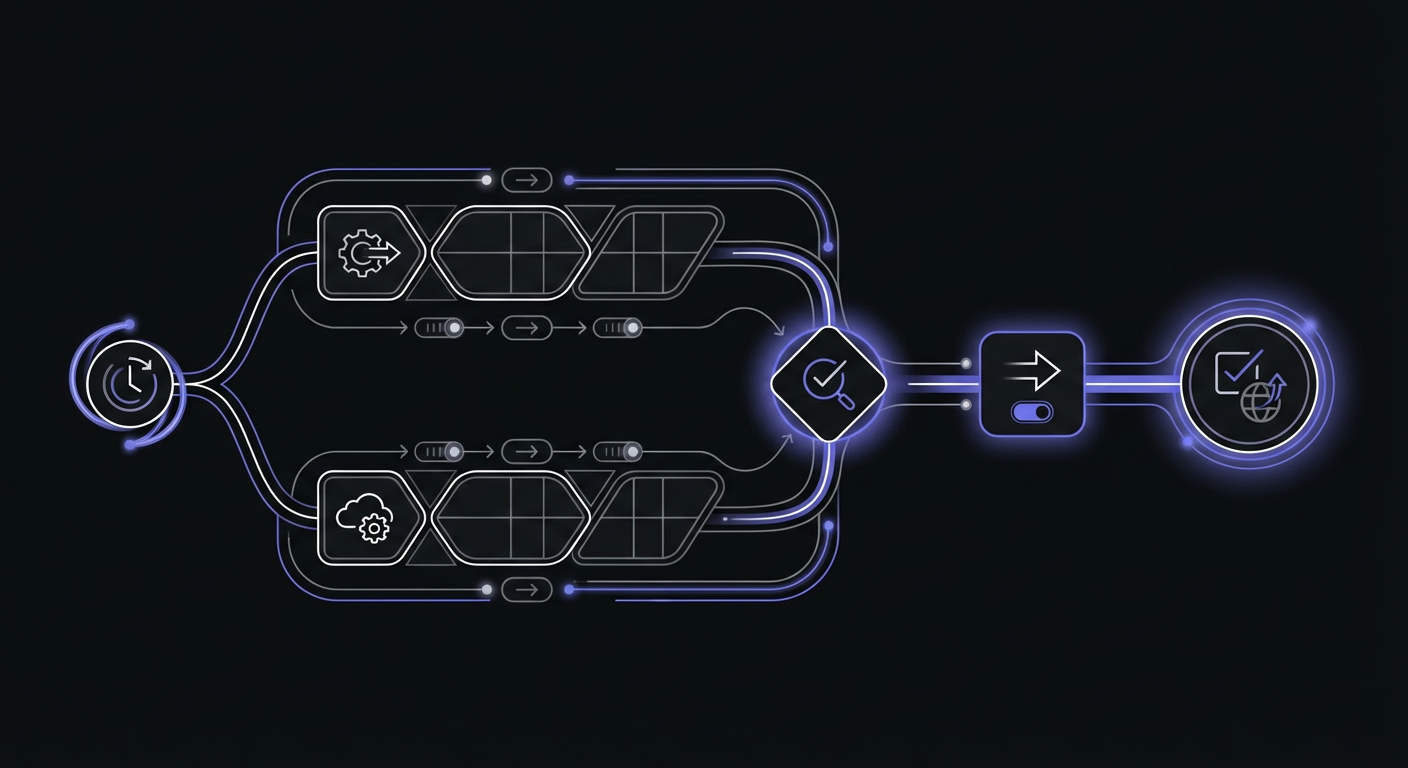
If you are considering switching, the good news is that migration from Cronitor is relatively simple. Most cron monitoring services use the same fundamental model: your job pings a URL, and the service alerts you if the ping does not arrive.
Same Ping Model
Both Cronitor and alternatives like Cron Crew use HTTP pings. Your cron job makes a request to a unique URL when it completes successfully. If the request does not arrive within the expected window, you get an alert.
Update URLs in Code
Migration typically involves:
- Creating monitors in your new service
- Updating the ping URLs in your cron scripts
- Testing to verify alerts work
For most setups, this is a few hours of work spread across your cron jobs.
Alert Configuration Is Similar
Setting up alert channels (email, Slack, PagerDuty, etc.) works similarly across services. You will need to reconfigure your integrations, but the concepts are the same.
Test in Parallel First
The safest migration approach is to run both services in parallel for a week or two. Add the new ping URL alongside your Cronitor ping, verify everything is working, then remove the Cronitor integration.
What You Might Miss
Switching tools always involves trade-offs. Here is what you might miss if you leave Cronitor:
CLI Auto-Discovery
If you actively use Cronitor's CLI to discover and manage cron jobs across your infrastructure, you will need to find an alternative workflow or accept manual monitor creation.
Specific SDK Features
If you use Cronitor's SDKs for in-code monitoring with detailed timing and error capture, verify that your new service supports your requirements or adjust your monitoring approach.
Established Workflows
Your team has muscle memory around how Cronitor works. Switching means learning a new interface, updating documentation, and adjusting incident response procedures.
Support Relationship
If you have established a relationship with Cronitor's support team or rely on specific support SLAs, verify that your new provider meets your support requirements.
Migration Checklist
If you decide to switch, here is a practical checklist to guide your migration:
- Export or document your current Cronitor monitors (name, schedule, grace period)
- Create matching monitors in Cron Crew or your chosen alternative
- Update ping URLs in your cron scripts, one at a time
- Configure alert channels (email, Slack, webhooks)
- Test that alerts reach the right people
- Run both services in parallel for 1-2 weeks
- Verify all jobs are checking in to the new service
- Remove Cronitor ping URLs from your scripts
- Cancel your Cronitor subscription
- Update your runbooks and documentation
Conclusion
Cronitor is a capable cron monitoring platform with features that serve complex use cases well. However, its pricing model creates significant costs for growing teams, and many developers find they are paying for features they do not use.
If your Cronitor bill has grown beyond what you expected, if per-user fees are limiting who can access your monitoring, or if you have realized your needs are simpler than Cronitor's feature set, switching to an alternative can reduce costs substantially while still meeting your monitoring requirements.
The migration process is straightforward since all heartbeat monitoring services use the same fundamental model. Run both services in parallel, verify everything works, and make the switch with confidence.
Ready to simplify your cron monitoring? Cron Crew offers flat-rate pricing without per-user fees, starting at $15/month for up to 50 monitors. Sign up for a free account and see if it meets your needs before committing to migration.
For more details on making the switch, see our guide to Cronitor alternatives or our detailed Cron Crew vs Cronitor comparison.