Inventory Sync Job Monitoring for E-commerce
Inventory accuracy is foundational to e-commerce. When sync jobs fail, consequences are immediate: overselling, false stockouts, frustrated customers.
Inventory Sync Job Monitoring for E-commerce
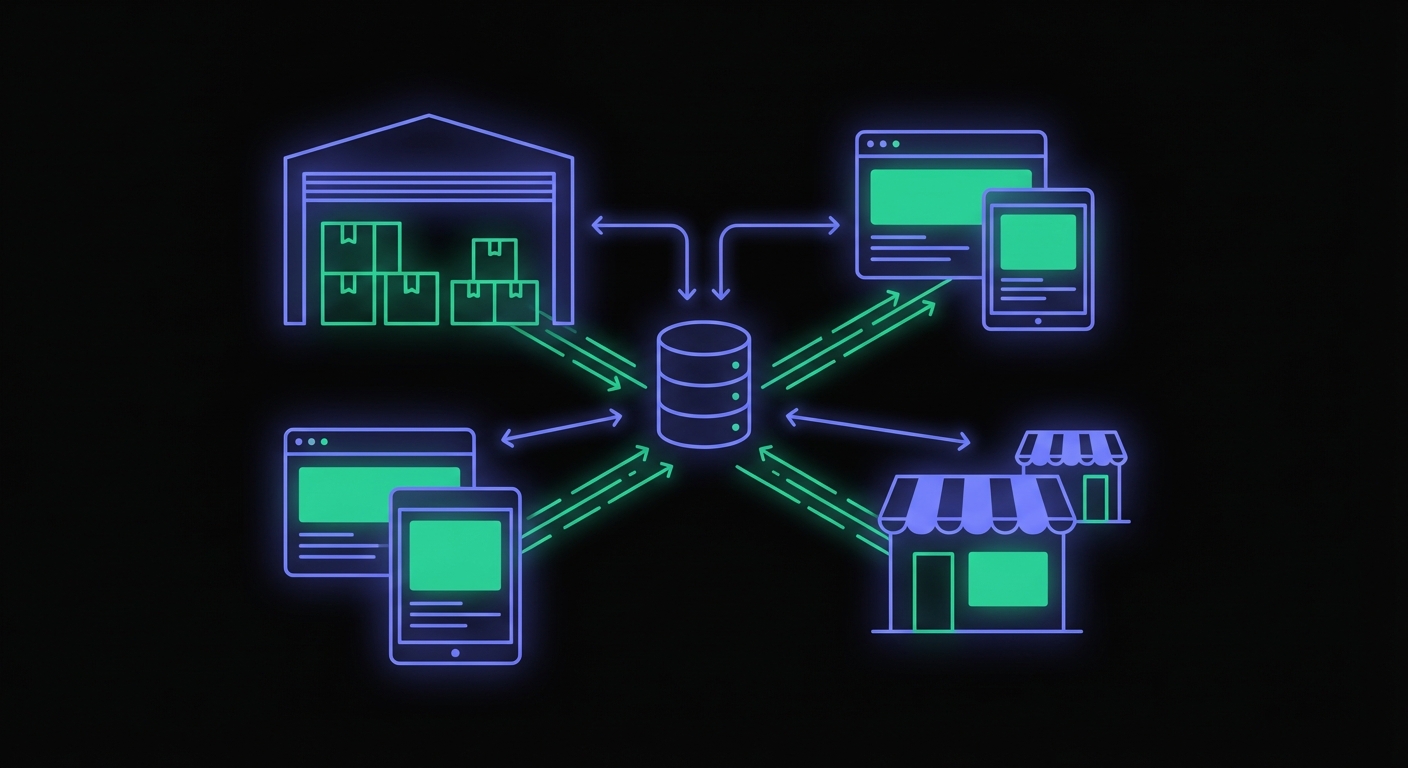
Inventory accuracy is foundational to e-commerce operations. When inventory sync jobs fail, the consequences are immediate: overselling products you do not have, showing items as out of stock when they are available, and frustrated customers on both ends. This guide provides a deep dive into monitoring inventory synchronization jobs, the systems that keep your stock levels accurate across channels.
Why Inventory Sync Is Critical
Inventory sync jobs carry significant business risk:
Overselling creates unhappy customers: A customer orders a product, receives an order confirmation, and then gets an email saying the item is actually out of stock. They need a refund, they are disappointed, and they may not shop with you again.
Understocking means missed sales: Products show as unavailable when you actually have stock. Customers buy elsewhere. You never know about the sales you lost.
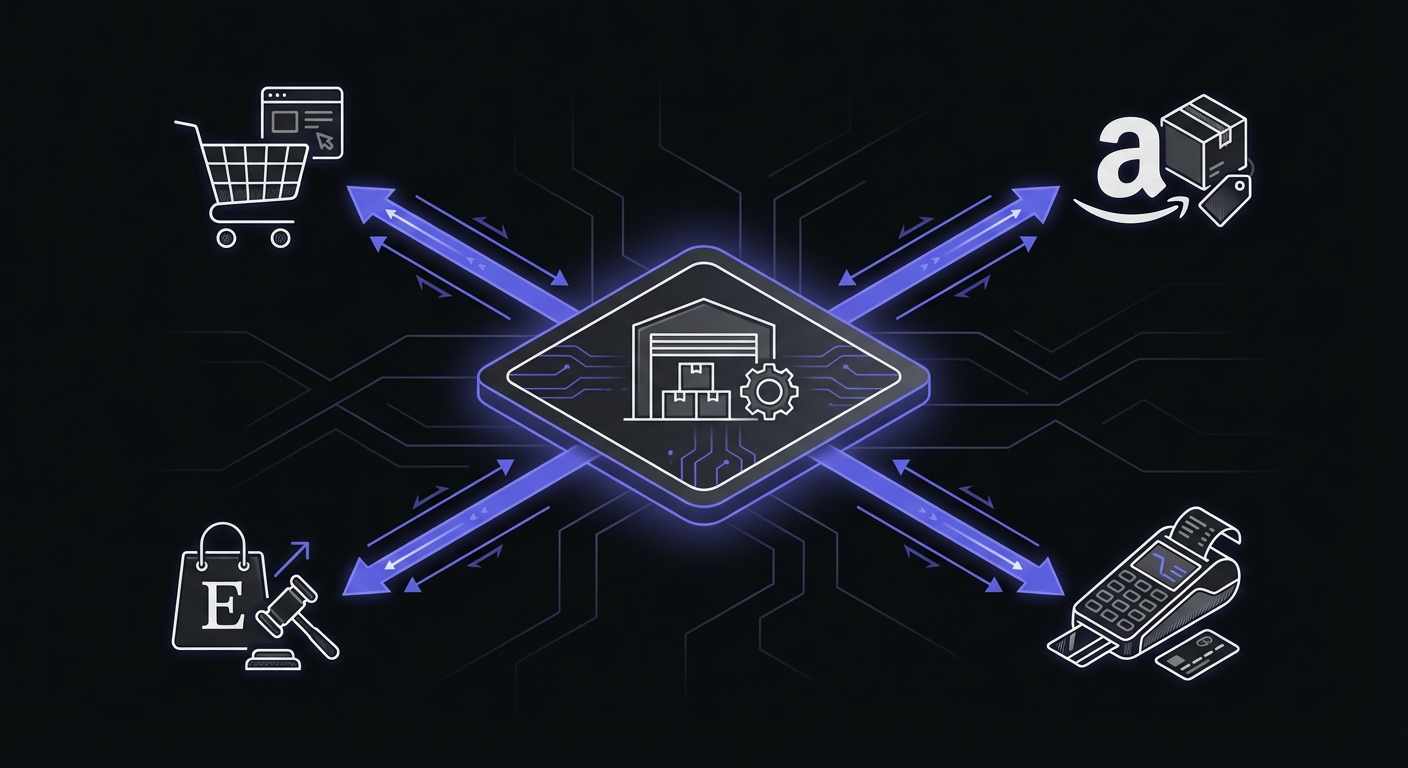
Multi-channel complexity: Modern e-commerce often spans multiple sales channels, your website, Amazon, eBay, retail stores, and wholesale. Inventory must stay synchronized across all of them. For broader coverage of e-commerce scheduled tasks, see our e-commerce cron monitoring guide.
Real-time expectations: Customers expect inventory to be accurate now. A product that shows available should be available when they check out 30 seconds later.
The financial stakes are high: Industry estimates put annual stockout costs at $1 trillion globally. A mid-size e-commerce company implementing sync monitoring detected 12 previously unnoticed failures in their first month and reduced inventory inconsistencies by 94%.
Common Inventory Sync Patterns
Inventory flows between systems in various configurations:
ERP to e-commerce platform: Your enterprise resource planning system is the source of truth. Stock levels sync to your online store.
POS to online store: Retail stores have their own inventory. Sales in-store need to reflect online, and vice versa.
Warehouse to all channels: A central warehouse management system pushes inventory to every sales channel.
Marketplace sync: Sending inventory to Amazon, eBay, Walmart, and other marketplaces. Each has its own API and requirements.
Drop-ship supplier sync: For drop-shipped products, your supplier's inventory becomes your inventory. You need their stock levels reflected in your store.
Each sync direction and destination may require its own job and its own monitoring.
Why Inventory Syncs Fail
Sync jobs fail for reasons specific to integration work:
API rate limits: Marketplace APIs limit how many requests you can make. Hit the limit and your sync stops partway through.
Network timeouts: Syncing thousands of SKUs takes time. Network issues during sync can cause partial updates or complete failures.
Data format changes: The source or destination system changes their data format. Your sync script cannot parse the new format.
Authentication expiration: API tokens, OAuth credentials, or API keys expire. The sync cannot authenticate.
Source system downtime: Your ERP is being upgraded or your supplier's system is down. No source data means no sync.
SKU mismatch: Your system's SKU does not match the destination platform's identifier. The sync completes but updates the wrong product or fails silently.
Each failure mode requires a different response. Monitoring catches the failure. Logs help diagnose the cause. For help selecting a monitoring solution, see our best cron monitoring tools comparison.
Monitoring Inventory Sync Jobs
Here is a comprehensive example of a monitored inventory sync job:
const MONITOR_URL = process.env.INVENTORY_SYNC_MONITOR_URL;

async function syncInventory() {
  console.log('Starting inventory sync');

  // Signal job start
  try {
    await fetch(`${MONITOR_URL}/start`);
  } catch (e) {
    console.error('Monitor start ping failed:', e);
  }

  try {
    // Fetch inventory from source (ERP, WMS, etc.)
    const sourceInventory = await erp.getStockLevels();
    console.log(`Retrieved ${sourceInventory.length} SKUs from ERP`);

    let updated = 0;
    let skipped = 0;
    let errors = 0;

    for (const item of sourceInventory) {
      try {
        const currentStock = await store.getStockLevel(item.sku);

        if (currentStock !== item.quantity) {
          await store.updateStockLevel(item.sku, item.quantity);
          updated++;
        } else {
          skipped++;
        }
      } catch (error) {
        console.error(`Failed to sync ${item.sku}:`, error.message);
        errors++;
      }
    }

    console.log(`Sync complete: ${updated} updated, ${skipped} unchanged, ${errors} errors`);

    // Decide on success/failure based on error rate
    if (errors > sourceInventory.length * 0.05) {
      // More than 5% errors is a failure
      console.error('Error rate too high, signaling failure');
      await fetch(`${MONITOR_URL}/fail`);
    } else {
      await fetch(MONITOR_URL);
    }

  } catch (error) {
    console.error('Inventory sync failed:', error);
    try {
      await fetch(`${MONITOR_URL}/fail`);
    } catch (e) {
      console.error('Monitor fail ping failed:', e);
    }
    throw error;
  }
}
This example includes error threshold logic. A few SKU failures are acceptable; a significant error rate triggers a failure signal.
Duration Tracking for Syncs
Sync duration provides operational intelligence:
| Duration Change | What It Means |
|---|---|
| Gradual increase | Catalog growing, more SKUs to sync |
| Sudden increase | API performance degradation |
| Sudden decrease | Sync completing early, possible issue |
| High variability | External system performance inconsistent |
A sync that usually takes 5 minutes but suddenly takes 30 minutes warrants investigation. Maybe the source API is slow. Maybe you added many new products. Either way, you want to know.
Duration tracking also helps with capacity planning. If your sync is approaching your job timeout limit, you need to optimize or increase resources before it starts failing.
Multi-Channel Monitoring
When syncing to multiple channels, monitor each separately:
Inventory Monitors
├── erp-to-website (every 15 min)
├── erp-to-amazon (every 30 min)
├── erp-to-ebay (every 30 min)
├── erp-to-walmart (hourly)
└── supplier-to-erp (hourly)
Each channel has different requirements, different APIs, and different failure modes. A problem with Amazon sync should not mask a simultaneous problem with eBay sync.
Separate monitors also allow different alert configurations. Amazon might be higher priority than eBay for your business.
Grace Periods for Inventory
Setting appropriate grace periods requires balancing several factors:
High-velocity items need tight monitoring: Products that sell frequently cannot tolerate long sync delays. A 15-minute grace period might be appropriate.
Slow movers can have longer grace periods: Products that sell once a week can tolerate longer delays. An hour grace period is fine.
Match business tolerance: How long can sync be delayed before it creates real problems? Set grace periods accordingly.
| Product Velocity | Recommended Grace Period |
|---|---|
| Fast movers (>10/day) | 15-30 minutes |
| Regular products | 1 hour |
| Slow movers (<1/week) | 4 hours |
Consider separate monitors with different grace periods for different product categories if velocity varies significantly.
Alert Escalation
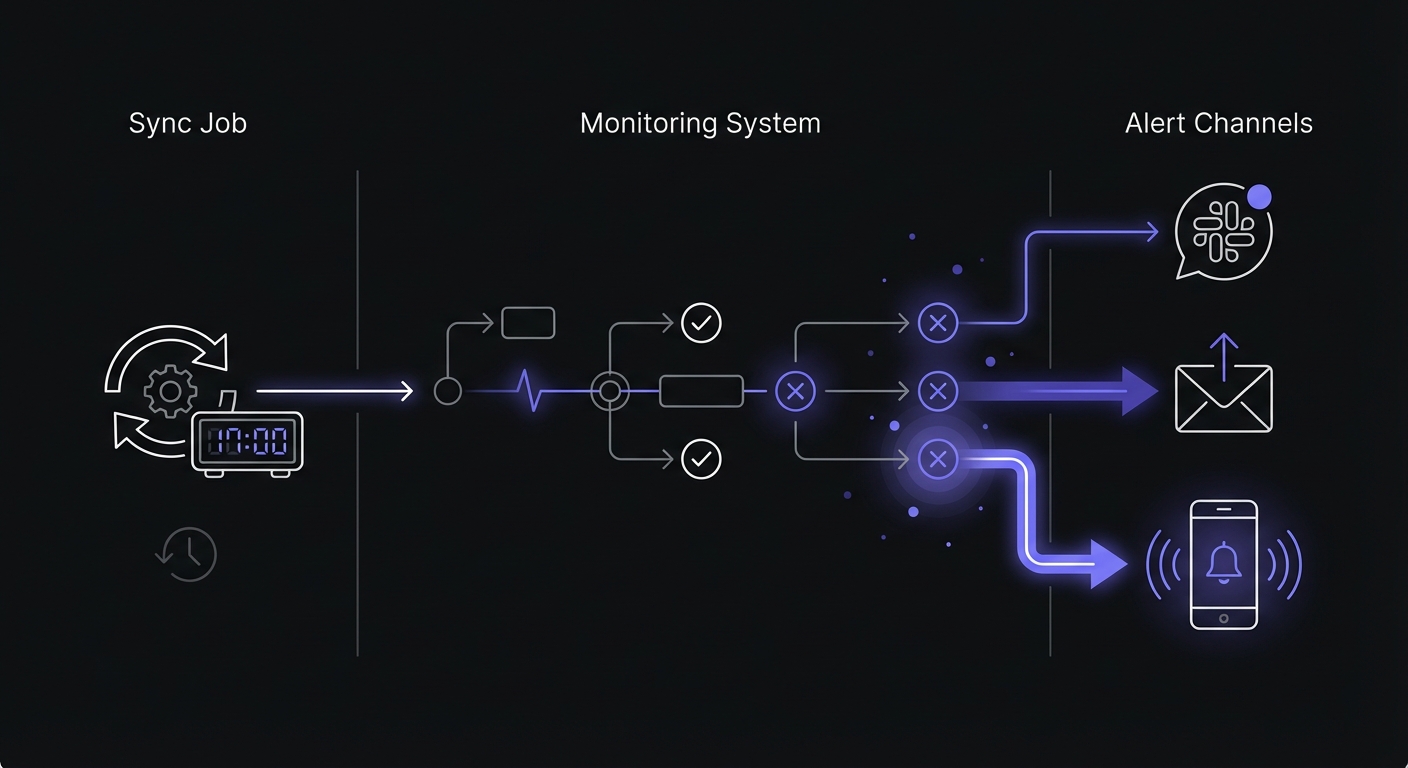
Inventory sync failures warrant quick response. Configure escalating alerts:
| Time Since Failure | Action |
|---|---|
| Immediate | Slack notification to #inventory-alerts |
| 15 minutes | Email to operations team |
| 30 minutes | SMS to inventory manager |
| 1 hour | Consider pausing sales (manual decision) |
For high-volume stores, consider automated responses. If inventory sync has been down for an hour, automatically adding a "limited availability" notice to the site protects against overselling.
Key Metrics to Track
Beyond simple success/failure, monitor these metrics for inventory health:
| Metric | What It Measures | Warning Threshold |
|---|---|---|
| Sync failure rate | % of syncs that fail | >2% requires investigation |
| Reservation count | Items held but not shipped | Unusual spikes indicate issues |
| Queue backlog size | Pending sync operations | Growing backlog means falling behind |
| Discrepancy rate | Mismatches between systems | >0.5% needs reconciliation |
| Negative salable quantity | Items oversold | Any occurrence is critical |
These metrics predict inventory failures before customers notice. Track them in your monitoring dashboard alongside job success status.
Reconciliation Monitoring
Beyond regular sync jobs, run periodic full reconciliation:
async function reconcileInventory() {
  const MONITOR_URL = process.env.INVENTORY_RECON_MONITOR_URL;

  await fetch(`${MONITOR_URL}/start`);

  try {
    const erpInventory = await erp.getAllStockLevels();
    const storeInventory = await store.getAllStockLevels();

    let discrepancies = [];

    for (const [sku, erpQty] of Object.entries(erpInventory)) {
      const storeQty = storeInventory[sku] || 0;
      if (erpQty !== storeQty) {
        discrepancies.push({
          sku,
          erp: erpQty,
          store: storeQty,
          diff: erpQty - storeQty
        });
      }
    }

    if (discrepancies.length > 0) {
      console.log(`Found ${discrepancies.length} discrepancies`);
      await notifyTeam(discrepancies);
      // Fix discrepancies
      for (const d of discrepancies) {
        await store.updateStockLevel(d.sku, d.erp);
      }
    }

    await fetch(MONITOR_URL);

  } catch (error) {
    await fetch(`${MONITOR_URL}/fail`);
    throw error;
  }
}
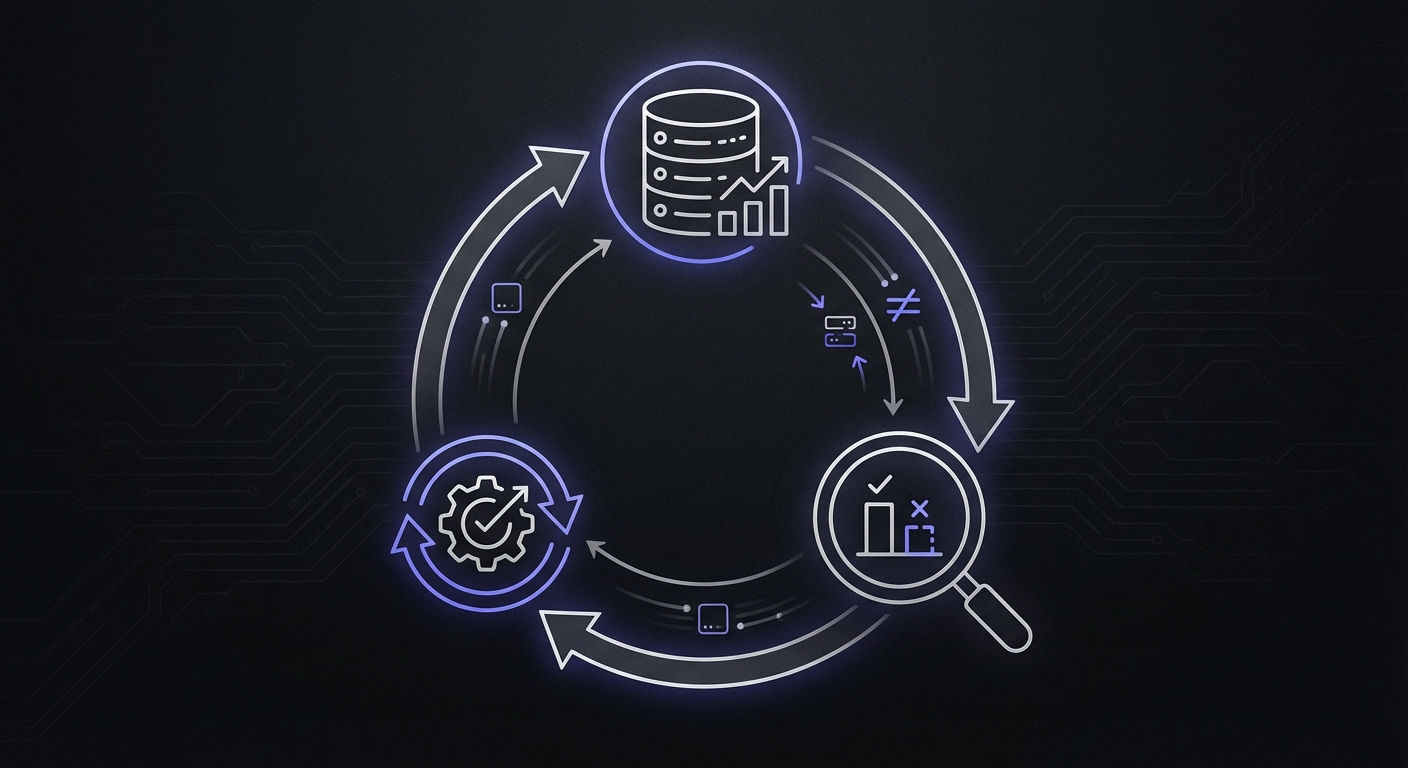
Reconciliation catches drift that accumulates over time. Run it daily or weekly depending on your volume.
Real-Time vs Scheduled Sync
Two primary approaches exist for keeping inventory synchronized:
Polling (scheduled sync): Your cron job runs every 5, 15, or 30 minutes to fetch and push inventory changes. Simple to implement but creates delay between actual inventory changes and reflected updates. Each poll consumes API requests even when nothing changed.
Webhooks (event-driven): The source system pushes changes immediately when they occur. Near real-time accuracy but requires more infrastructure. Process webhook data asynchronously to avoid blocking.
Most operations use a hybrid approach: webhooks for immediate updates during peak hours, with scheduled reconciliation to catch any missed events.
Handling Sync Failures
When alerts fire, have a response plan:
Immediate assessment:
- Check source system availability
- Check destination API status
- Review error logs for specific failures
Short-term mitigation:
- Can you run a manual sync?
- Should you add buffer stock to prevent overselling?
- Do you need to pause sales on affected items?
Communication:
- Notify customer service about potential issues
- Update internal stakeholders
- Prepare customer communication if needed
Root cause and prevention:
- What caused the failure?
- How can you prevent recurrence?
- Do you need better monitoring or alerting?
Platform-Specific Considerations
Different platforms have different sync challenges and rate limits:
| Platform | API Type | Rate Limit | Batch Size | Notes |
|---|---|---|---|---|
| Shopify | REST | 40 req/min | 1 item | Use GraphQL for bulk |
| Shopify | GraphQL | 1000 points/min | 250 items | Preferred for large catalogs |
| Amazon | Feed | 15 feeds/hour | Unlimited | Processing delay up to 15 min |
| WooCommerce | REST | Server-dependent | Variable | wp-cron reliability issues |
| eBay | REST | 5000/day | 25 items | Strict daily limits |
Shopify: The GraphQL Admin API supports bulk operations that update up to 250 inventory items per mutation, consuming only 10 points from your 1000-point bucket. Far more efficient than REST for large catalogs. Modern inventory APIs (v2023-01+) support multiple inventory states: available, reserved, incoming, and damaged.
WooCommerce: wp-cron is triggered by site visits, not by the server clock. Low-traffic periods mean delayed syncs. Replace with a real server cron for reliability.
Amazon: Inventory feeds have processing delays of 5-15 minutes. Monitor both feed submission status and processing completion. Amazon limits feed submissions to 15 per hour, so batch updates efficiently.
Marketplace APIs: Each marketplace has unique error codes and recovery procedures. Build platform-specific error handling rather than generic retry logic.
Conclusion
Inventory accuracy depends on sync jobs running reliably. A single missed sync can lead to overselling, customer complaints, and lost revenue. Multiple missed syncs compound into operational chaos.
Monitor every inventory sync job. Track duration to catch performance degradation. Set up separate monitors for each channel. Configure alerts that escalate appropriately for your business.
The investment in inventory sync monitoring pays off immediately. The first time you catch a failed sync before a customer tries to order an out-of-stock item, you have prevented a support ticket, a refund, and a disappointed customer. Small e-commerce businesses should also check our cron monitoring guide for small businesses for budget-conscious strategies.
Cron Crew provides the monitoring infrastructure e-commerce operations need. Create monitors for all your inventory sync jobs, track duration and success rates, and receive immediate alerts when syncs fail. Protect your inventory accuracy by starting your monitoring today.