How Solo Developers Handle Cron Monitoring
When a cron job fails at 2 AM, there's no one else to notice. Practical advice for indie hackers and freelancers who need reliable monitoring on a budget.
How Solo Developers Handle Cron Monitoring
Building and running applications solo means wearing every hat. You are the developer, the operations team, the support desk, and the on-call engineer. When a cron job fails at 2 AM, there is no one else to notice. According to recent surveys, 73% of developers have experienced silent cron job failures that went undetected for days or weeks. For solo developers without a team to catch these issues, the stakes are even higher.
This guide provides practical advice for indie hackers, freelancers, and solo developers who need reliable monitoring without enterprise complexity or budgets.
The Solo Developer Challenge
Running applications alone creates unique challenges for scheduled task monitoring:
No one is watching while you sleep: Your billing job fails at midnight. You wake up to customer complaints about failed renewals. The problem existed for eight hours before anyone knew.
No team to notice failures: In a team environment, someone often spots issues incidentally. Solo, if you do not get an alert, you do not know.
Wearing all the hats: You cannot spend hours configuring monitoring. You need something that works quickly so you can get back to building features.
Limited budget: Enterprise monitoring tools cost hundreds per month. As a bootstrapped developer, every dollar matters. Our cron monitoring pricing comparison breaks down the costs across different providers.
These constraints shape the monitoring approach. You need reliability, simplicity, and affordability. Features can wait.
Common Cron Job Failure Types
Understanding how cron jobs fail helps you prioritize monitoring and set appropriate alert thresholds:
Complete failures: The job does not run at all due to system issues, permission problems, or syntax errors in the cron expression. These are the easiest to detect with heartbeat monitoring.
Partial failures: The job starts but crashes partway through, leaving incomplete data. A backup that stops at 50% or a billing run that processes half your customers falls into this category.
Silent failures: The job runs and appears to succeed but produces incorrect results. Logic errors, stale dependencies, or API changes can cause the job to complete without doing its actual work.
Performance degradation: The job completes but takes significantly longer than usual. A report that normally runs in 5 minutes suddenly takes 45 minutes, indicating underlying database or resource issues.
Heartbeat monitoring catches complete failures immediately. For the other types, you need duration tracking and output validation.
What Solo Devs Actually Need
Forget the feature checklists from enterprise tools. Here is what matters when you are on your own:
Reliability over features: The monitoring service needs to work. Fancy dashboards do not help if the alerting fails. Choose a service with strong uptime and a track record of reliable notifications.
Quick setup: Your time is valuable. A monitoring solution that takes hours to configure is not practical. You need something working in minutes.
Affordable pricing: Free tiers for small projects, reasonable paid tiers as you grow. Monitoring should not be a significant line item when you are getting started. For an overview of tools with strong free tiers, see our best cron monitoring tools guide.
Mobile-friendly: You are not always at your desk. Being able to check status and acknowledge alerts from your phone matters.
Which Jobs to Monitor First
When you are paying per monitor or using a limited free tier, prioritize ruthlessly:
Monitor: Revenue-impacting jobs
- Billing and subscription processing
- Payment retry logic
- Usage metering for billing
Monitor: Customer-facing processes
- Email delivery jobs (password resets, notifications)
- Webhook processing
- Data sync that users depend on
Skip (for now): Nice-to-haves
- Analytics aggregation
- Log cleanup
- Cache warming
- Report generation
You can add monitoring for everything eventually. Start with jobs where failure has immediate, visible consequences.
Alert Channel Strategy for Solo Devs
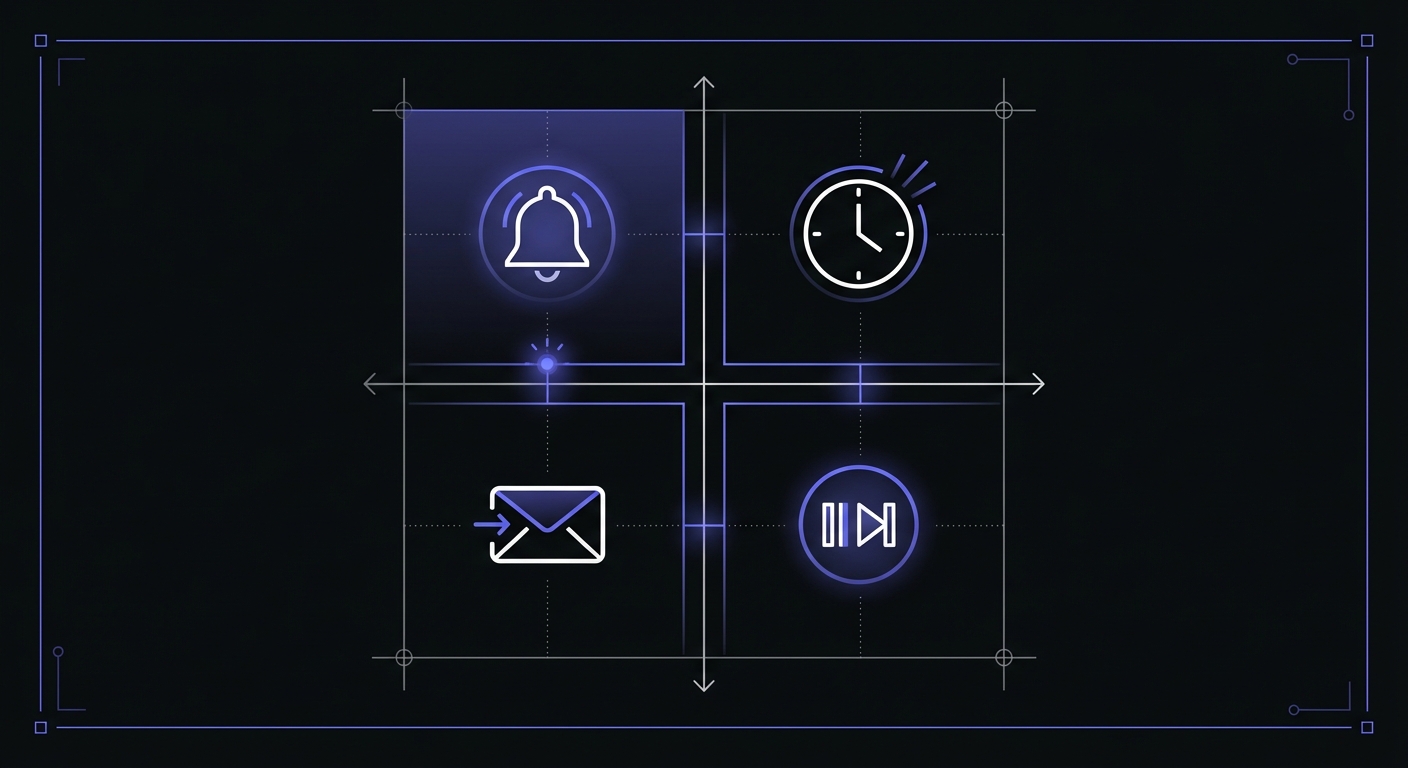
Alert fatigue is real, and it is worse when you are the only person receiving alerts. Configure channels thoughtfully:
Primary: Email
- Always available
- Good for all alert levels
- Easy to search later
- Set up filtering to avoid missing important ones
Secondary: Slack or Discord DM
- Great for quick visibility
- Can be checked from phone
- Consider a private channel just for alerts
Critical only: SMS
- Reserve for jobs where failure truly cannot wait
- Billing, authentication, data loss scenarios
- Do not overuse or you will start ignoring texts
The goal is to notice problems without drowning in notifications. If everything is critical, nothing is.
Avoiding Alert Fatigue
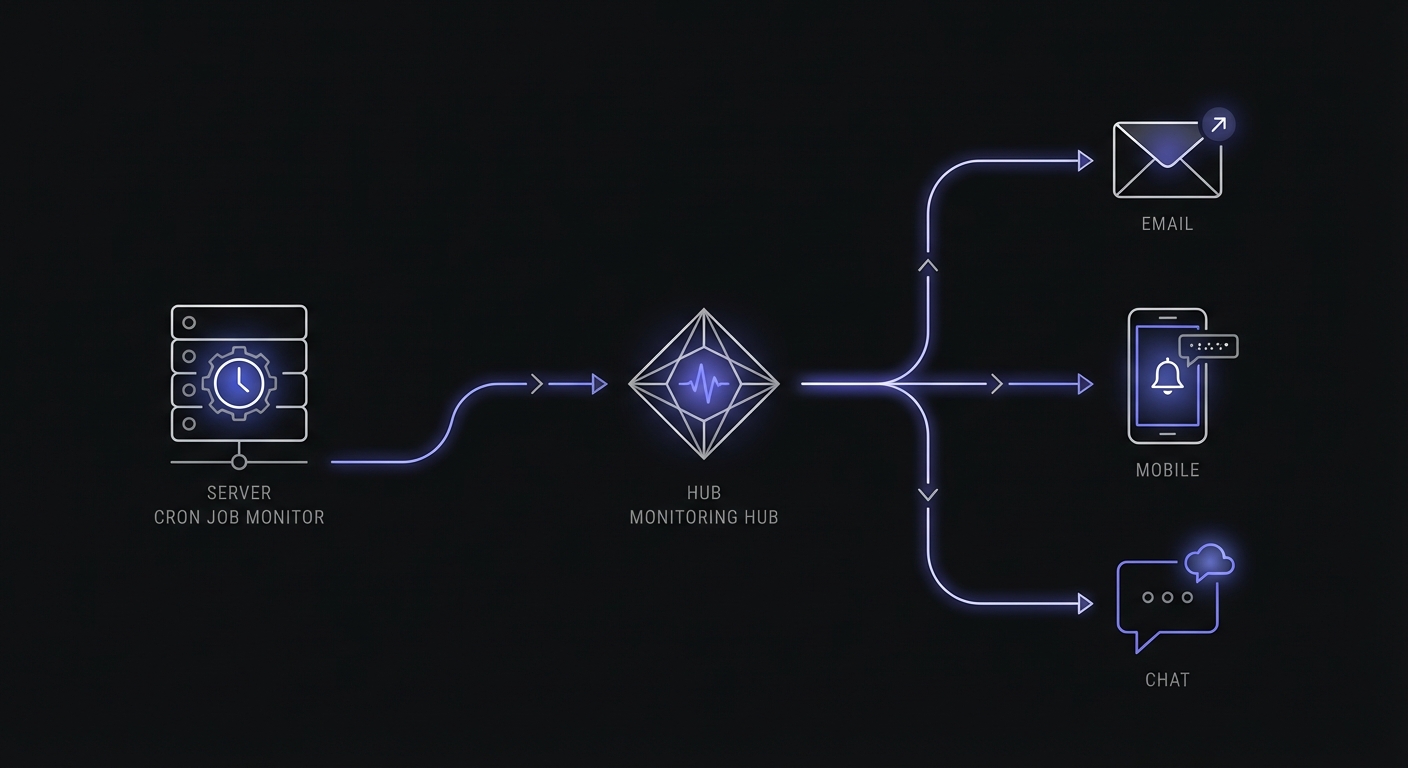
Google's Site Reliability Engineering book recommends no more than 2-3 incidents per on-call shift. As a solo developer, you are always on-call, so this threshold matters even more. Alert fatigue sets in when you start ignoring notifications because too many are false positives or low-priority.
Tune your thresholds to trigger only on meaningful deviations. A job that occasionally runs 10% slower does not need an alert. A job that takes 3x longer than normal does. Set grace periods that account for normal variation. If your backup job usually completes in 10-15 minutes, a 20-minute grace period prevents false alarms while still catching actual failures.
Recommended Setup
Here is a practical monitoring setup using a typical free tier with 15 monitors:
Free tier: 15 monitors
├── billing-renewal (critical, SMS)
├── billing-retry (critical, SMS)
├── daily-backup (critical, email + Slack)
├── email-queue (important, email + Slack)
├── user-notifications (important, email)
├── password-reset-queue (important, email + Slack)
├── subscription-sync (important, email)
├── webhook-processor (important, email)
├── data-export-job (standard, email)
└── 6 monitors remaining for growth
This covers the essentials while leaving room to add monitors as your application grows.
Working Hours vs 24/7 Monitoring
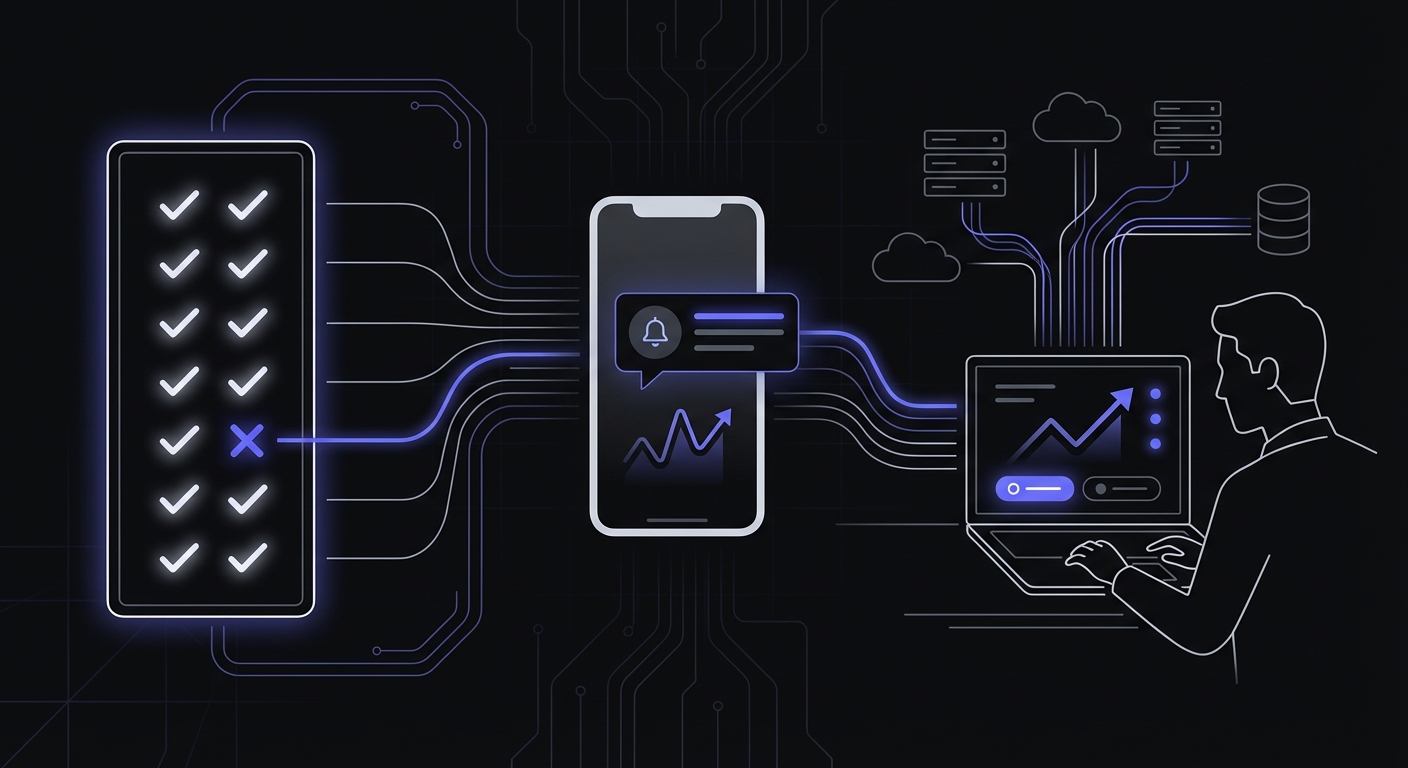
Not everything needs to wake you up at night. Think carefully about what truly requires immediate response:
Needs immediate response (24/7)
- Billing failures
- Authentication service down
- Data backup failures
- Security-related jobs
Can wait until morning
- Report generation
- Analytics processing
- Cleanup jobs
- Feed updates
For jobs that can wait, set longer grace periods and email-only alerts. A 6-hour grace period for a daily cleanup job means you will see the alert when you check email in the morning, not at 3 AM.
Sleep matters. Burned-out developers make mistakes. Configure monitoring that respects your need for rest while still protecting critical functionality.
Budget-Friendly Approach
Smart monitoring does not require big spending:
Start with free tiers: Most monitoring services offer free tiers with 5-20 monitors. This is enough to cover critical jobs for a small application.
Monitor only what matters: Every monitor should justify itself. Would you actually wake up to fix this job at 2 AM? If not, maybe it does not need SMS alerts, or maybe it does not need monitoring at all yet.
Upgrade when revenue justifies: Once your application generates meaningful revenue, spending fifteen to twenty dollars per month on monitoring is cheap insurance. The cost of one missed billing cycle likely exceeds a year of monitoring costs.
Consider the ROI: If monitoring catches one incident that would have cost you a customer or significant debugging time, it has paid for itself.
Free Tier Comparison for Solo Developers
When every dollar counts, knowing exactly what each service offers for free helps you choose wisely:
| Service | Free Monitors | Check Interval | Alert Channels | Data Retention |
|---|---|---|---|---|
| Cron Crew | 15 | 1 minute | Email, Slack, SMS | 30 days |
| Healthchecks.io | 20 | 1 minute | Email, Slack, many more | 100 log entries |
| UptimeRobot | 50 | 5 minutes | 2 months | |
| Cronitor | 5 | - | Email, Slack | 1 month |
| Better Stack | 10 | 3 minutes | Limited | |
| CronRadar | 50 | - | Email, Slack | - |
For most solo developers, a free tier with 15-20 monitors covers all critical jobs. UptimeRobot offers the most monitors for free but with longer check intervals. Healthchecks.io provides an open-source option you can self-host if you prefer controlling your infrastructure.
When you outgrow free tiers, paid plans typically run $5-20/month for 50-100 monitors. At $1-2 per monitor per month, even aggressive monitoring stays affordable.
Mobile Access Importance
As a solo developer, you are not always at your desk. Mobile access is essential:
Check status from phone: Quickly see if everything is green without opening a laptop. Great for peace of mind on evenings and weekends.
Receive alerts anywhere: Push notifications ensure you see critical alerts even when you are away from email.
Quick acknowledge and snooze: If you are aware of an issue but cannot address it immediately, acknowledge the alert so you do not keep getting notified.
Do not need laptop for everything: Sometimes you can diagnose and even fix issues from your phone. SSH apps plus mobile monitoring access provide surprising capability.
Automation to Reduce Burden
The best monitoring setup is one that rarely requires your attention:
Auto-recovery scripts: Some jobs can restart themselves on failure. A job that fails, restarts, and then succeeds does not need your intervention.
#!/bin/bash
# Self-healing job wrapper
for i in 1 2 3; do
  if ./my-job.sh; then
    curl -s https://ping.example.com/my-job
    exit 0
  fi
  sleep 10
done

# All retries failed
curl -s https://ping.example.com/my-job/fail
exit 1
Reduce jobs that need monitoring: Can you consolidate multiple small jobs into fewer larger ones? Fewer jobs means fewer monitors to manage.
Eliminate unnecessary jobs: Sometimes jobs exist because they were needed once. Review your cron tab periodically. Remove jobs that no longer serve a purpose.
Consider systemd timers: If you are on Linux, systemd timers offer built-in logging, failure tracking, and retry mechanisms that traditional cron lacks. They integrate with journalctl for centralized logs and can send failure notifications without external monitoring for basic use cases.
Realistic Expectations
Accept the realities of solo operation:
You cannot respond instantly: A team can have someone on-call at all hours. You cannot. Set grace periods that reflect realistic response times.
Set grace periods accordingly: If you check your phone every few hours during waking hours, a 4-hour grace period for important (non-critical) jobs is reasonable.
Build resilient systems: Monitoring catches issues but does not prevent them. Invest time in making your jobs resilient: retries, idempotency, graceful degradation.
Monitoring catches issues, does not prevent them: Do not rely on monitoring as your only safety net. Good job design reduces the frequency of failures that monitoring needs to catch.
Growing Beyond Solo
As your application grows, your monitoring needs will evolve:
Adding team members: When you bring on help, monitoring becomes collaboration. Choose a service that supports multiple users and team notification channels.
More complex infrastructure: More services means more potential failure points. Budget for expanded monitoring as you scale.
On-call rotation: Eventually you might have someone else who can respond to alerts. Set up proper escalation policies when that time comes.
For now, keep it simple. The monitoring setup that works for a five-person team is overkill for a solo developer.
Conclusion
Solo developers need monitoring that is reliable, simple, and affordable. You do not need enterprise features. You need to know when critical jobs fail so you can fix them before customers notice.
Start with your most important jobs: billing, backups, and customer-facing processes. Set up alerts that reach you without overwhelming you. Use free tiers to get started and upgrade when your revenue justifies it. For a comprehensive approach tailored to small operations, see our cron monitoring guide for small businesses.
The peace of mind from knowing your jobs are monitored is worth far more than the few minutes of setup time. The first time monitoring alerts you to a problem you would have otherwise missed, you will be glad you invested.
Cron Crew offers a generous free tier perfect for solo developers. Set up monitoring for your critical jobs in minutes, get alerts when they fail, and sleep better knowing your application is watched. Start your free account today.