Best Healthchecks.io Alternatives (2026)
Healthchecks.io is well-respected with a generous free tier. But different teams have different needs. Here are the best alternatives worth considering.

Best Healthchecks.io Alternatives (2026)
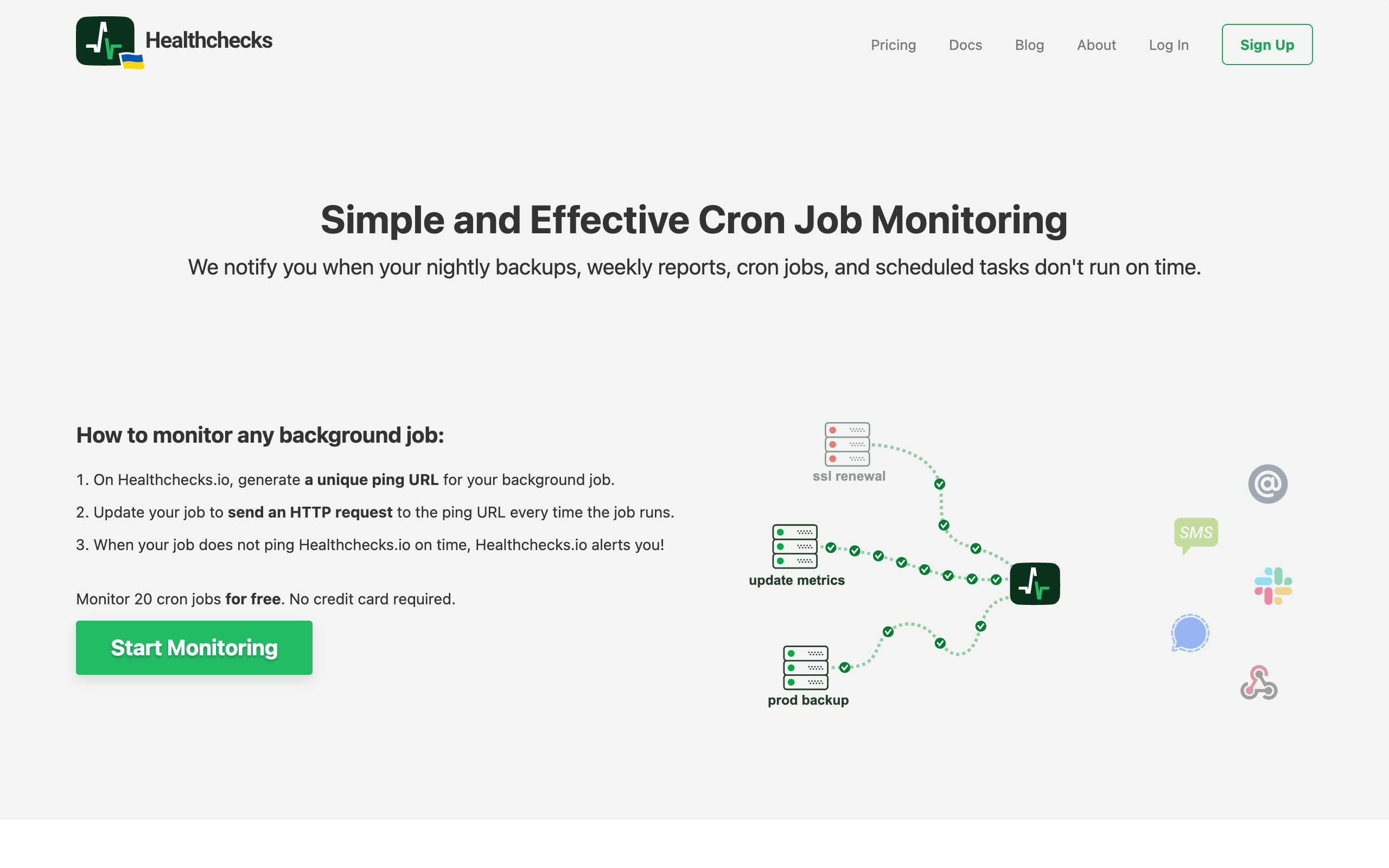
Healthchecks.io is a well-respected cron monitoring service that has earned its place as a go-to tool for developers who need reliable scheduled task monitoring. With its generous free tier of 20 monitors, excellent documentation, and open source codebase, it sets a high bar for the competition. However, different teams have different needs, and there are valid reasons why you might be exploring alternatives.
Whether you need a fully managed service without the self-hosting option, specific integrations that Healthchecks.io does not offer, or simply prefer a different interface, this guide will walk you through the best alternatives available. For a broader market overview, see our guide to the best cron monitoring tools.
Why Teams Look for Healthchecks.io Alternatives
Before examining the alternatives, let us understand the common reasons teams consider switching.
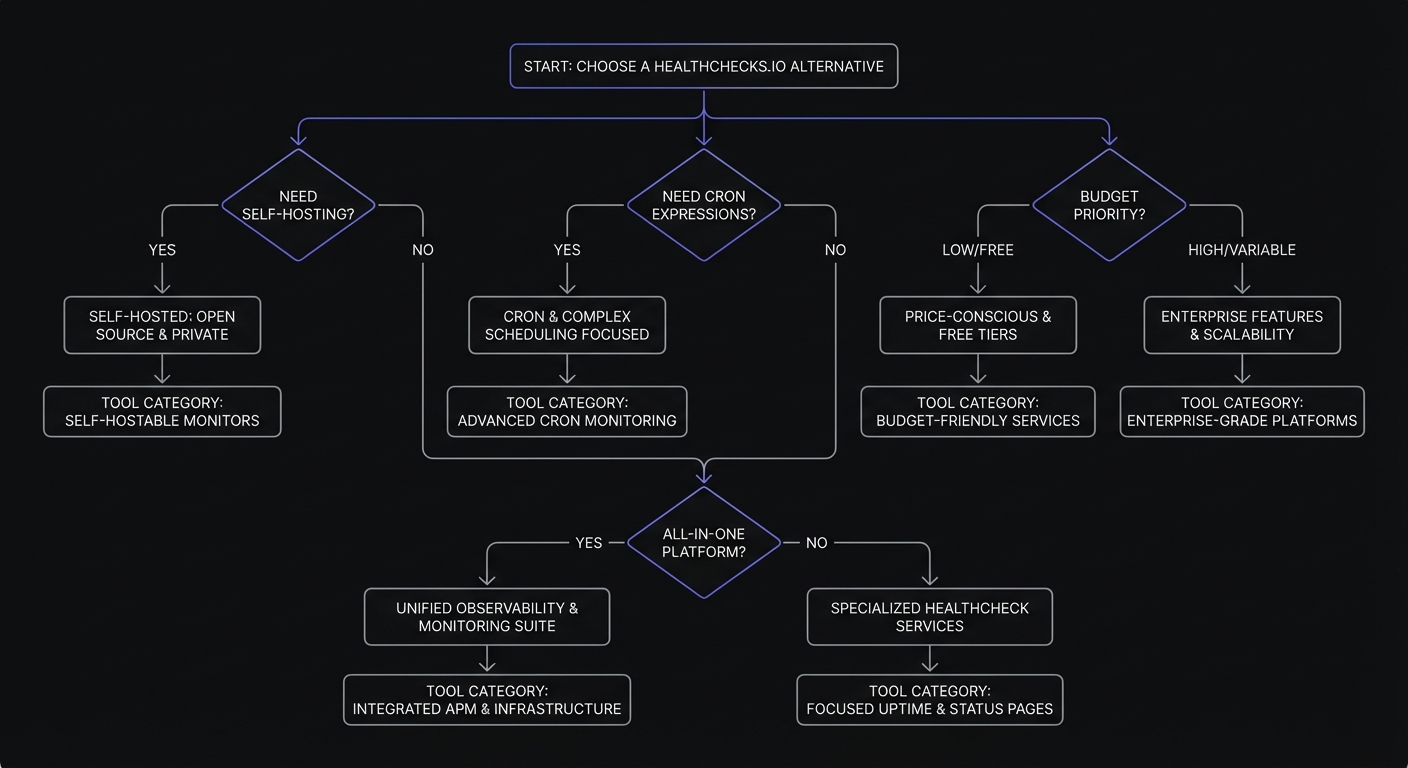
Want a Fully Managed Service
While Healthchecks.io offers both hosted and self-hosted options, some teams specifically want a service where they do not have the self-hosting temptation or responsibility. They want to pay for a service and never think about infrastructure, updates, or maintenance.
Need Specific Integrations
Every team has its own stack of tools. While Healthchecks.io supports many popular services, you might need an integration it does not offer. Perhaps you use a specific incident management platform or have requirements for a particular notification channel.
Prefer a Different UI or UX
Interface preferences are subjective. Healthchecks.io has a functional, no-nonsense interface, but some teams prefer a different design philosophy or workflow. What feels intuitive to one developer might feel clunky to another.
Corporate Preference for Commercial Support
Enterprise teams often require commercial support agreements, SLAs, and the accountability that comes with a paid vendor relationship. While Healthchecks.io offers paid plans, some organizations prefer alternatives with different support structures or compliance certifications.
Quick Comparison Table
Here is how the main alternatives stack up:
| Alternative | Free Tier | Managed Only | Cron Expressions | Starting Price |
|---|---|---|---|---|
| Cron Crew | 15 monitors | Yes | Yes | $15/mo |
| Cronitor | 5 monitors | Yes | Yes | $2/monitor + $5/user |
| Better Stack | 10 heartbeats | Yes | No | $29/mo |
| Dead Man's Snitch | 1 monitor | Yes | Yes | $5/mo |
| Sentry Crons | 1 monitor | Yes | Yes | $0.78/monitor |
| Uptime Kuma | Unlimited | No (self-host) | No | Free |
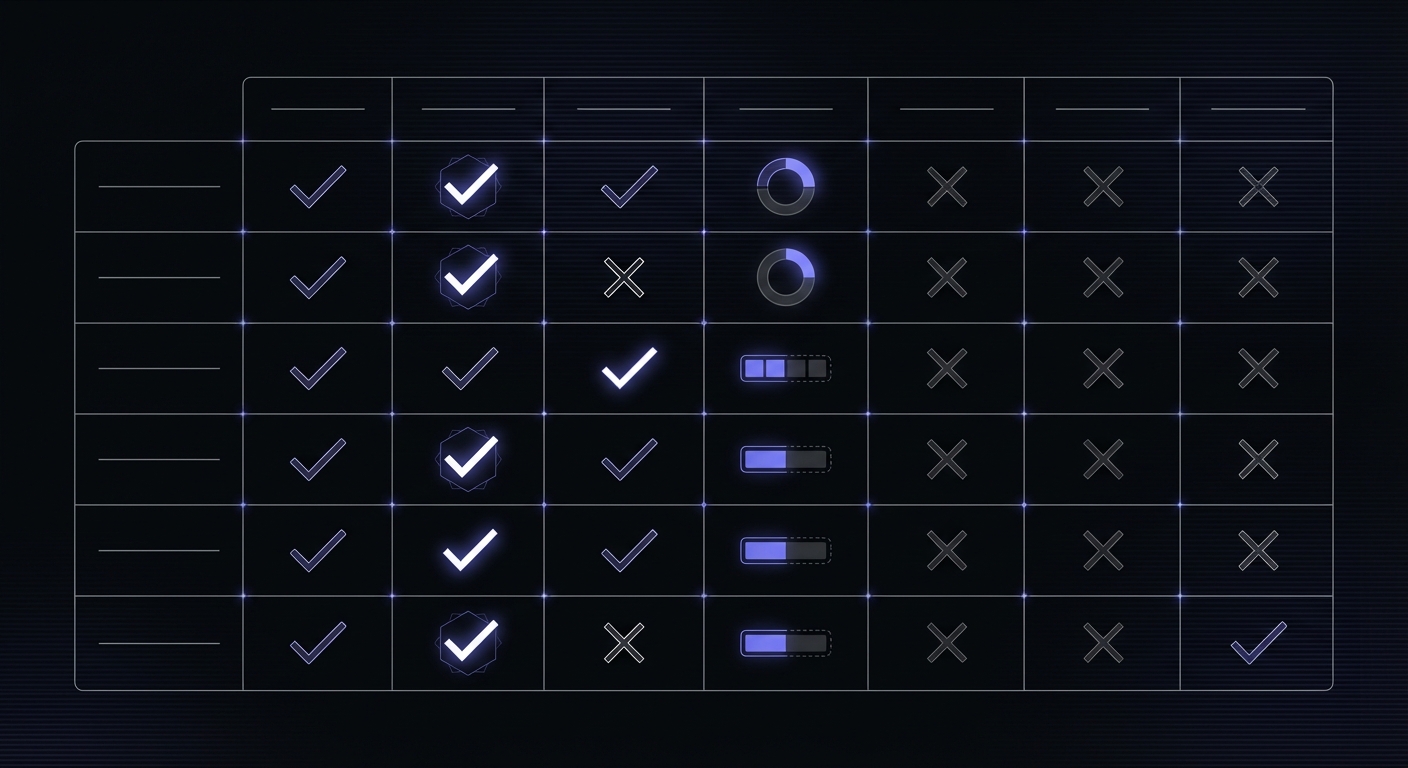
Feature Support Matrix
| Feature | Healthchecks.io | Cron Crew | Cronitor | Better Stack | Dead Man's Snitch | Sentry |
|---|---|---|---|---|---|---|
| Cron expressions | Yes | Yes | Yes | No | Yes | Yes |
| Email check-ins | Yes | No | Yes | No | No | No |
| Self-hosted option | Yes | No | No | No | No | Yes |
| CLI auto-discovery | No | No | Yes | No | No | Yes |
| Status pages | No | No | Yes ($25/page) | Yes | No | No |
| Event logging | Yes (1000 entries) | Yes | Limited | Yes | No | Yes |
| Uptime monitoring | No | No | Yes | Yes | No | Yes |
Healthchecks.io Strengths to Match
When evaluating alternatives, it helps to know what Healthchecks.io does well so you can ensure your new tool meets or exceeds those standards.
20 Free Monitors: One of the most generous free tiers in the cron monitoring space. Many small teams never need to pay.
Full Cron Expression Support: Healthchecks.io understands cron expressions, so it knows exactly when your job should run and can alert you accurately if it misses its schedule.
Self-Hosted Option: For teams that want complete control over their data and infrastructure, the ability to self-host is valuable. The open-source codebase runs on Python/Django and deploys via Docker with PostgreSQL or MySQL support. Self-hosting requires configuring SMTP for alerts, but the official Docker image handles database migrations and background tasks automatically.
Excellent Documentation: Clear, comprehensive documentation that makes setup and troubleshooting straightforward.
Privacy-Focused: Minimal data collection and a transparent approach to privacy.
Any alternative worth considering should match or provide compelling reasons to accept trade-offs in these areas.
Alternative 1: Cron Crew
Best for: SMBs wanting managed simplicity with straightforward pricing
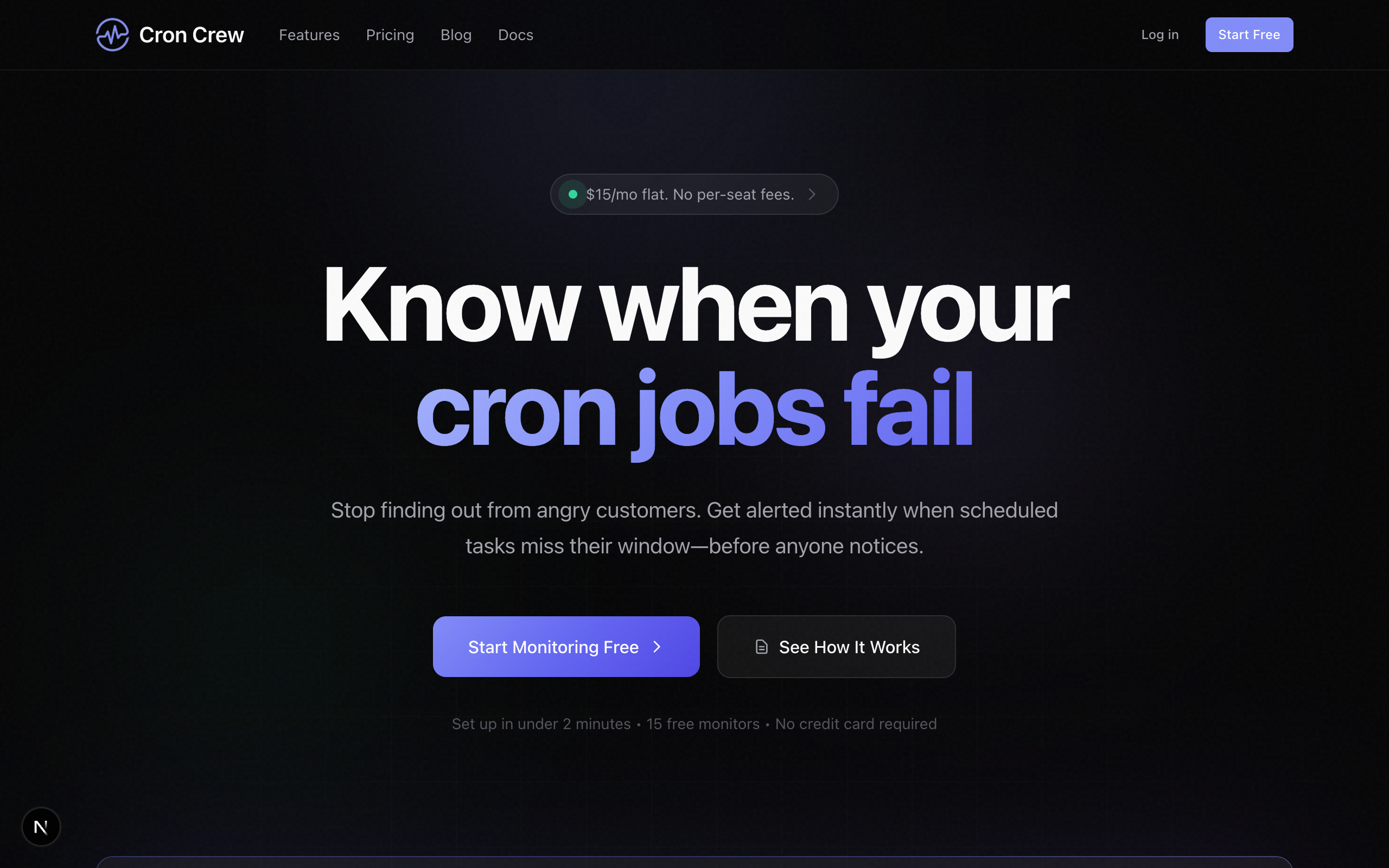
Cron Crew is a dedicated cron monitoring service designed for teams that want reliable monitoring without complexity. It focuses on doing one thing well: monitoring your scheduled tasks and alerting you when something goes wrong.
How it compares to Healthchecks.io:
| Aspect | Cron Crew | Healthchecks.io |
|---|---|---|
| Free tier | 15 monitors | 20 monitors |
| Cron expressions | Yes | Yes |
| Self-hosted option | No | Yes |
| Pricing model | Per monitor tier | Per monitor tier |
Key differentiators:
- Fully managed service with no self-hosted option to maintain
- Clean, modern interface designed specifically for cron monitoring
- Simple pricing without complexity
- Responsive support team
Pricing: Free tier with 15 monitors, then $15/month for up to 50 monitors.
When to choose Cron Crew over Healthchecks.io:
- You want a managed-only service and do not need self-hosting
- You prefer Cron Crew's interface and workflow
- Your team size fits well within the pricing tiers
- You value the specific integrations Cron Crew offers
Alternative 2: Cronitor
Best for: Teams needing feature-complete cron monitoring with advanced tooling
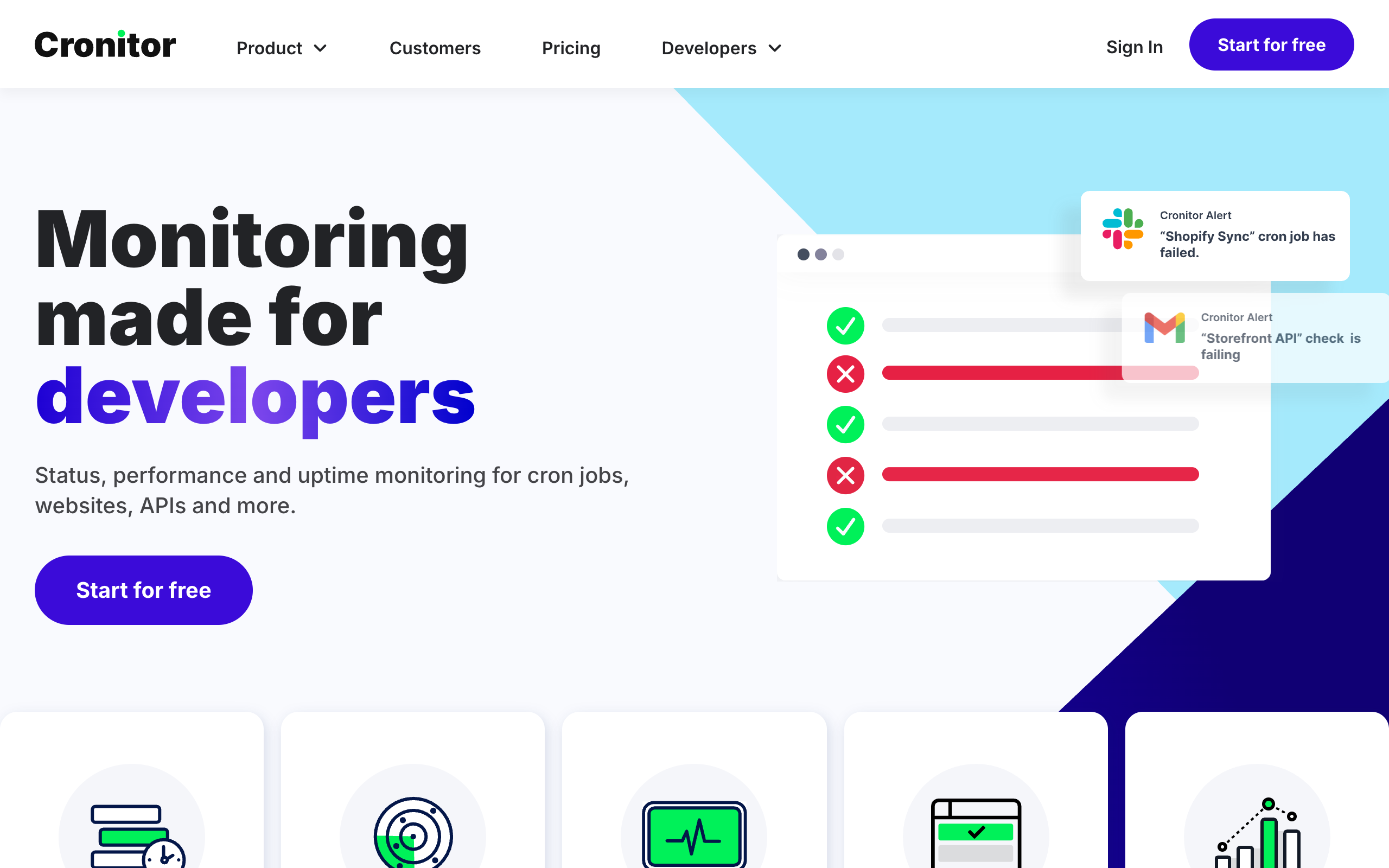
Cronitor is one of the most established names in cron monitoring, offering a comprehensive feature set that goes beyond basic heartbeat monitoring. If you need advanced features like CLI auto-discovery and extensive SDK support, Cronitor delivers.
How it compares to Healthchecks.io:
| Aspect | Cronitor | Healthchecks.io |
|---|---|---|
| Free tier | 5 monitors | 20 monitors |
| Cron expressions | Yes | Yes |
| CLI auto-discovery | Yes | No |
| SDK support | Extensive | Basic |
| Pricing model | Per monitor + per user | Per monitor tier |
Key differentiators:
- CLI tool that automatically discovers cron jobs on your servers
- Comprehensive SDKs for Python, Ruby, Node.js, PHP, Go, and more
- Detailed performance metrics and run history
- Also offers uptime monitoring in addition to cron monitoring
Pricing: $2 per monitor plus $5 per team member per month. This can get expensive for larger teams but works well for small teams with many monitors. For a complete breakdown of costs, see our cron monitoring pricing comparison.
When to choose Cronitor over Healthchecks.io:
- You want CLI auto-discovery to automatically set up monitoring
- You need deep SDK integration in your application code
- Your team is small but you have many monitors
- You want both cron and uptime monitoring in one platform
Alternative 3: Better Stack
Best for: Teams wanting a unified observability platform
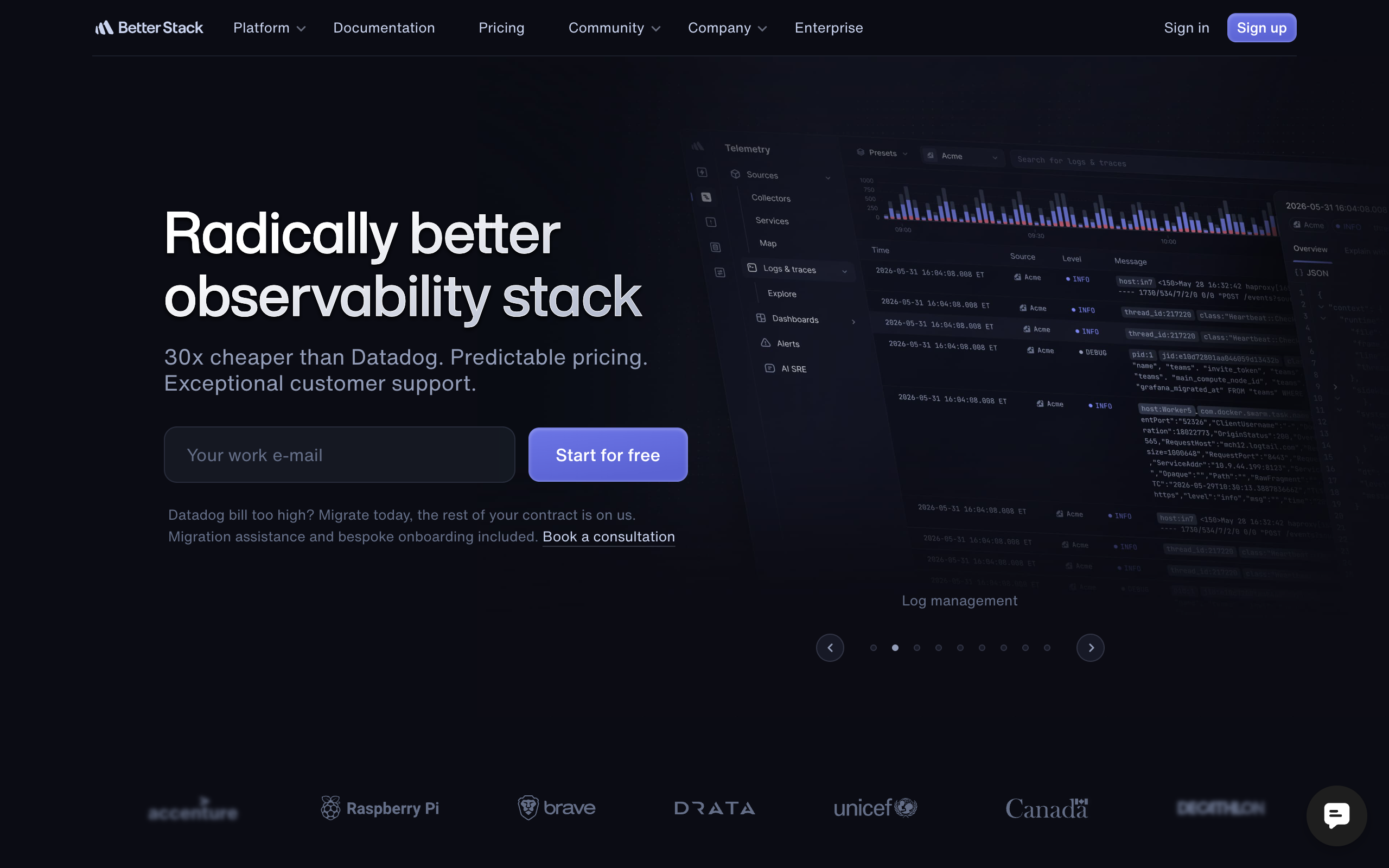
Better Stack (formerly Better Uptime) takes a different approach by offering cron monitoring as part of a comprehensive observability platform. Instead of a point solution, you get heartbeat monitoring alongside uptime monitoring, incident management, status pages, and log aggregation.
How it compares to Healthchecks.io:
| Aspect | Better Stack | Healthchecks.io |
|---|---|---|
| Free tier | 10 heartbeats | 20 monitors |
| Cron expressions | No | Yes |
| Additional features | Many | Focused |
| Self-hosted option | No | Yes |
Key differentiators:
- All-in-one platform with uptime monitoring, logs, and incident management
- Beautiful status pages included
- On-call scheduling and escalation policies
- 30-second uptime check intervals
Pricing: Starting at $29 per month per responder, with heartbeat monitoring included.
Considerations: Better Stack does not support cron expressions. It uses simple interval-based expectations for heartbeat monitors. If precise schedule validation is important, this is a significant trade-off.
When to choose Better Stack over Healthchecks.io:
- You want to consolidate multiple monitoring tools into one platform
- You need status pages and incident management
- Cron expression support is not critical for your use case
- You value the polish and design of a well-funded platform
Alternative 4: Dead Man's Snitch
Best for: Teams with simple requirements and a preference for simplicity
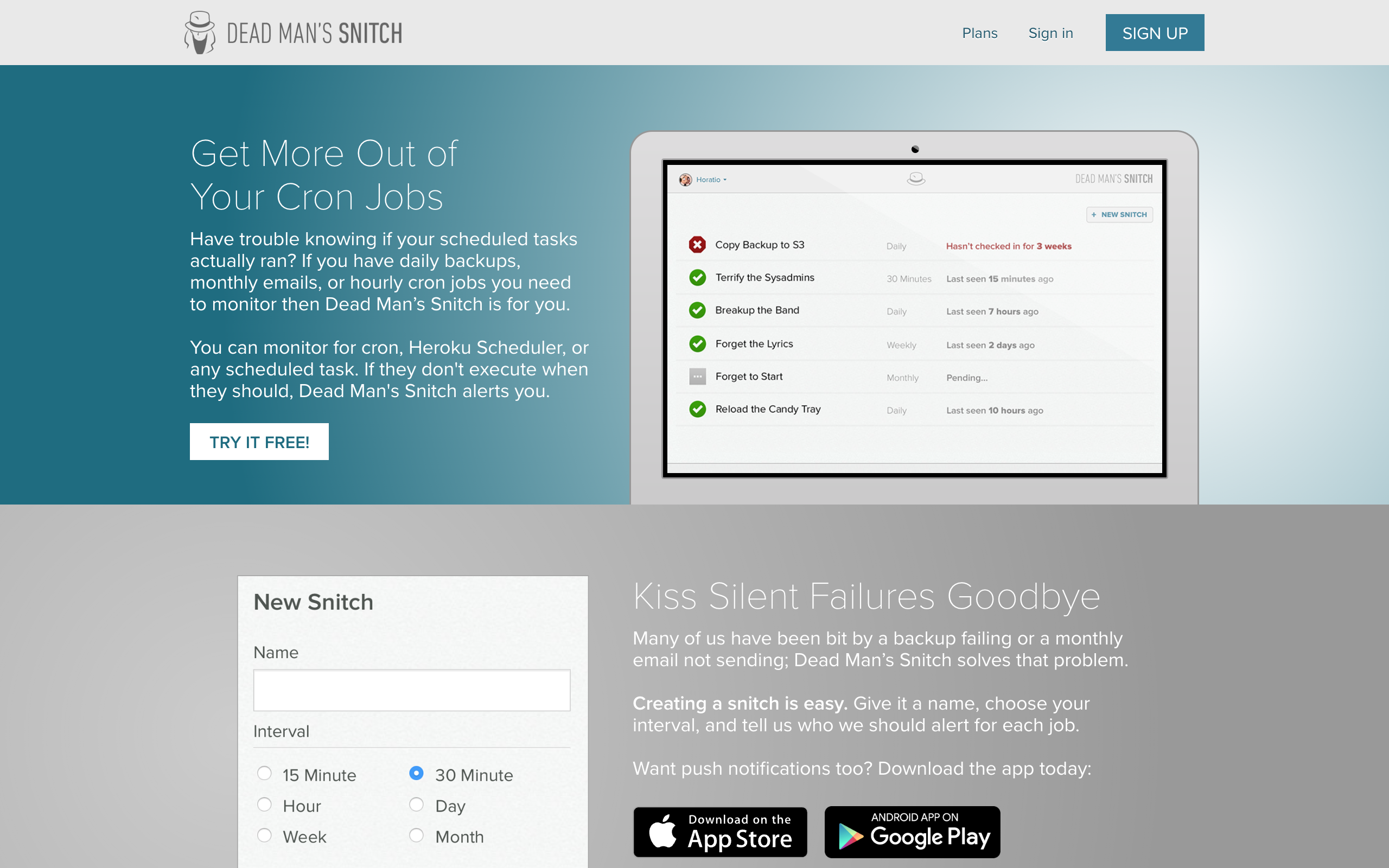
Dead Man's Snitch has been around for years and offers a straightforward, no-frills approach to cron monitoring. It does what it says on the tin: watches for your jobs to check in and alerts you when they do not.
How it compares to Healthchecks.io:
| Aspect | Dead Man's Snitch | Healthchecks.io |
|---|---|---|
| Free tier | 1 monitor | 20 monitors |
| Cron expressions | Yes | Yes |
| Interface | Simple | Functional |
| Heroku integration | Official add-on | Manual |
Key differentiators:
- Official Heroku add-on for easy integration
- Extremely simple interface and setup
- Long track record of reliability
- Focused exclusively on dead man's switch monitoring
Pricing: Free tier with 1 monitor, then $5/month for 3 monitors, scaling up from there.
When to choose Dead Man's Snitch over Healthchecks.io:
- You are on Heroku and want official integration
- You only have a few critical jobs to monitor
- You prefer the simplest possible tool
- The smaller free tier is not a concern
Alternative 5: Sentry Crons
Best for: Teams already using Sentry for error tracking
Sentry launched cron monitoring in 2023 as an extension of their error tracking platform. If you already use Sentry for application monitoring, adding cron monitoring keeps everything in one place.
How it compares to Healthchecks.io:
| Aspect | Sentry Crons | Healthchecks.io |
|---|---|---|
| Free tier | 1 monitor | 20 monitors |
| Cron expressions | Yes | Yes |
| Error context | Full stack traces | Ping data only |
| Self-hosted option | Yes | Yes |
| Pricing model | Per monitor | Per monitor tier |
Key differentiators:
- Deep integration with error tracking and APM
- Stack traces and error context when jobs fail
- CLI auto-discovery via Sentry SDK
- Single pane of glass if already using Sentry
Pricing: $0.78 per monitor per month. Monitoring 100 jobs costs approximately $77/month.
When to choose Sentry over Healthchecks.io:
- You already use Sentry for error tracking
- You want error context and stack traces with failures
- Integration with existing Sentry alerts is valuable
- Budget allows for per-monitor pricing at scale
Alternative 6: Uptime Kuma
Best for: Teams wanting self-hosted monitoring with a modern interface
Uptime Kuma is a free, open-source monitoring tool that includes heartbeat monitoring alongside traditional uptime checks. It offers a polished interface uncommon in self-hosted solutions.
How it compares to Healthchecks.io:
| Aspect | Uptime Kuma | Healthchecks.io |
|---|---|---|
| Free tier | Unlimited (self-host) | 20 monitors |
| Cron expressions | No | Yes |
| Self-hosted | Required | Optional |
| Interface | Modern, polished | Functional |
Key differentiators:
- Completely free with no hosted option
- Modern UI with real-time status updates
- Docker deployment with minimal configuration
- Active open-source community
Considerations: Uptime Kuma does not support cron expressions. Like Better Stack, it uses interval-based expectations. You define how often a ping should arrive, not when specifically.
When to choose Uptime Kuma over Healthchecks.io:
- You want complete control and zero ongoing costs
- Cron expression support is not critical
- You prefer Uptime Kuma's modern interface
- You want uptime monitoring alongside heartbeats
Pricing at Scale
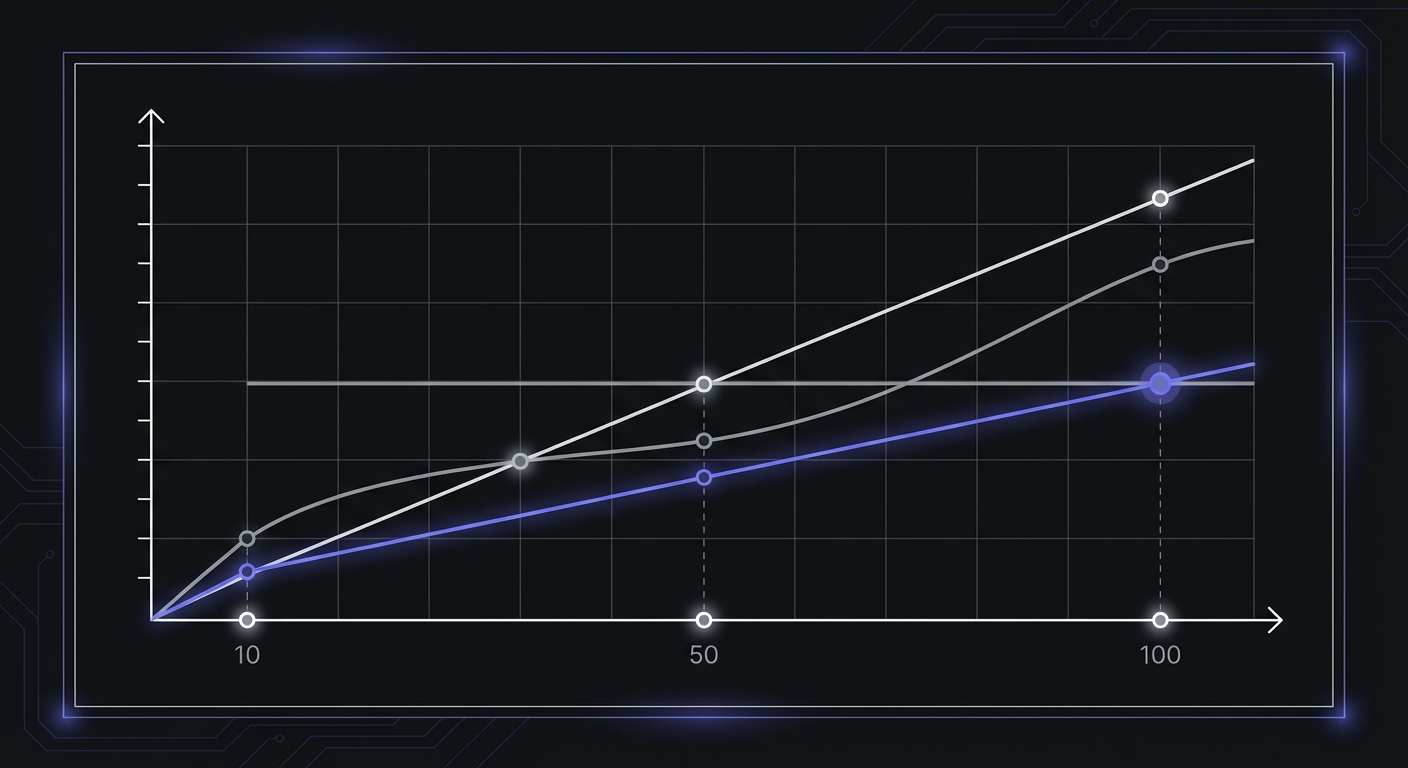
Costs diverge significantly as your monitoring needs grow. Here is what you would pay for 50 and 100 monitors:
| Tool | 50 Monitors | 100 Monitors | Notes |
|---|---|---|---|
| Healthchecks.io | $10/mo | $20/mo | Most cost-effective at scale |
| Cron Crew | $15/mo | $29/mo | Flat tier pricing |
| Dead Man's Snitch | ~$40/mo | ~$80/mo | Per-monitor scaling |
| Sentry Crons | $39/mo | $78/mo | Per-monitor at $0.78 |
| Cronitor | $100/mo + seats | $200/mo + seats | Plus $5/user/month |
| Better Stack | $29/mo | $29/mo | Flat pricing, heartbeats included |
| Uptime Kuma | $0 | $0 | Self-hosted infrastructure costs only |
Healthchecks.io's pricing remains competitive at any scale. If cost is the primary concern and you need 50+ monitors, the $20/month for 100 monitors is hard to beat among managed services.
When to Stick with Healthchecks.io
Before switching, consider whether Healthchecks.io might actually be the right choice for you.
You want the self-hosted option: If data sovereignty or complete infrastructure control matters to you, Healthchecks.io's self-hosted option is valuable. Most alternatives are managed-only.
20 monitors is enough: If you are unlikely to exceed 20 monitors, Healthchecks.io's free tier is hard to beat. You may never need to pay.
Privacy is a priority: Healthchecks.io's privacy-focused approach and minimal data collection may align better with your values than alternatives.
You prefer open source: Being able to audit the code, contribute improvements, or simply know exactly how the system works has real value.
The interface works for you: If you have no complaints about the current experience, switching tools introduces unnecessary risk and learning curve.
When to Switch
Consider switching from Healthchecks.io if any of these apply.
You need specific integrations: If you require an integration that Healthchecks.io does not offer and an alternative does, that is a valid reason to switch.
You want commercial support: If your organization requires formal support agreements, SLAs, or compliance certifications that Healthchecks.io does not provide, look at commercial alternatives.
You prefer a different UI: If you find the Healthchecks.io interface frustrating or inefficient for your workflow, an alternative with a different design philosophy might improve your experience.
You want additional features: If you need CLI auto-discovery, extensive SDKs, or a unified platform with uptime monitoring and incident management, alternatives like Cronitor or Better Stack offer more comprehensive feature sets.
You have outgrown the free tier: If you need more than 20 monitors and the paid pricing of an alternative works out better for your situation, it may be worth switching.
Conclusion
Healthchecks.io is an excellent cron monitoring service, and for many teams, it is the right choice. Its generous free tier, cron expression support, self-hosted option, and transparent approach set a high bar.
However, if you need specific integrations, prefer a different interface, want a managed-only service, or require the advanced features offered by alternatives, there are compelling options available:
- Cron Crew offers a straightforward managed service with cron expression support and a generous free tier
- Cronitor provides feature-complete monitoring with CLI auto-discovery and extensive SDKs
- Better Stack delivers a unified observability platform with status pages and incident management
- Dead Man's Snitch offers simplicity and official Heroku integration
- Sentry Crons integrates cron monitoring with error tracking for full context on failures
- Uptime Kuma provides free, self-hosted monitoring with a modern interface
Evaluate your specific needs against what each tool offers. The best cron monitoring service is the one that fits your workflow, integrations, and budget while reliably alerting you when your scheduled tasks fail.
Ready to try an alternative? Cron Crew offers a free tier with 15 monitors and takes just five minutes to set up. Sign up and see if it fits your workflow better than your current solution.
For a direct comparison, see our Cron Crew vs Healthchecks.io analysis, or learn how to choose cron monitoring for your team.