Best Cronitor Alternatives for Small Teams
Cronitor is the established leader but its per-monitor plus per-user pricing adds up quickly. Here are the best alternatives for budget-conscious teams.

Best Cronitor Alternatives for Small Teams
Cronitor is the established leader in cron monitoring. They have been around since 2012, offer the most comprehensive feature set, and have powerful tools like CLI auto-discovery. But for small teams and budget-conscious organizations, Cronitor's pricing model can be challenging.
Cronitor charges per monitor plus per user, which adds up quickly. A team of 5 with 30 monitors can easily pay $85/month or more. If you are finding Cronitor too expensive for your needs, this guide covers the best alternatives specifically for small teams. For a complete market overview, see our guide to the best cron monitoring tools.
Why Teams Look for Cronitor Alternatives
Per-Monitor Plus Per-User Pricing
Cronitor's pricing combines two variables: monitors and team members. At approximately $2 per monitor plus $5 per user, costs scale in two directions simultaneously.
Example calculation:
- 30 monitors: ~$60
- 5 team members: $25
- Monthly total: ~$85
For small teams watching every dollar, this dual scaling is painful.
Feature Overkill
Cronitor is feature-rich: CLI auto-discovery, detailed telemetry, extensive SDKs, enterprise compliance. These features justify premium pricing for teams that need them. But many small teams just need:
- Reliable heartbeat monitoring
- Alerts when jobs fail
- A dashboard to see job status
If that describes you, you are paying for capabilities you do not use.
Budget Constraints
Startups and small businesses have limited monitoring budgets. Spending $85+ monthly on cron monitoring alone may not be feasible when you also need error tracking, uptime monitoring, logging, and other observability tools.
The Cost of Silent Failures
The real cost of cron monitoring is not the subscription fee. Small business downtime costs $137-427 per minute on average. A failed billing job that goes unnoticed for a day can cost thousands in lost revenue and customer trust.
Silent failures are the primary reason teams invest in cron monitoring. Without it, you discover problems when customers complain or revenue drops. Industry research suggests businesses could save up to 25,000 hours of avoidable work annually through proper automation monitoring.
Quick Comparison
| Alternative | Free Tier | Entry Price | Best For |
|---|---|---|---|
| Cron Crew | 15 monitors | $15/mo (50) | SMBs wanting simplicity |
| Healthchecks.io | 20 monitors | $20/mo (100) | Open source advocates |
| Better Stack | 10 monitors | $29/mo/responder | Unified observability |
| Dead Man's Snitch | 1 monitor | $5/mo (3) | Very simple needs |
| Sentry Crons | 1 monitor | $0.78/monitor | Existing Sentry users |
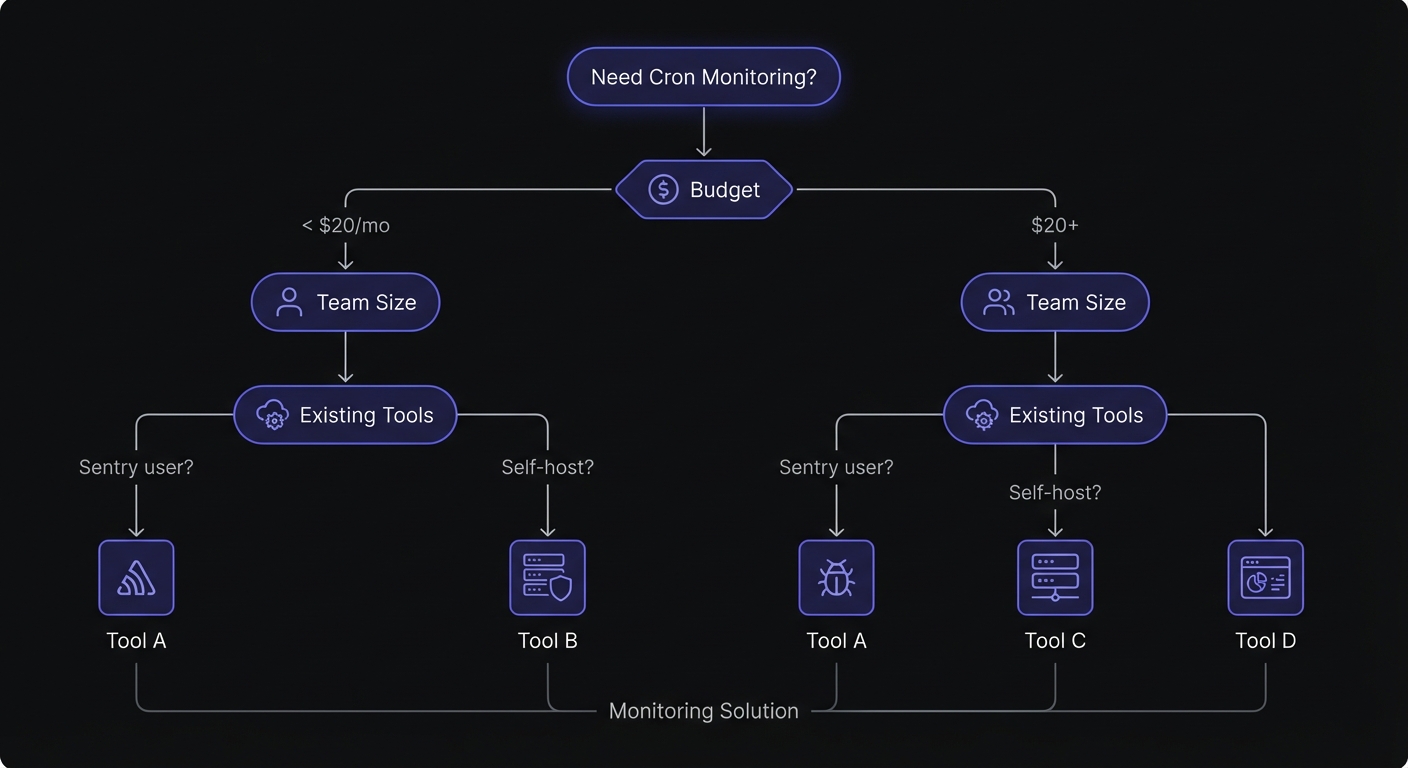
Integration Approaches: Heartbeat vs SDK
Before diving into specific alternatives, understand the two main integration methods. This affects migration complexity and feature availability.
HTTP Heartbeat (Ping-Based)
Most alternatives use simple HTTP pings. Your cron job calls a URL when it completes:
0 * * * * /path/to/job.sh && curl -s https://monitor.example/ping/abc123Advantages:
- Works with any language or platform
- No SDK dependencies
- Simple to implement and migrate
- Universal compatibility
Services using this approach: Cron Crew, Healthchecks.io, Dead Man's Snitch, UptimeRobot
SDK Integration
Some services provide language-specific SDKs for richer monitoring:
import sentry_sdk

@sentry_sdk.cron_monitor("my-cron-job")
def my_task():
    # Job logic here
    pass
Advantages:
- Automatic error correlation
- Rich metadata capture
- Start/finish signals for duration tracking
- Timeout detection
Services using this approach: Sentry Crons, Cronitor (optional), Better Stack (optional)
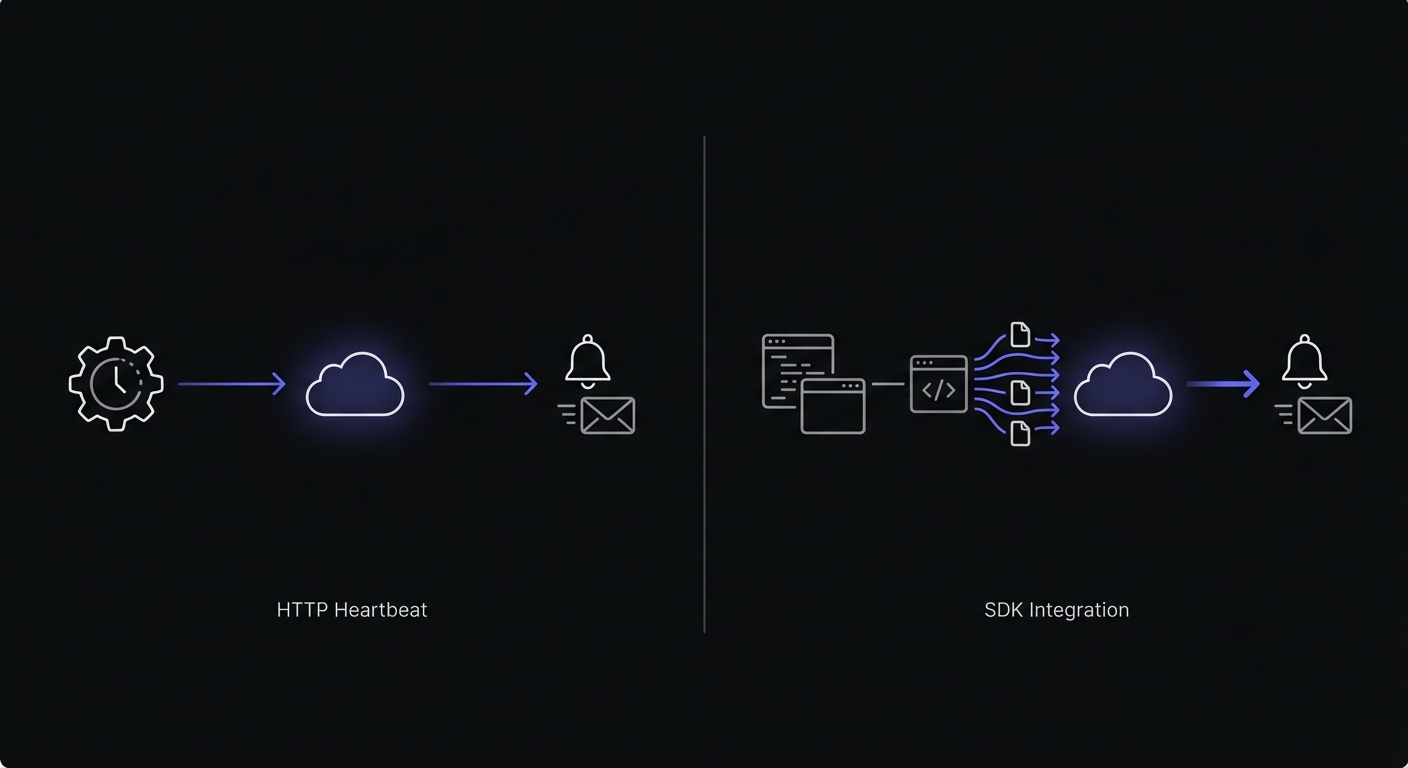
Feature Comparison by Integration Method
| Feature | HTTP Heartbeat | SDK Integration |
|---|---|---|
| Setup complexity | Simple curl/wget | Code changes required |
| Language support | Universal | SDK-specific |
| Error correlation | Manual | Automatic |
| Duration tracking | Limited | Built-in |
| Migration effort | Low | Medium-High |
For most small teams, HTTP heartbeat monitoring provides everything needed. SDK integration makes sense when you want tight error correlation or already use a platform like Sentry.
Alternative 1: Cron Crew
Best for: Small teams wanting simplicity and predictable pricing
Cron Crew focuses on core cron monitoring features with straightforward pricing that does not scale with team size.
Pricing
- Free: 15 monitors
- Starter ($15/mo): 50 monitors
- Pro ($29/mo): 100 monitors
No per-user fees. Your whole team is included.
Pros
- Simple pricing: Pick a tier, pay that price. No per-user calculations.
- Generous free tier: 15 monitors covers many small projects entirely.
- Core features done well: Cron expressions, flexible alerting, API access.
- No seat fees: Add team members without increasing your bill.
Cons
- Fewer advanced features than Cronitor
- No CLI auto-discovery
- Smaller ecosystem of integrations
Savings vs Cronitor
For a team of 5 with 30 monitors:
- Cronitor: ~$85/month
- Cron Crew: $15/month
- Annual savings: ~$840
Cron Crew covers approximately 90% of use cases at roughly 20% of the cost.
Alternative 2: Healthchecks.io
Best for: Open source advocates, self-hosters, privacy-focused teams
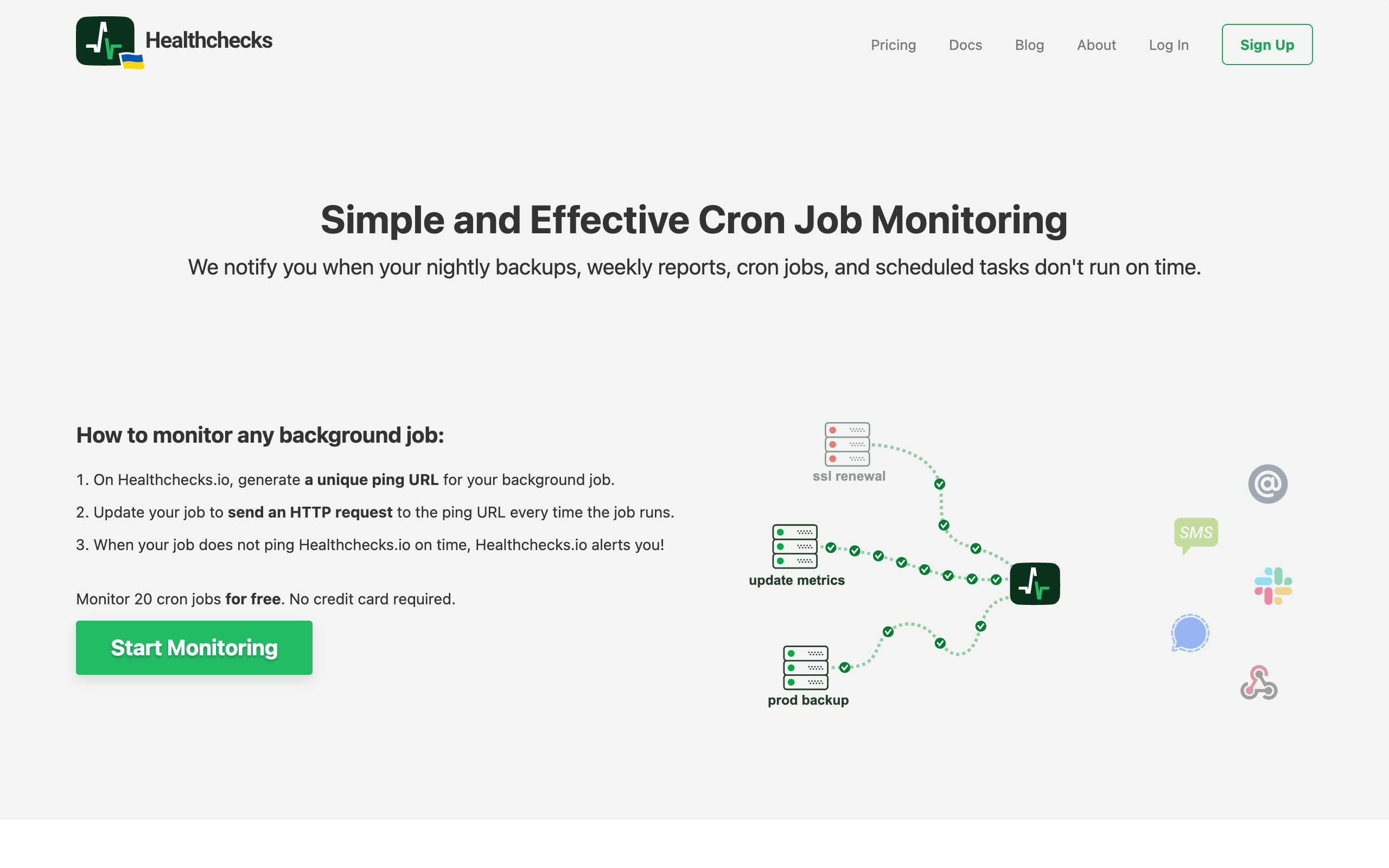
Healthchecks.io is an open source cron monitoring tool with a strong community reputation. You can use their hosted service or self-host the entire platform.
Pricing
- Free: 20 monitors
- Hobbyist ($20/mo): 100 monitors
- Business ($80/mo): 1000 monitors
Pros
- Open source (BSD license): Audit the code, contribute, or self-host.
- Excellent value: 20 free monitors, 100 monitors for $20/month.
- Self-hosted option: Complete control over your data and infrastructure.
- Privacy-focused: Minimal data collection, transparent practices.
- Bootstrapped and sustainable: No VC pressure, user-focused development.
Cons
- UI is functional but less polished than some alternatives
- Self-hosting requires maintenance effort
- Smaller development team means slower feature velocity
Self-Hosting Details
Healthchecks.io is fully open source under the BSD license. You can run the entire platform on your own infrastructure:
# Clone and run with Docker
git clone https://github.com/healthchecks/healthchecks.git
cd healthchecks
docker-compose up
Self-hosting gives you complete data sovereignty and eliminates subscription costs entirely. The trade-off is maintenance responsibility and infrastructure costs. For teams with existing Kubernetes or Docker infrastructure, self-hosting adds minimal overhead.
Savings vs Cronitor
For a team of 5 with 30 monitors:
- Cronitor: ~$85/month
- Healthchecks.io: $20/month (on the 100-monitor tier)
- Annual savings: ~$780
Healthchecks.io offers the most monitors per dollar of any alternative.
Alternative 3: Better Stack
Best for: Teams wanting unified observability (uptime + logs + cron + incidents)
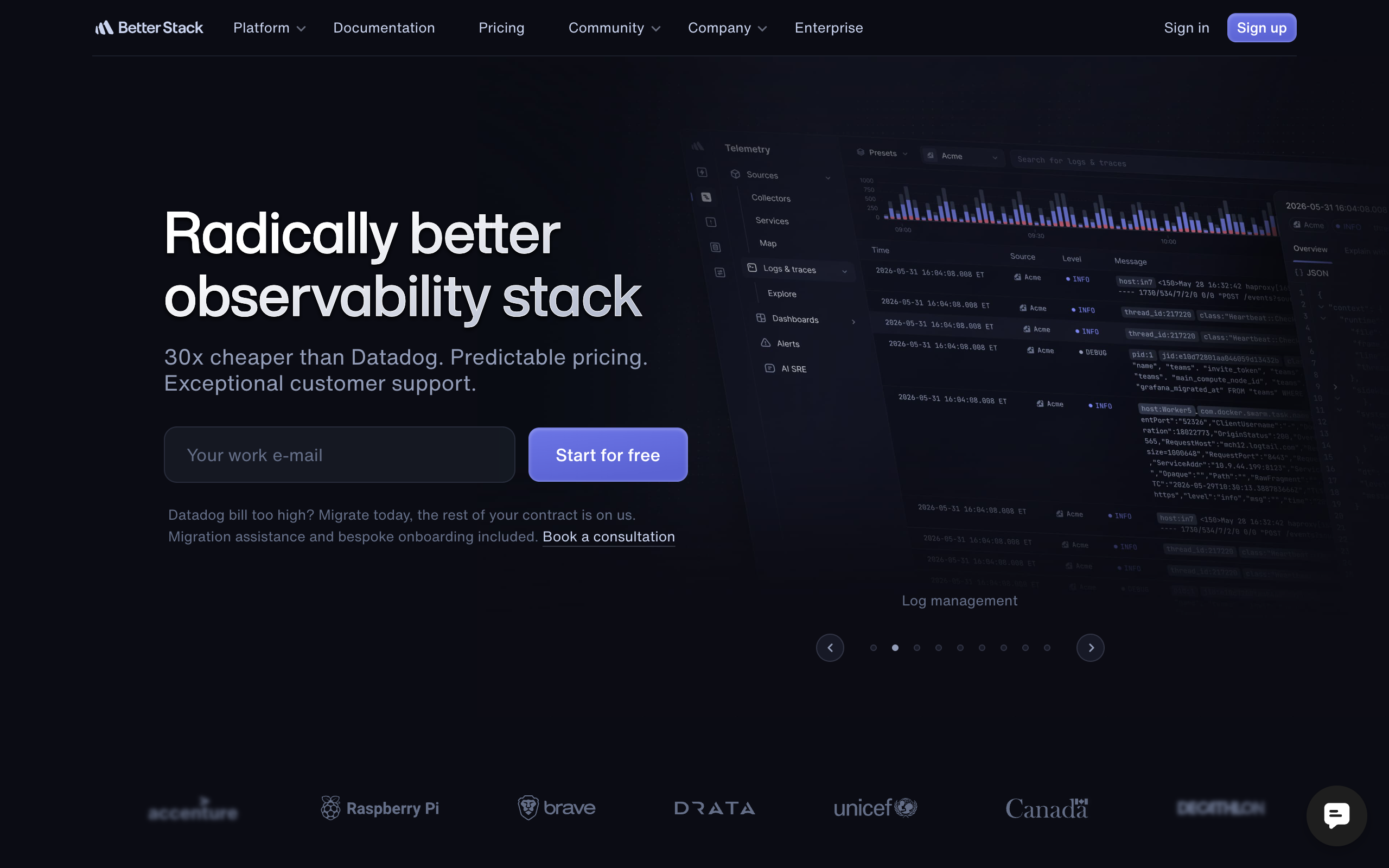
Better Stack offers a comprehensive observability platform. If you need multiple monitoring products and want them integrated, Better Stack consolidates several tools.
Pricing
- Free: 10 heartbeats, 1 responder
- Starter ($29/mo/responder): Heartbeats, uptime, basic features
- Pro ($75/mo/responder): More features, longer retention
Note: Pricing is per responder (team member who receives alerts).
Pros
- Unified platform: Uptime, heartbeats, logs, incidents, status pages in one tool.
- Modern interface: Clean, well-designed dashboard.
- Active development: Rapid feature additions with VC backing.
- Integrated features: Correlate events across monitoring types.
Cons
- Per-responder pricing adds up for teams
- May be paying for products you do not need
- More expensive than focused alternatives for cron-only needs
Cost Comparison
For a team of 5 with 30 cron jobs (needing 5 responders):
- Cronitor: ~$85/month
- Better Stack: ~$145/month (5 responders x $29)
Better Stack costs more than Cronitor for cron monitoring alone. The value comes from consolidating multiple observability needs.
Alternative 4: Dead Man's Snitch
Best for: Very simple requirements, Heroku users
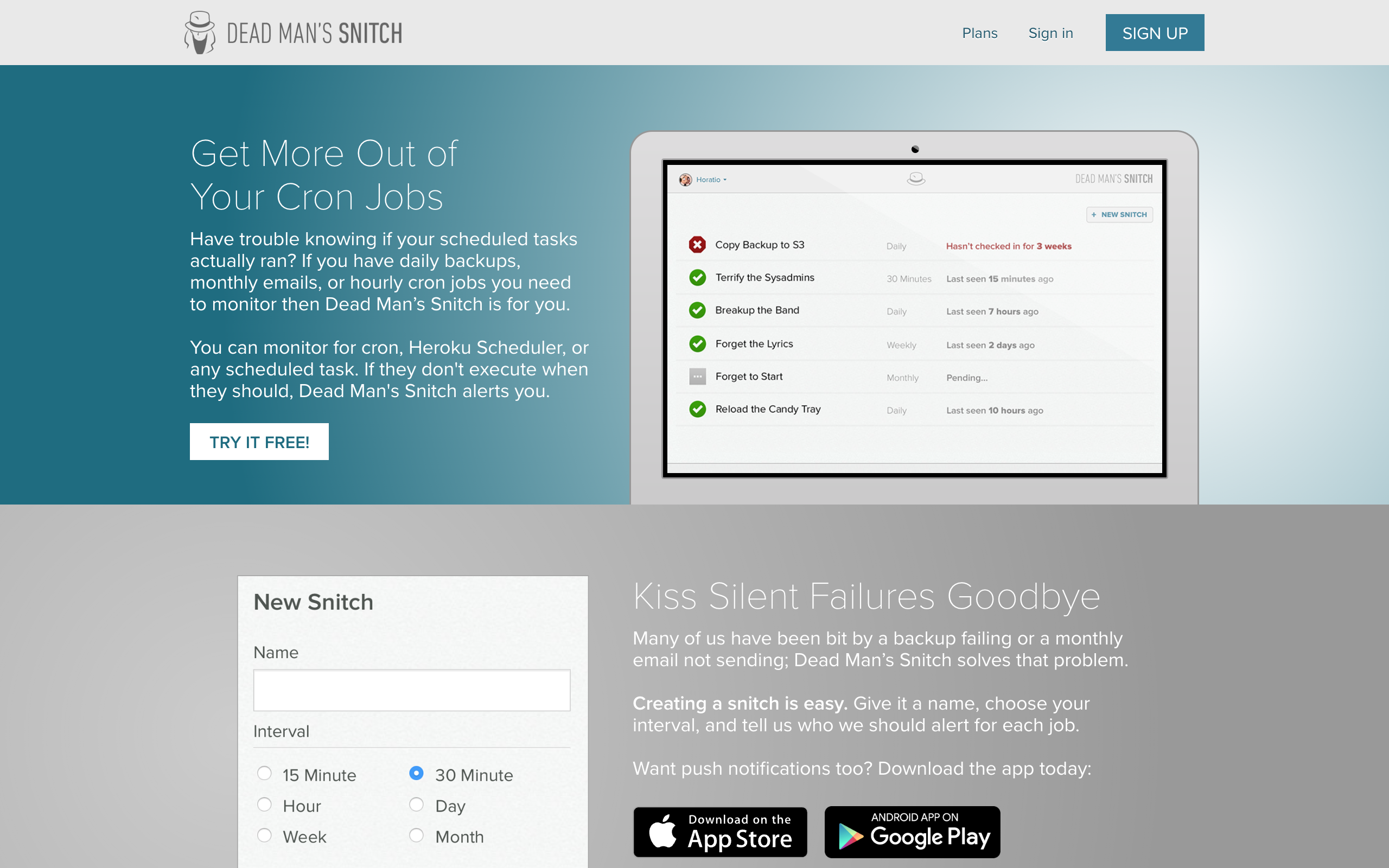
Dead Man's Snitch is one of the original cron monitoring services, known for its memorable name and simple approach.
Pricing
- Free: 1 monitor
- Basic ($5/mo): 3 monitors
- Standard ($19/mo): 100 monitors
- Plus ($49/mo): 300 monitors
Pros
- Low entry price: $5/month is extremely accessible.
- Heroku addon: Native integration for Heroku users.
- Simple product: No complexity to learn.
- Memorable brand: Easy to remember and recommend.
Cons
- Only 1 free monitor
- Interval-based only (no cron expressions)
- Limited recent development activity
- Basic API and integrations
Savings vs Cronitor
For a team of 5 with 30 monitors:
- Cronitor: ~$85/month
- Dead Man's Snitch: $19/month
- Annual savings: ~$792
The savings are real, but you lose cron expression support and active development.
Alternative 5: Sentry Crons
Best for: Existing Sentry users
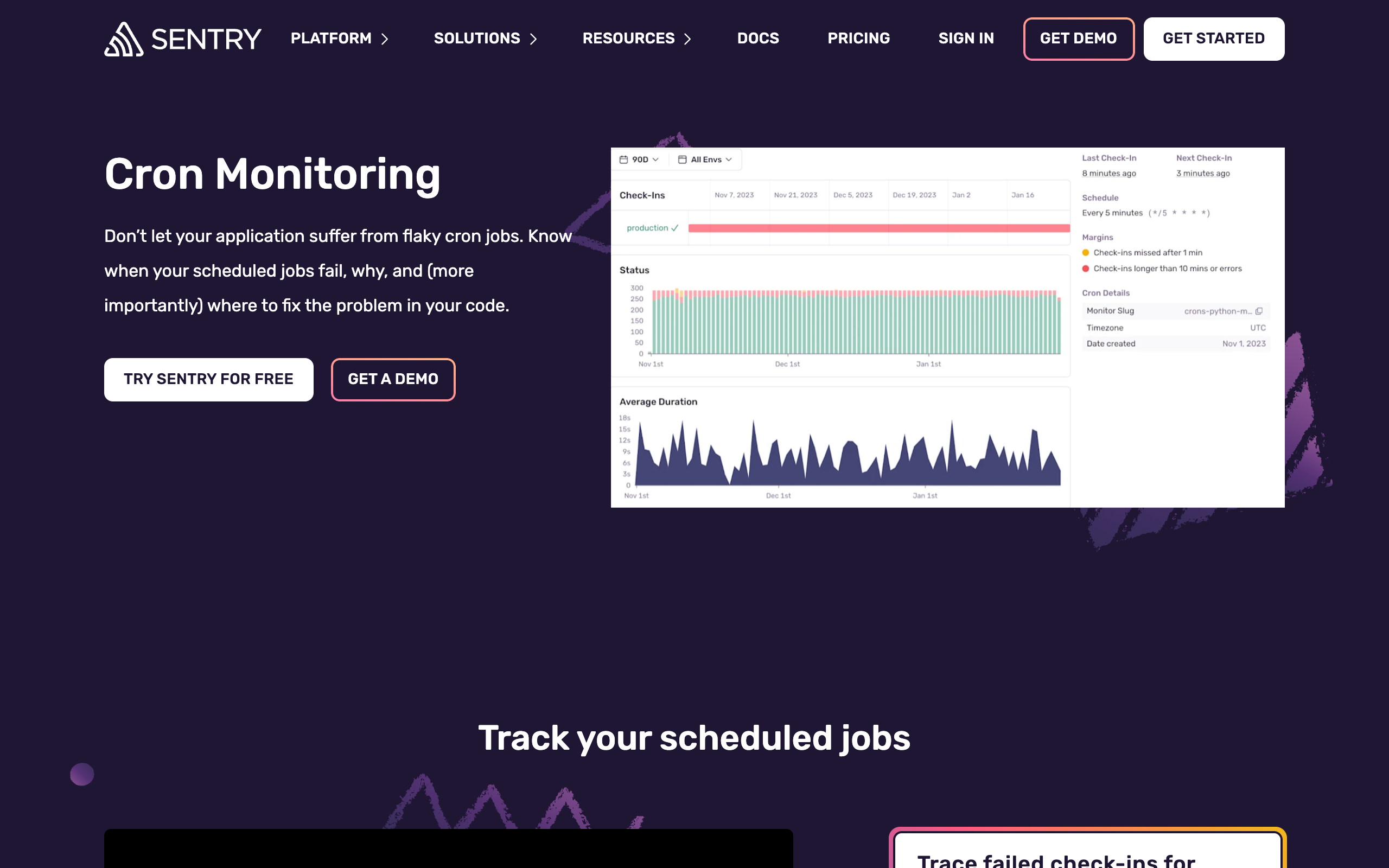
If you already use Sentry for error tracking, their Crons feature adds scheduled job monitoring to your existing platform.
Pricing
- Free: 1 monitor (with Sentry)
- Per monitor: ~$0.78/monitor
Pricing is on top of your existing Sentry subscription.
Pros
- Error correlation: Connect job failures with exception traces.
- Existing SDK: Uses the Sentry SDK you already have integrated.
- Unified dashboard: Errors and crons in one place.
- Familiar interface: Same Sentry experience.
Cons
- Requires Sentry (not standalone)
- SDK integration required (not simple pings)
- Gets expensive at scale
- Only works with SDK-supported languages
Cost Comparison
For 30 cron jobs:
- Cronitor: ~$85/month
- Sentry Crons: ~$23.40/month (plus your Sentry base subscription)
If you already pay for Sentry, Crons adds relatively low incremental cost. If you do not use Sentry, this is not the right solution.
Cost Comparison: Team of 5, 30 Monitors
| Service | Monthly Cost | Annual Cost | Annual Savings vs Cronitor |
|---|---|---|---|
| Cronitor | ~$85 | ~$1,020 | - |
| Cron Crew | $15 | $180 | $840 |
| Healthchecks.io | $20 | $240 | $780 |
| Dead Man's Snitch | $19 | $228 | $792 |
| Sentry Crons | ~$23* | ~$280* | ~$740* |
| Better Stack | ~$145 | ~$1,740 | -$720 (costs more) |
*Sentry Crons requires existing Sentry subscription

Pricing at Scale: 100 Monitors
Costs diverge significantly at higher monitor counts:
| Service | 100 Monitors (5-person team) | Notes |
|---|---|---|
| Cronitor | ~$225/mo | $2/monitor + $5/user |
| Cron Crew | $29/mo | Pro tier includes 100 monitors |
| Healthchecks.io | $20/mo | Hobbyist tier includes 100 |
| Dead Man's Snitch | $19/mo | Standard tier |
| Sentry Crons | ~$78/mo | Plus Sentry base subscription |
| Better Stack | ~$145/mo | Per-responder pricing |
At 100 monitors, Cronitor costs 7-11x more than focused alternatives. The gap widens as you scale.
For a detailed breakdown of pricing models across all these tools, see our cron monitoring pricing comparison.
Feature Comparison Matrix
Beyond pricing, features vary across alternatives:
| Feature | Cronitor | Cron Crew | Healthchecks.io | Better Stack | Dead Man's Snitch | Sentry |
|---|---|---|---|---|---|---|
| Cron expressions | Yes | Yes | Yes | Yes | No | Yes |
| Start/fail signals | Yes | Yes | Yes | Yes | No | Yes |
| Auto-provisioning | Yes | No | Yes | No | No | Yes |
| CLI discovery | Yes | No | No | No | No | No |
| Self-hosting | No | No | Yes | No | No | No |
| API access | Yes | Yes | Yes | Yes | Limited | Yes |
| Status pages | Yes | No | No | Yes | No | No |
Notification Channels
Alert delivery options vary significantly:
| Service | Slack | SMS | PagerDuty | Discord | Webhooks | Teams | |
|---|---|---|---|---|---|---|---|
| Cronitor | Yes | Yes | Yes | Yes | Yes | Yes | Yes |
| Cron Crew | Yes | Yes | Yes | Yes | Yes | Yes | Yes |
| Healthchecks.io | Yes | Yes | Yes | Yes | Yes | Yes | Yes |
| Better Stack | Yes | Yes | Yes | Yes | Yes | Yes | Yes |
| Dead Man's Snitch | Yes | Yes | No | Yes | No | Yes | No |
| Sentry | Yes | Yes | No | Yes | Yes | Yes | Yes |
Most alternatives match Cronitor's notification options. Dead Man's Snitch has the most limited selection.
Migration Considerations
Moving from Cronitor to an alternative is generally straightforward:
Most Alternatives Use Similar Ping Models
Cronitor, Cron Crew, Healthchecks.io, and Dead Man's Snitch all use HTTP pings. Migration means:
- Create monitors in the new service
- Update ping URLs in your cron jobs
- Configure alert channels
- Test that pings are received
- Disable Cronitor monitors
Run Parallel During Transition
For critical jobs, run both services in parallel for a week:
# During migration
0 * * * * /path/to/job.sh && \
  curl -s https://cronitor.link/p/abc123/job && \
  curl -s https://new-service.example/ping/job
Once you confirm the new service captures all pings correctly, remove the Cronitor calls.
Test Alerts Before Switching
Before fully migrating:
- Set up a test monitor in the new service
- Let it fail (skip a ping)
- Verify you receive the alert
- Confirm the alert reaches the right people
Do not assume alerts work. Verify before you depend on them.
Watch for Feature Gaps
If you use Cronitor features not available in alternatives:
- CLI auto-discovery: You will need to create monitors manually
- Detailed telemetry: Simple heartbeats provide less data
- Specific integrations: Check that your alert channels are supported
Our Recommendation
For different needs, different alternatives make sense:
For Simplicity and Value: Cron Crew
If you want straightforward cron monitoring with predictable pricing and no per-user fees, Cron Crew is the clear choice. You get 90% of what Cronitor offers at 20% of the price.
Best for:
- Small teams and startups
- Budget-conscious organizations
- Teams with straightforward monitoring needs
- Anyone who wants predictable pricing
For Open Source: Healthchecks.io
If you value open source software, want the option to self-host, or prioritize privacy, Healthchecks.io is excellent. The value per dollar is hard to beat.
Best for:
- Open source advocates
- Teams with self-hosting capability
- Privacy-focused organizations
- Maximum monitors per dollar
For Existing Sentry Users: Sentry Crons
If you already use Sentry and want to add cron monitoring with error correlation, Sentry Crons is a natural extension.
Best for:
- Existing Sentry users
- Teams wanting error correlation
- Python/Node/JS shops with SDK already integrated
For Unified Observability: Better Stack
If you need uptime monitoring, log management, and incident management in addition to cron monitoring, Better Stack consolidates multiple tools. But expect to pay more than focused alternatives.
Best for:
- Teams needing multiple observability products
- Organizations prioritizing tool consolidation
- Those with budget for a full platform
Conclusion
Cronitor is a capable product that has earned its market position. For teams that need its advanced features and have the budget, it remains a solid choice.
But for small teams, startups, and budget-conscious organizations, the alternatives offer significant savings without sacrificing core functionality. Cron Crew provides the best balance of features and price for most small teams, while Healthchecks.io offers the best pure value, and Sentry Crons makes sense for existing Sentry users.
Evaluate your actual needs, calculate the cost difference, and try the free tiers before committing. Most teams find they can save hundreds of dollars annually by choosing the right Cronitor alternative for their specific situation.
For a detailed look at the specific reasons teams make the switch, see our article on why developers switch from Cronitor. And for a head-to-head comparison, check out our Cron Crew vs Cronitor breakdown.