Cron Monitoring for SaaS: Prevent Revenue Loss
SaaS businesses manage dozens of scheduled jobs from billing cycles to email sequences. When they fail silently, consequences range from minor issues to revenue loss.
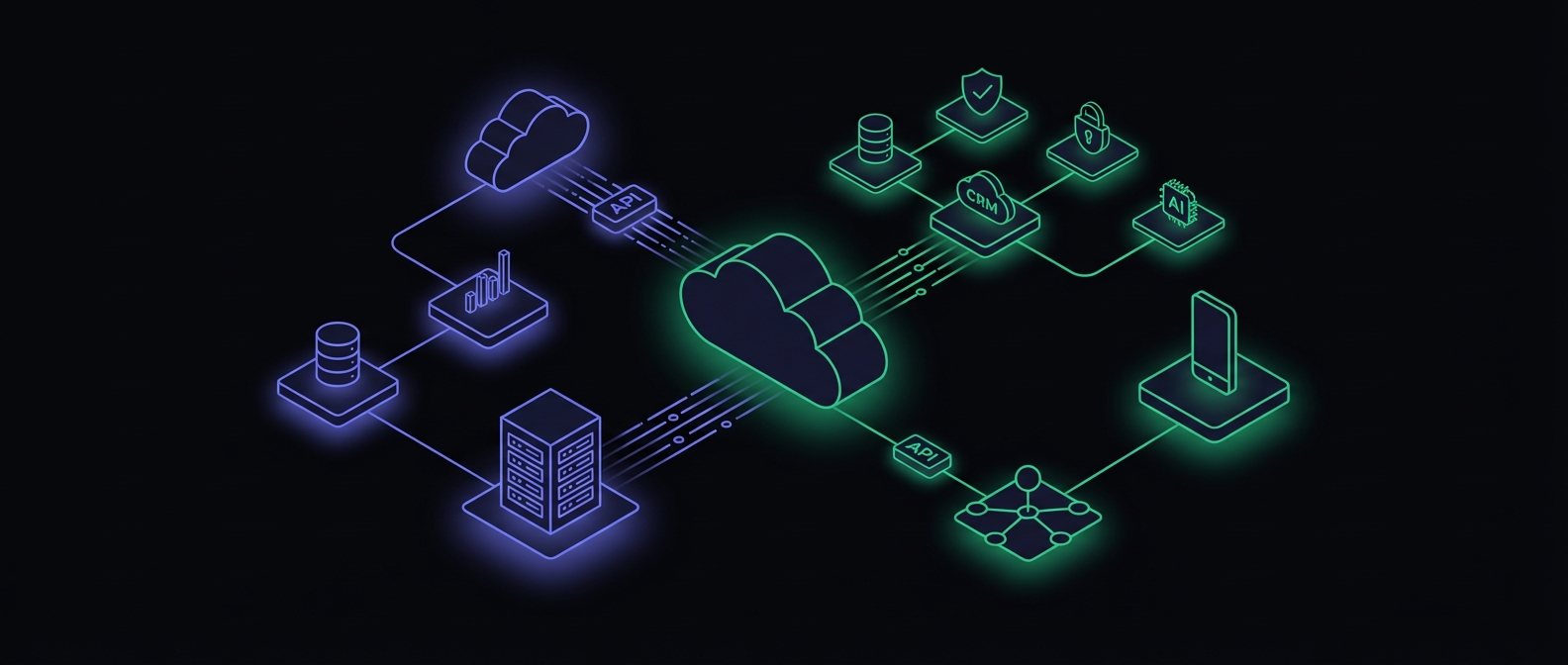
Cron Monitoring for SaaS: Prevent Revenue Loss
Running a SaaS business means managing dozens of scheduled jobs that keep your product running smoothly. From billing cycles to email sequences, these background processes are the invisible backbone of your business. When they fail silently, the consequences range from minor inconveniences to significant revenue loss.
The stakes are higher than most teams realize. Industry research shows unplanned downtime costs an average of $14,056 per minute, with enterprise companies facing losses of $23,750 per minute or more. Even minor latency issues compound: Amazon found that every 100ms of added latency reduces sales by 1%.
This guide covers the complete landscape of SaaS cron jobs, helps you prioritize which ones to monitor first, and provides a framework for building a monitoring strategy that scales with your business.
The SaaS Cron Job Landscape
Most SaaS applications rely on six categories of scheduled jobs, each serving different aspects of your business:
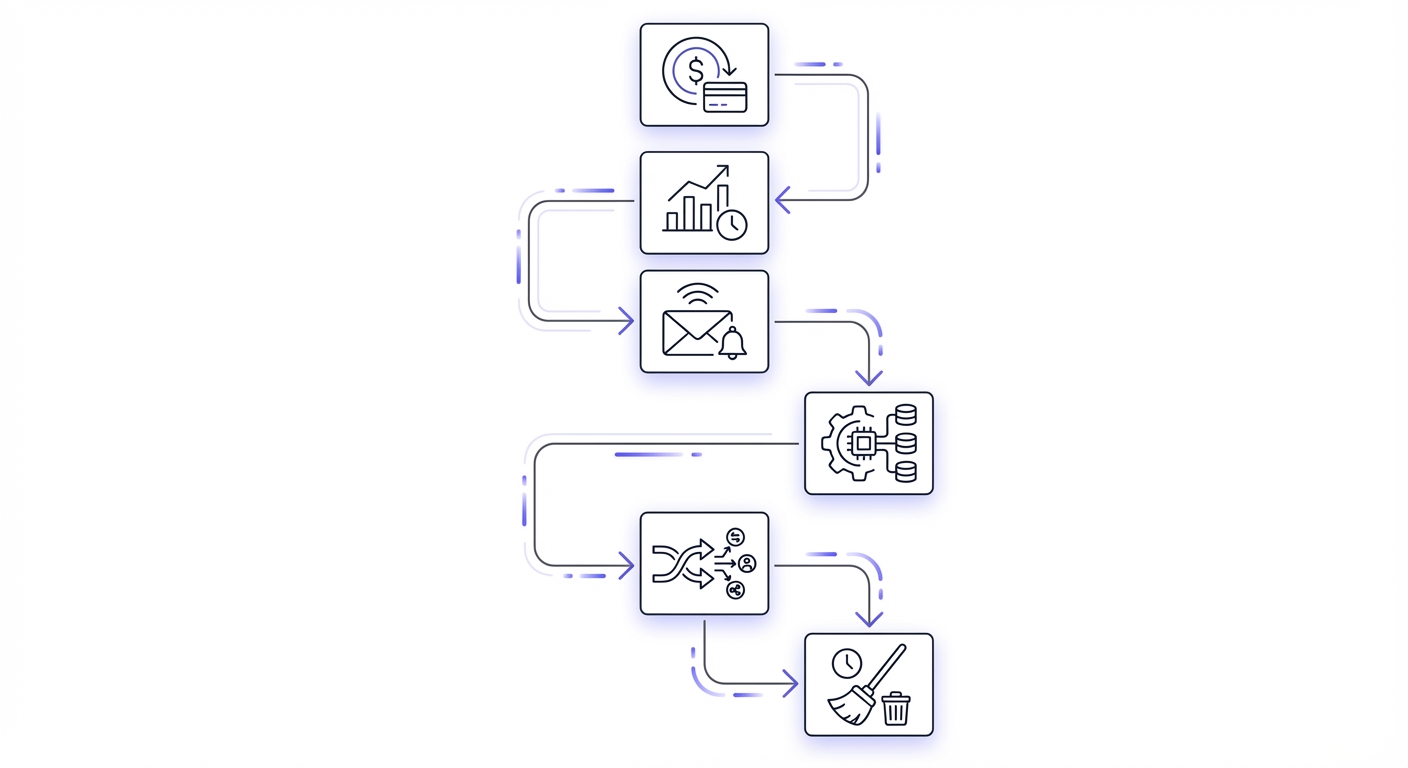
Billing and Subscription Management
These are the jobs that directly impact your revenue. For a dedicated deep-dive into billing job monitoring, see our SaaS billing cron monitoring guide.
- Subscription renewal processing
- Invoice generation
- Payment processing and retries
- Dunning email sequences
- Plan upgrades and downgrades
- Prorated billing calculations
Usage Tracking and Metering
For usage-based pricing models, these jobs are critical:
- API call aggregation
- Storage usage calculation
- Bandwidth metering
- Feature usage tracking
- Overage detection and alerting
Email and Notifications
Customer communication depends on reliable job execution:
- Onboarding drip campaigns
- Activity digests and summaries
- Expiration warnings
- Payment reminders
- Weekly and monthly reports
Data Processing and Analytics
These jobs power your dashboards and insights:
- Event aggregation
- Report generation
- Data warehouse syncing
- Analytics computation
- Customer health scoring
Integrations and Syncs
Third-party connections require consistent synchronization:
- CRM data syncing
- Webhook delivery and retries
- External API polling
- Data import processing
- Export job execution
Maintenance and Cleanup
Operational jobs keep your system healthy:
- Database backups
- Log rotation and archival
- Cache invalidation
- Temporary file cleanup
- Session expiration
Revenue-Impacting Jobs: Monitor These First
Not all cron jobs are created equal. Start with the jobs that directly affect your revenue stream.
Subscription Renewal Processing
When this job fails, customers with active subscriptions may lose access or, worse, you may continue providing service without collecting payment. Either scenario damages your business.
# Example: Monitor subscription renewals
curl -fsS -o /dev/null https://your-monitor.example/ping/subscription-renewal
Usage-Based Billing Aggregation
If you charge based on usage, the aggregation job calculates what customers owe. A failure here means inaccurate bills, customer disputes, and revenue leakage.
Payment Retry Sequences
Failed payments are normal. Your retry logic recovers a significant percentage of initially failed charges. When the retry job stops running, that recovery stops too.
Trial Expiration Handling
Trials that never expire mean users never convert. This job is responsible for transitioning users from free trials to paid plans or appropriate access restrictions.
Plan Enforcement
Feature gating based on subscription tier needs to run reliably. Otherwise, free users might access paid features, or paid users might lose access to features they are paying for.
Customer Experience Jobs
These jobs may not directly impact revenue, but they significantly affect customer satisfaction and retention.
Onboarding Email Sequences
First impressions matter. When your onboarding sequence fails, new users miss critical guidance that helps them succeed with your product. Lower activation rates follow.
Activity Notifications
Real-time notifications about relevant activity keep users engaged. Broken notification jobs mean users miss updates and may disengage from your product.
Weekly and Monthly Reports
Many users rely on automated reports for their workflows. Missing reports erode trust and create support tickets.
Integration Webhooks
If you send webhooks to customer systems, failures can break their automations. This becomes your problem when they contact support.
Data Export Processing
Scheduled exports to external systems need to run reliably. Customers depending on these exports for their own workflows will notice failures immediately.
Operational Jobs
These jobs keep your infrastructure running smoothly.
Database Backups
The most critical operational job. When this fails, you risk catastrophic data loss. Always monitor backups with high-priority alerts. For detailed backup monitoring strategies, see our database backup monitoring guide.
Log Rotation
Disk space issues from unrotated logs can bring down production systems. These failures often happen gradually, then suddenly.
Cache Invalidation
Stale caches can serve incorrect data to users. While not always critical, cache invalidation failures can cause confusing user experiences.
Search Index Updates
If your product includes search functionality, index update jobs keep search results accurate. Stale indexes frustrate users who cannot find recent content.
Temporary File Cleanup
Accumulated temporary files can exhaust storage. Regular cleanup prevents these gradual failures.
Monitoring Priority Framework
Organize your monitoring around business impact with this priority framework:
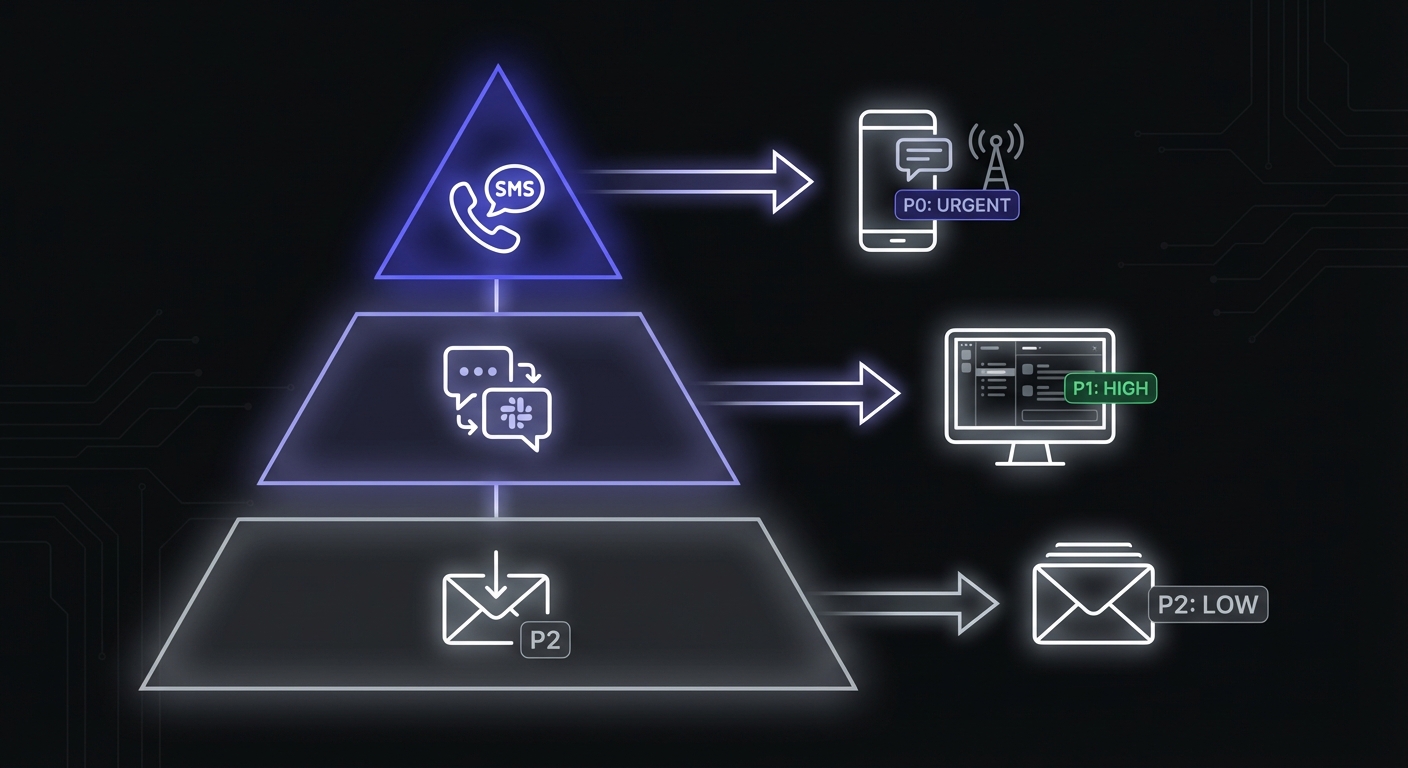
P0 - Monitor with SMS/phone alerts:
├── billing-renewal
├── payment-retry
└── database-backup

P1 - Monitor with Slack/PagerDuty alerts:
├── usage-aggregation
├── email-queue
└── integration-sync

P2 - Monitor with email alerts:
├── analytics-processing
├── report-generation
└── cleanup-jobs
P0 jobs warrant immediate attention, any time of day. A failed backup at 3 AM is worth waking someone up for. A failed analytics aggregation is not.
P1 jobs should be addressed during business hours but do not typically require immediate response outside of work hours.
P2 jobs can wait for the next business day. They are important to track but rarely urgent.
Grace Period Configuration
Set grace periods based on typical job duration to avoid false alerts while catching genuine failures:
| Job Type | Expected Duration | Recommended Grace Period |
|---|---|---|
| Fast jobs (pings, checks) | < 1 minute | 5-10 minutes |
| Medium jobs (reports, syncs) | 1-15 minutes | 15-30 minutes |
| Long jobs (backups, exports) | 15+ minutes | 1-2 hours |
| Critical jobs (billing) | Varies | Tighter than typical |
Overly tight grace periods generate noise. Overly loose ones delay failure detection. Start conservative and tighten based on observed patterns.
SaaS-Specific Monitoring Patterns
SaaS applications face unique monitoring challenges that single-tenant applications do not encounter. The average organization now uses 130 SaaS applications, an 18% increase year-over-year. This growth means more integrations, more scheduled jobs, and more potential failure points.
Multi-Tenant Job Monitoring
When a single job processes data for multiple tenants, you need visibility into per-tenant success and failure:
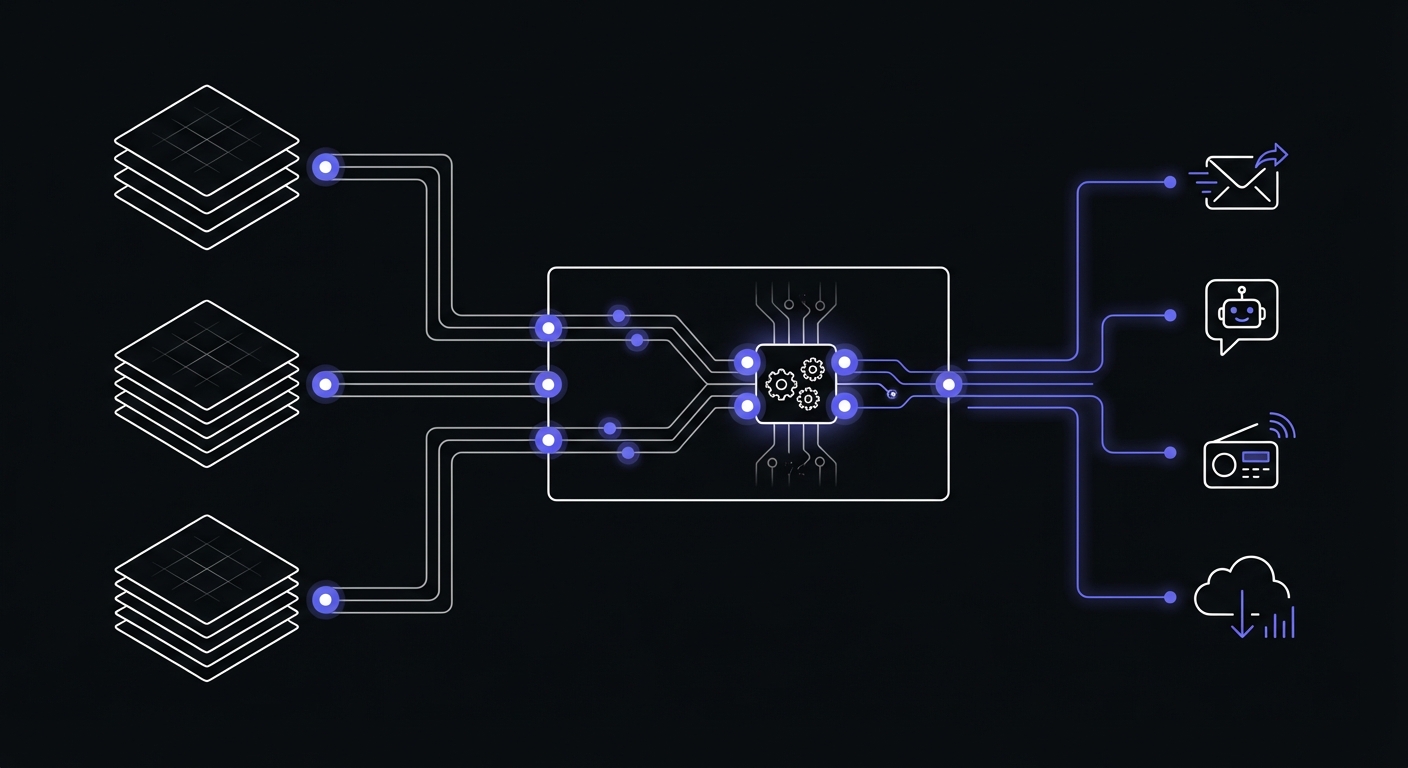
- Track which tenants were processed in each run
- Alert when specific tenant processing fails
- Monitor processing time per tenant to catch degradation
Per-Customer Job Instances
Some jobs run separately for each customer. At scale, this means thousands of job instances:
- Use consistent naming conventions with customer identifiers
- Implement grouping and filtering in your monitoring dashboard
- Set up alerts for patterns, not just individual failures
Shared vs Dedicated Resources
Understand whether job failures affect all customers or specific segments:
- Shared database connection issues affect everyone
- Tenant-specific data issues affect individual customers
- Configure alerts accordingly
Growth Considerations
Your monitoring strategy needs to scale with your business.
Jobs That Scale With Customers
Some jobs have fixed overhead regardless of customer count. Others grow linearly or worse. Identify which jobs will face increasing pressure as you grow:
- Per-customer report generation
- Data export processing
- Integration synchronization
Sharding Job Processing
As volume increases, you may need to shard job processing across multiple workers. Your monitoring should track:
- Overall job completion across all shards
- Individual shard health
- Processing time trends as volume grows
Monitoring at Scale
At hundreds or thousands of monitors, you need:
- Grouping and tagging capabilities
- Aggregate alerting (alert when X% of a group fails)
- Dashboard views by category, priority, or team ownership
Compliance and Audit Requirements
For SaaS companies pursuing SOC 2 certification or serving enterprise customers, job monitoring serves a compliance function.
Job Execution History
Maintain logs of when jobs ran, how long they took, and whether they succeeded. This history supports audit requirements and incident investigation.
Failure Documentation
When jobs fail, document the failure, root cause, and resolution. This documentation supports both compliance requirements and internal learning.
SOC 2 Considerations
SOC 2 requires demonstrating that you monitor critical systems and respond to failures. Cron monitoring provides evidence for several control areas:
- Change management: Track job schedule changes
- Incident response: Document failure detection and resolution
- Availability: Prove that critical jobs run reliably
Recommended Monitoring Setup
Starting from scratch? Here is a practical approach to building your cron monitoring:
Start With 10-15 Critical Monitors
Focus on the jobs that would cause the most damage if they failed silently:
- Database backup
- Subscription renewal processing
- Payment retry sequences
- Usage aggregation (if applicable)
- Email queue processing
- Critical integration syncs
- Trial expiration handling
- Invoice generation
- Primary data export jobs
- Search index updates (if applicable)
Add Monitors As You Add Features
Make cron monitoring part of your feature development process. When you add a new scheduled job, add monitoring at the same time. This prevents the gradual accumulation of unmonitored jobs.
Review Quarterly
Schedule a quarterly review of your cron monitoring setup:
- Are all critical jobs monitored?
- Are alert priorities still appropriate?
- Are any monitors consistently noisy?
- Have new jobs been added without monitoring?
Monitoring Tool Options
Several dedicated cron monitoring services exist, each with different pricing models and feature sets. Here is a quick reference for common options:
| Tool | Free Tier | Paid Starting Price | Key Features |
|---|---|---|---|
| Healthchecks.io | 20 monitors | $5/month | 26+ integrations, simple setup |
| Cronitor | Limited | Pay-as-you-go | 12+ SDKs, 12-month retention |
| Cronhub | 1 monitor | $19/month | Scheduling + monitoring combined |
| Dead Man's Snitch | 1 monitor | $5/month | Simple heartbeat monitoring |
| Better Stack | Basic tier | Varies | Full incident management |
For detailed comparisons, see our cron monitoring pricing guide and free cron monitoring tools overview.
Getting Started
Setting up cron monitoring for your SaaS does not require complex infrastructure. Start monitoring your most critical jobs in minutes:
- Create monitors for your P0 jobs first
- Add a simple HTTP ping to each job
- Configure appropriate alert channels
- Expand coverage over time
The goal is not to monitor everything immediately. The goal is to ensure your most important scheduled jobs never fail silently.
Conclusion
SaaS cron jobs are critical infrastructure that often receive less attention than they deserve. Revenue-impacting jobs like billing and subscription management should be your top monitoring priority, followed by customer experience jobs and operational maintenance.
Use the priority framework to organize your monitoring around business impact. Start with your most critical jobs, expand coverage as you add features, and review your setup regularly. With proper monitoring in place, you will catch failures before they impact customers and protect the scheduled processes that keep your SaaS running. For help getting started on a budget, see our cron monitoring guide for small businesses and our best cron monitoring tools comparison.