Best Free Cron Monitoring Tools for Startups
You don't need to pay to start monitoring critical scheduled processes. This guide covers the best free options for startups and how to avoid common pitfalls.

Best Free Cron Monitoring Tools for Startups
When you're building a startup, every scheduled job matters. Your billing script, data sync, and backup jobs run silently in the background, and when they fail, you might not know for hours or even days. The good news is that you don't need to pay anything to start monitoring these critical processes.
This guide covers the best free cron monitoring options for startups, what to look for as you grow, and how to avoid common pitfalls that trip up early-stage teams. For a complete pricing breakdown when you're ready to upgrade, check our cron monitoring pricing comparison.
What Startups Actually Need from Cron Monitoring
Before diving into specific tools, let's clarify what matters most when you're moving fast and resources are limited.
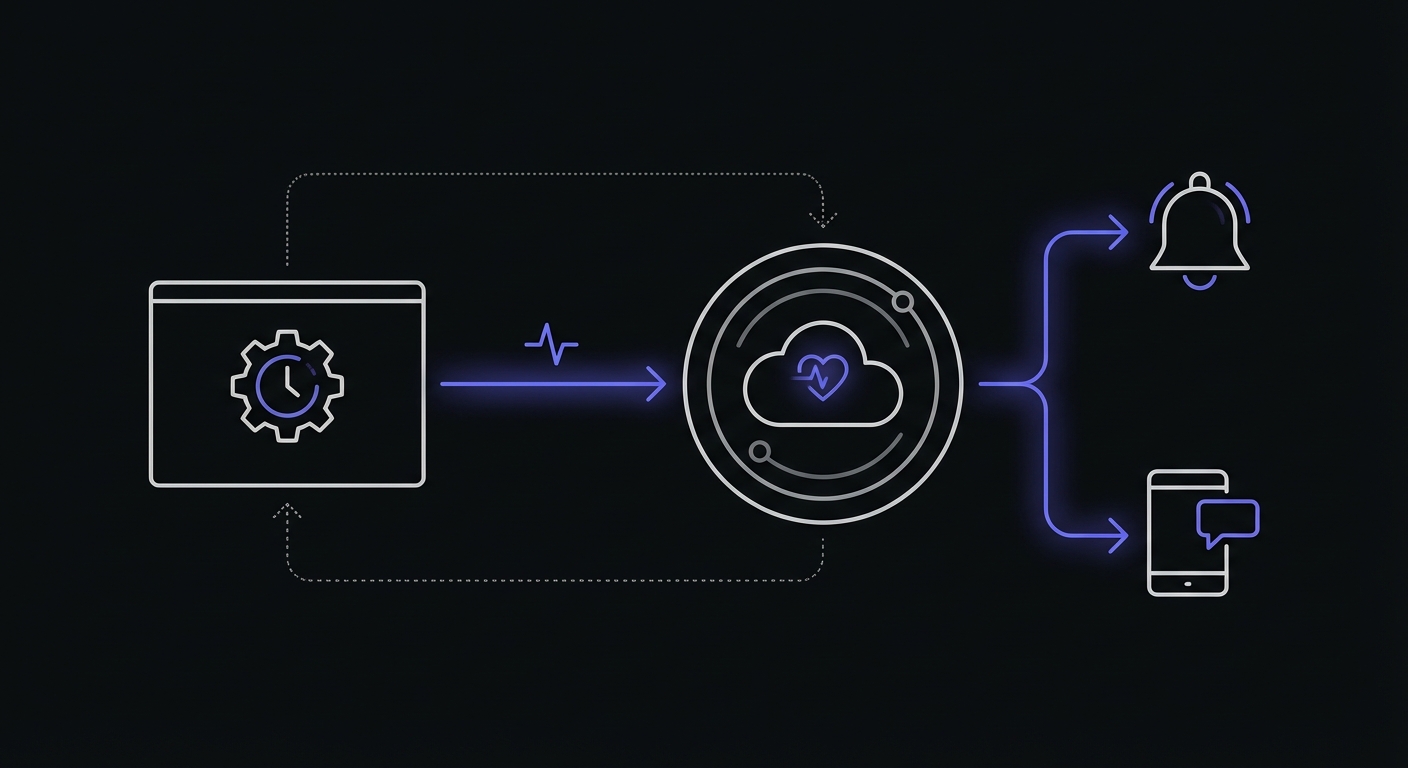
Most cron monitoring tools use a heartbeat or ping-based model. Your scheduled job makes an HTTP request to a unique URL when it completes. If the monitoring service doesn't receive that ping within the expected window, it alerts you. This approach requires no agents, works with any language, and takes minutes to implement.
Reliability Over Features
You don't need a dashboard with 50 features. You need something that works every time your cron job runs and alerts you immediately when it doesn't. Look for tools with strong uptime track records and simple, battle-tested notification systems.
Quick Setup
Time is your scarcest resource. The best monitoring solution is one you can implement in five minutes, not five hours. Avoid tools that require complex configurations, custom agents, or lengthy onboarding processes.
A typical implementation takes just one line at the end of your cron script:
# Add to the end of your cron job
curl -fsS -m 10 --retry 3 https://hc-ping.com/your-unique-id
This pattern works universally across Healthchecks.io, Cronitor, Better Stack, and most other providers. Only the URL changes.
Room to Grow
Your free tool today should have a reasonable upgrade path for tomorrow. When you go from 10 to 100 scheduled jobs, or from 2 to 20 team members, the pricing shouldn't become a blocker.
Good Documentation
When something goes wrong at 2 AM, you need clear docs that help you troubleshoot quickly. Startups don't have time to decipher poorly written API references or outdated tutorials.
Top 5 Free Cron Monitoring Options for Startups
1. Healthchecks.io
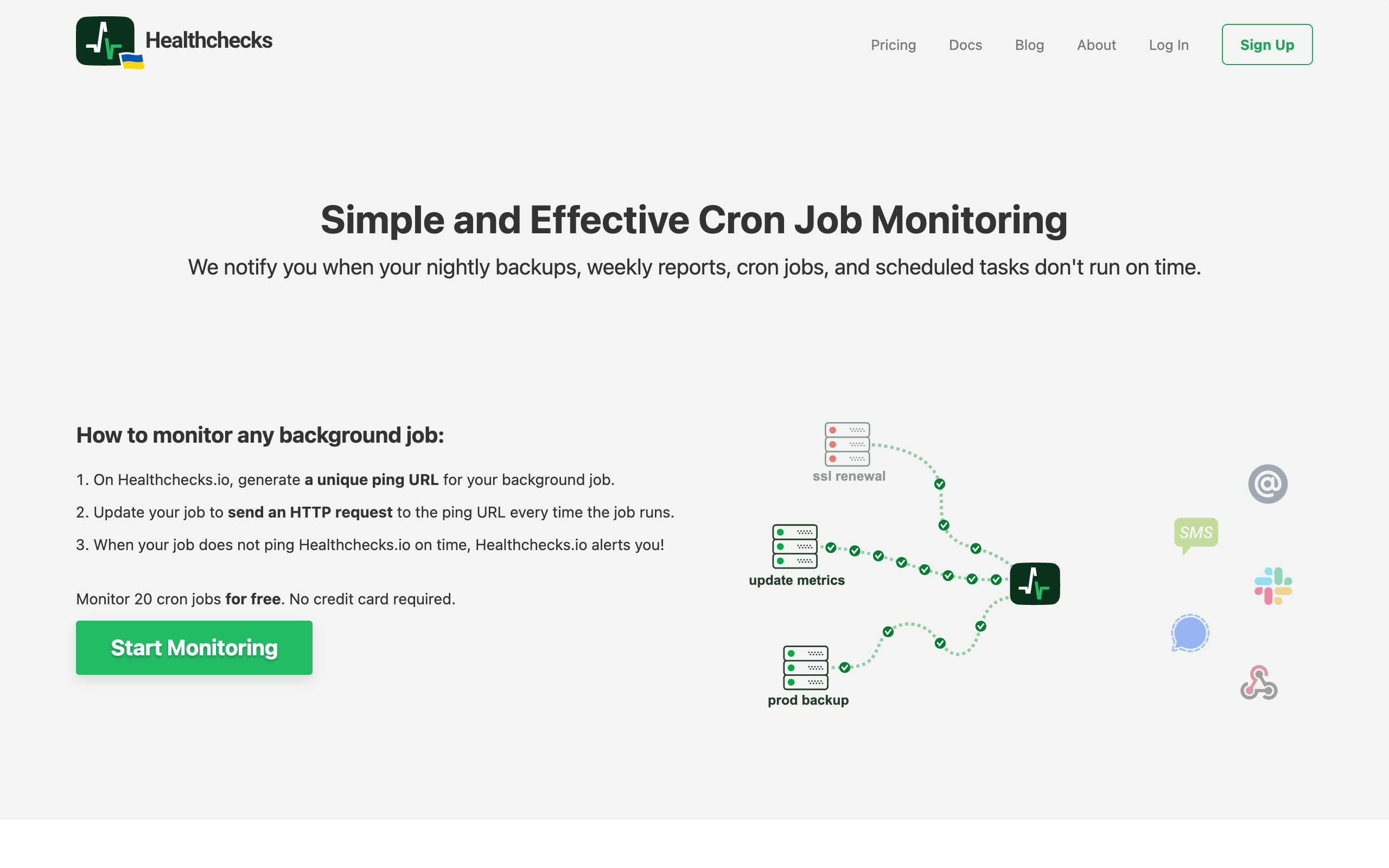
Healthchecks.io offers one of the most generous free tiers in the space with 20 monitors at no cost.
What you get for free:
- 20 monitors with full feature access
- Email and webhook notifications
- Cron expression validation
- Badge status images for dashboards
Best for: Teams who want maximum flexibility and don't mind a slightly dated interface. The open-source option means you can self-host if you prefer complete control.
Upgrade path: Paid plans start at $20/month for 100 monitors, which is reasonable for growing startups.
2. Cron Crew
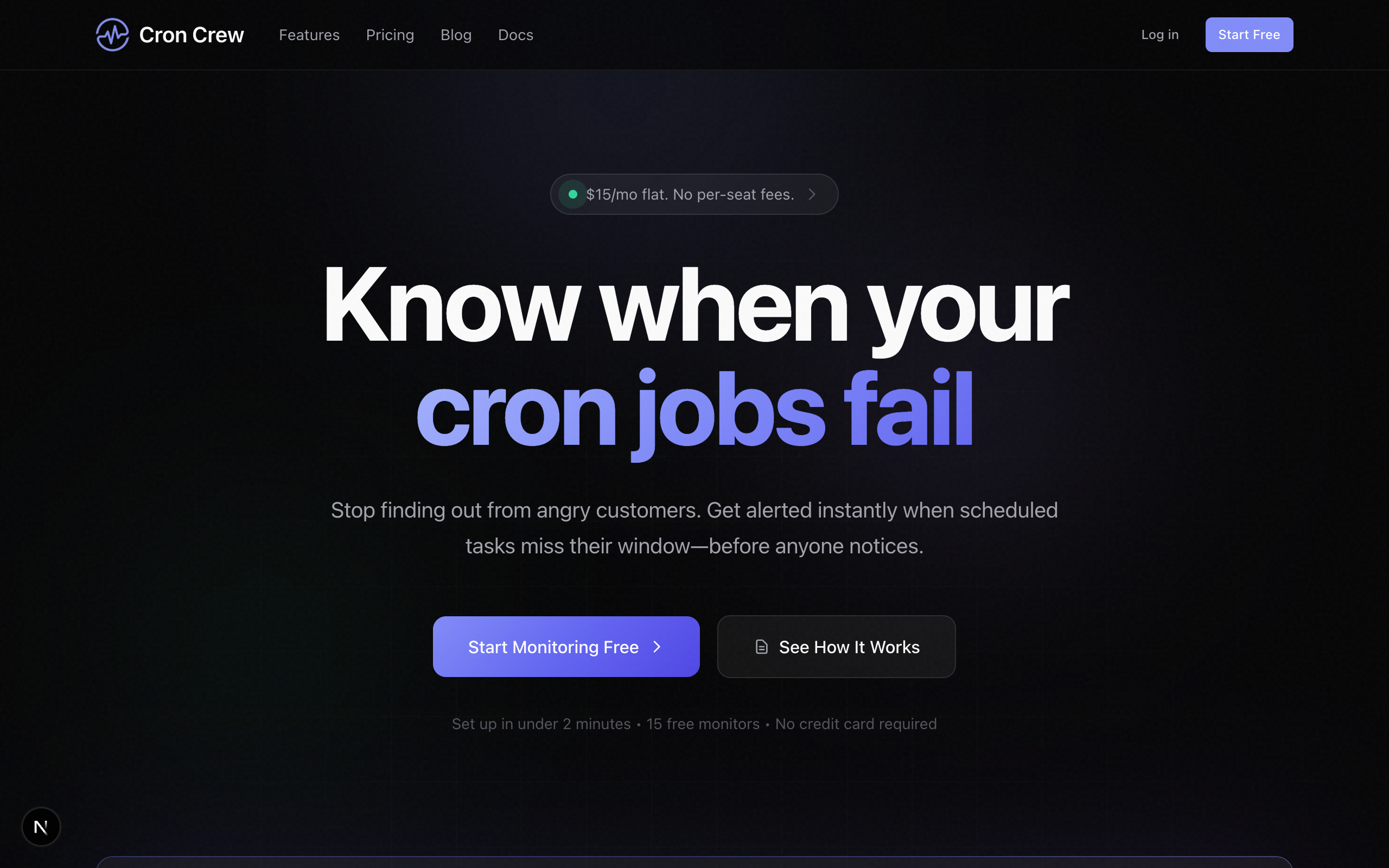
Cron Crew provides 15 free monitors with a clean, modern interface that gets out of your way.
What you get for free:
- 15 monitors
- Simple, intuitive setup
- Multiple notification channels
- Start/finish signals for duration tracking
Best for: SMBs and startups who value simplicity and want a tool that just works without configuration headaches. The lack of per-seat fees when you upgrade makes scaling more predictable.
Upgrade path: When you outgrow the free tier, you won't face surprise costs as your team grows.
3. Better Stack
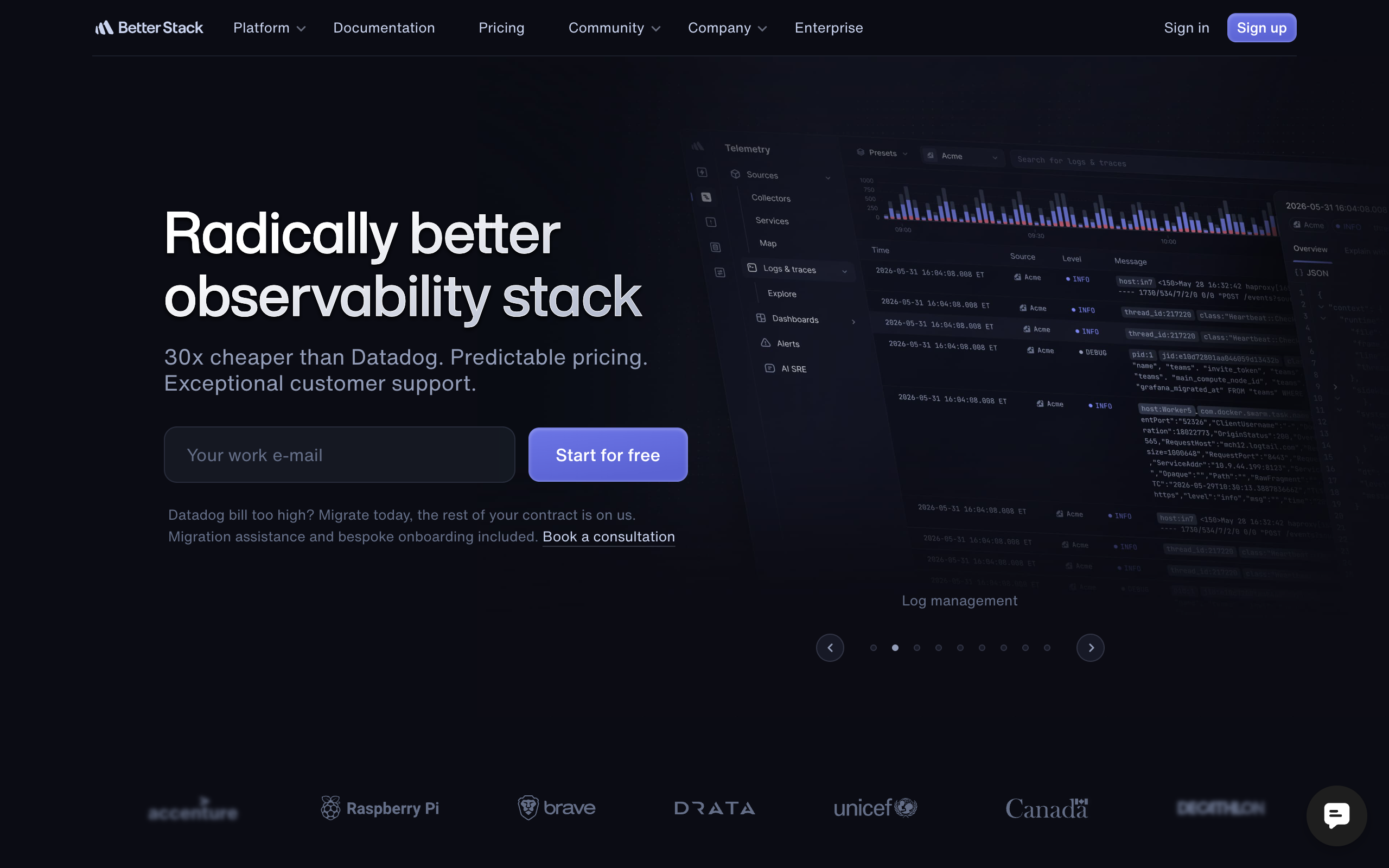
Better Stack (formerly known as Logtail) offers cron monitoring as part of a broader observability platform.
What you get for free:
- 10 uptime monitors plus 10 heartbeat monitors
- Integration with their logging and incident management tools
- Slack and email notifications
Best for: Teams who want unified tooling across uptime monitoring, logging, and cron job tracking. If you're already using Better Stack for other purposes, adding cron monitoring makes sense.
Upgrade path: Their Pro plan at $29/month per responder follows per-seat pricing, which can get expensive as your team scales.
4. Cronitor
Cronitor is the most feature-complete option on this list, though with a smaller free tier.
What you get for free:
- 5 monitors
- Full API access
- Detailed analytics and timing data
- Integration with popular frameworks
Best for: Power users with a small number of mission-critical jobs who want deep insights into job performance and duration trends.
Upgrade path: Paid plans use hybrid pricing (per-monitor plus per-user), so calculate carefully before committing.
5. WebGazer
WebGazer offers the highest number of free monitors, though with more basic functionality.
What you get for free:
- 50 monitors
- Basic ping-based monitoring
- Email notifications
Best for: Teams that need to monitor many simple jobs and don't require advanced features like duration tracking or failure messages.
Upgrade path: Paid plans remain affordable, making this a good choice if quantity matters more than depth.
6. Dead Man's Snitch
Dead Man's Snitch focuses exclusively on cron monitoring with startup-friendly pricing.
What you get for free:
- 1 monitor (The Lone Snitch plan)
- Basic intervals and alerting
- Simple URL-based setup
Best for: Teams that want rock-solid cron monitoring without the complexity of broader observability platforms. The Field Agent wrapper captures exit status and runtime alongside check-ins.
Upgrade path: $5/month gets you 3 monitors, $19/month for 100 monitors with integrations. No per-seat fees.
Free Tier Quick Reference
| Tool | Free Monitors | Key Limits | Paid Starting Price | Best For |
|---|---|---|---|---|
| UptimeRobot | 50 | 5-min intervals | $7/mo | High volume, basic needs |
| Healthchecks.io | 20 | Full features | $5/mo (or self-host) | Maximum free value |
| Cron Crew | 15 | Full features | Varies | Simplicity, no per-seat fees |
| Better Stack | 10 heartbeats | 3-min checks | $29/mo per responder | Unified observability |
| Cronitor | 5 | 5-min intervals | $2/monitor/mo | Deep analytics |
| Dead Man's Snitch | 1 | Basic intervals | $5/mo for 3 | Focused simplicity |
What to Look for as a Startup
Upgrade Path That Doesn't Break the Bank
Calculate what monitoring will cost when you have 50 jobs and 10 team members. Per-seat pricing models can sneak up on you. A tool that costs $15/month today might cost $150/month when your team triples. Our guide on per-monitor vs per-seat pricing explains why this matters.
API for Automation as You Grow
Eventually, you'll want to create monitors programmatically as part of your CI/CD pipeline or infrastructure-as-code setup. Make sure your chosen tool has a well-documented API.
Team Features for When You Hire
At some point, you'll need to give team members access without sharing a single login. Look for tools that support multiple users on their paid plans without charging excessive per-seat fees.
No Vendor Lock-in
The ping-based model most cron monitoring tools use is inherently portable. A simple HTTP request to signal job completion works with any provider. Avoid tools that require custom agents or proprietary integrations that make switching difficult.
Common Startup Mistakes
Over-Engineering Monitoring Early
You don't need a custom monitoring solution. You don't need to build dashboards or aggregate logs for your five cron jobs. Start with a simple, hosted solution and move on to building your product. If budget is tight, our bootstrap budget monitoring guide shows how to maximize free tiers.
Not Monitoring Critical Jobs at All
The opposite extreme is equally dangerous. That nightly backup job? The daily billing sync? These need monitoring from day one. A failed backup you discover during an actual data loss event is a nightmare scenario.
Choosing Tools That Don't Scale
Some tools look great for solo developers but fall apart with teams. Check that your chosen solution supports multiple notification channels, team access controls, and enough monitors for your growth trajectory.
Ignoring Alert Fatigue
When everything triggers an alert, nothing gets attention. Be selective about what you monitor. Focus on critical jobs first, and set appropriate grace periods so you're not woken up for jobs that are simply running a few minutes late.
Growth Path: From Free to Paid
When to Upgrade
You'll know it's time to upgrade when:
- You've hit the monitor limit on your free tier
- You need team access controls
- You want integration features like PagerDuty or Opsgenie
- You require audit logs for compliance
- Job duration tracking becomes important
Budget Expectations at Each Stage
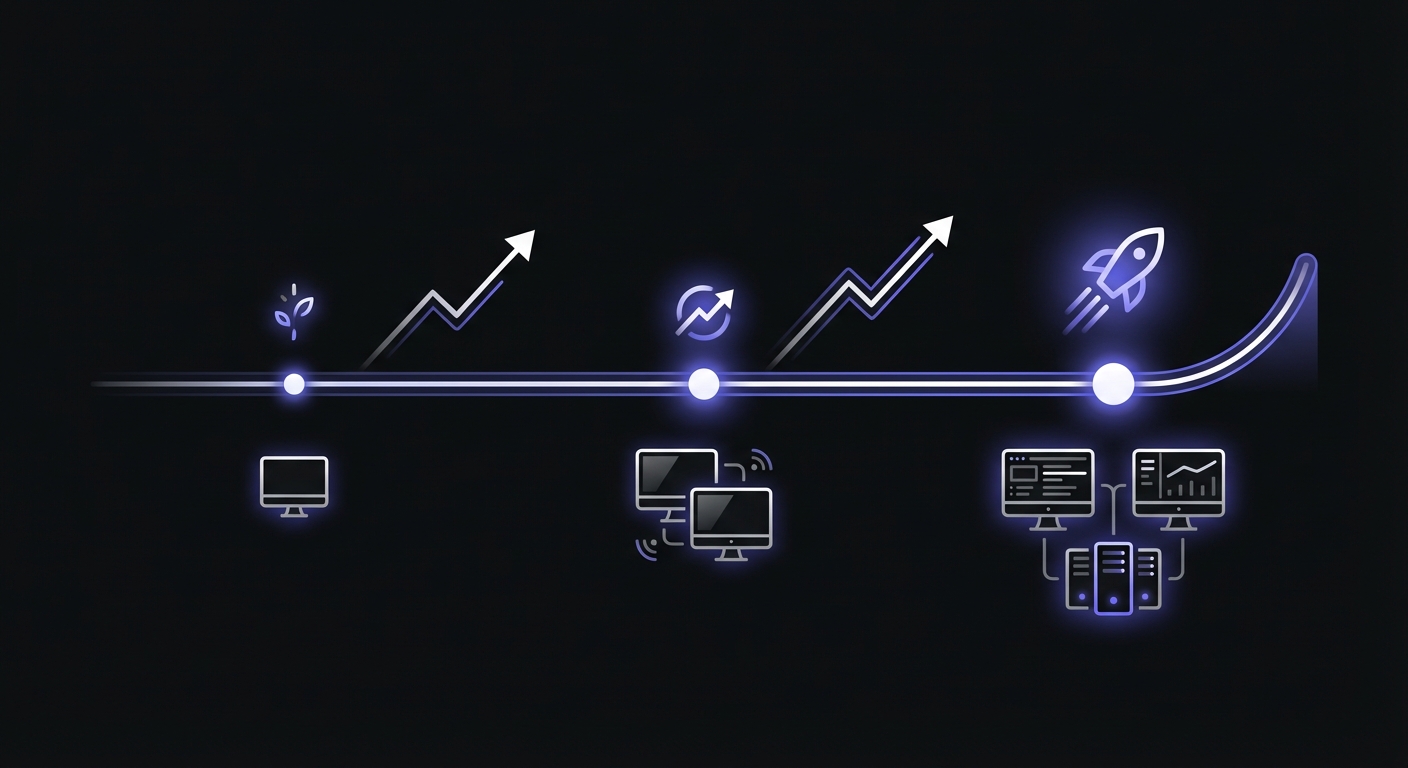
Pre-seed / Bootstrapped: Free tier should cover you. Focus on monitoring your 3-5 most critical jobs. UptimeRobot (50 free) or Healthchecks.io (20 free) gives you plenty of headroom.
Seed stage ($15-50/month): You'll have 25-100 monitors and basic team features. At this scale:
- Healthchecks.io: $20/mo for 100 monitors
- Dead Man's Snitch: $19/mo for 100 monitors with integrations
- Cronitor: ~$50/mo for 25 monitors plus dashboard users
Series A and beyond ($50-200/month): Full team features, PagerDuty/Opsgenie integrations, and possibly self-hosted options become priorities. Watch out for per-seat pricing that scales with team size rather than monitor count.
Migration Considerations
When you outgrow your current tool or want to switch providers, the migration is typically straightforward:
- Create monitors in the new system
- Update your ping URLs in your cron jobs
- Verify the new monitors are receiving pings
- Disable the old monitors
Because cron monitoring uses simple HTTP requests, there's no complex data migration. Your historical data stays with the old provider, but going forward, you'll have full visibility in the new tool.
Conclusion
Cron monitoring doesn't need to cost anything when you're starting out. All six tools covered here offer functional free tiers that can serve an early-stage startup well. The key is choosing one that aligns with your growth trajectory and avoiding pricing models that will become painful as you scale.
Start with whichever free tier fits your current needs, implement monitoring for your critical jobs today, and worry about upgrading when you actually need more. The worst outcome is having no monitoring at all and discovering a failed job only after it's caused real damage to your business.
Ready to add monitoring to your scheduled jobs? Cron Crew offers 15 free monitors with a simple setup process that takes less than five minutes. No credit card required, no per-seat fees when you upgrade.